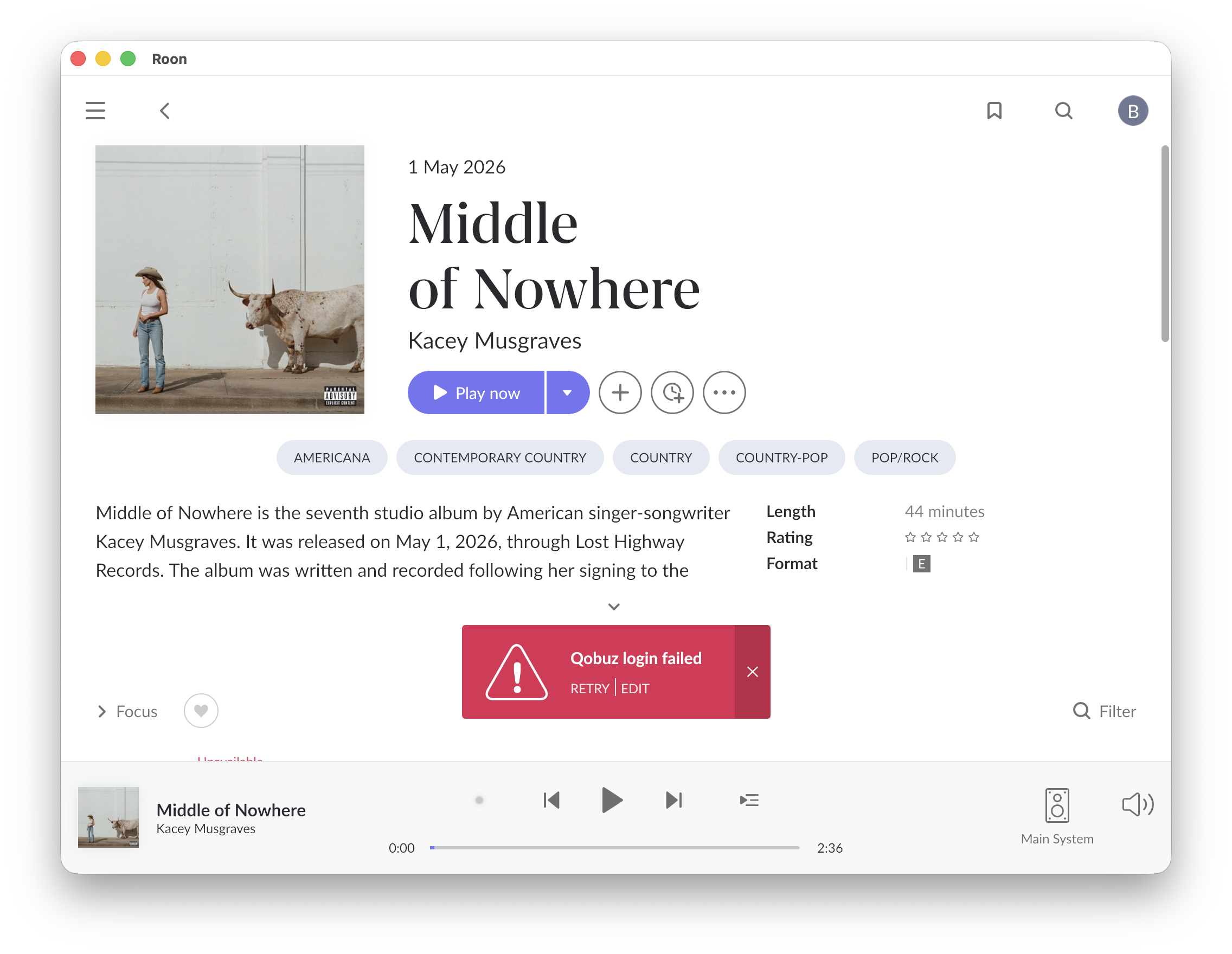
· Qobuz stops unexpectedly and gives a warning that I am not logged in. Seems like it loses connection randomly and then when you clear the prompts it is back connected.
Tell us about your home network
· Using a Verizon FIOS router with a wired connection to my Innuos server running Core
Try verifying that you have a reliable DNS server assigned. In a FIOS router, this should be in the admin settings under Advanced Settings → Modify Network Settings → Update DNS Values (or similar).
We usually recommend Cloudflare (1.1.1.1) and Google (8.8.8.8) instead of the Verizon-provided defaults.
Logs show transient network interruptions during background Qobuz login reauthentication. Roon quickly recovers. There’s a socket error during the connection to their servers on the first attempt, which results in the red banner, but the retry succeeds.
Unless you have some overzealous network security software inspecting network traffic coming from the Innuos, I’d assume this is a background DHCP lease renewal for the device from the router. Does this tend to happen about every ~2 hours? You mentioned you had a FIOS router, and that would be around the default interval.
Didn’t solve the issue. I believe it changed the timing a bit but still getting failures at seemingly random intervals. I tried both Google and Cloudfare sugestions with the same result.
Thank you for sharing the logs. After reviewing them, we can see that the issue is not related to Roon or Qobuz — the logs show repeated physical network disconnections on the Innuos device itself (eth0: NIC Link is Down / eth0: NIC Link is Up) occurring multiple times throughout the day. Each time the connection drops, Roon loses its Qobuz session momentarily, which triggers the login prompt you are seeing.
This points to a hardware-level issue somewhere between the Innuos and your network. We would recommend checking the following:
Ethernet cable — try replacing the cable between the Innuos and your router/switch
Switch or router port — try a different port on your FIOS router
Innuos NIC — if the issue persists after the above, it may be worth contacting Innuos support directly, as the network card on the device itself may be faulty
Since this is a hardware/infrastructure issue outside of Roon, there is not much more we can do on our end. We hope you get it resolved quickly!