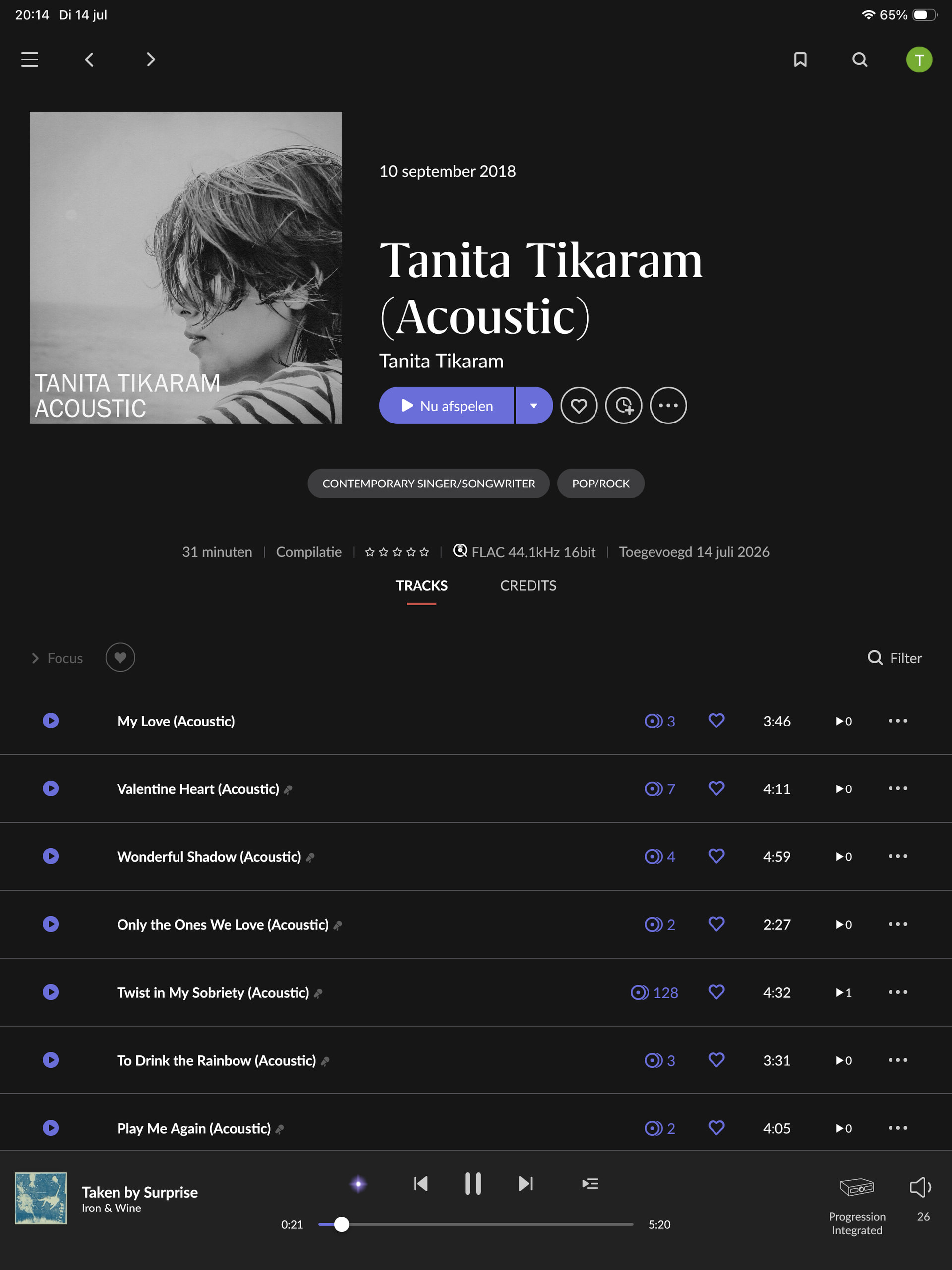
Thanks for the report and the screenshots! Good news first: nothing’s wrong with your setup, your NUC, wired network, and Qobuz account all look healthy in the logs, and this isn’t something you’ve misconfigured.
What you’re seeing is how Roon handles versions of streaming tracks. When you add a track to a playlist, Roon stores a reference to that specific Qobuz release. When it goes to play from the playlist, it tries to match that reference to a version that’s currently available in the Qobuz Netherlands catalog. For most tracks that works fine, but for a few, the exact release you added has since been pulled, region-restricted, or replaced by a newer edition in Qobuz. Those show as unavailable. When you open the album and press play, you’re launching a different, still-available release of the same song, which is why it works there.
That’s also why it only affects some tracks and not others.
The fix depends on the playlist:
If it's your own playlist: remove the greyed-out track, open the album that plays correctly, and re-add the track to the playlist from there. Roon will store the working version.
If this is a Qobuz playlist you imported/followed: the unavailable entries were set by whoever created it, and you can't re-anchor them from Roon, those releases are simply no longer available in your region.
Quick question so I can point you to the right fix: is "My audiophile favorites by Toine" a playlist you created yourself in Roon/Qobuz, or one you imported or are following from someone else?
I already tried option 1 because it’s a playlist created by my self. What I did was removing the album from favorites, removed track from playlist. Cleared cache in Qobuz and Roon app, readded album to favorites, readded track to playlist. Still no luck.
This actually narrows things down nicely. On my end I’m seeing the same single version of the album, and when I add those tracks to a playlist they play back without any issue, so I can’t reproduce the failure here. Combined with what you found, that the track also won’t play from a playlist inside the native Qobuz app, this points to the problem living on the Qobuz side rather than in Roon.
The tell is that the track fails in a Qobuz-created playlist within the Qobuz app itself, with Roon completely out of the picture. When Roon goes to play from your playlist, it’s asking Qobuz for that track and Qobuz is returning “unavailable,” so Roon is faithfully reporting what Qobuz is handing back. Since it works from the album but not from a playlist, and only on your account, it looks like a catalog/account issue specific to your Qobuz account or region.
My recommendation is to reach out to Qobuz support directly with the specific track and album, and let them know it plays from the album but returns “unavailable” once added to a playlist. That’s something only they can correct on their end.
Thanks for your detailed answer. After testing the track within the Qobuz app I came to the same conclusion . I’ll reache out to Qobuz once I have encountered this behavior a few more times to give them a wider view of the problem.