AceRimmer
("I’m not just a hero; I’m a legend!")
2
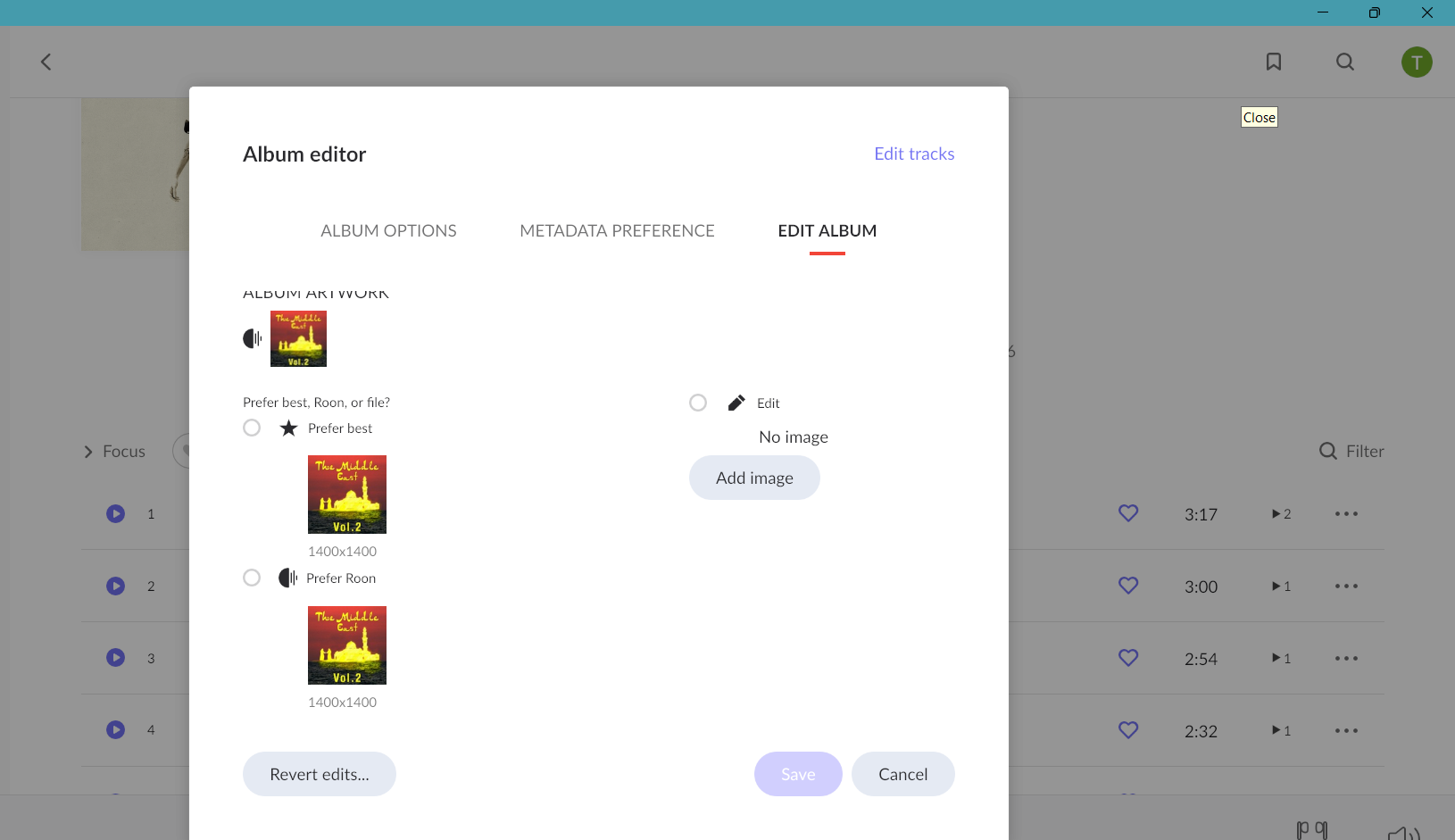
What do you see when you select edit for the album in Roon under album art.
This does happen a fair bit to myself but usually the two versions are there and I just need to select the correct one, or the one I desire might be better verbiage.
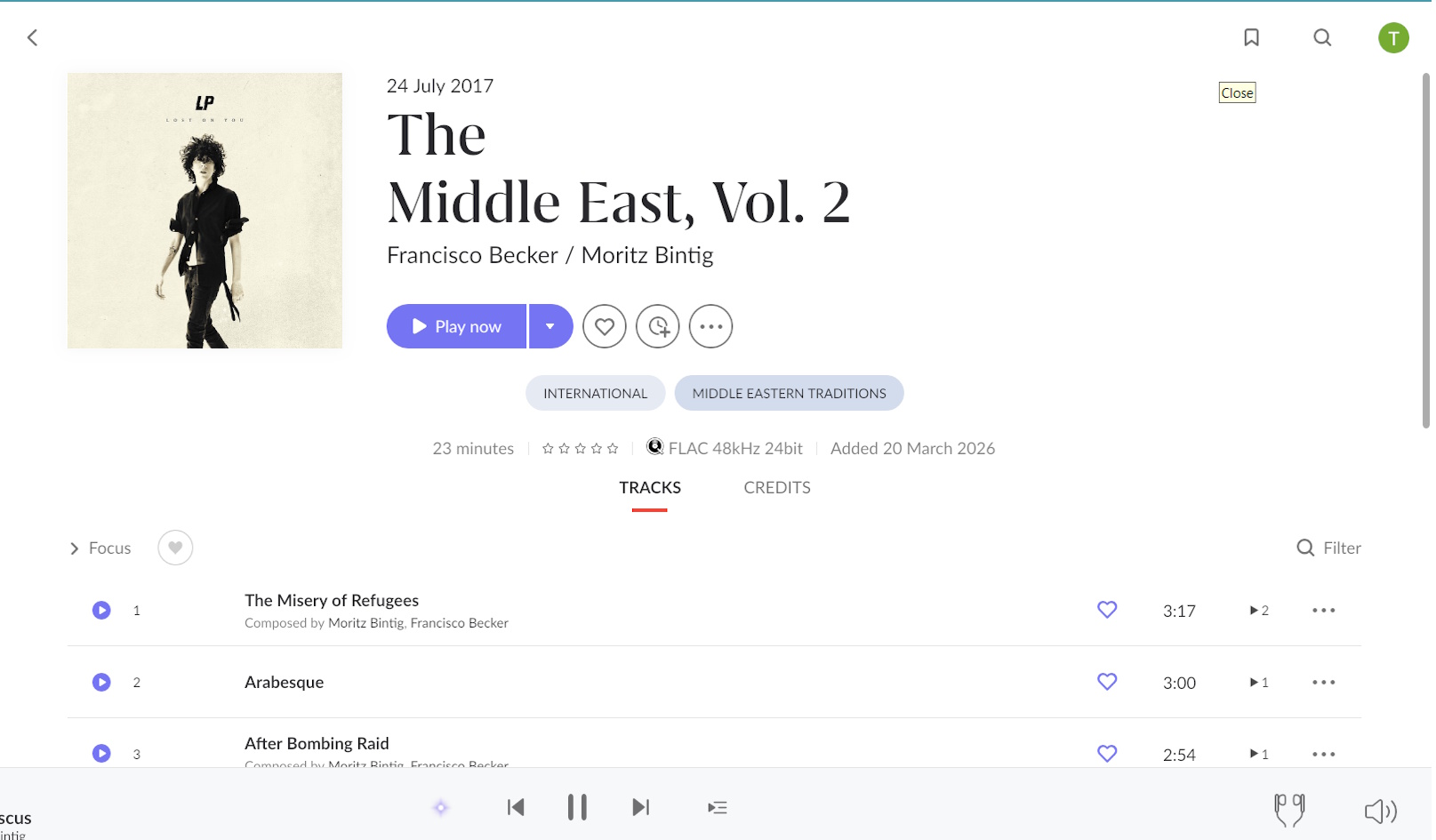
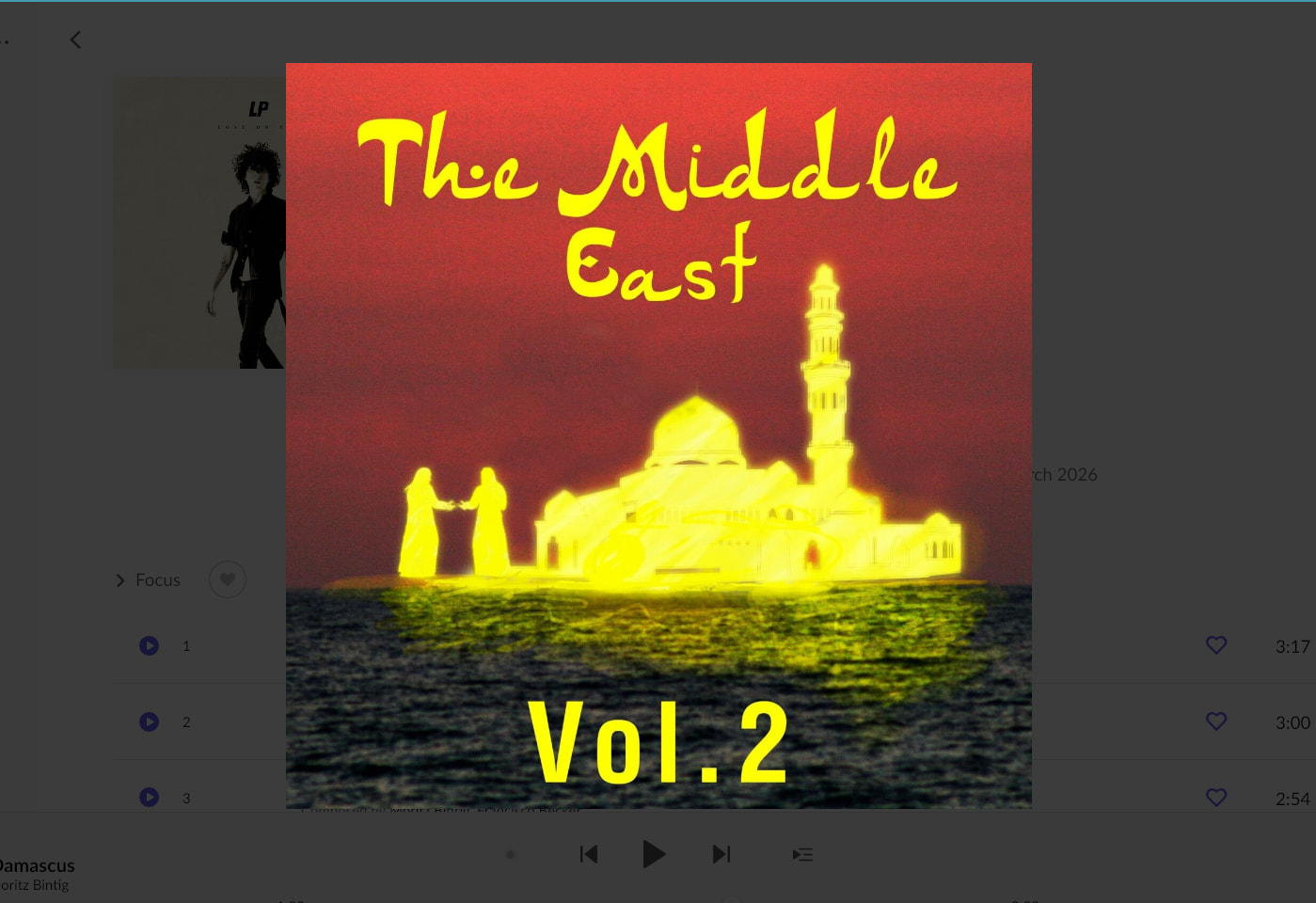
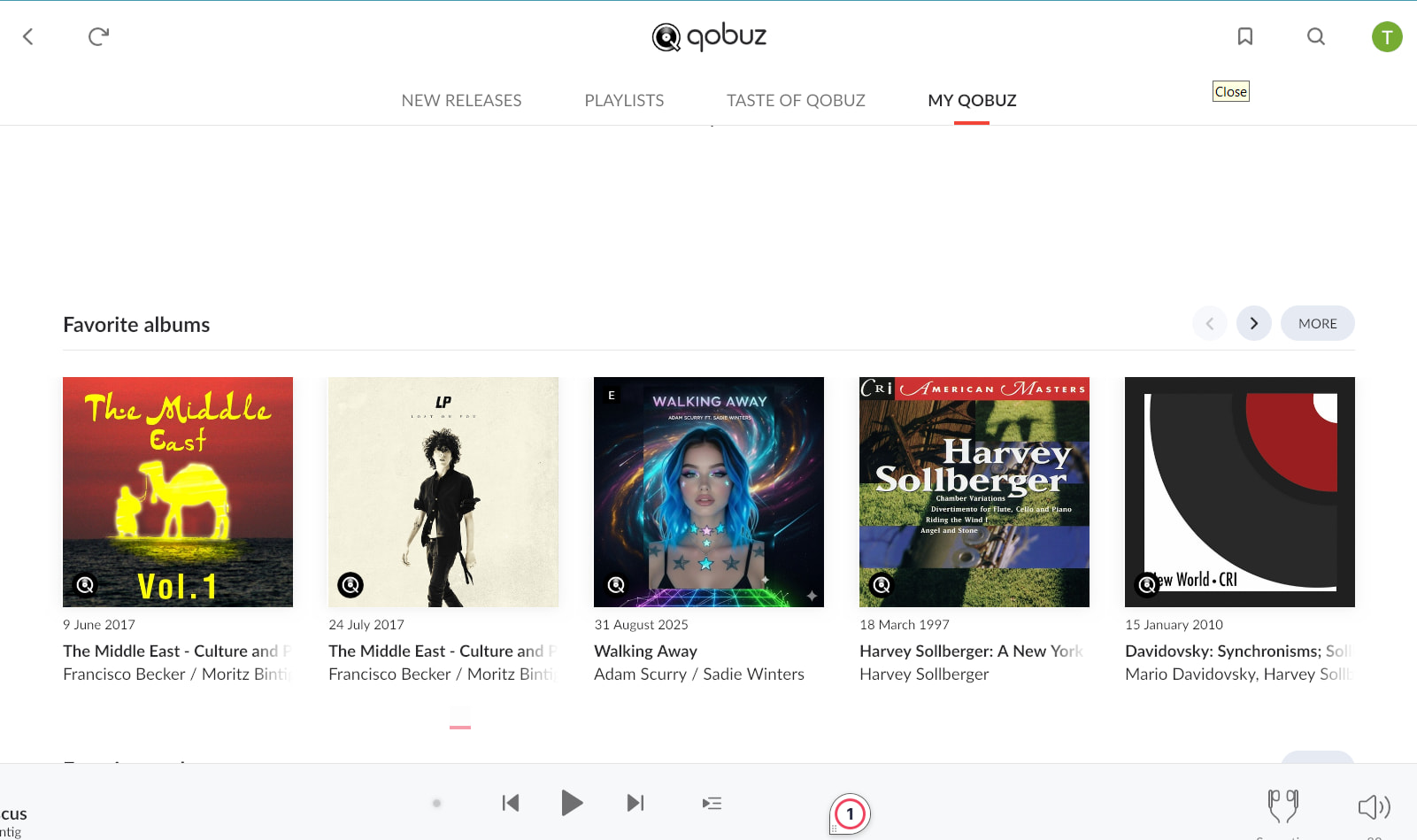
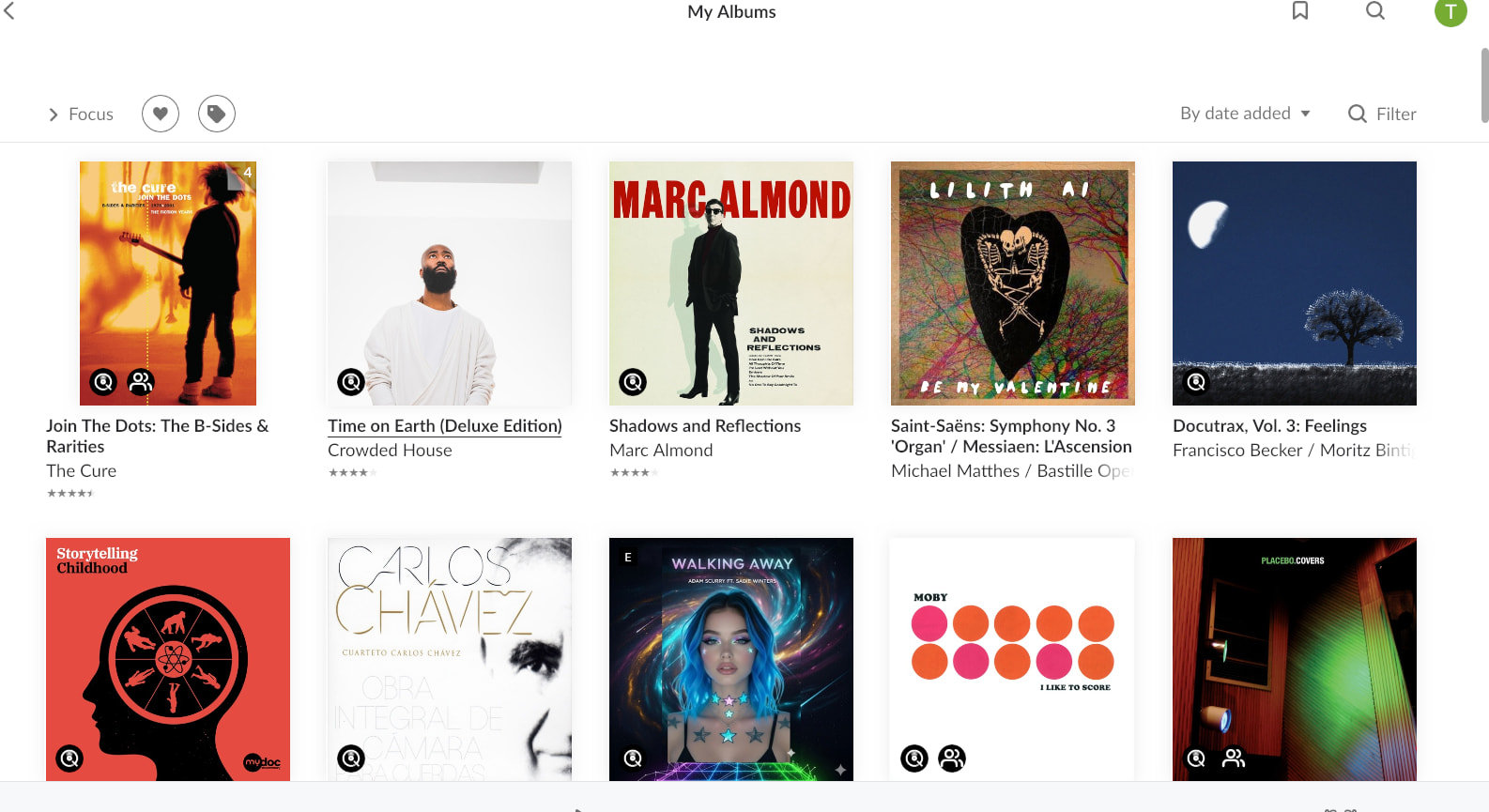
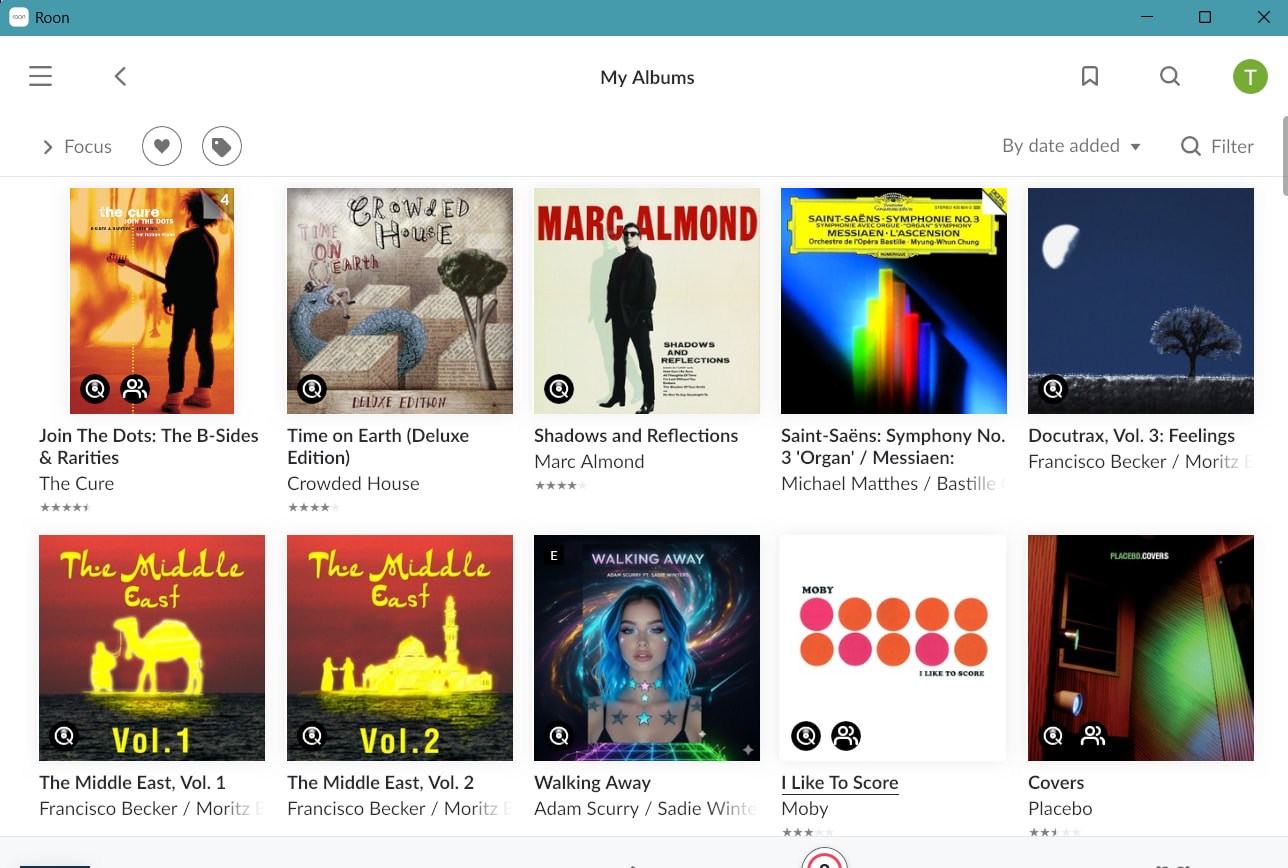
Just not on either the main album page or the Qobuz page for that matter. This is not a question of the right artist but the wrong album art for the release. It’s completely wrong. It’s album art for the wrong artist,
It’s all over the place. This is recent. I haven’t seen it before. The above is just an example. There was a lengthy database update by roon earlier today. I have been noticing a lot of GUI issues of various sorts since the last release. For example, I have also discovered that missing “Unidentified” links is in Early Access testing after slipping through to Production. Looks like another one to me.
AceRimmer
("I’m not just a hero; I’m a legend!")
4
Thank you for reporting this and providing the detailed screenshots.
To figure out exactly why the user interface is pulling the wrong cached image layer in full-screen mode, our QA team needs to reproduce this behavior directly using a copy of your database.
Could you please share a recent backup with us for testing?
How to send your backup:
Locate your RoonBackups folder.
Zip up the folder (right-click it and select “Compress…”).
Submit the .zip file to us through our secure File Uploader.
Once the upload is complete, please let me know here so I can pass it straight over to the QA team.