Hi! What’s not quite right with Roon?
· None of the above quite fits
None of the above quite fits
· None of these quite match
Tell us what's going on
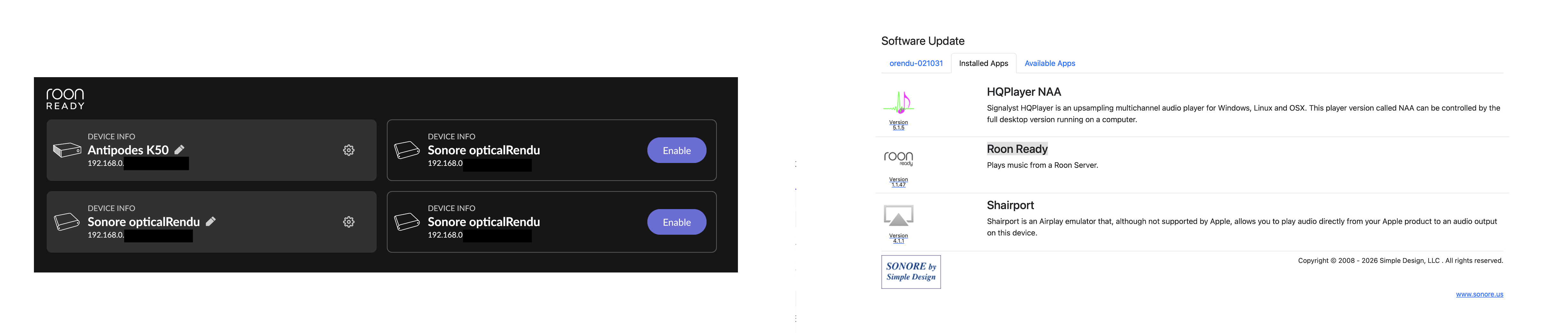
· Why is Roon showing redundant Roon READY devices under the audio settings?
Due to some issues, I had to uninstall and reinstall the Roon Ready app on the Sonore opticalRendu Deluxe. However, every time the Sonore opticalRendu Deluxe is detected as a new Roon READY device, the old device version (not working) cannot be removed. Is it possible to remove the old device versions, as they are the same device? Roon Remote MacBook PRO M1 Max - Roon Version 2.66 (build 1658)
Roon Server Antipodes Audio - Roon Server Version 2.66 (build 1658)
Tell us about your home network
· Unifi DREAM MACHINE SE --> Unifi US 8 60W --> Sonore opticalModule Deluxe --> Sonore opticalRendu Deluxe