Sorry for the stupid question: How do I a reconfigure, while the system (with a display) isn’t coming up?
In the webinterface. Just change the screen orientation for example.
This did the trick  Thanks!!
sure, but if you don’t get the webinterface?
But it seems (it’s only one of my five Ropieees and this without a hat or display) I’ve there another problem and must reflash.
AAh no, the two RPis I can’t start (hanging in stage 4) are having an LIRC dongle.
I’ve to disconnect the dongle and now I’ll see, if can configure it.
Updated and now my RPi4 isn’t recognized by Roon or others players…
I’m not using a screen, I’m just using a HAT…
@Milton_Junior have you tried Harry’s instructions here?
Yes, I’ve tried… Still broken…
So, there seems a problem not only with HATs and displays, but also FLIRC.
I’ve two RPIs (BadRPI and ArbeitszimmerUSB) with a FLIRC dongle and after starting I’ve:
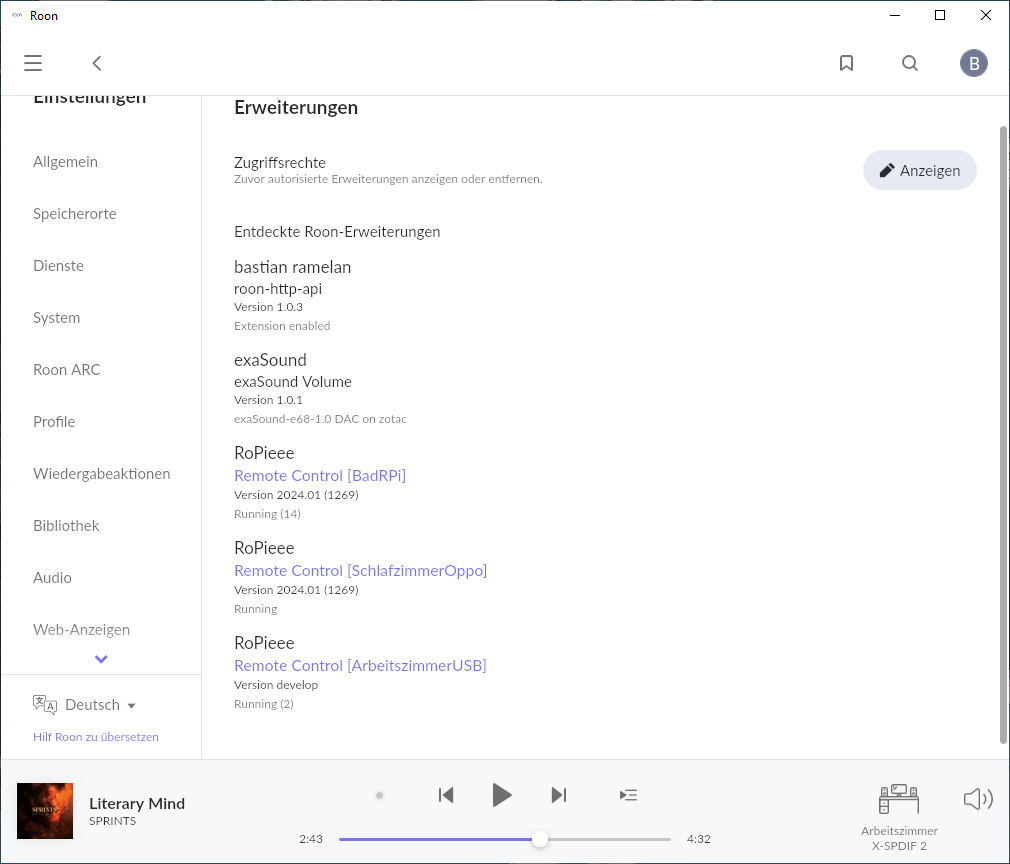
- “SchlafzimmerOppo” isn’t defined anywhere with FLIRC → this was updated from 2023.11
- “BadRPI” has a FLIRC, which works → updated from 2023.11
- “ArbeitszimmerUSB” has FLIRC, which doesn’t works anymore → reflashed with 2024.01, but here shown with version “develop”
Also: You can’t update (see my former postings) with a FLIRC dongle connected, because update stops by stage 4 → there you’ll never get a GUI
I can confirm that this configure step fixed my problem
Mine is stuck at “running configure”. Looks like I’ll be burning a new memory card. Pi4 with screen and USB to DAC. Other Pi4 with screen and HAT updated fine.
Yes all 6 of mine bricked….not a great start to the day
I’ve done some recon figs and restarts but not connecting to the core now
And most indicating an update to be done - is it safe to do yet?
Looks like I got it back - mostly. Disconnected the Pi Remote dongle and my USB DAC. Did a hard power reset and it got passed the configuration. Working except for the Remote. Will save that to work on another day.
My OSMC remote dongle seems to be an issue too….have pulled it out and see if I can get that up and running now
I updated one Raspberry Pi 4 Model B Rev 1.4, wired with an external USB Dacmagic, with no issues at all. Then I saw this thread, and have not yet attempted to update any of the other 3. (A Pi4 with LCD&DAC, a Pi4 with LCD&USB and a Pi3 with USB)
I’m not sure if my display is toasted after the update or something else…power off and doesn’t help
Was fine before the update and touch areas still work and hat IQAudIO digiamp works and plays via app or touch area…just display has no clock or album art etc
Actually 2 of my units look like this now…so I doubt it’s a hardware fail @spockfish
Feedback for both e70ca0a434a35636 and 51385db61a27541c
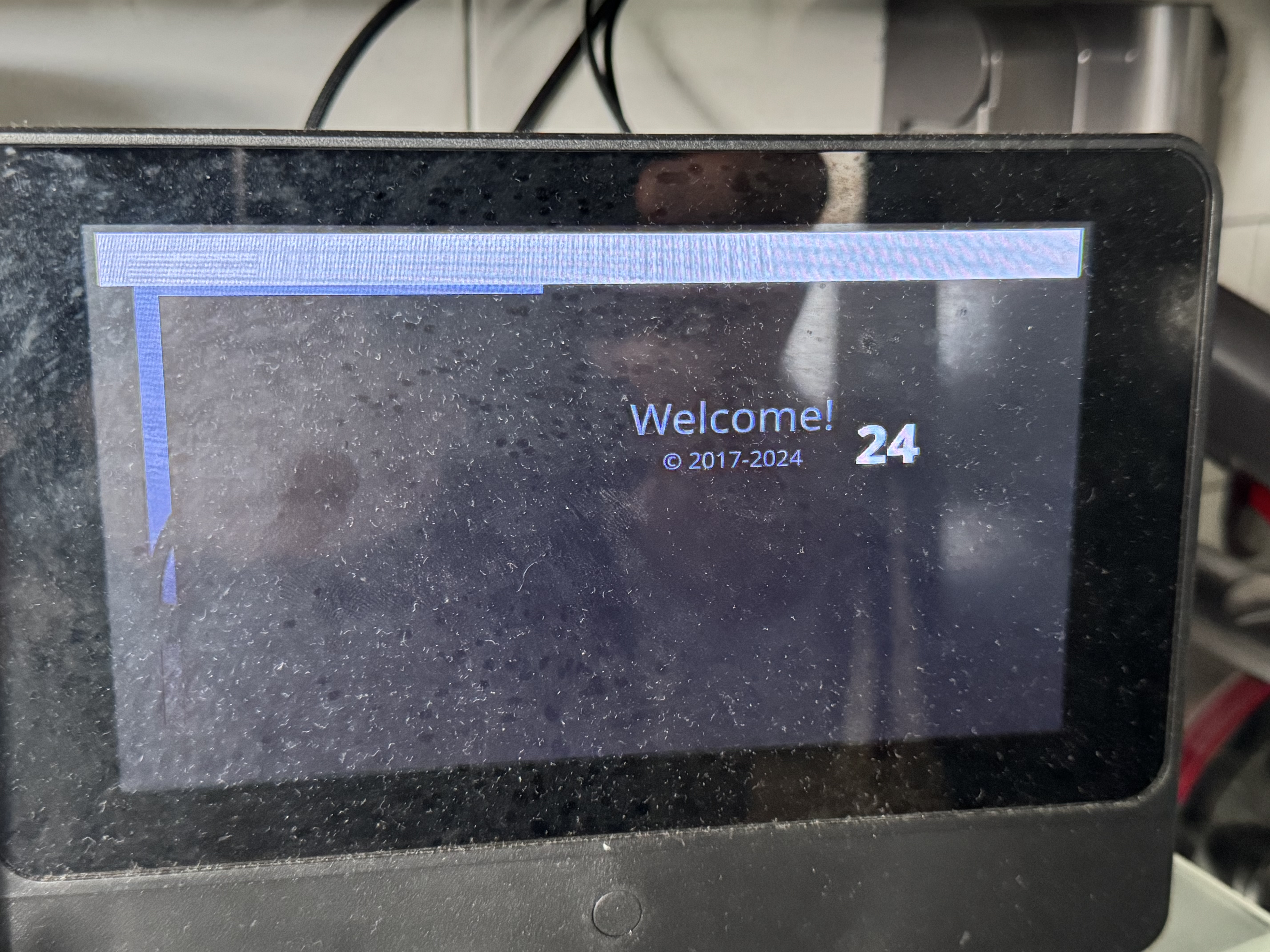
o
I am also experiencing inconsistent behaviour. Two of my displays seem fine, but on another the clock does not display — I also note that some of the settings seem to be “lost” (like the 24 hour clock and custom colour).
I did turn off the clock on some (to force the configure step) but I was not consistent or orderly in my actions (sorry Harry).
EDIT: more displays seem okay now after multiple configure and few hard reboots (which could have been simply no clock or display showing I realize).
I’ve had one come good…w others good now another unit not good…something is getting messed up…maybe memory corruption? @spockfish
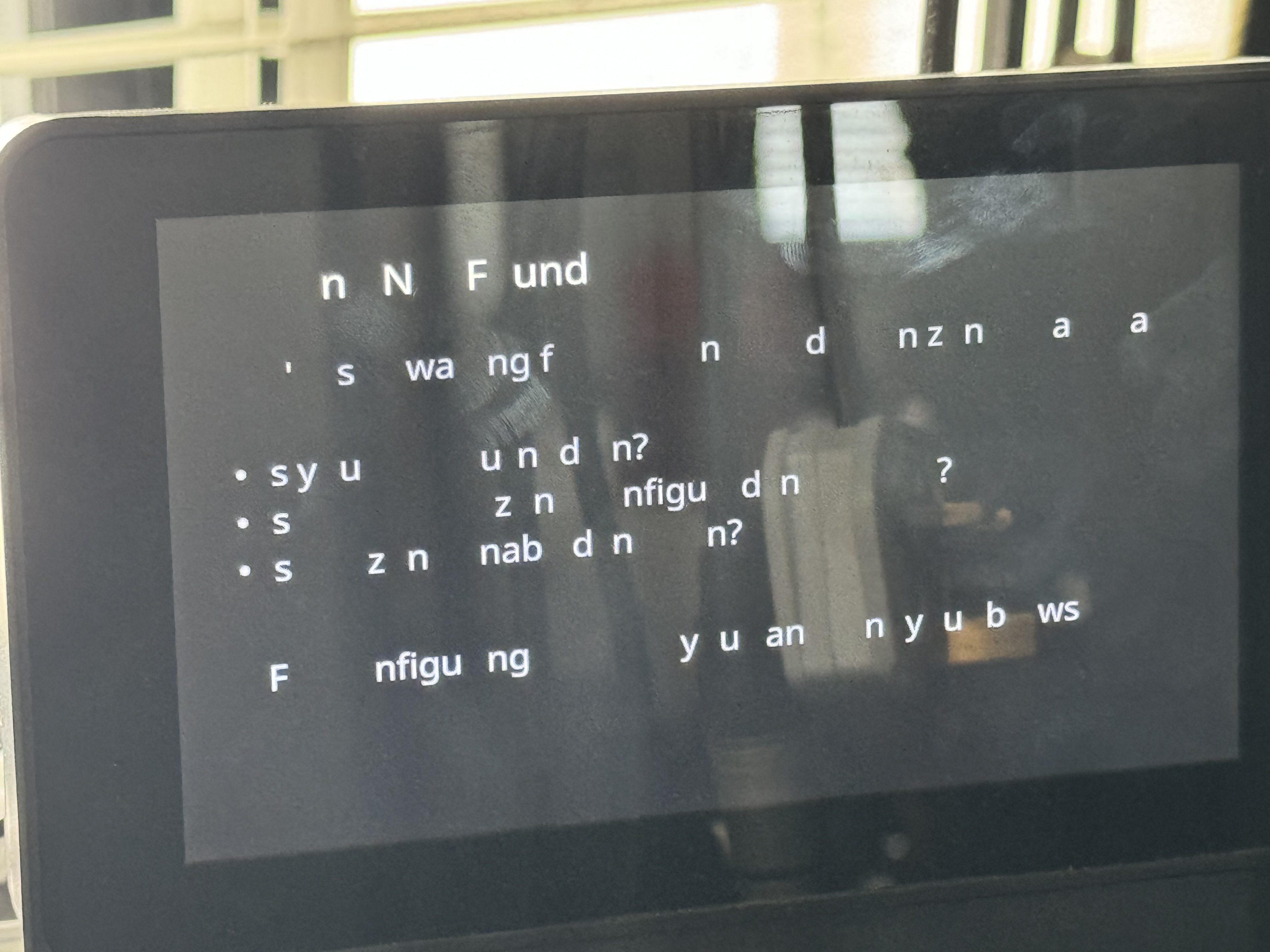
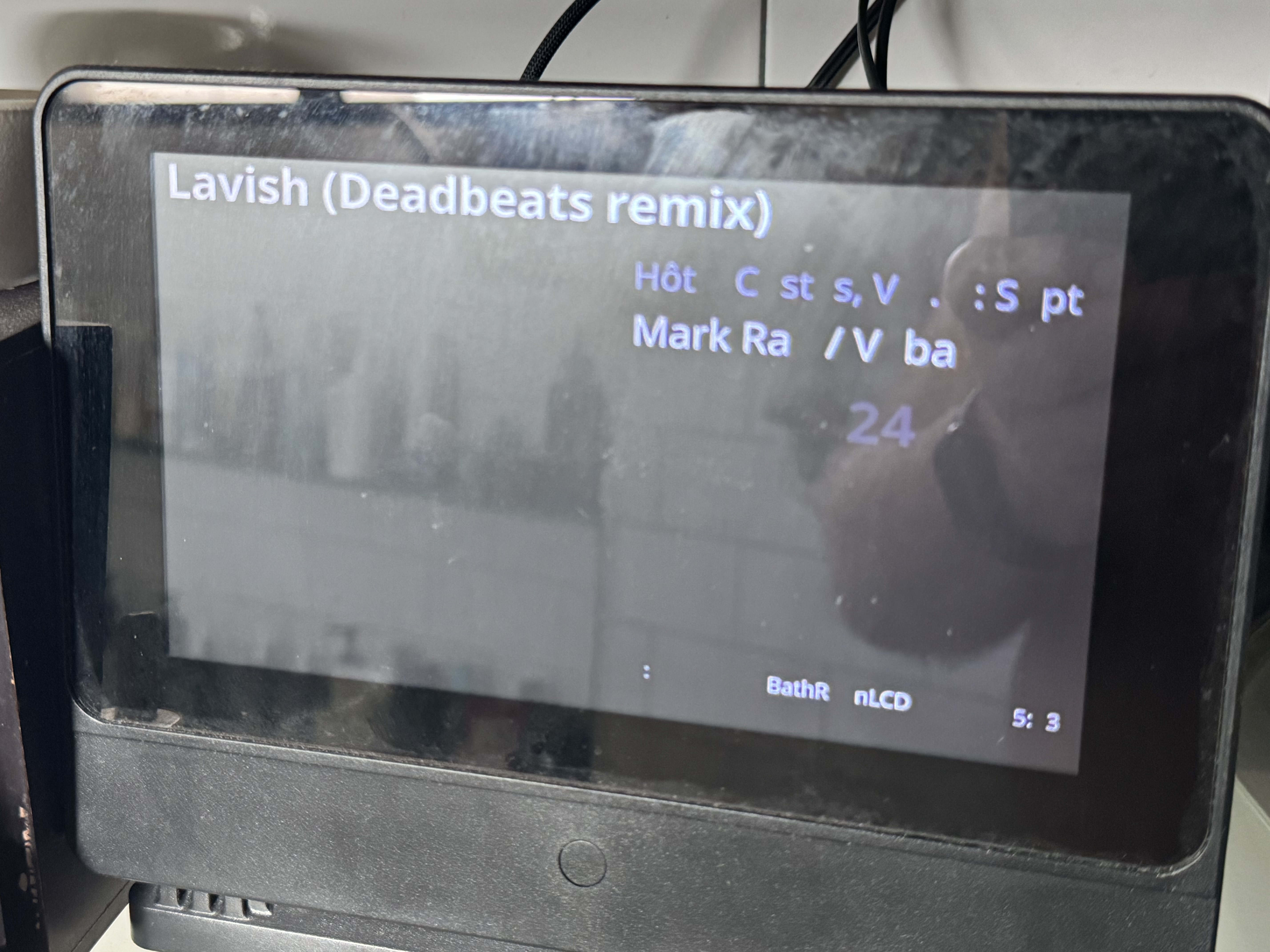
@wizardofoz , I believe I had one display showing the same as your top photo (about the zone not found), and is now fine. I wish I could report the exact order of steps taken, but it involved multiple configures and multiple reboots.
@wizardofoz,
This is OK, Now you simply have to follow the steps indicated by Spockfish:
Logon to the webinterface
Change anything, for example the orientation of the display
Configure
Reboot
Now it will be OK. If the setting, you previously changed, should be reset to the original value, please do this steps over again.
Kind regards, Frank.
3 Likes