Hi @spockfish
thx for the update, however, Dont know why the time & date has wrong even timezone has been set correctly and time sync shows nothing wrong while booting.
can you take a look this case ID: bf95c7647760d0d1
thx alot~
Hi @spockfish
thx for the update, however, Dont know why the time & date has wrong even timezone has been set correctly and time sync shows nothing wrong while booting.
can you take a look this case ID: bf95c7647760d0d1
thx alot~
I do. NTP is failing, and for some reason it is also failing the fallback (time sync over HTTPS).
I’ll get back to you when I know why.
In the mean time: if you router (that highly depends) supports NTP over DHCP enabling that will fix it (the RoPieee unit will synchronize with your router). This option is called ‘DHCP option 42’.
Thanks
Hi Spockfish
thx for checkin~~~
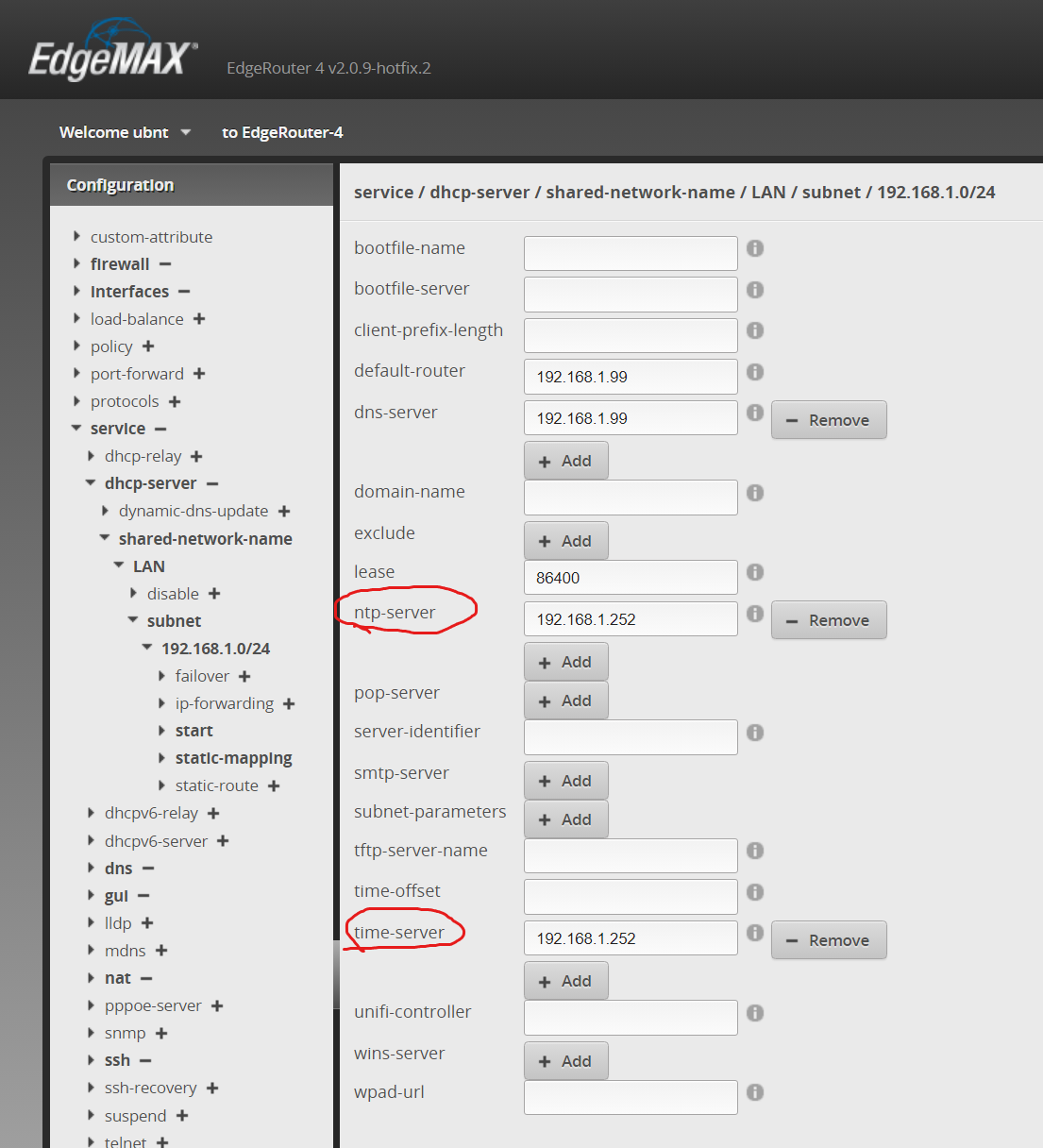
For “NTP over DHCP”, Can you help to check if this is the option 42 in below "ntp-server’ & "time-server’?
meanwhile, I had setup a GPS based time service box in my homelan. Would you consider to allow user to setup their preferred time server?
Just enter the address of the GPS time server in that field.
double check with you that is the “NTP over DHCP” only works if the time-server box been assigned IP adddress and other options by the DHCP server?
If so, then the issue could be remain due to I set ip/gw for the box manually.
So, if ropieee would allow to set up NTP server address manually would be the most flexiable choise.
thx!
Well, I don’t know your router of course 
But maybe you can find that online.
The most flexible, yes. But that alone is not a reason enough to implement it
As said, RoPieee supports NTP, Time-sync-over-HTTPS and DCHP option 42 for time sync in general. That’s enough for now, I’m not planning of extending that.
I’ve found a case where the fallback to HTTP doesn’t work, and I suspect (and hope ) that that has bitten you. That will be solved in the next release.
Thanks