Great idea! I have a Synology, so…
You said “scheduled task.” Do you gave a cron job set up then?
Great idea! I have a Synology, so…
You said “scheduled task.” Do you gave a cron job set up then?
Synology has a “task scheduler” (end of the list in the control panel in DSM7). You can do all kinds of fun things in there… rsync jobs, etc. was kind of a revelation for me.
Tasks can be scheduled, triggered or just sit there waiting for you to run from the interface.
Ah. I show my age with “corn job.”
Don’t know if they still exist in Linux. But in the early 80s and early 90s, that was a great thing in Unix . Used to send fake scheduled emails to my boss so that he knew I was working.
Totally still exists. But these consumer interfaces are making a bunch of stuff that was really hard much easier.
What were you doing when you weren’t working?
Been a computer scientist for 25 years. Was going to retire a couple of years ago. Then I discovered the best place I’ve ever worked, and so a still working because they’re fun people and we’re doing groundbreaking work.
Our software is used by 5nm and below chip designers (Apple, Samsung, google AI, etc etc) to analyze their chips and verify as early as possible (basically at the design stage).
Stopped working for a couple of years because got tired of the stress and customer expectations. Was living and volunteering at a Buddhist retreat center in the Santa Cruz mountains
Not so much, pretty sure that the task scheduler is just a GUI for creating cron jobs behind the scenes.
0 1 1 * * root /usr/syno/bin/synoschedtask --run id=7
Yeah but how many know about it nowadays?! 
Well me but take little comfort, am something of an old git myself 
Yes it is, but thats not so easy to run from a remote browser session onto the DSM UI. Hence the ‘scheduled task’ which I can just trigger manually when i need to reboot ROCK.
I never said anything bad about using a GUI over CLI tools 
but I thought it 
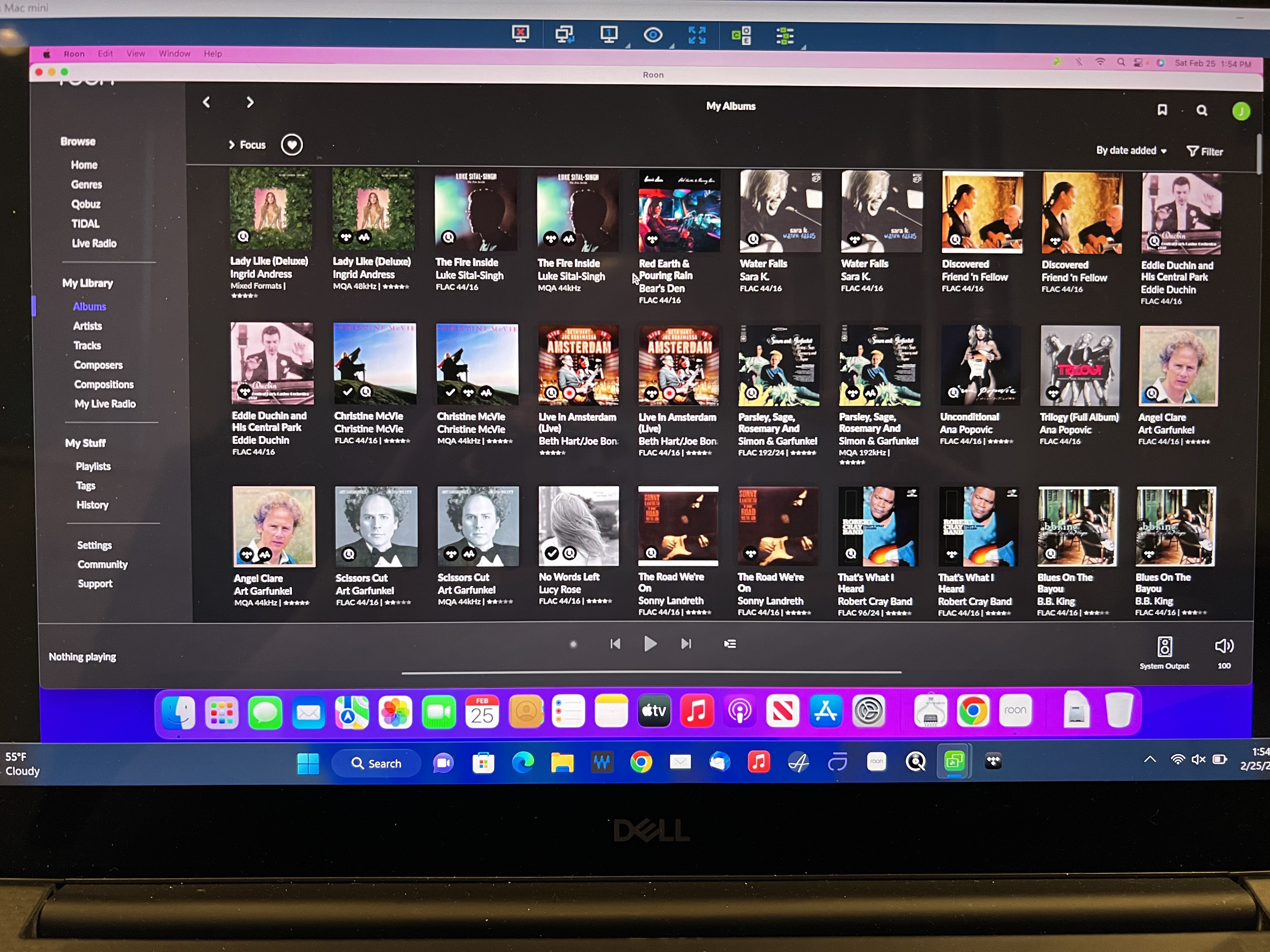
This setup using Splashtop and Mac Mini to control my Nucleus is working so well, I went ahead and installed the full Roon program on my Mac Mini. I guess it never hurts to have an extra Roon core, just incase. I have two Roon subscriptions with three Roon cores including Nucleus, Dell XPS 15, and Mac Mini. The Mini is a Late 2014 2.6GHz with 8GB RAM and 1TB HDD.
EDIT: I tried to port forward my Mac Mini for Roon ARC, but my U-Verse router won’t allow two computers to share access to an app. I would need to delete the Nucleus port forwarding if I ever needed Roon ARC on the Mini.
After two weeks at the MIL’s house, I’ve used 150GB of my hotspot data running Roon on my Dell laptop. I want to save some to watch a couple basketball games so, I’m now using Roon ARC on my iPhone to stream to my Mojo 2 and Focal Clear headphones. While I have not needed to reboot my Nucleus or reconnect to Tidal and Qobuz, it’s comforting to know I can if I need to. I’m a little surprised more people have not embraced this idea. There is a Mac Mini for sale for $200 on this site (US).
I just ordered a 6 foot HDMI cable and ethernet cable. I’m going to move the Mac Mini to our family room and plug HDMI into my Oppo 203. I’ll just have to swap my 4 port and 8 port switches. Since I have it, I might as well make it totally usable.
It has no idea what app you’re using. Just change the port for ARC on the second core and create a new “app” in the u-verse.
Yes, I did think about trying that. I’ll wait until I get back home to fool with it. Thanks.
My Nucleus uses 55002. What port can I use for the Mac Mini?
Roon has made it a bit difficult for us with more than one Core…
If you present a different Core to your ARC client, you will be forced to reset/reinstall your ARC.
To me, this is a major nuisance, but maybe you won’t mind, due to your preference for streaming.
(I want/need to have a dozen albums available offline, which is chore in itself, to sync…)
I have to reinstall Roon ARC almost everytime I try to use it. I think Roon needs to start over with a mobile app or abandon the effort. It’s too frustrating for paying customers. I’m just ranting a little.
I’m actually using Roon ARC right now to save hotspot data, but it took about 10 or 15 minutes to connect. If I put Roon ARC on my Mac Mini, I would probably use my iPad Mini 6 for that and iPhone for Roon ARC on my Nucleus.
PS: It’s not necessarily a preference for streaming, that’s all I have available, and at 75, I’m not interested in buying music.
Roon ARC just stopped working for no apparent reason. Back to Apple Music.  This is sitting stationary at the MIL’s house, not moving in and out of cellular reception.
Roon has been a lot more stable recently, and Roon ARC doesn’t seem to freeze it anymore. But I do have a few issues now and again, and having a way to treat my router like a VPN and effectively log into my home network has solved the issue I first posted about here. I can load up my router VPN, reboot Roon Core, and troubles are avoided. Highly recommended for anyone else here with issues (I have a tp-link router that offers this remote VPN option. It saved my ass).
If there was some kind of way Roon could offer remote login for Cores, this would be a great way to avoid these convoluted workarounds. Fingers crossed Roon and Arc continue to get more and more stable, but glitches and bugs are going to happen sometimes.
Is there any possibility to restart rock every day at 3am?
It looks like, roon is faster after daily reboot
I know, this is no solution, but it is the only way currently to have a fast response time on roon music searching