Intel NUC 11 Pro NUC11PAHi7 Home & Business Desktop Mini PC,Intel Core i7-1165G7 4-Core, 2.8–4.7 GHz Turbo,8 Thread, 12MB Cache, 16GB DDR4 RAM, 512GB PCIe SSD
The most recent bios - PA0050.
ROCK (Roon 2.0 Build 1211).
Networking Gear & Setup Details
Ethernet 1Gb
Connected Audio Devices
HDMI to a Denon x3700h
Number of Tracks in Library
7,000
Description of Issue
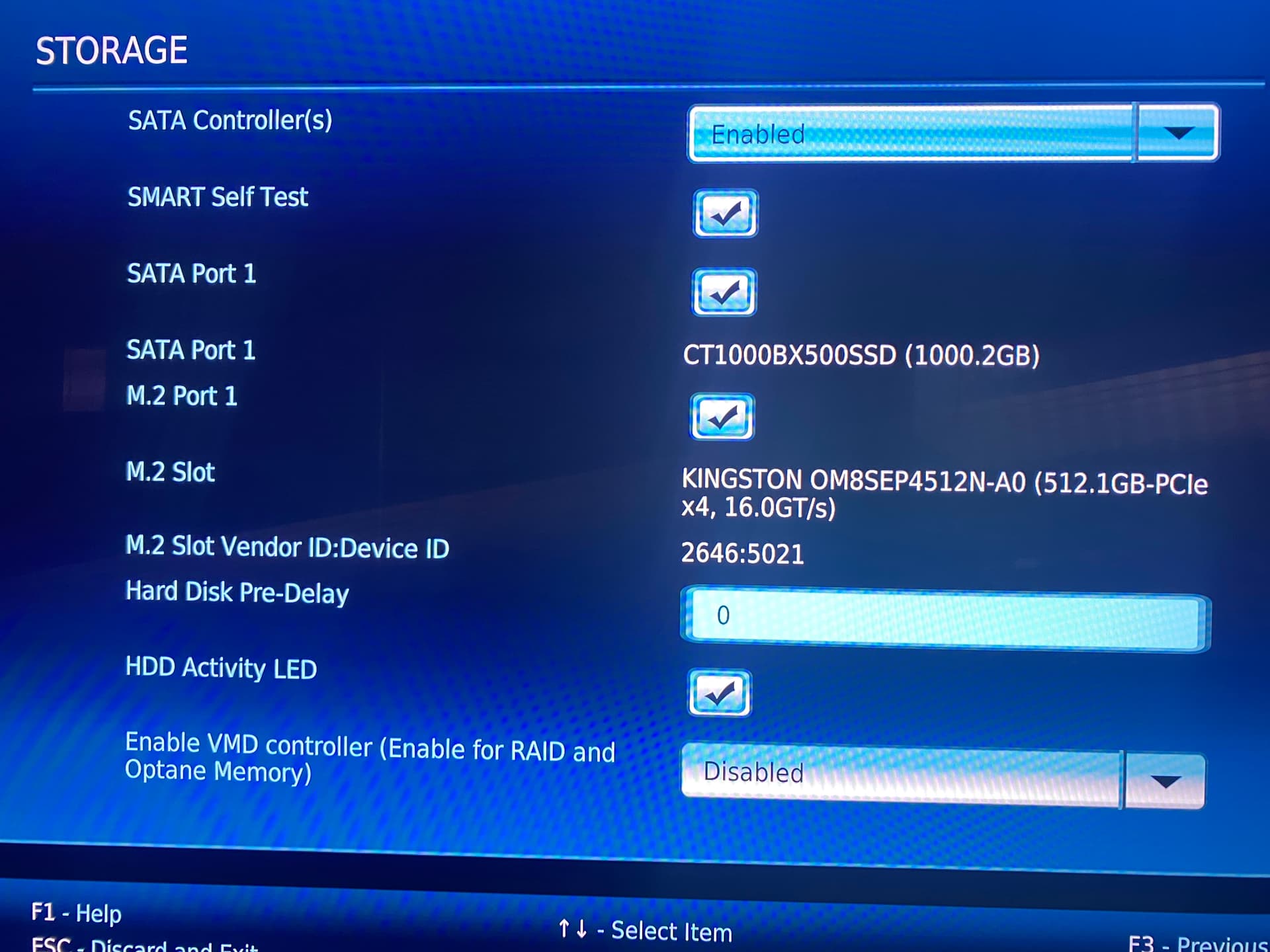
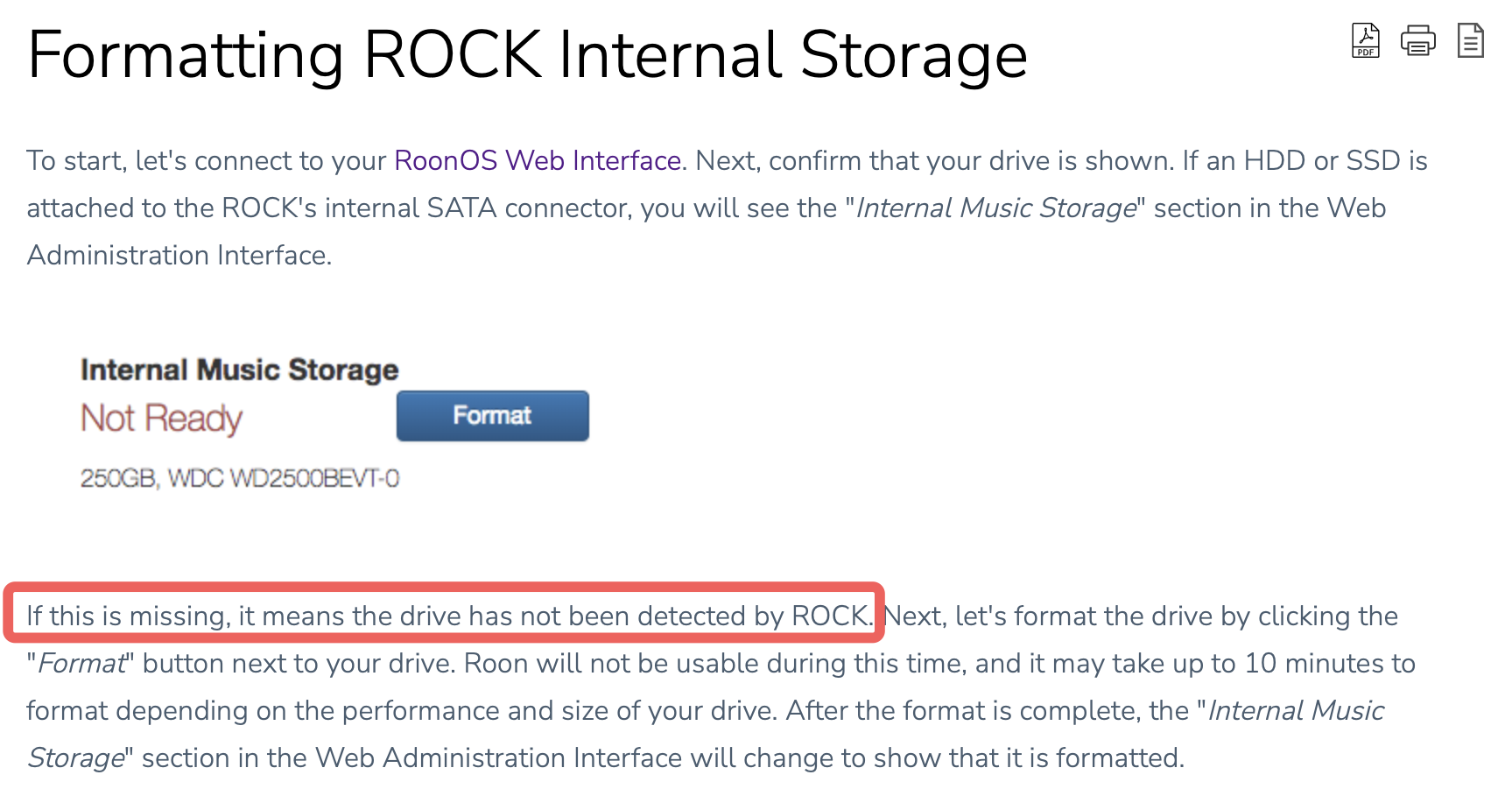
RoonOS boots from a 512GB M.2 drive. I wasn’t aware I couldn’t use that drive for storage until after I got it set up, so I’ve now added a 1TB SSD to the system. The BIOS recognizes the SSD, but I don’t see any option to Format it in Roon Windows client (Roon 2.0 Build 1211). Do I need to remove the SSD and partition it on an external system before installing?
I dunno, maybe ensure that the cable is properly connected? If you have an external SSD enclosure you could of course check if the SSD works attached to a PC and also when attached by USB to the NUC.
I read that article, one of the thumbs-downs is from me.
My assumption is that if the disk is detected by the BIOS and enabled, Rock should be able to see it… I was trying to avoid taking the NUC apart and connecting the SSD to a PC, but that’s of course the next step.