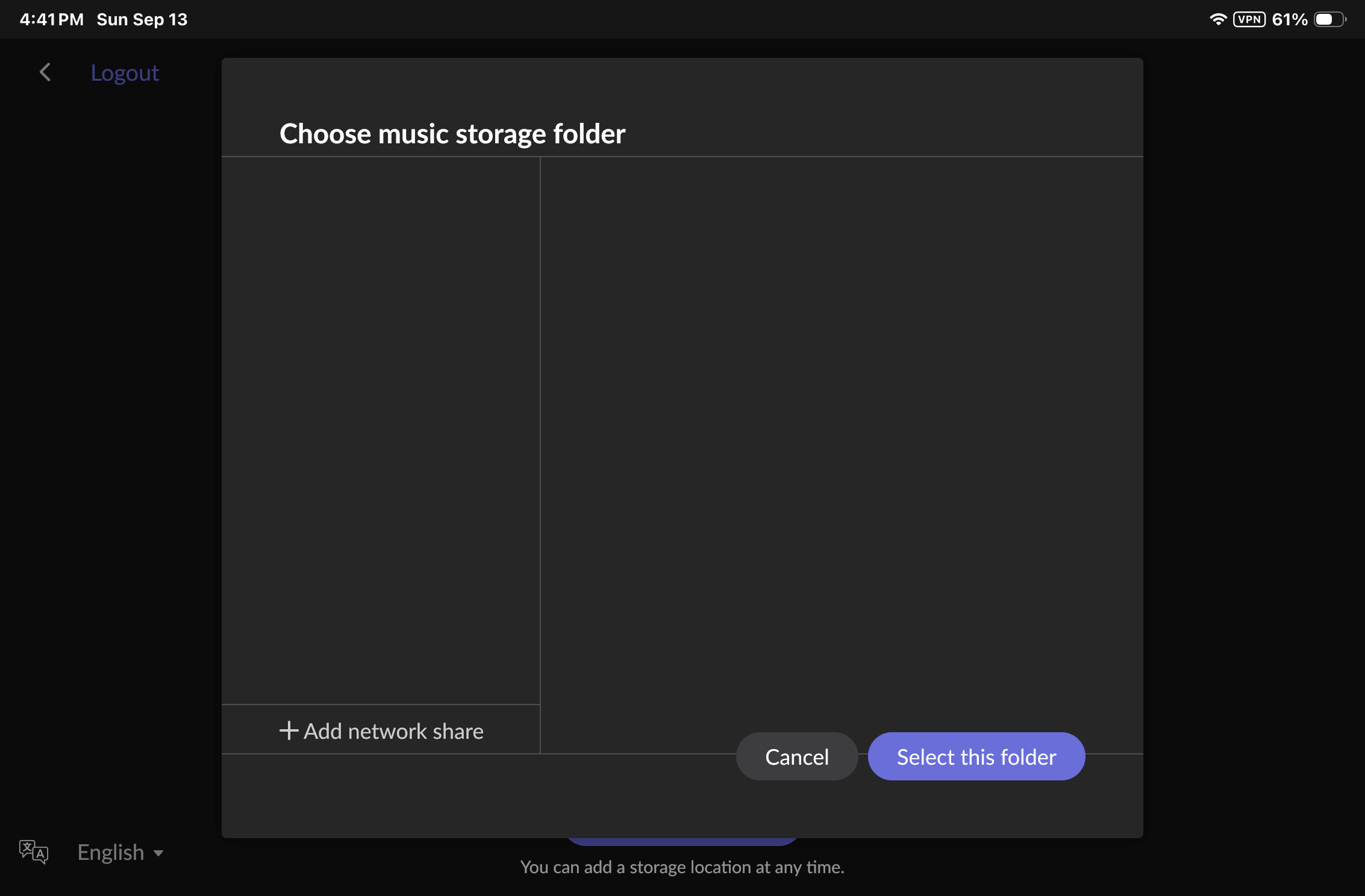
· I replaced my NUC with a new NUC 13 PROi7. Installed ROCK. ROCK is prompting me to add folder but won't find or recognize address(s) for my music folder or backup on Synology NAS that worked fine with the former NUC (with older version of Rock). Current: Oper.SYS. 2.1 Build 271; Roon Server Software Ver. 2.71 Build 1683.
Tell us about your home network
· Network is ASUS mesh system. Main router is RT-AX89X with 3 RT-AX86U Pro nodes. Rock is connected by Ethernet. I use iPad mini (v6) for controlling. Main computer is MacBook Pro M1 2021.
I had a look through the diagnostic logs from your system, and I can see exactly what’s happening. Every time ROCK tries to add the Synology as a storage location, it’s being given just the NAS’s address (its IP, its network name, or the “SynologyDS415” entry it discovers automatically) without an actual shared folder name attached. Roon needs the full path, server name plus share name, not just the server on its own.
That’s most likely why nothing is showing up: if you’re clicking the auto-discovered NAS tile in Settings, Storage, it may be adding the device itself rather than one of its shares. The fix is to add the network share manually with the complete path, in one of these formats:
\192.168.50.204\YourShareName
or
smb://192.168.50.204/YourShareName
You can find the exact share name on your Synology under Control Panel, Shared Folder, in DSM. It’s whatever that folder is named there (for example “Music” or “NAS_Share”), not the NAS’s own hostname.
Once you have the full path with the share name, try adding it again in Roon under Settings, Storage, Add Network Share, along with your NAS username and password.
Let me know if that gets it connected, or if you hit a different error once you’re using the full path.