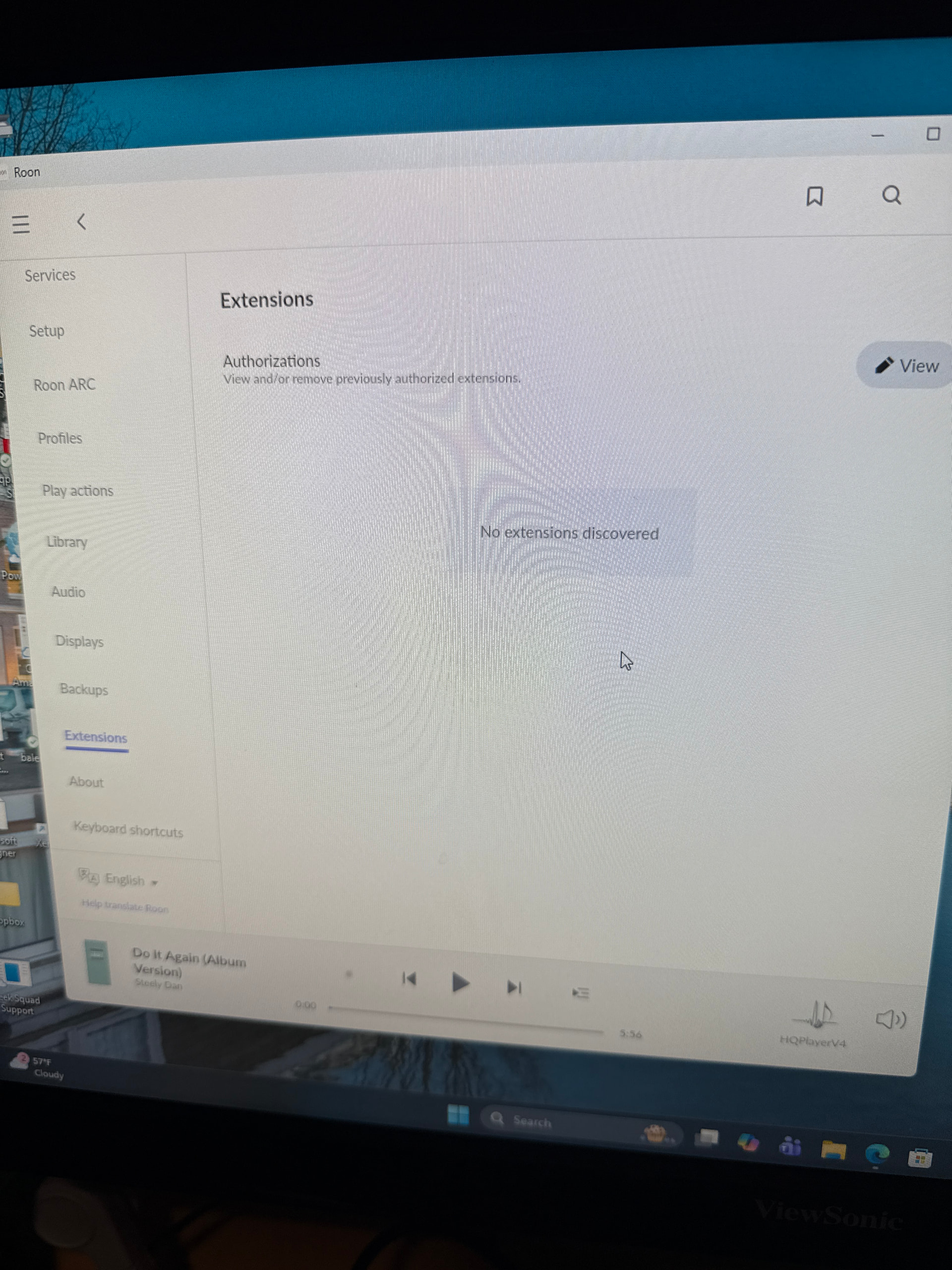
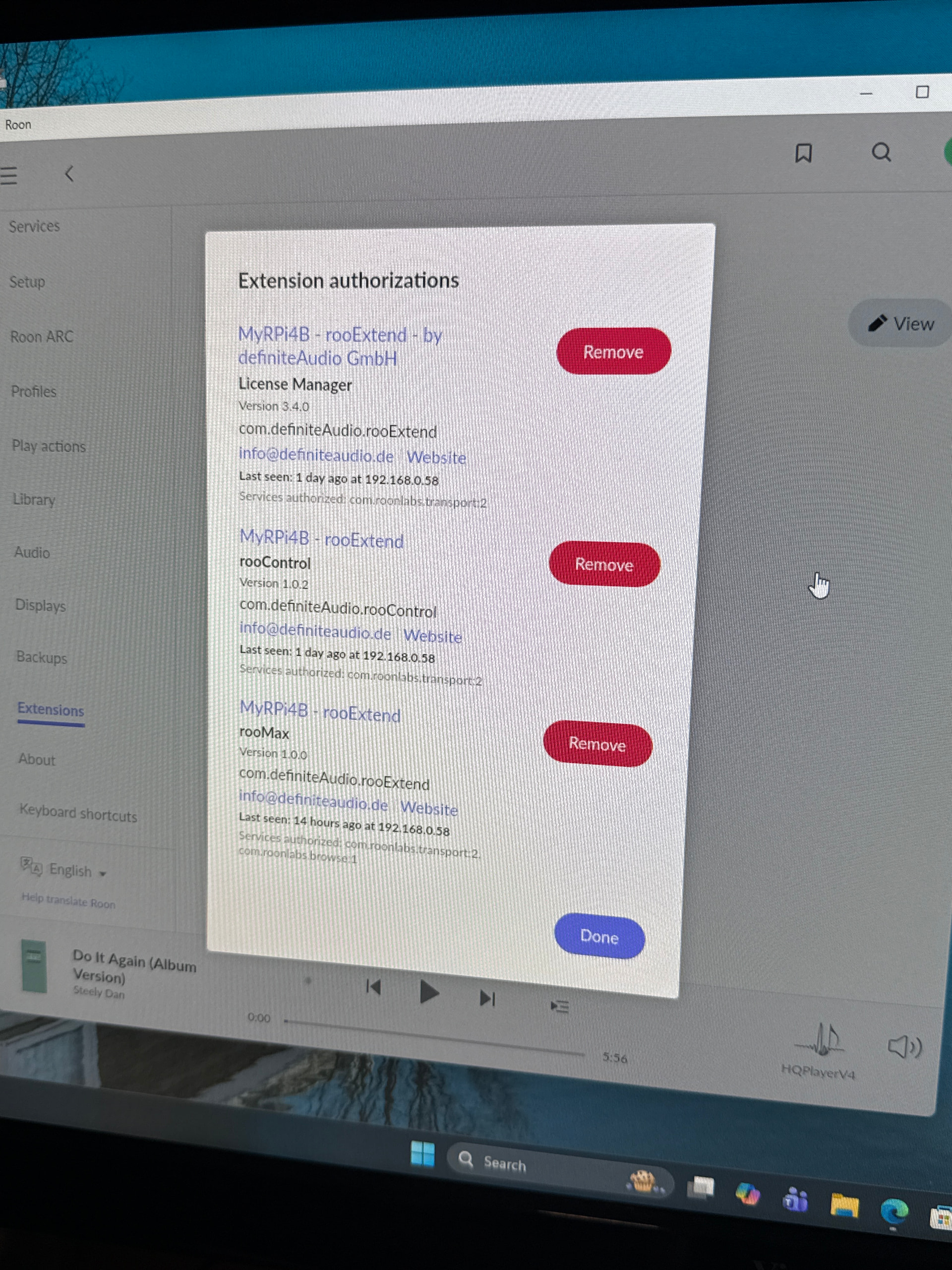
Hi everyone,
After updating my rooExtend DIY image on a Raspberry Pi 3 Model B (Rev 1.2) to rooExtend v3.5.3 , the system no longer runs stable and keeps restarting the rooExtend service in a loop.
Setup
- Device: Raspberry Pi 3 Model B Rev 1.2
- Connection: Ethernet (internet connected = Yes)
- rooExtend release: 3.5.3
- Roon Core is reachable; rooExtend shows “got paired with CORE” in the log
- Extended settings page is accessible at http://192.168.1.126
- System Info shows: RoonCommandLine: Unpaired
What happens
rooExtend starts, launches the web server, pairs with the CORE, then crashes and systemd restarts it. This repeats continuously.
Here you can find the logs
Journal begins at Thu 2026-02-05 19:17:05 CET, ends at Thu 2026-02-05 19:38:47 CET. --
    Feb 05 19:17:12 rooExtend systemd[1]: Started rooExtend service.
    Feb 05 19:17:17 rooExtend rooExtend[518]: Verifying archive integrity...
    Feb 05 19:36:53 rooExtend rooExtend[692]: [202B blob data]
    Feb 05 19:36:53 rooExtend rooExtend[518]:  MD5 checksums are OK. All good.
    Feb 05 19:36:53 rooExtend rooExtend[518]: Uncompressing rooExtend
    Feb 05 19:36:57 rooExtend rooExtend[812]: [202B blob data]
    Feb 05 19:36:57 rooExtend rooExtend[879]: --------------------------------------------------
    Feb 05 19:36:57 rooExtend rooExtend[879]: rooExtend 3.5.3 started...
    Feb 05 19:36:57 rooExtend rooExtend[879]: Config Path:   /config.json
    Feb 05 19:36:58 rooExtend rooExtend[879]: Config Path:   /config.json
    Feb 05 19:36:59 rooExtend rooExtend[879]: Hostname:      rooExtend
    Feb 05 19:36:59 rooExtend rooExtend[879]: Restarted:     false
    Feb 05 19:36:59 rooExtend rooExtend[879]: RTS-Control:   Check RTS-Control...
    Feb 05 19:36:59 rooExtend rooExtend[879]: RTS-Control:   Installed
    Feb 05 19:36:59 rooExtend rooExtend[879]: RoonCmdLine:   Check for RoonCommandLine...
    Feb 05 19:36:59 rooExtend rooExtend[879]: RoonCmdLine:   Installed
    Feb 05 19:36:59 rooExtend rooExtend[879]: Diskusage:     49%
    Feb 05 19:36:59 rooExtend rooExtend[879]: Timesync:      started...
    Feb 05 19:36:59 rooExtend rooExtend[879]: Timesync:      done for bullseye
    Feb 05 19:36:59 rooExtend rooExtend[879]: Ethernet:      connected, stop WiFi
    Feb 05 19:37:00 rooExtend rfkill[948]: block set for id 0
    Feb 05 19:37:01 rooExtend rooExtend[879]: Got language:  ES
    Feb 05 19:37:01 rooExtend rooExtend[879]: Got timezone:  Europe/Madrid
    Feb 05 19:37:01 rooExtend rooExtend[879]: Set timezone:  Europe/Madrid Success
    Feb 05 19:37:01 rooExtend rooExtend[879]: Got datatime:  2026-02-05 19:37:02
    Feb 05 19:37:02 rooExtend rooExtend[879]: Set dateTime:  2026-02-05 19:37:02 Success
    Feb 05 19:37:02 rooExtend rooExtend[879]: Has Bluetooth: true hci0 UART B8:27:EB:E2:DE:0D
    Feb 05 19:37:02 rooExtend rooExtend[879]: TV name:       Unk-Composite di
    Feb 05 19:37:02 rooExtend rooExtend[879]: Found:         Raspberry Pi 3 Model B Rev 1.2
    Feb 05 19:37:02 rooExtend rooExtend[879]: Production:    true
    Feb 05 19:37:02 rooExtend rooExtend[879]: Interface:     eth0
    Feb 05 19:37:02 rooExtend rooExtend[879]: Has WiFi:      true
    Feb 05 19:37:02 rooExtend rooExtend[879]: Is NanoPi:     false
    Feb 05 19:37:02 rooExtend rooExtend[879]: Is rooSpot:    false
    Feb 05 19:37:02 rooExtend rooExtend[879]: Has Linux 64:  true
    Feb 05 19:37:02 rooExtend rooExtend[879]: Has GPIO:      true
    Feb 05 19:37:02 rooExtend rooExtend[879]: Has RME-ADI:   false
    Feb 05 19:37:02 rooExtend rooExtend[879]: Has ComandLine true
    Feb 05 19:37:02 rooExtend rooExtend[879]: --------------------------------------------------
    Feb 05 19:37:03 rooExtend rooExtend[879]: ##### Start: License Manager
    Feb 05 19:37:08 rooExtend rooExtend[879]: ***** Started HTTP-Server at Port 192.168.1.126:80
    Feb 05 19:37:09 rooExtend rooExtend[879]: ***** rooExtend got paired with CORE
    Feb 05 19:37:10 rooExtend rooExtend[879]: Request from: 192.168.1.60 text/html: /tmp/selfgz518/www/index.html
    Feb 05 19:37:10 rooExtend rooExtend[879]: Request from: 192.168.1.60 text/css: /tmp/selfgz518/www/site.css
    Feb 05 19:37:10 rooExtend rooExtend[879]: Request from: 192.168.1.60 text/javascript: /tmp/selfgz518/www/site.js
    Feb 05 19:37:10 rooExtend rooExtend[879]: Request from: 192.168.1.60 image/jpg: /tmp/selfgz518/www/images/rooExtend_500.jpg
    Feb 05 19:37:35 rooExtend rooExtend[879]: Request from: 192.168.1.60 text/html: /tmp/selfgz518/www/logUpdate.html
    Feb 05 19:37:35 rooExtend rooExtend[879]: Request from: 192.168.1.60 text/css: /tmp/selfgz518/www/site.css
    Feb 05 19:37:35 rooExtend rooExtend[879]: Request from: 192.168.1.60 text/javascript: /tmp/selfgz518/www/site.js
    Feb 05 19:37:35 rooExtend rooExtend[879]: Request from: 192.168.1.60 image/jpg: /tmp/selfgz518/www/images/rooExtend_500.jpg
    Feb 05 19:37:42 rooExtend rooExtend[879]: ----- License Manager initialized...
    Feb 05 19:37:42 rooExtend rooExtend[879]: ##### Stop: Network Audio
    Feb 05 19:37:42 rooExtend rooExtend[879]: ##### Start: Roon Bridge
    Feb 05 19:37:43 rooExtend rooExtend[1402]: ***** set HighSpeed 0
    Feb 05 19:37:43 rooExtend rooExtend[1409]: ##### Start: rooPlay 1.1.0
    Feb 05 19:37:43 rooExtend rooExtend[1403]: ##### Start: rooWatch 1.1.1
    Feb 05 19:37:43 rooExtend rooExtend[1402]: ##### Start: rooDial 1.5.7
    Feb 05 19:37:43 rooExtend rooExtend[1402]: ***** events disconnected
    Feb 05 19:37:43 rooExtend rooExtend[1402]: ***** startEventCapture
    Feb 05 19:37:43 rooExtend rooExtend[1421]: ##### Start: rooControl 1.1.0
    Feb 05 19:37:43 rooExtend rooExtend[1402]: ***** rooDial got paired with CORE
    Feb 05 19:37:44 rooExtend rooExtend[1415]: ----- rooScreen: Started WS-Server at Port 192.168.1.126:8081
    Feb 05 19:37:44 rooExtend rooExtend[1415]: ##### Start: rooScreen 1.0.0
    Feb 05 19:37:44 rooExtend rooExtend[1415]: ----- rooScreen: Check chromium running: false
    Feb 05 19:37:46 rooExtend rooExtend[1415]: ----- rooScreen: Check chromium running: false
    Feb 05 19:37:48 rooExtend rooExtend[1415]: ----- rooScreen: Check chromium running: false
    Feb 05 19:37:50 rooExtend rooExtend[1415]: ----- rooScreen: Check chromium running: false
    Feb 05 19:37:52 rooExtend rooExtend[1415]: ----- rooScreen: Check chromium running: false
    Feb 05 19:37:54 rooExtend rooExtend[1415]: ----- rooScreen: Check chromium running: true
    Feb 05 19:37:54 rooExtend rooExtend[1415]: ----- rooScreen: Display orientation: normal
    Feb 05 19:37:55 rooExtend rooExtend[1415]: warning: output HDMI-1 not found; ignoring
    Feb 05 19:38:12 rooExtend rooExtend[879]: Request from: 192.168.1.126 text/html: /tmp/selfgz518/www/screen/index.html
    Feb 05 19:38:14 rooExtend rooExtend[879]: Request from: 192.168.1.126 text/css: /tmp/selfgz518/www/screen/screen.css
    Feb 05 19:38:14 rooExtend rooExtend[879]: Request from: 192.168.1.126 text/javascript: /tmp/selfgz518/www/screen/index.js
    Feb 05 19:38:17 rooExtend rooExtend[879]: Request from: 192.168.1.126 text/html: /tmp/selfgz518/www/screen/clock/index.html
    Feb 05 19:38:17 rooExtend rooExtend[879]: Request from: 192.168.1.126 text/css: /tmp/selfgz518/www/screen/clock/includes/qlocktwo.css
    Feb 05 19:38:17 rooExtend rooExtend[879]: Request from: 192.168.1.126 text/javascript: /tmp/selfgz518/www/screen/clock/includes/qlocktwo.js
    Feb 05 19:38:17 rooExtend rooExtend[879]: Request from: 192.168.1.126 image/png: /tmp/selfgz518/www/screen/clock/images/q2fg.png
    Feb 05 19:38:18 rooExtend rooExtend[879]: Request from: 192.168.1.126 image/vnd.microsoft.icon: /tmp/selfgz518/www/favicon.ico
    Feb 05 19:38:18 rooExtend rooExtend[879]: SEND 404
    Feb 05 19:38:18 rooExtend rooExtend[1415]: ----- rooScreen: rooScreen WS-Client connected
    Feb 05 19:38:47 rooExtend rooExtend[879]: Request from: 192.168.1.60 text/html: /tmp/selfgz518/www/log.html
Any Help would be appreciated!
Thanks