John_Birch
November 22, 2019, 2:34pm
1
So much the new font rendering they still look awful on my Windows 7 PC
Probably useful to the support folks if you could specify what graphics hardware and screen resolution/scaling factors you are using?
Just seen this thread - you might want to post your information there, rather than here in the Support category.
For everyone complaining about bold text in 1.7 – we’re already iterating on the treatment and we want to make sure we understand exactly who is feeling this on which displays.
Details
It would help us if everyone could let us know:
What monitor and OS you’re experiencing this issue on? (model, physical size, resolution)
What display scaling settings your monitor is set to? (see below)
Where specifically in the app you’re finding the text to be overly bold?
Are you using any any color calib…
ivan
November 22, 2019, 3:07pm
4
Hi, @John_Birch , thanks for your report! Which screen scaling are you using on the machine which is affected by the issue?
Thanks!
–
John_Birch
November 22, 2019, 3:18pm
5
I’m using Windows 7, Nvidia GeForce GTX660 Graphics card.
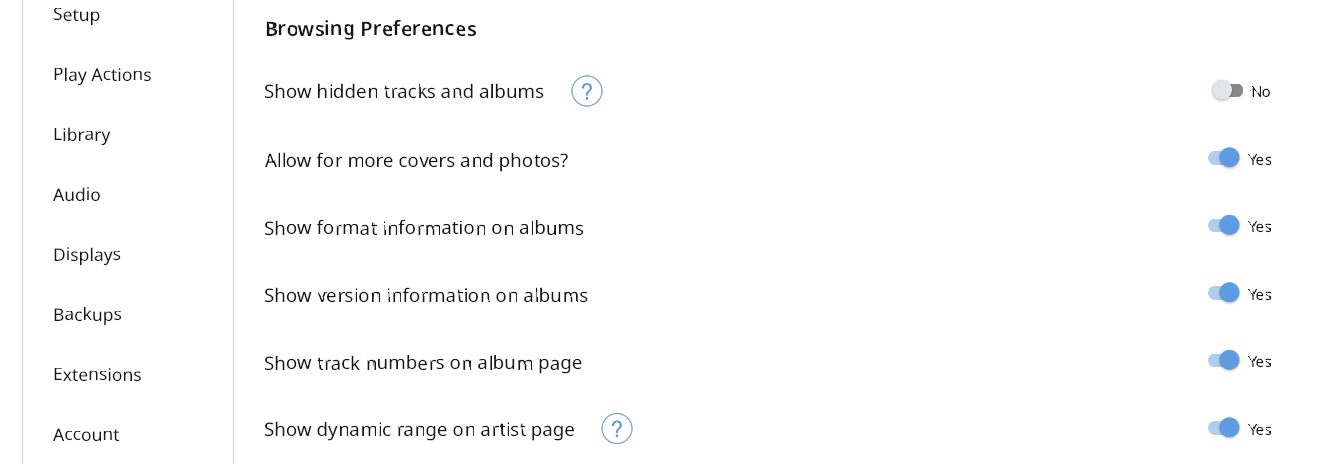
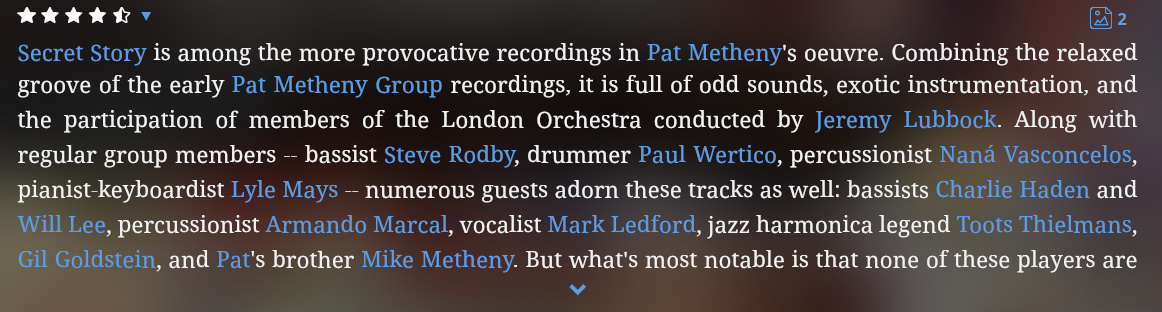
Fonts in settings look awful. Album text fonts have odd baselines.
ivan
November 22, 2019, 3:35pm
6
Thanks for the info, @John_Birch , I opened a ticket for our developers, we are investigating this behavior.
Sorry for troubles.
–
John_Birch
November 22, 2019, 3:41pm
7
Can you elaborate; not sure what you’re referring to?
ivan
November 22, 2019, 3:43pm
8
This means that there is a ticket in our bug tracking system, which our developer team will work on in the near future. I added info that you submitted to it as well
Thanks!
–
John_Birch
January 16, 2020, 10:03pm
9
FYI: I’ve tried setting the font resolution back to 100% and they look OK. Only problem that’s too small for my eyes