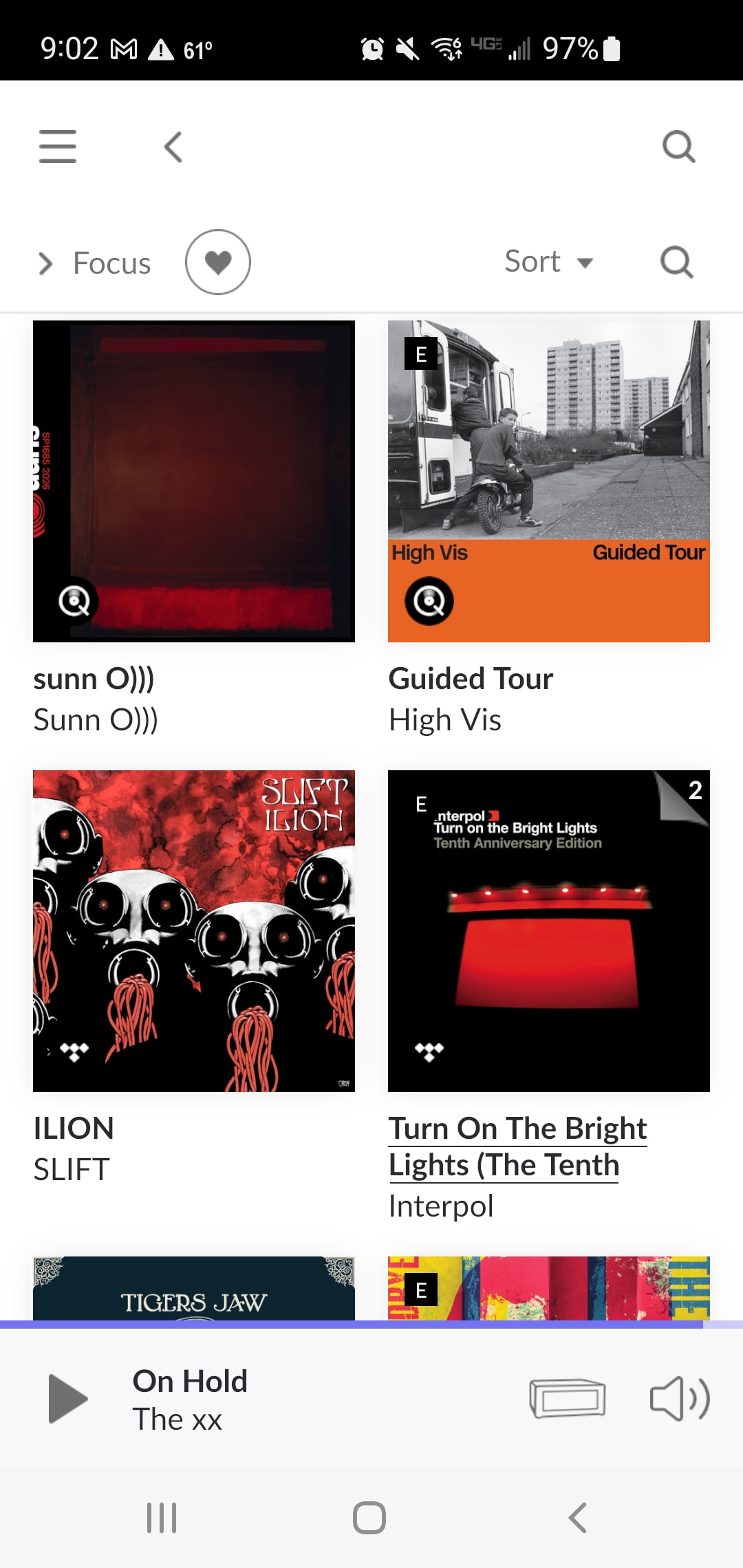
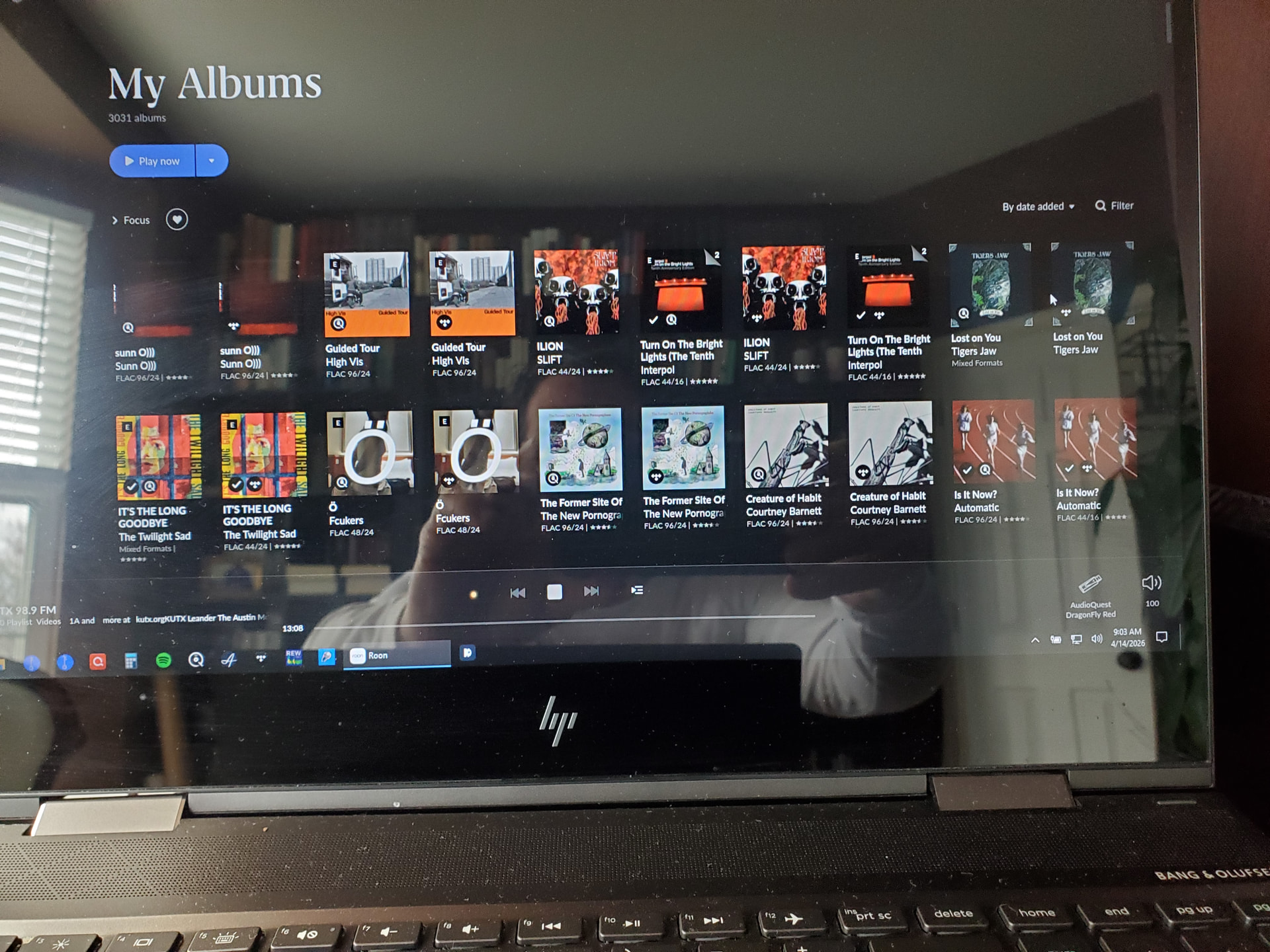
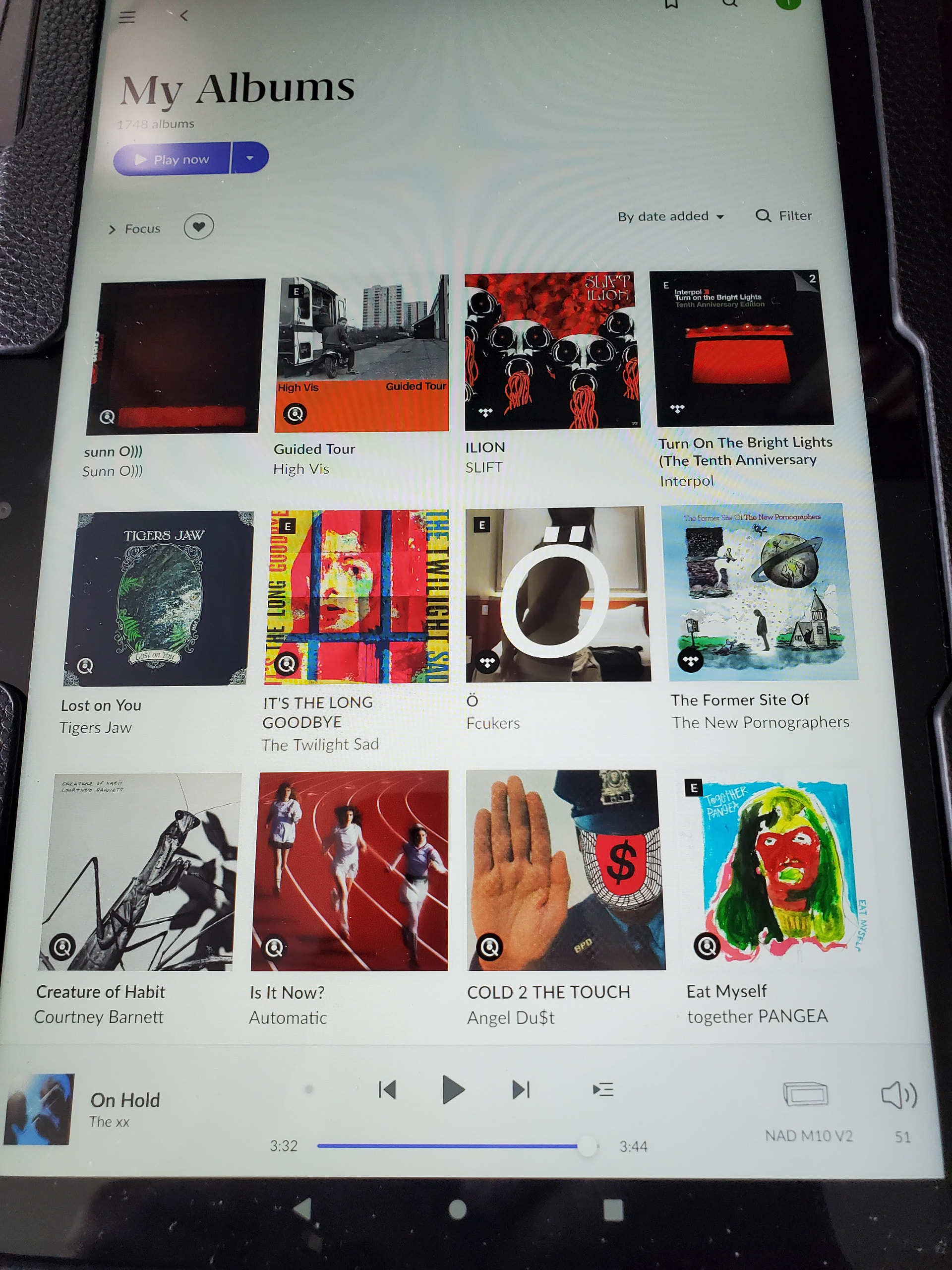
· I have an issue with Roon not sorting albums by Date Added. This issue with Qobuz looks to have solved this on my Roon core. But I am still having this issue on my endpoints such as my android phone and tablet. This issue has been going on for three weeks. I am extremely frustrated.
To help us pinpoint why your Android devices aren’t following the Core’s sorting logic, could you please provide a few screenshots from your phone or tablet showing the issue? Specifically, it would be helpful to see:
The album list sorted by “Date Added” (both ascending and descending).
Please also include the manufacturer of your device and the Android OS version it’s running.
Alongside those screenshots, let’s check a few technical details:
Version Sync: Go to Settings > About on your Android device. Does the Build Number match the one on your Roon Core?
Clear Cache: Sometimes Android remotes hold onto “stale” data. Try going into your Android System Settings, finding the Roon app, and selecting “Clear Cache” (or simply reinstall the app).
Toggle the Sort: Have you tried switching the sort to “Artist” and then back to “Date Added” on the Android device specifically? This sometimes forces a refresh of the sorting list.
Please send those screenshots over whenever you can, and we’ll take the next step in getting this synced up!
It’s indeed a bit weirdly named. It has two effects, and I often wish there were two separate, dedicated options for them:
Show/hide any albums/tracks that the user has explicitly set as hidden
Either show all album versions side by side in My Albums or hide/group additional versions under the VERSIONS tab of the album, while showing only one cover for the primary version in My Albums