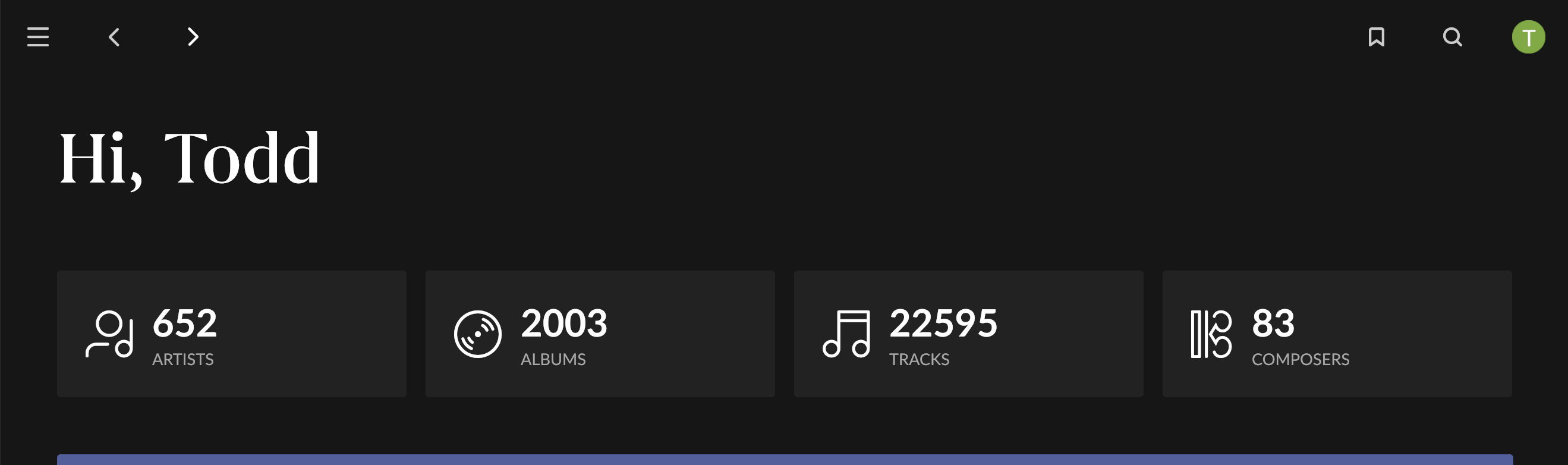
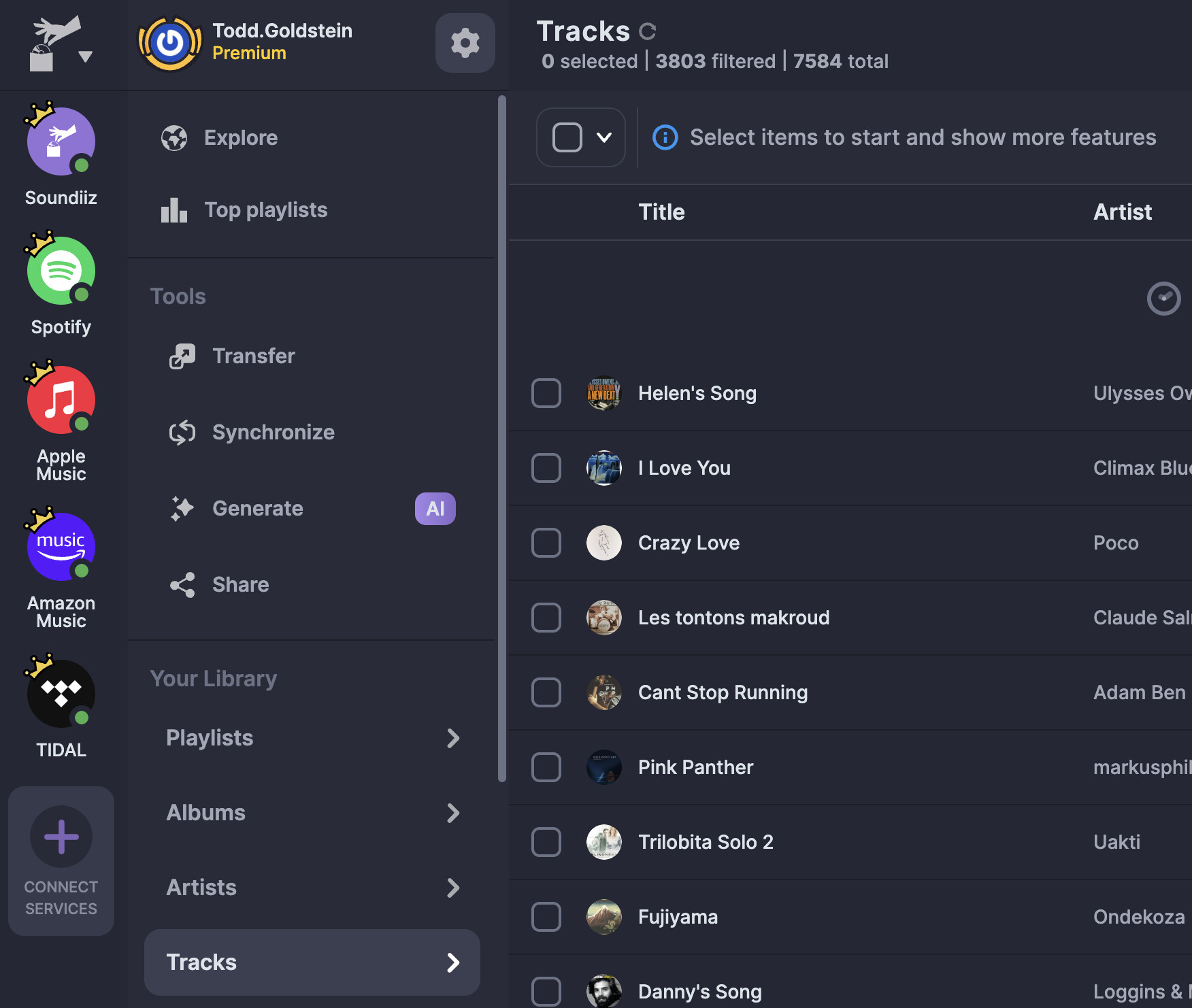
For some reason, the Roon app is adding approximately 18,000+- songs to my track list. And I have under 4000. I’ve tried searching the forums to find a solution, but nothing seems to work. This is the second time this has happened. The first time it reverted was about a month later. Currently, I am not using Roon due to this issue. I have a yearly subscription. And if this continues, I will not renew, which is unfortunate because I love the app. However, if I’m not using it, why should I pay for it? This is only with Tidal.
Describe your network setup
Motem Att BGW320-500 Wifi Disabled. Eero Pro B010001
Is your Roon up to date? Streaming content being erroneously added to Roon has happened before, but I think all known such issues were fixed and there don’t seem to be other reports on the forum currently (while there were noticeable forum pandemics when these things happened due to bugs in the interface between Roon and streaming services or issues at the streaming providers)
Thank you for reaching out and sharing these details. Could you let us know when this issue first occurred? Also, do you have a Roon backup from before this behavior started that we could try restoring?
This information will help us determine the best next steps.
It happened 6-9 months ago. I restored about three weeks ago. I also deleted the core and reinstalled it. Here are some screenshots before and after disabling.
As a next step, let’s clear your Tidal cache and resync Tidal to your Roon account, and then investigate a fresh diagnostic report. Steps to follow below:
We’ve discussed this with our senior QA and development teams. The team is investigating some possibilities here and, as soon as that investigation is complete, we’ll be sure to follow up ASAP.
You have our apologies for the trouble here, and we’ve greatly appreciated your patience as we continue investigating this tricky issue. We’ll be in touch as soon as we can.
We were able to capture the initial sync process from a fresh diagnostic report, and we’ll be sharing this with our development team for further analysis.
It has been some time since we last touched base on this issue, and we wanted to check in with you, are you still seeing this issue at the present time? Our QA team has attempted to reproduce the issue, but has been unsuccessful in doing so. If you are still seeing this, can you please try to perform a cache clear on your Roon server?
It took a while to figure it out. It was a result of transferring Apple Music tracks and albums via Soundlitz to Tidal. I have to assume that Roons’ algorithm somehow added the 17000 tracks from the albums because the track count in Tidal was correct. Deleting the albums in Tidal via Soundlitz solved the problem.
Hopefully this will help someone else in the future.