I have connected an external hard drive with all my music to the usb sockets on my nucleus one and booted up the nucleus, it turns on the hard drive but the app on my android tablet can’t seem to find it as it only gives me the option to save to Dropbox. Can someone please let me know where I am going wrong? Thanks
You need to go to Settings → Storage, and click on+ Add folder. Then browse to the mount point, which is under /Data/Storage.
The drive will also be exposed as a Samba share.
However, note that the drive needs to be formatted using exFAT or ext4 (Linux-only).
I have been trying that but nothing. I’ll try a reformat and then put the music back and retry
Thanks
Hi @Stephen_Marsh,
Thanks for writing in! @mjw is correct in their above response - what was your drive initially formatted to? We’ll be on standby for your reply and results. 
Hi @Stephen_Marsh,
Please additionally share the following if you’re still having difficulty:
- a screenshot of the Nucleus One web administration page
- a brief overview of your network setup (how is the Nucleus One connected relative to your router?)
The Nucleus One hasn’t yet pinged our diagnostic servers, so we want to make sure there’s not a network blockage factoring in here, too.
Thanks!
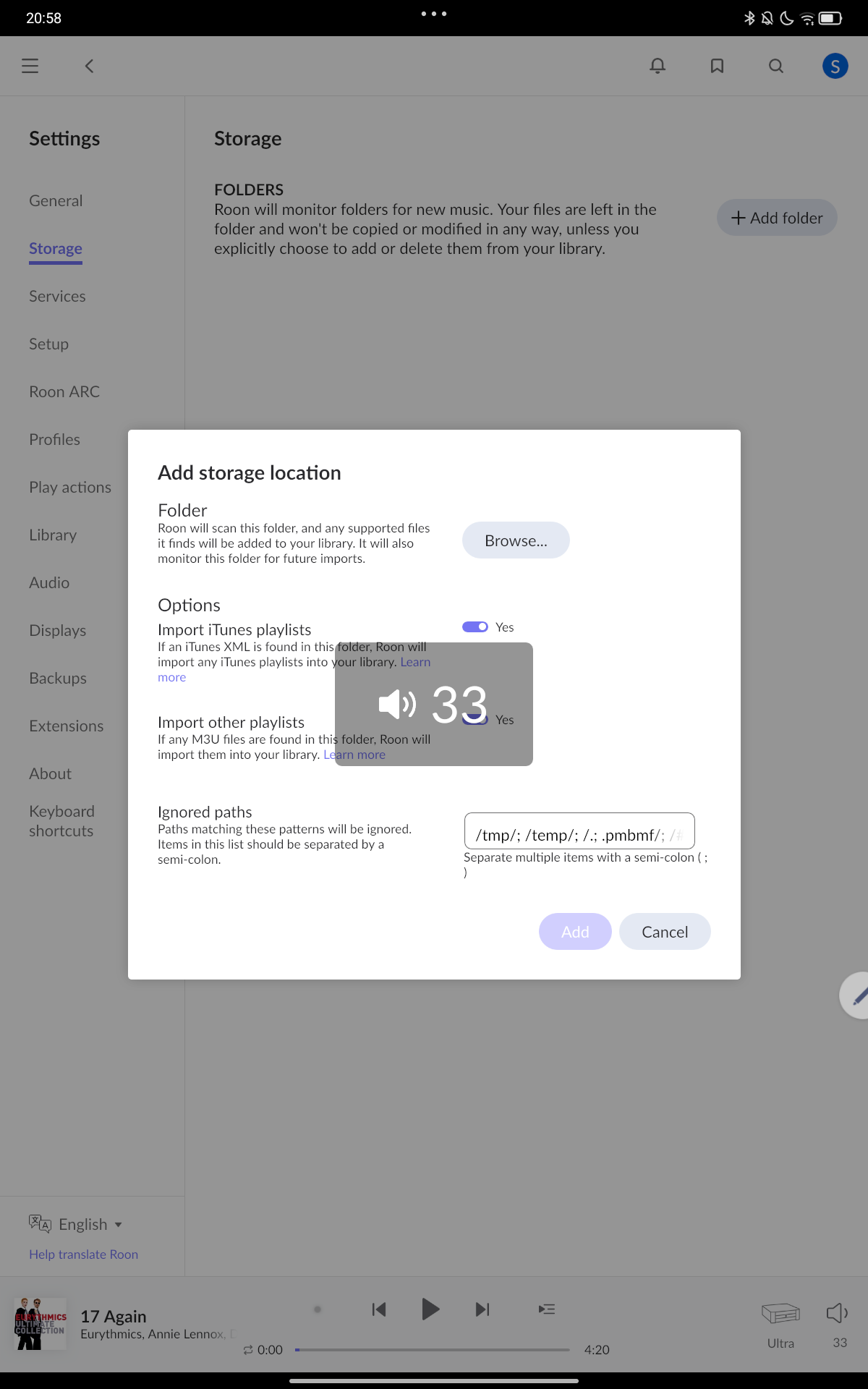
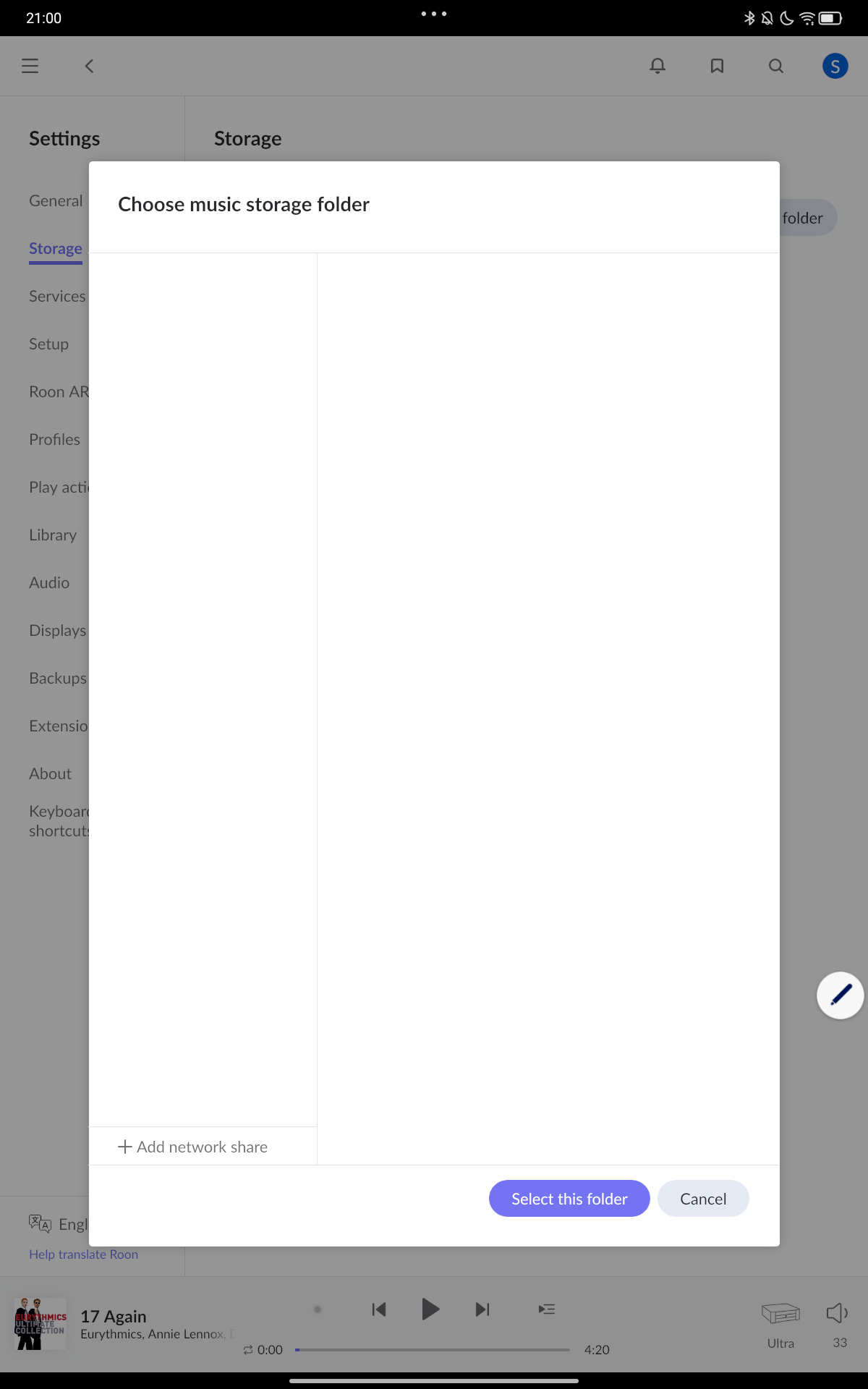
Hi
The machine is plugged in to router and suppling music via the ethernet. It has updated the latest firmware. The hard drive is connected to the usb inputs. I have also tried it direct to my lap top to try and get the music and to my home based WD cloud none of which has picked up as a source on the app.
Hope that covers what you need
Since the screenshot doesn’t show any folders, including internal storage, I think something may be blocking full network access.
Please share a screenshot of the web interface, i.e., visit http://nucleusone using your web browser. It should look similar to this.
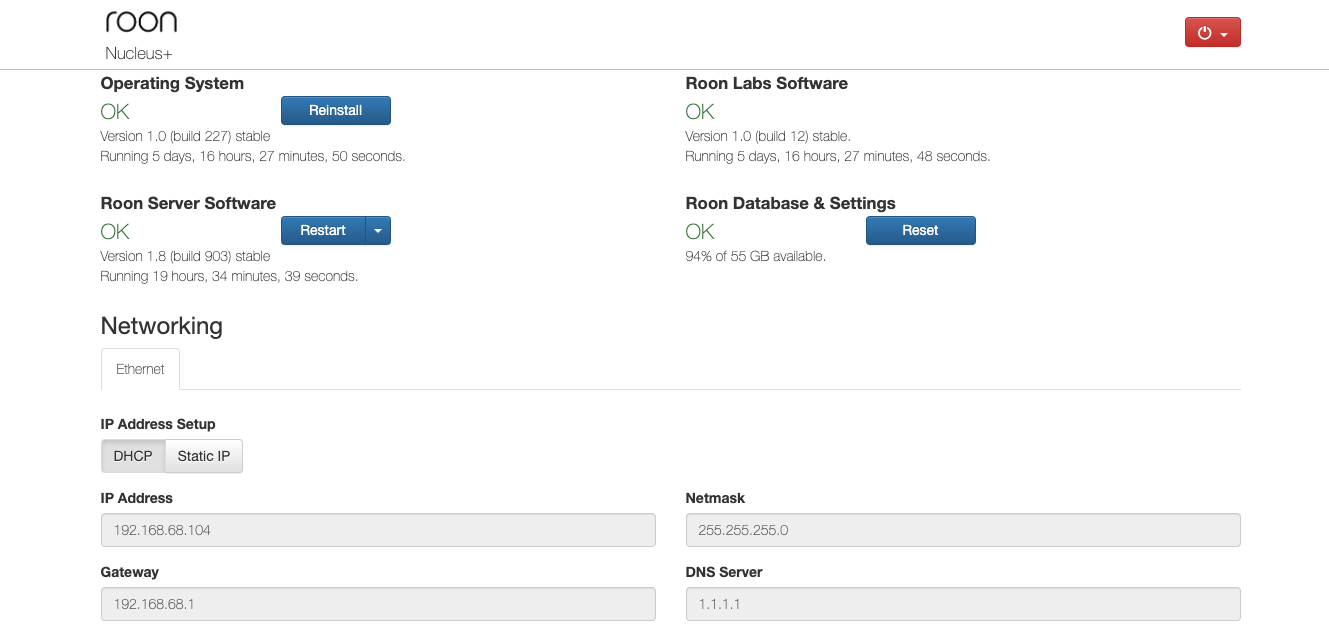
That site is refusing to connect on 3 devices
That has sorted it thank you for your help
It would appear the machine is fussy about formatting I have reformatted my hard drive to fat and it has picked it up. I still can’t get Https:// to work
The web interface is on http not https. You may need to create an exception in the browser to prevent it using https.
I’m definitely putting http:// in but it comes back as bad
Is it changing to https in the browser address bar? Also, if http://nucleusone doesn’t work for you, try using the Nucleus One’s IP address instead.
To find this, log into your router and identify the IP address allocated to the Nucleus. This will be available under connected devices, DHCP, or similar.
For example, http://192.168.0.123.
That works, do you need information from it or a screen shot?
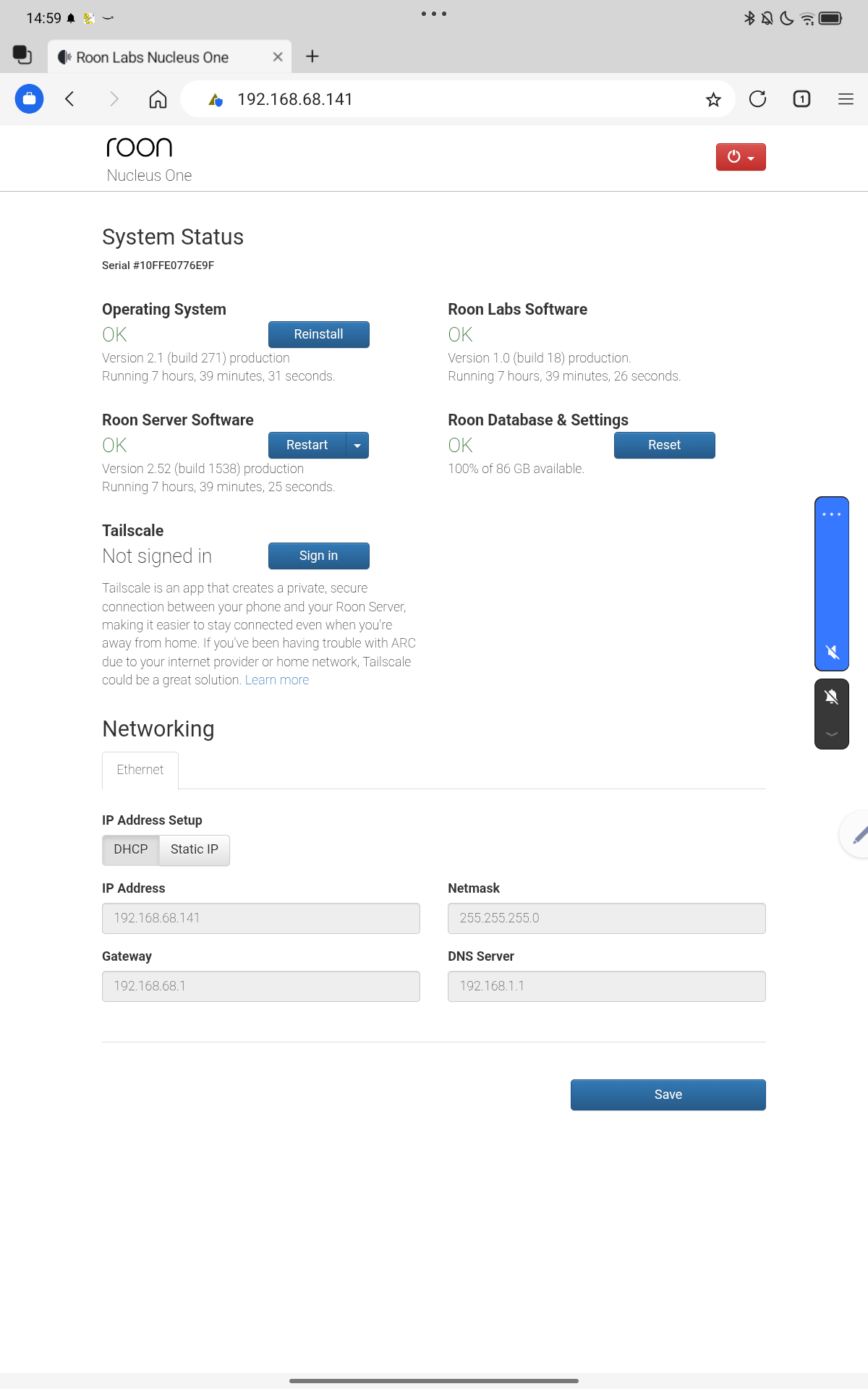
Hello @Stephen_Marsh.
Would you kindly clarify what filesystem is used during the formatting, FAT32 or exFAT?
Based on the latest diagnostic data, we do not see any USB devices attached to the Nucleus. Would you kindly attach your external drive to the Nucleus and let us know when to grab the fresh diagnostic report.
I think you are good to go now, since you already stated that the drive was formatted using FAT (fat32). However, please confirm this and keep it connected to the Nucleus, so @vadim can confirm it is working as expected.
Hi @Stephen_Marsh,
We’re going to allow this thread to auto-close due to inactivity now that the solution has been stated above. Please let us know if you’re still having issues by reaching out in a new technical support request.