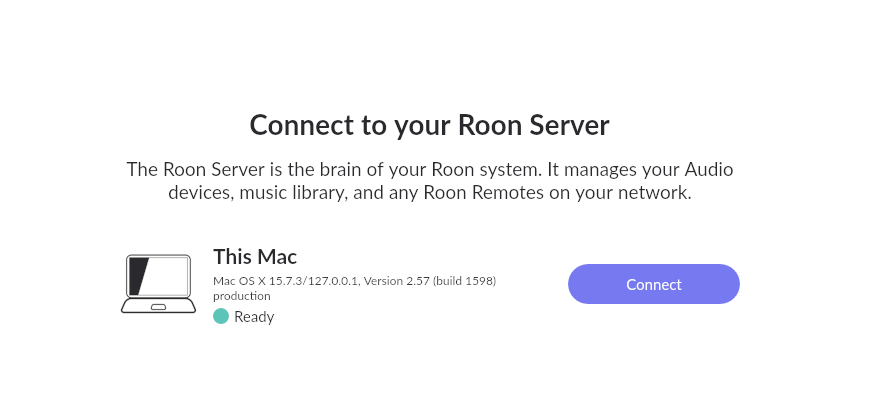
What is the operating system of your Roon Server host machine?
· MacOS
What kind of device are you using to perform the login?
· Mac
Where are you trying to login?
· I can't log into Roon
Have you been redirected to [https://account.roon.app](https://account.roon.app) (the Roon login page) in your browser?
· No
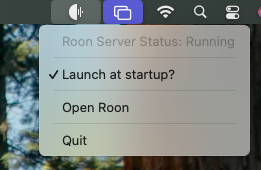
Please try to restart your Roon Server by closing the Roon Server app in the taskbar (MacOS), task manager (Windows) or rebooting your Roon Server machine.
· No, the issue remains the same
Different device
· I cannot switch to a different device
Are you still facing the issue on the different device
· No, the issue remains the same
Record the timestamp
· 2026.12.26 12:02 CET
Describe the issue
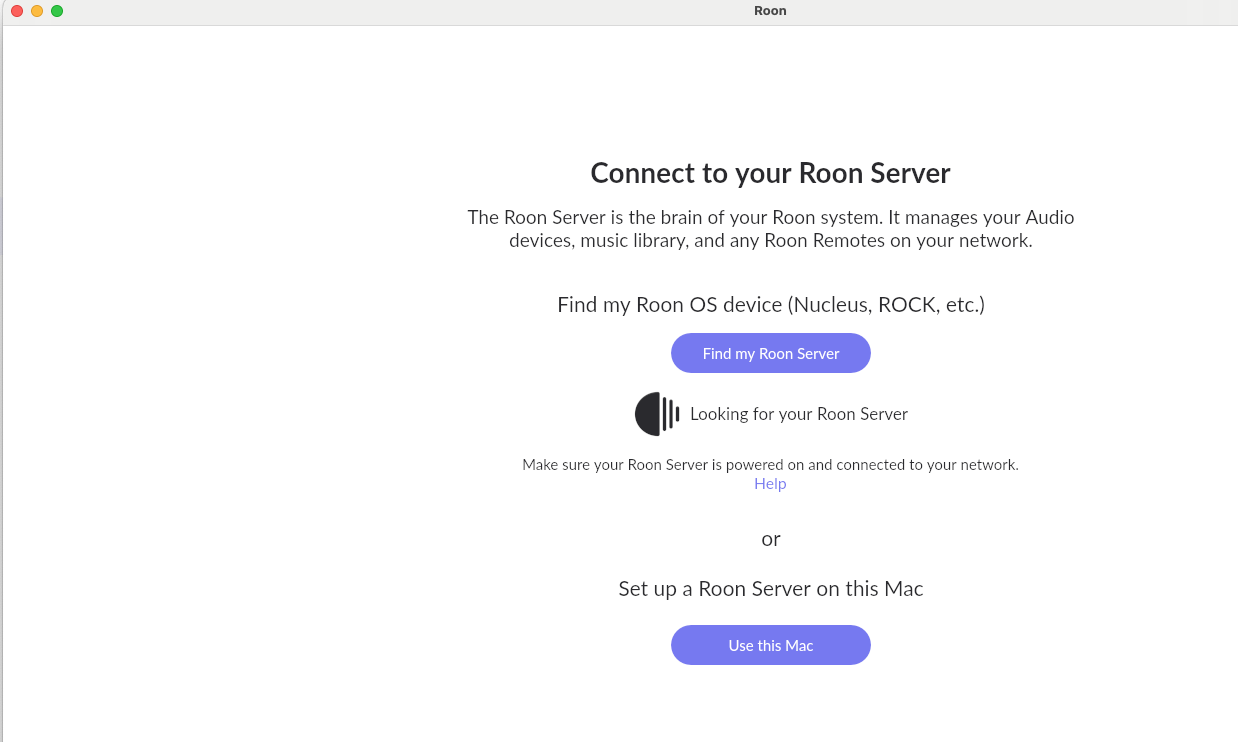
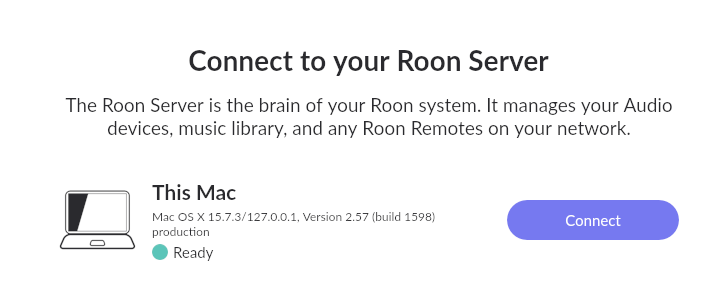
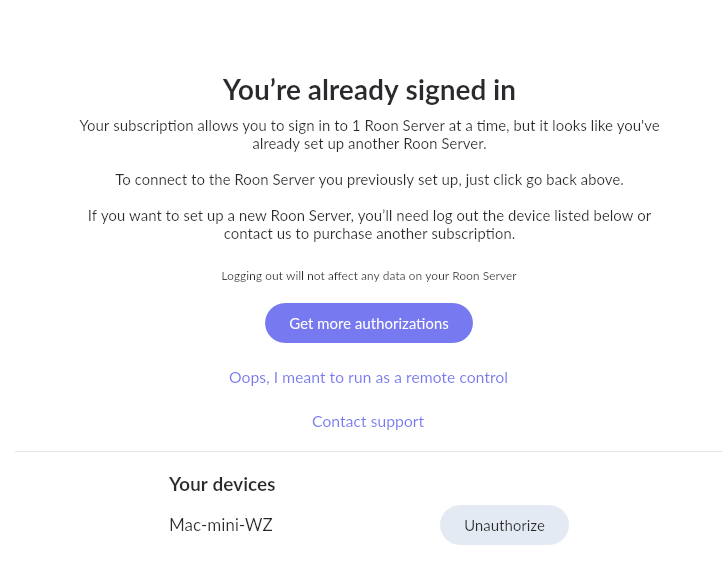
Roon ccannot find the server. Not from iPhone, iPad nor from Mac mini which is the Roon server. I am trying now to start it on the Mac mini M1 (with Sequoia). The App start but does not find the Server. While Server is running. Sometimes it runs without end, sometimes it wants me to login. After login it says you are already logged in with the one user. When I split/logout from all devices on the website, it does not help. So at the end I think I Account is stuck so login does not persist (already signed in).Issue was coming together with a macOS Problem, which was solved now with a Keychain problem.
Describe your network setup
Not important as it runs years and Years. Fritzbox, plan and Ethernet connection. Mac Min Seqoia newest version.
Thank you for the detailed description — this is very helpful.
From what you describe, the Roon Server is running on the Mac mini itself, but:
it isn’t being discovered by any remotes (iPhone / iPad / the Mac itself),
startup sometimes hangs indefinitely,
and at other times you’re prompted to log in, followed by a message that you’re already logged in.
Since this began around the same time as a macOS Keychain-related issue, it’s possible that some local Roon Server cache or authentication state was left inconsistent.
As a next step, please try clearing the Roon Server cache on the Mac mini:
Fully quit both Roon and Roon Server (make sure neither is running in the menu bar).
In Finder, select Go → Go to Folder…
Navigate to:
/Library/RoonServer/Cache
Move all contents of the Cache folder to another location (for example, your Desktop).
(This will not affect your library or database.)
Restart Roon Server, then launch Roon again and check whether the server is discovered.
Additionally, if Roon redirects you to the browser for login:
please copy the login URL immediately after the redirect,
open it in a different browser (for example, Safari → Chrome or vice versa),
complete the login there, and then return to the Roon app.
This helps rule out any browser-specific session or cookie issues following the earlier Keychain problem.
Also, when launching Roon on the Mac mini, please let us know:
whether you’re prompted with “Use this Mac”, and
if selecting it changes the behavior.
After testing, please report back with:
whether the server becomes visible,
and if the issue persists, the exact time of the next failed attempt so we can correlate it with diagnostics.
I know managed it to run. But honestly I am not sure what happened. I unauthorized. Then it startet and I was able to connect and play from the Mac mini. When I wanted to Connect the iPhone to the Server it failed. But had to choose another Server, since then it works. Will try that now for all other remotes.
Thanks for the update — and thanks for confirming the outcome
What you experienced is consistent with a licensing / server identity mismatch on the account side. This can occasionally happen after OS-level issues (like the Keychain problem you mentioned) or when the server state becomes inconsistent.
To summarize and confirm for closure:
Unauthorizing the server was the correct and safe action
Roon can sometimes treat the same machine as a “new” server instance
Selecting “Choose another server” on remotes forces them to rebind to the correct server identity
Once all remotes reconnect to the same authorized server, things stabilize again
No data or library content is lost in this process — it’s purely an authentication / identity reset.
If any remote shows similar symptoms again in the future, the same steps apply:
Unauthorize the stale server entry
Re-select the correct server on each remote
Glad to hear everything is working again. Feel free to reach out if anything else comes up!