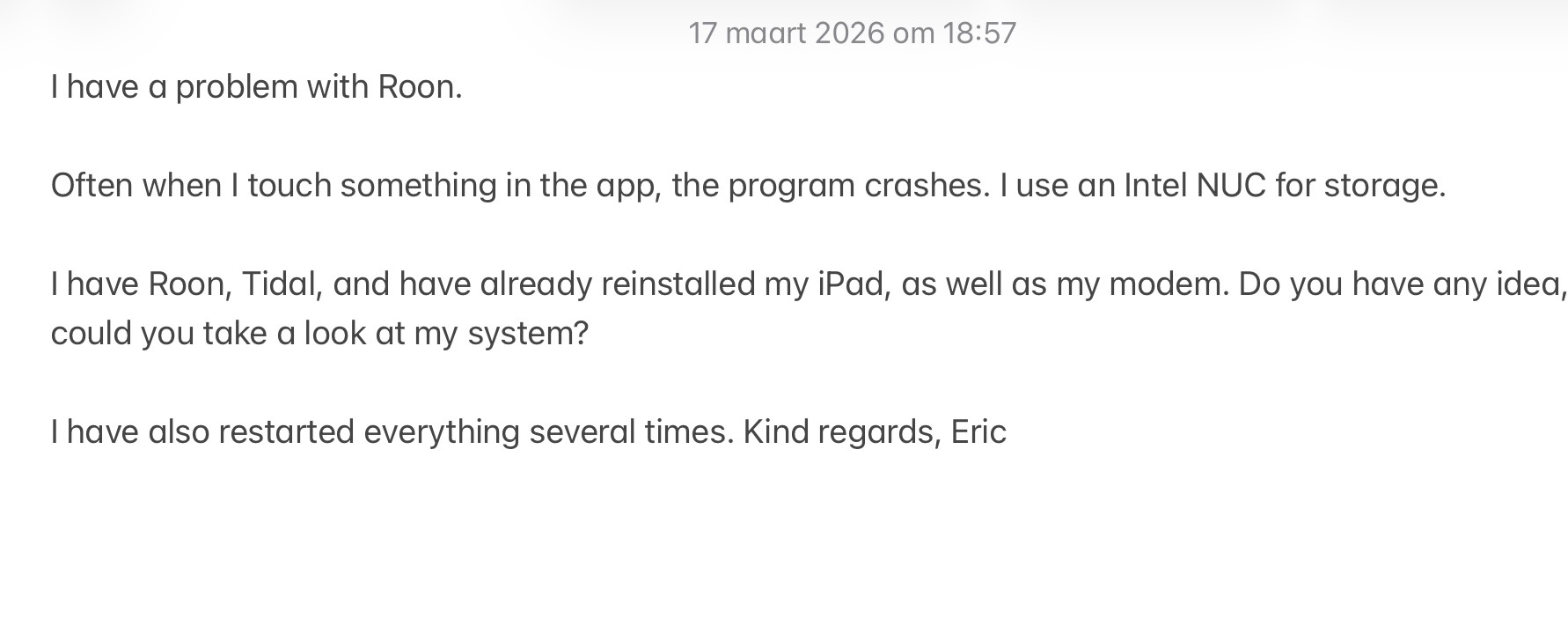
We have checked the logs from your ROCK machine and did not spot any issues on that end. However, we did notice that your iPad is dropping its connection quite frequently.
Because of this, we have requested a diagnostics report from your iPad. Could you please open the Roon app on your iPad and leave it open for a little while so it can send the report to us? You do not need to do anything else after signing in.
Alternatively, you can manually save the logs by going to your iOS Settings > Roon and toggling on “Save logs to Files on next startup”. After doing this, please restart the Roon app on your iPad, open the iOS Files app, and navigate to the Roon folder.
Please upload the log archive you find there to our Logs Storage.
I am watching this thread as I have exactly the same same issue with my 5th Gen iPad mini - frequent crashes when I touch artwork either when scrolling or just browsing . Playback continues even when the app is down and it seems to recover its state correctly when restarted. I am using a Roon Server on an Ubuntu Linux mini pc fwiw. Let me know how the investigation progresses and if I can be of assistance.
Roon crashing on iOS/iPadOS is just a thing you have to live with. I have a new M5 iPad Pro now and it crashes as much as my mini does and all previous iPads I’ve had.
Specifically if you do allot of browsing and meta data changes it will crash eventually. I can’t remember a time when it didn’t.
Thanks for the follow-up! From a fresh diagnostic report from your iPad Roon Remote, we’re not seeing any obvious errors around crashes.
Could you please fully remove the Roon mobile app from your issue iPad and perform a fresh install? From there, can you please share a more specific date / time/ name of track playing the next time your iPad crashes?
I’m reviewing the logs and, though there aren’t specific crash traces, several log files end abruptly when your iPad attempts to retrieve the volume from the iOS system. Could you please check if you have enabled the use of hardware buttons to control volume in the Roon settings? Also, does the issue persist if you try reinstalling the Roon app on your iPad? Let us know how it goes.
On your iPad, can you please navigate to Roon Settings → Setup and see if Enable Lockscreen Controls is turned on? If so, can you try to turn this feature off and see if it has any impact on the crashes?