roon app on older ipod ios 12.5.8 will not open. I have removed and reinstalled the app but still will not work. roon app does work on my ipad and a newer ipod ios. It worked yesterday 7/09/26 but not today
Describe your network setup
the network works just fine, the issue is with the ipod app
Thanks for writing in! As a first step, could you please fully remove the Roon app from the issue iPod, and install the latest version 1671. It appears that the iPod is running iOS 12.5, and the new Roon minimum requirement is 12.2, so you should be all set there.
I’ve merged your new topic into your original, so all this history is together. Please do not submit duplicate reports, if you have additional information please append to this topic.
@benjamin responded on the same you requested help, see above. Maybe you missed it?
To confirm, is this an iPod touch? If so, that explains what’s happening.
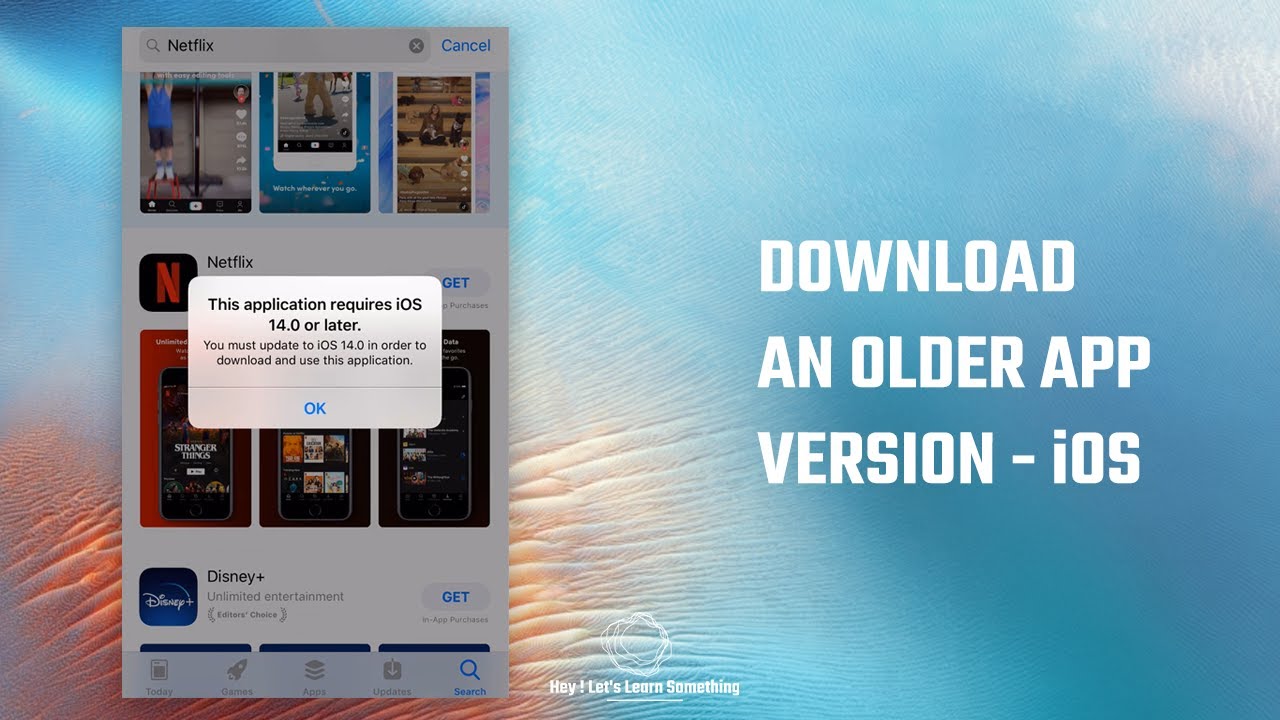
iOS 12.5.8 is the last update available for that hardware, and it can’t be upgraded further. Recent app updates have moved to newer underlying requirements that iOS 12.5.8 doesn’t reliably support, which is why it worked until a recent update and then stopped. Unfortunately there’s no fix on that device once it’s stuck on that OS version, the only path forward would be running Roon Remote on a device that can run a newer iOS version.
We’re sorry that’s not the answer you were hoping for.
Works for other apps I’ve tried; Sonos, Qobuz among others. Not Roon, yet. Once the App Store knows Roon requires a later version of iOS it should work. Hopefully.
Thank you again for your report. We’re attempting to collect logs remotely during this last reinstall/reproduce effort but, unfortunately, the iOS instances haven’t responded to our server requests.
We’re going to need to ask for your assistance in gathering manual Roon logs from the affected iPod(s).
At your convenience, please follow the steps under the iOS section in this article:
And then use this uploader to securely share the logs with our team.
If you’re not able to gather logs or they don’t save to the tablet, let us know. Thanks again for your patience and assistance.
@marc_w, thank you for joining and for taking the time to share a workaround. We’ll pass this to QA and development. If you’re able to reproduce the issue at will and are willing you share logs with our team, please also try following the steps above.