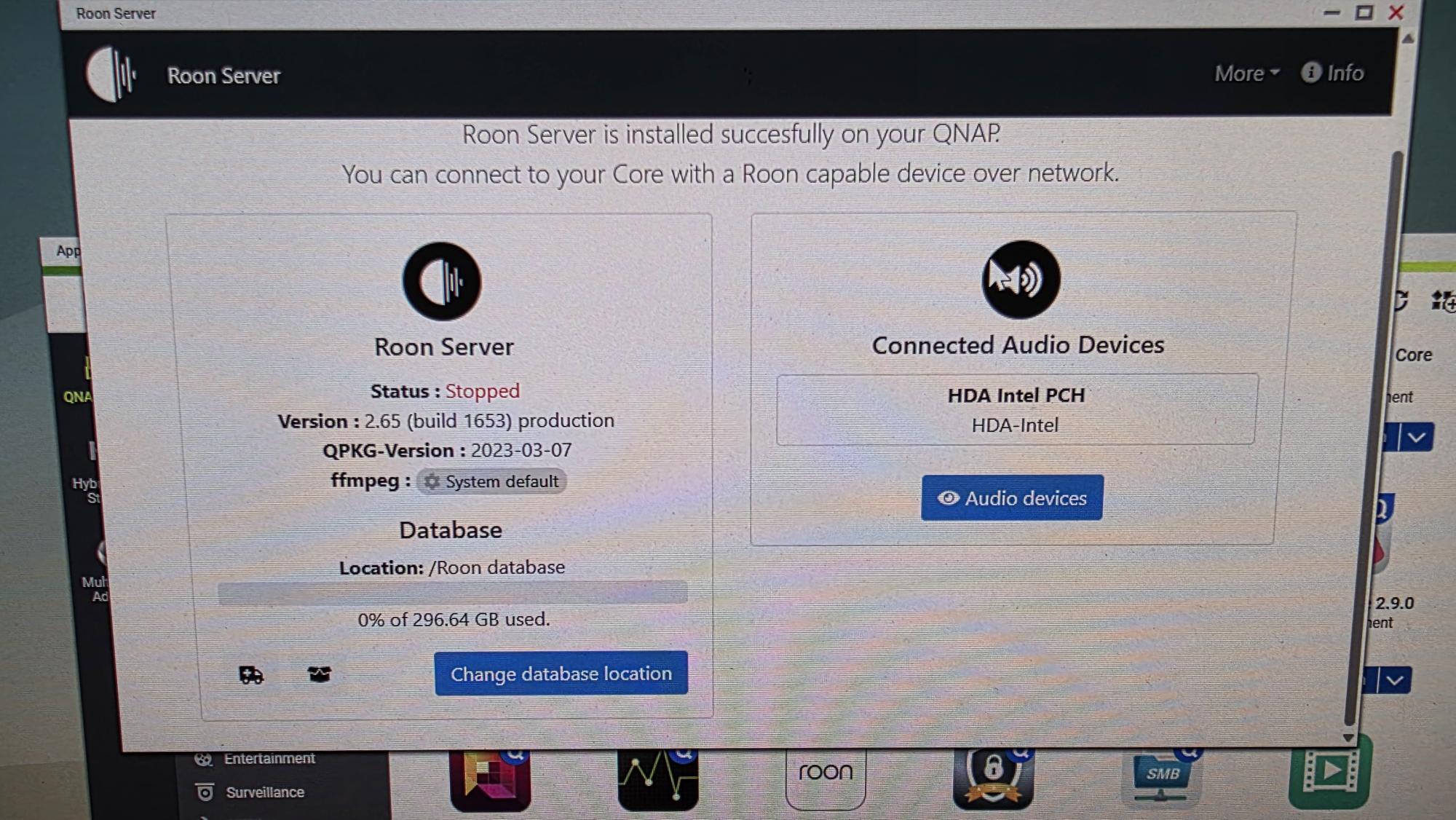
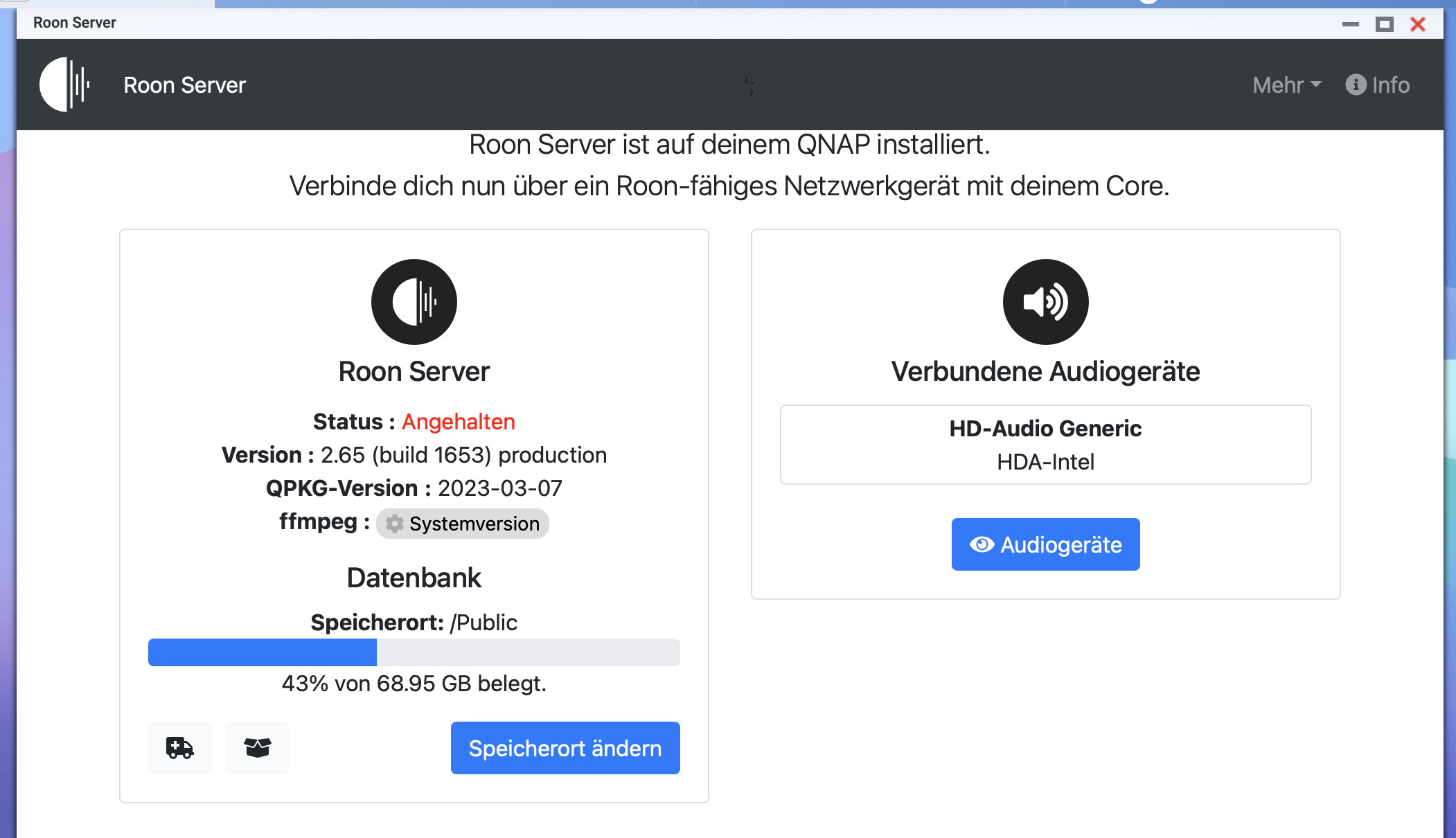
· After my return from a trip the Roon doesn't work, when I open the Roon app in my QNAP NAS, it shows status "stopped". Try different methods to solve this problem, still didn't work. Could you take a look what has gone wrong
Tell us about your home network
· Rogers Xfinity Gateway model XB10, Switch : Vimon VM-S250801, no VPN used (previously all these worked well)
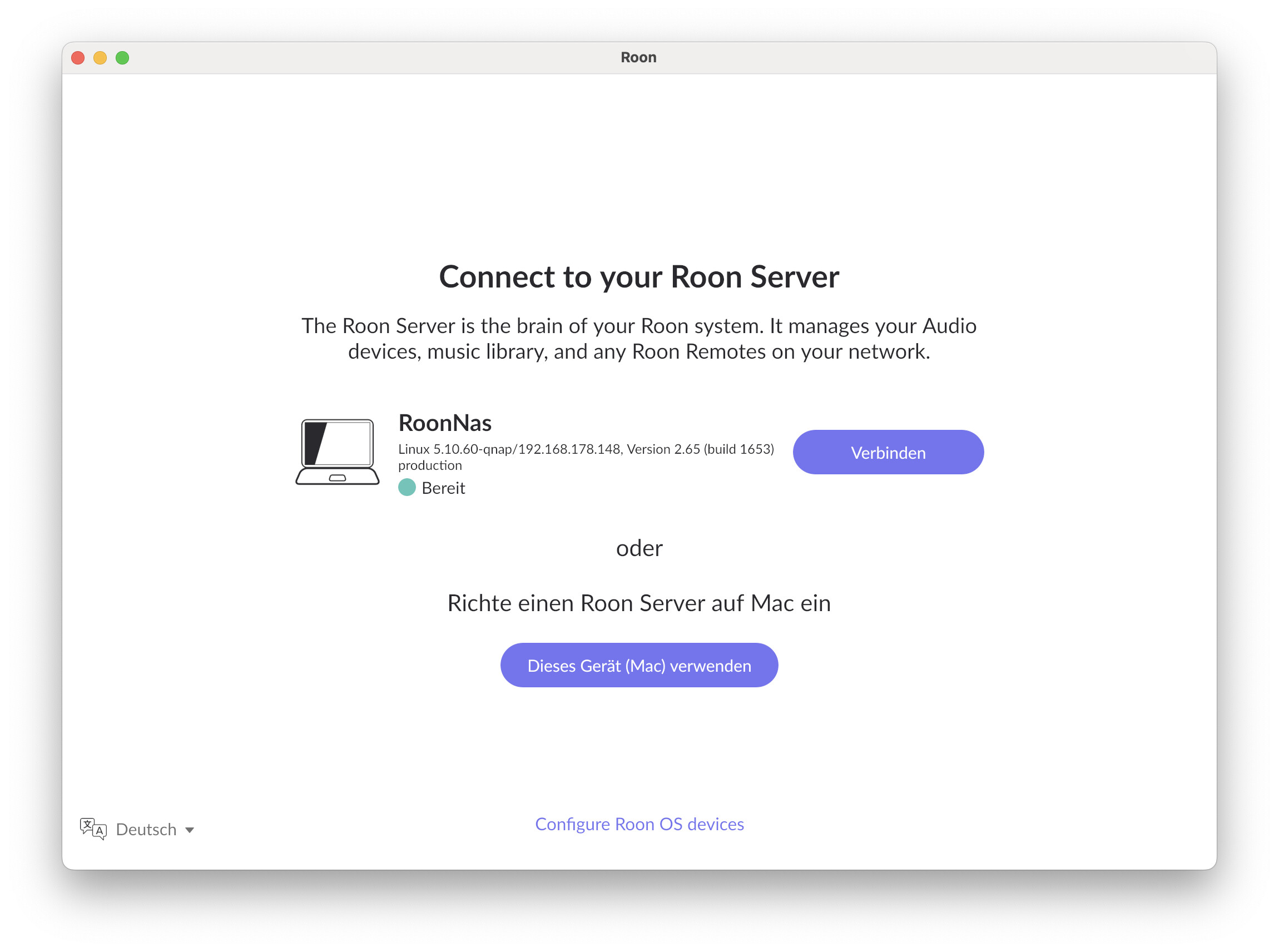
Again, the old Roon Server Package is no longer working. There is no point looking at its configuration interface anymore. Please go to the App Center and stop the Roon Server app that shows there for the time being - you can remove there too but I would wait, just to be sure, until the new installation works for you.
If this is not your issue, then please feel free to elaborate on it some more so others can understand your issue. Note: You can post screenshots here.
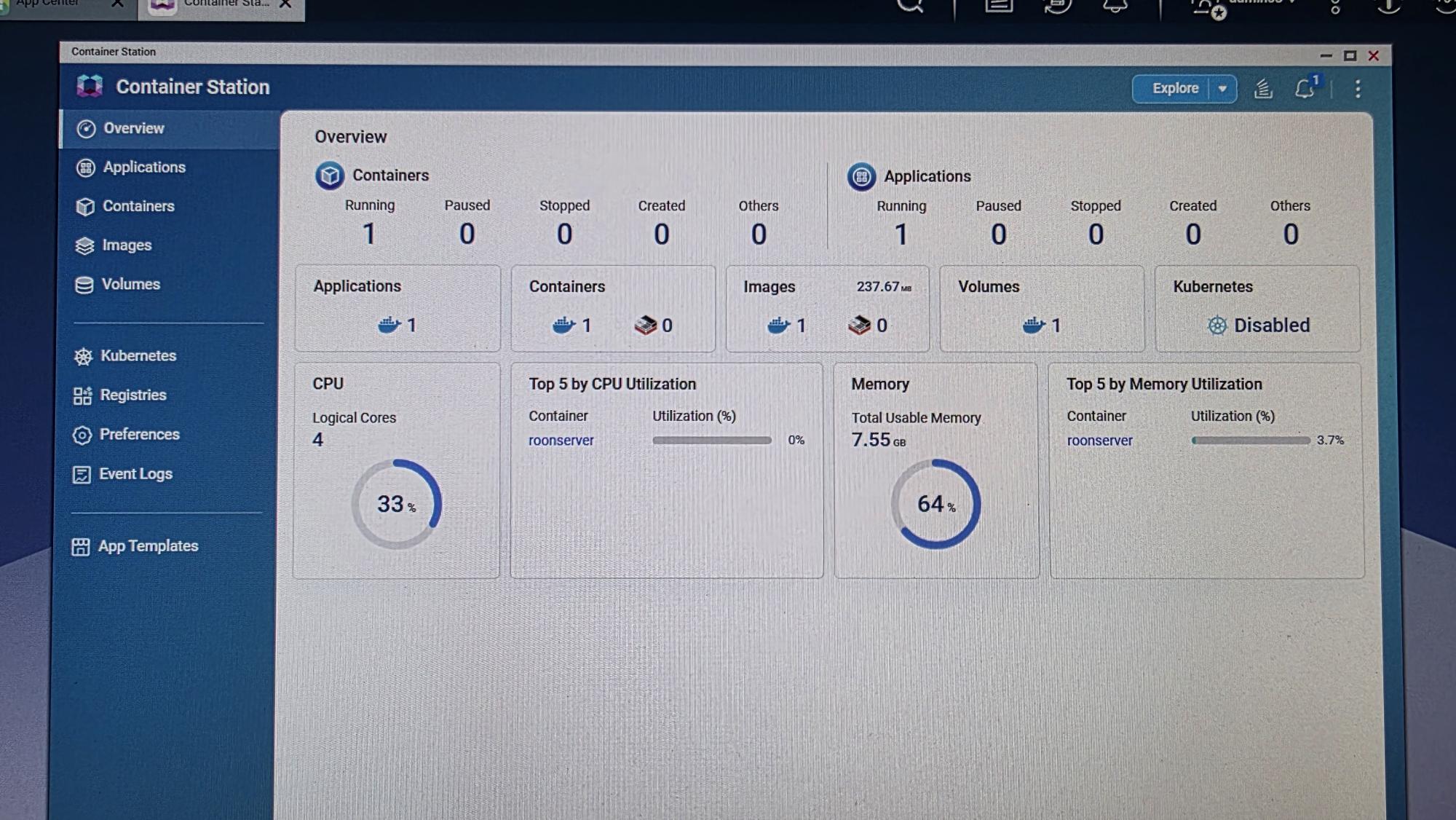
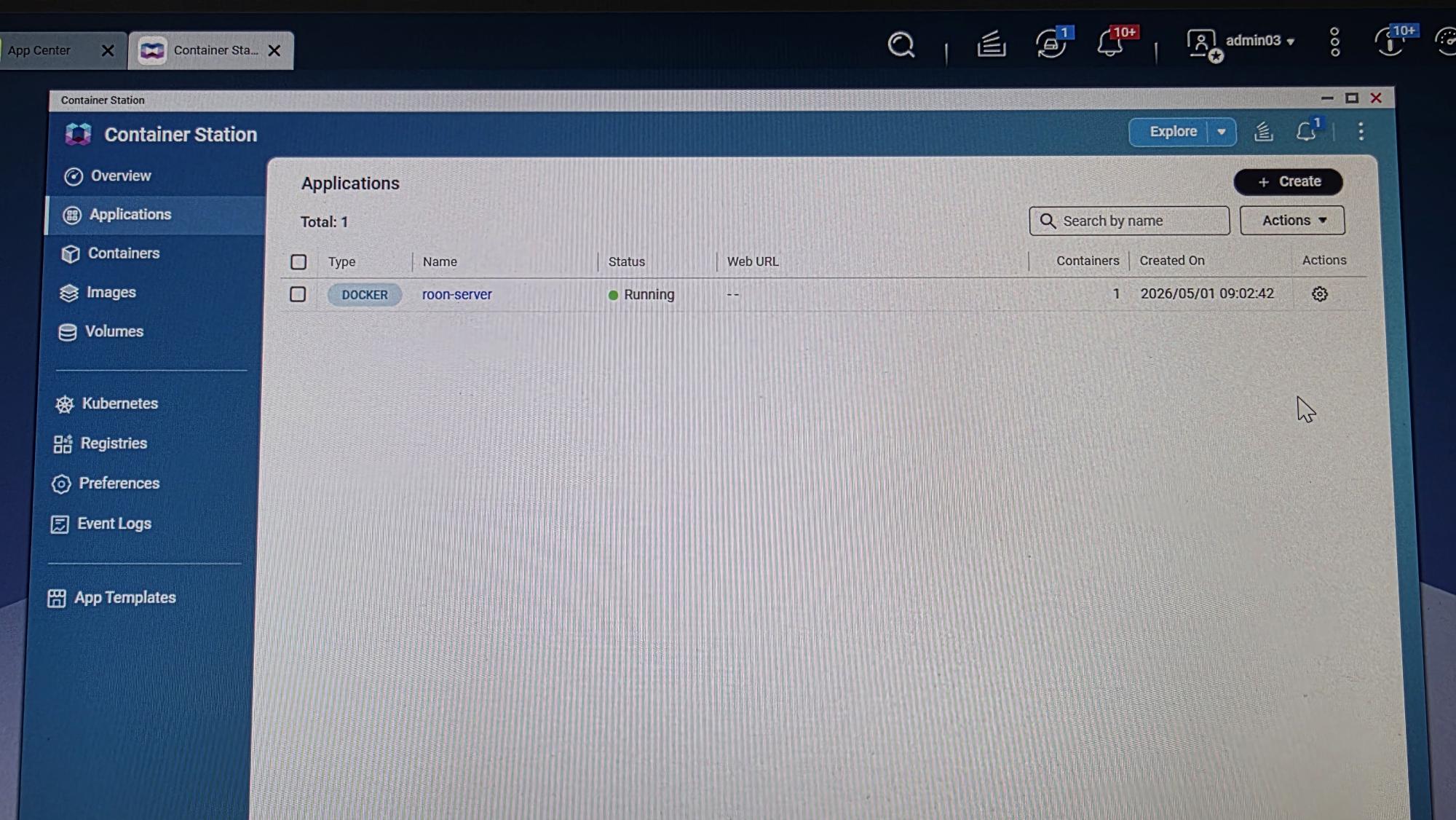
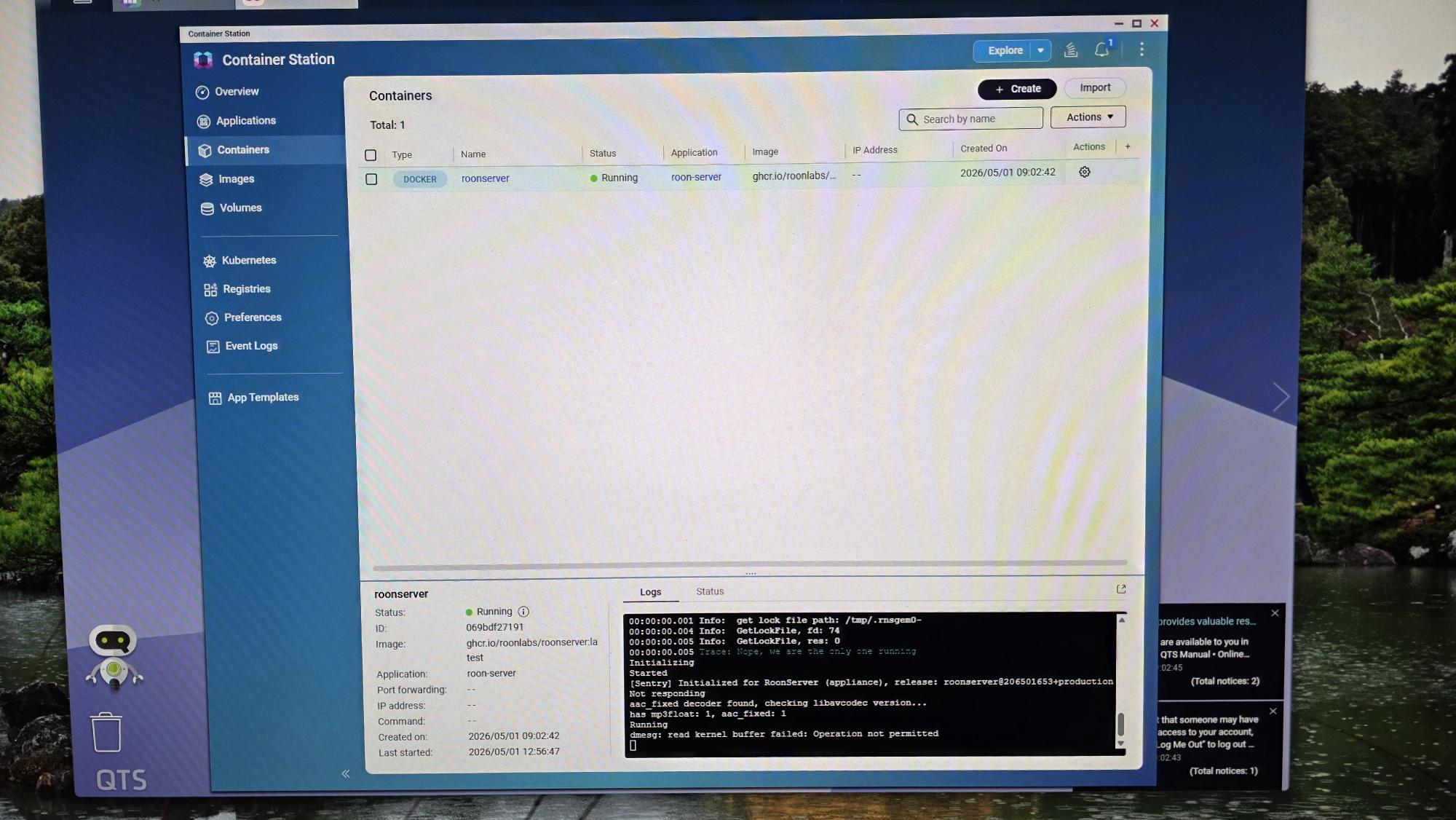
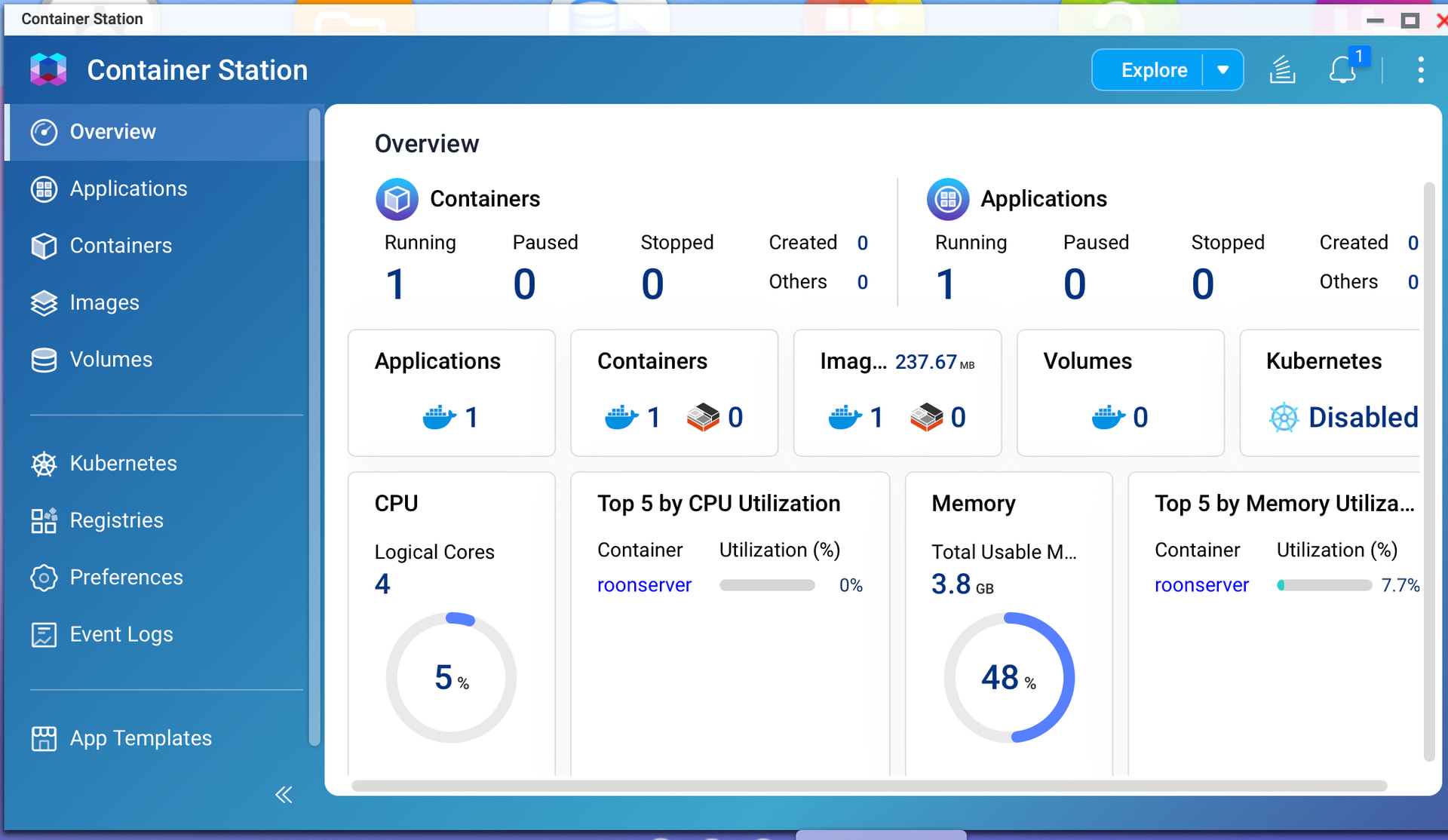
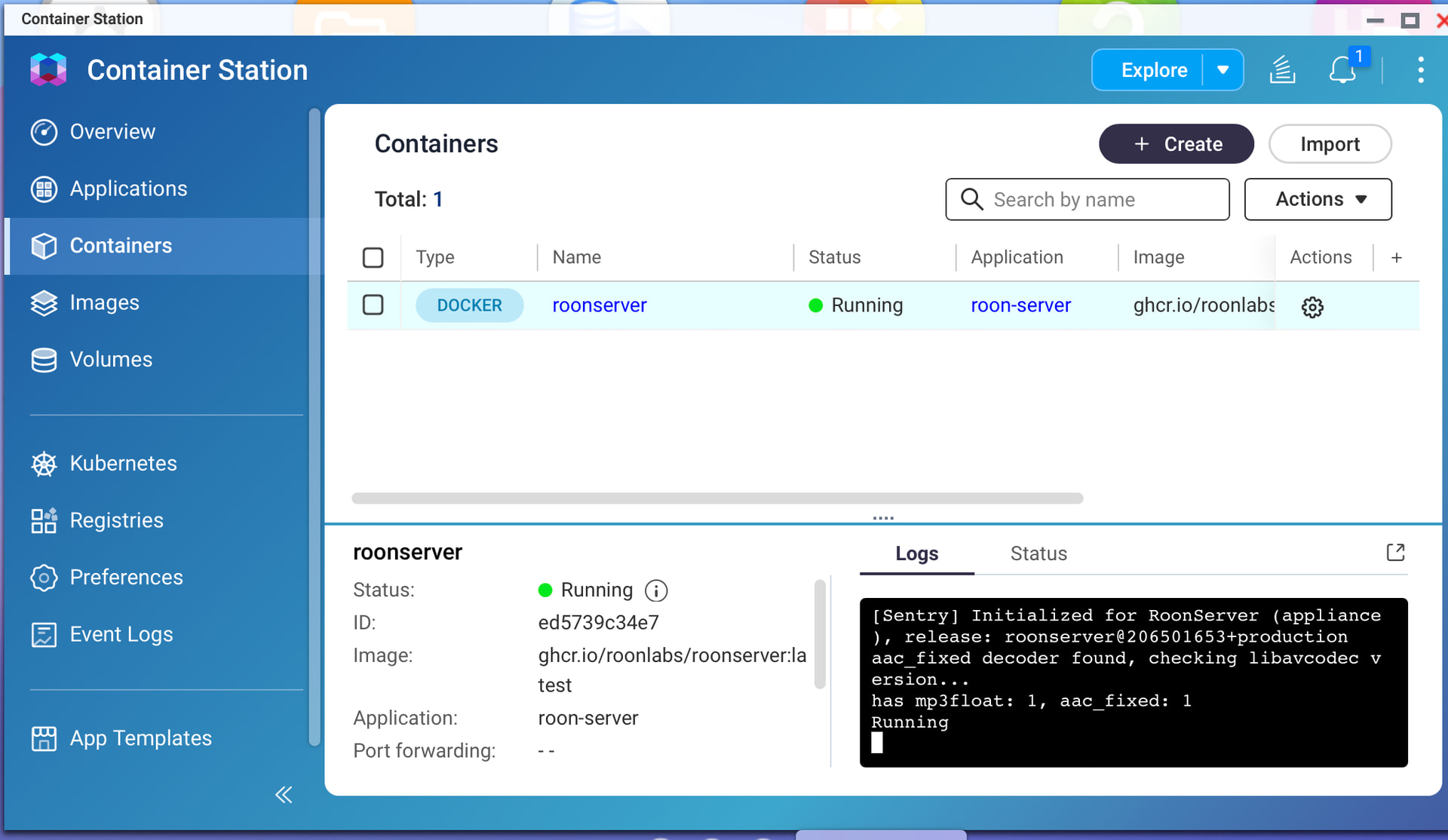
I have uninstalled the old Roon Server in QNAP NAS app. I have installed the Roonserver on QNAP NAS with Docker and Container Station shows it is running.
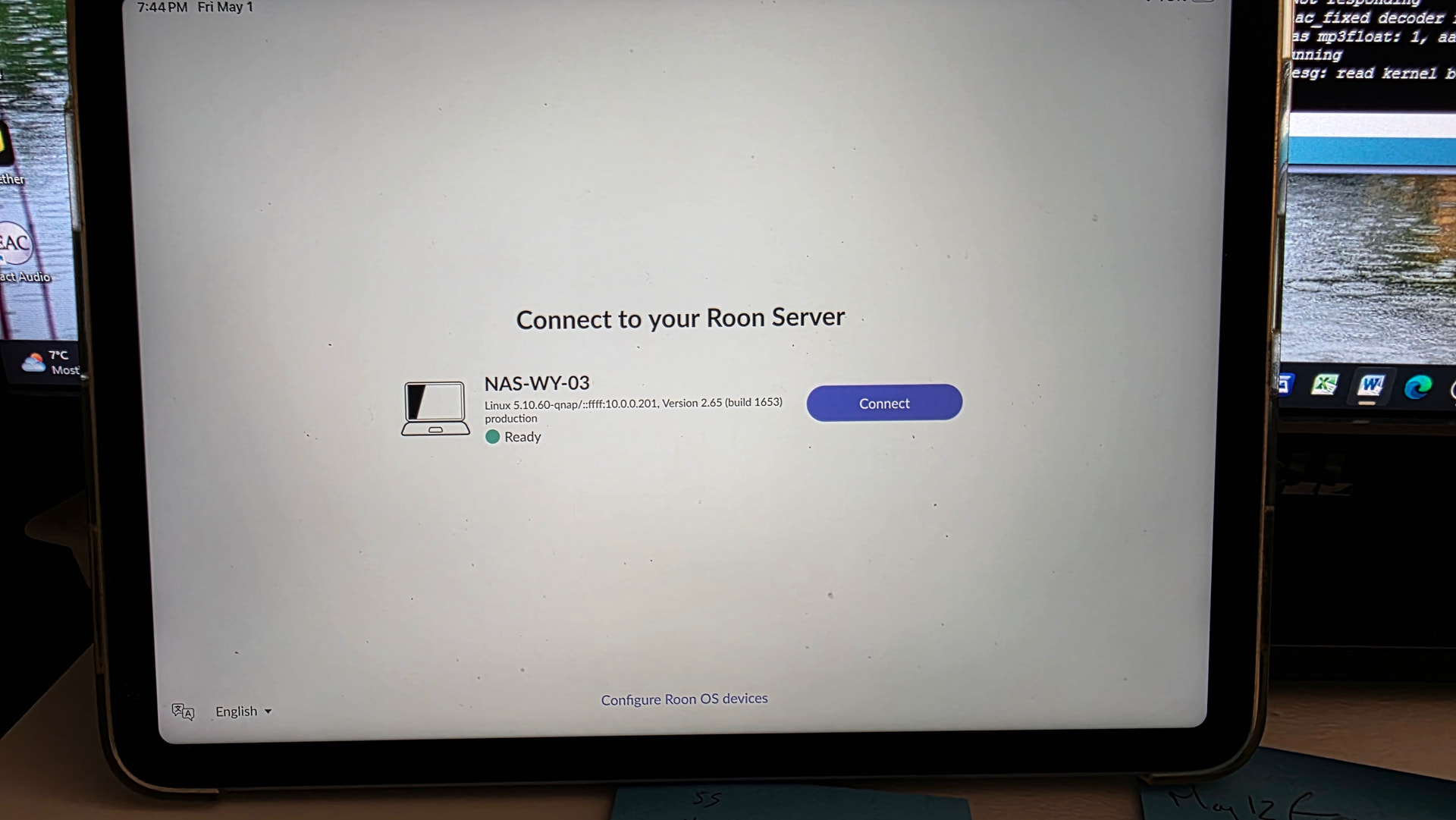
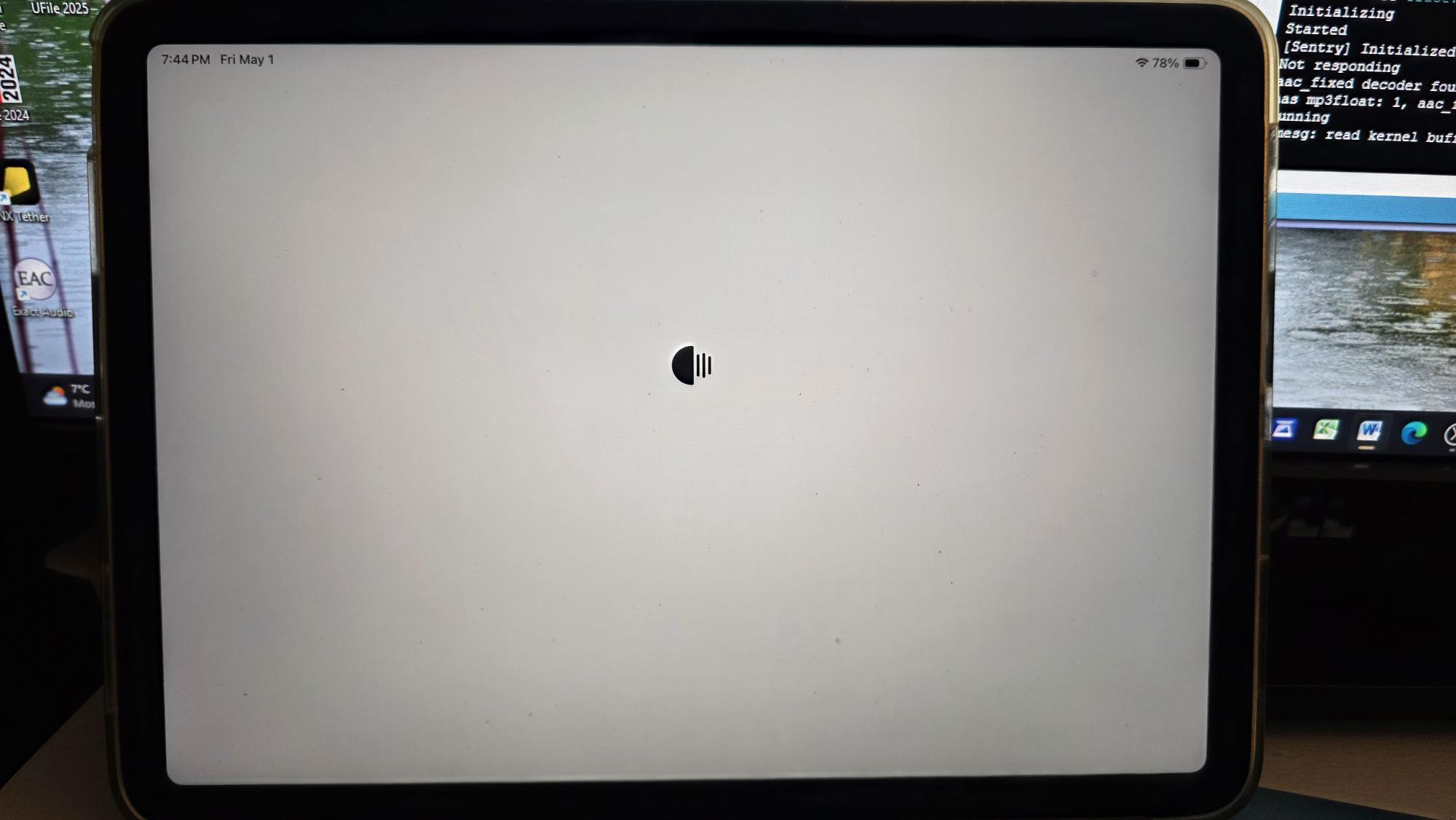
However when I open the Roon app in iPad and after choosing “connect” to the server in my QNAP NAS, the next screen appears only shows the Roon icon with the 3 vertical lines of the icon moving and nothing else happened. Have I been missing something ?
I am also having the same issue, but I can’t figure out how to proceed. I have emailed Support, but unless they can access my computer remotely, I am not sure how to fix this. The instructions have been followed to a “t”, but I can’t get the script to load…
Can you please share a screenshot of the screen you’re seeing? According to diagnostics, it looks like your NAS Roon Server is operational; it is strange that you are saying it is getting stuck. Does the same issue happen from multiple Roon remotes?
@Willem_Degraeve & @Greg_Lazin - Please open a new support request so that we can focus on your case one-by-one, thank you.
Hi Noris, thanks for looking into the matter. I attach screenshots of Container screens and from iPad as remote, got stuck after pressing “Connect”. Please let me know what other information you need
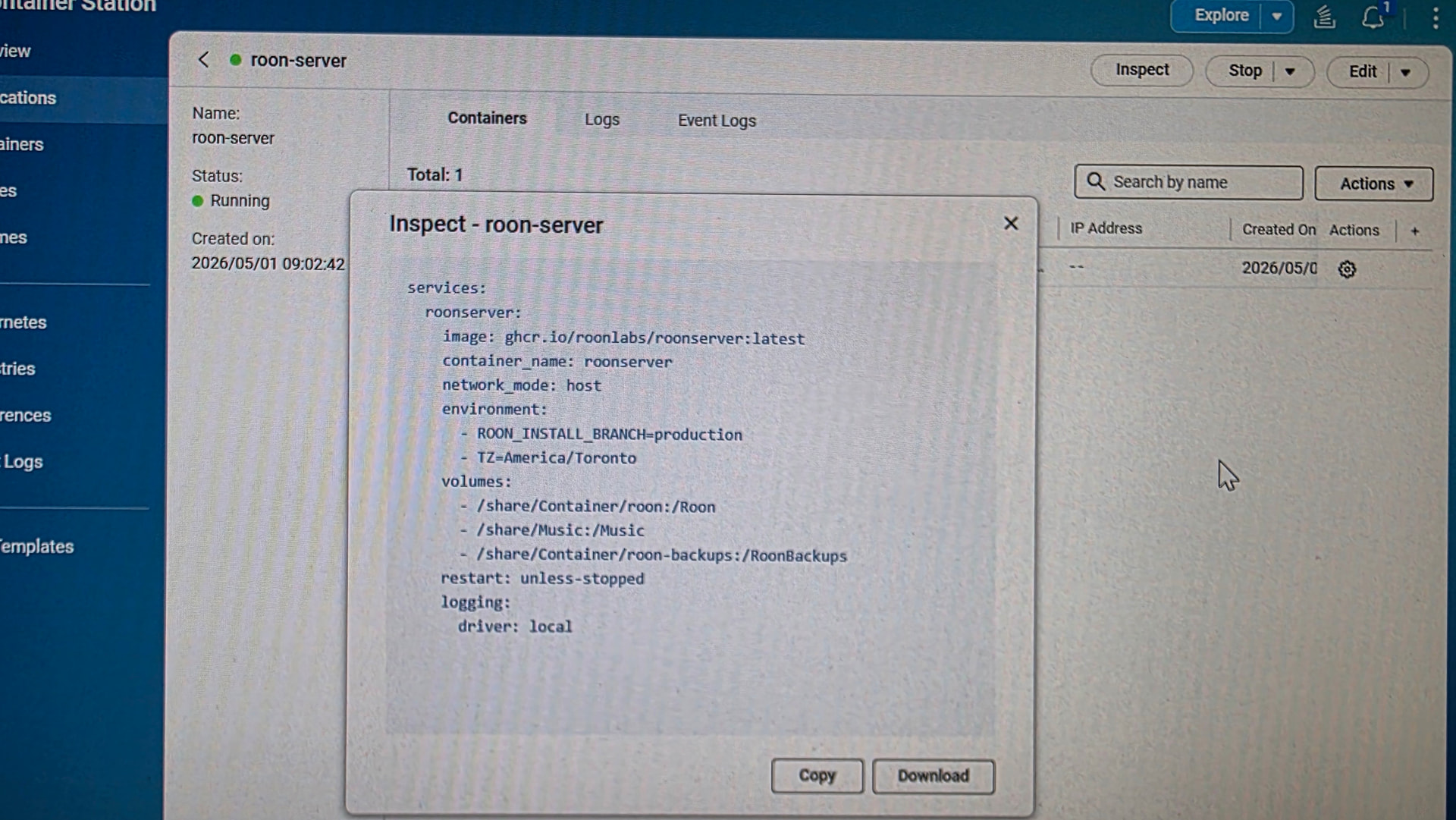
please also share a screenshot of “Container Station” → Applications → roon-server ‘s cog-wheel → Insepct; basically, we want to see the docker-compose (yaml) file.
If looks like your old Roon On NAS server app is still up and unsuccessfully trying to start up. I had issues with starting up roon in a container via Container station, before deinstalling roon on NAS app in its entirety. So maybe you want to do the same before running it in a container.
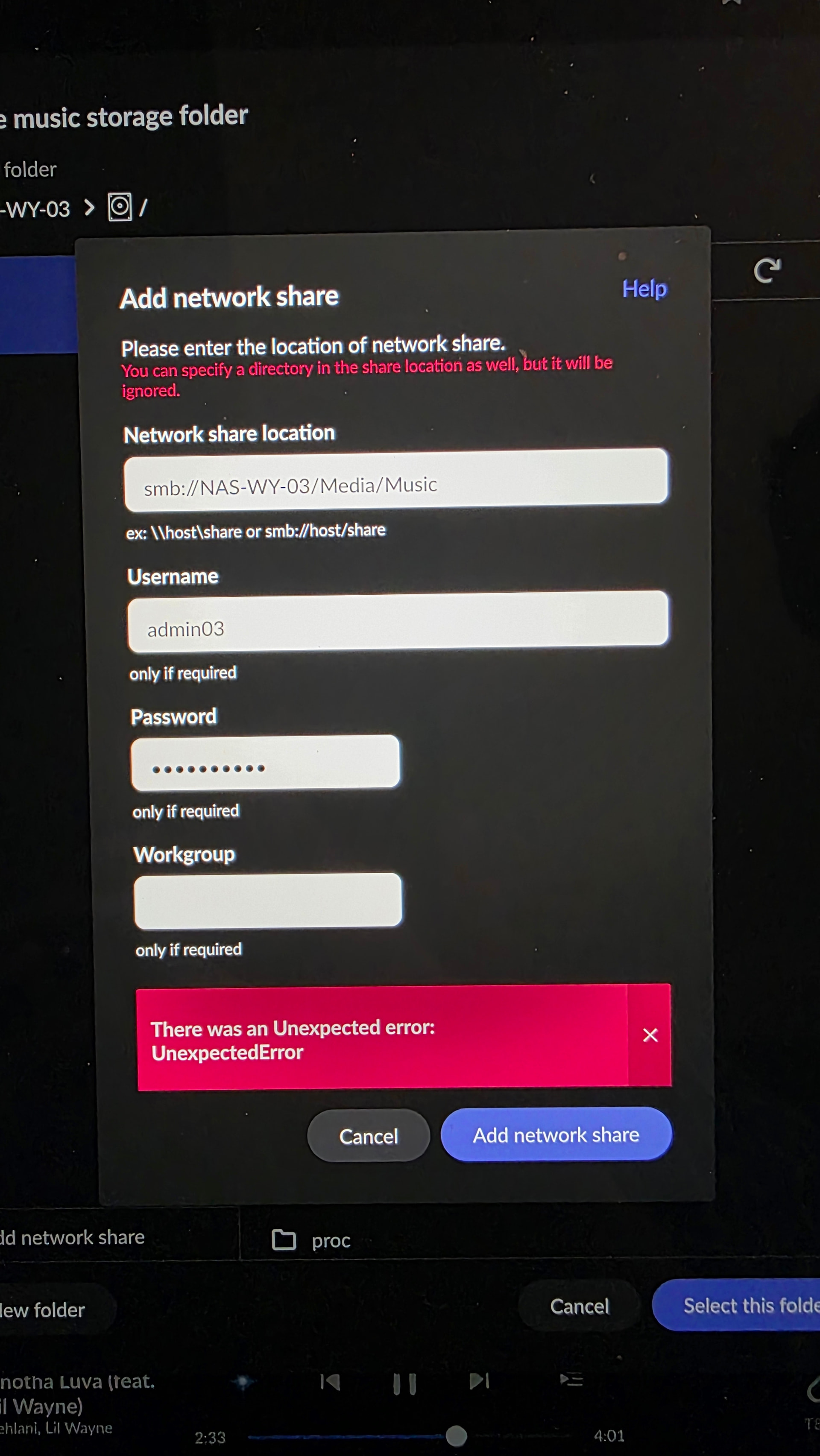
By uninstalling the Roon app on the remote device (from my iPad and Android phone) and re-installing them again, I am now able to connect to the Roon server remotely from the iPad and the Android phone. I also had them connected to my Qobuz service, However, I have trouble to link my music files stored in the QNAP NAS shared folder to the Roon server. I filled in all the corrected information and couldn’t connect with an error message (see attached photo). Any idea what went wrong ?
Is there a reason why you try to access the music folder via SMB/network share?
If I understand your setup correctly, roon server in the container and the music data are on one and the same NAS? If this is the case, try to point roon in the container directly to the music folder, by altering the line in the docker script accordingly:
/share/Media/Music:/Music
This should create a main shared Music Folder as visible under Settings > Storages which accesses your music files directly. Note that this folder might be disabled by default, and it is advisable to run a backup restore, before enabling it and letting roon identify your files.
Other than mapping the storage path of the music files, I have moved the Container Station and its apps to a faster SSD at the M.2 slot and restarted everything again. Now the Roon Server in the Container Station is working seamlessly with Qobuz and my music files.
Thanks you all for your attention and advice on this matter, I can now relax and continue to enjoy my music collections.