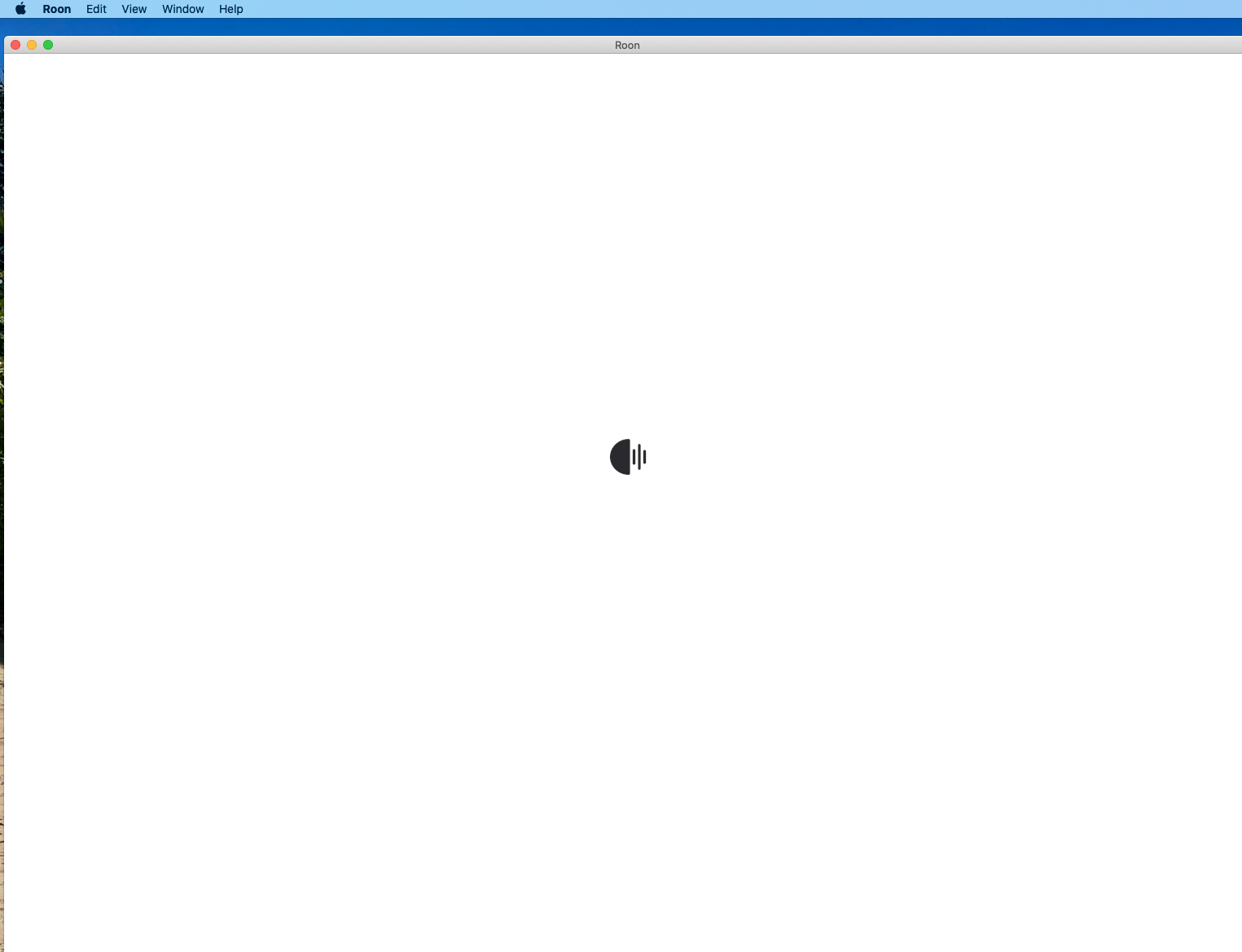
I have had Roon for a number of years, but the app has suddenly quit working. I have downloaded the app from the website twice and restarted the Mac three times without any luck. I simply get the startup logo endlessly cycling.
Describe your network setup
I am unable to provide this info as I don't have it.
Thanks for reaching out. Can you please confirm, does this issue happen only on Mac, while other Roon remotes work as expected? I’ve enabled diagnostics for your account and what this does is upload a log set to your servers next time it is online. When you have a chance can you please open Roon for a few minutes and let us know here, so that we can check for the log set? Thanks!
Hi Noris
Thanks for being in touch.
I have just attempted to log in to Roon after rebooting, but the issue persists.
I only have the one server (on the Mac). I am not able to access Roon at all at the moment.
Thanks
Paul
Thanks for your patience. I reviewed the diagnostics from your account, and it looks like there may be some corruption in your RoonServer database. To address this, the next step is to refresh the RoonServer folder while preserving the rest of your setup.
It took a fair bit of figuring out, but I have followed your instructions, and re-installed the Roon app. All appears to be working as it should! Thank you for your help with this. Very happy to be reconnected to our music again.
Cheers!
Paul