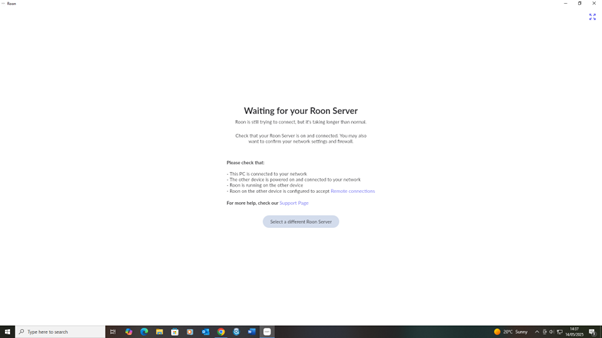
My app won't connect to my Roon server. My Roon Server is located on my desktop computer as is the Roon app. When I open the app it says it is waiting for "your Roon server". It does not connect. There is no other device because, as I say, the core is on the same computer. The PC is connected to the internet. Nothing has changed since I was using Roon yesterday, except I clicked an update all devices message earlier today.
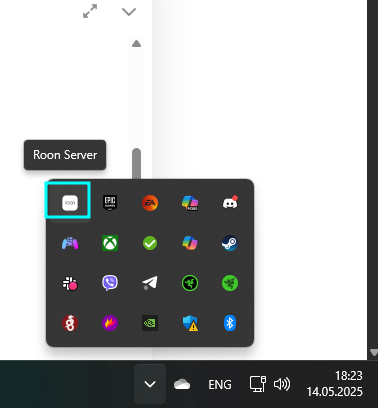
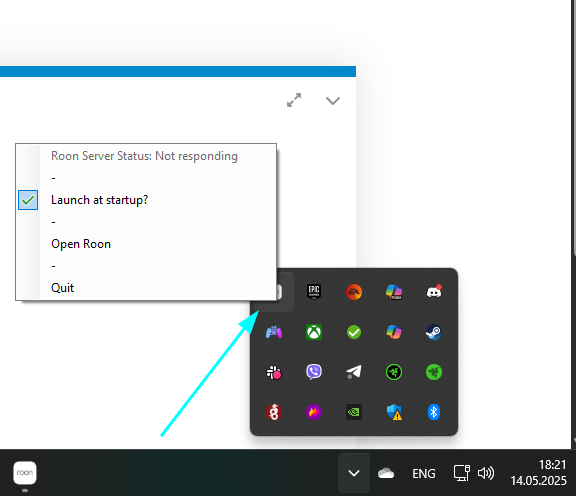
Thanks. Tried that and asks if I want to set up server on this PC. Clicked that option and message says Waiting for your Roon server. Message then says Your Roon Server doesn’t seem to be running. Then clicked Start Roon Server and it still doesn’t find it. Never encountered this issue before. Normally I click the Roon icon on the screen and Roon fires up.
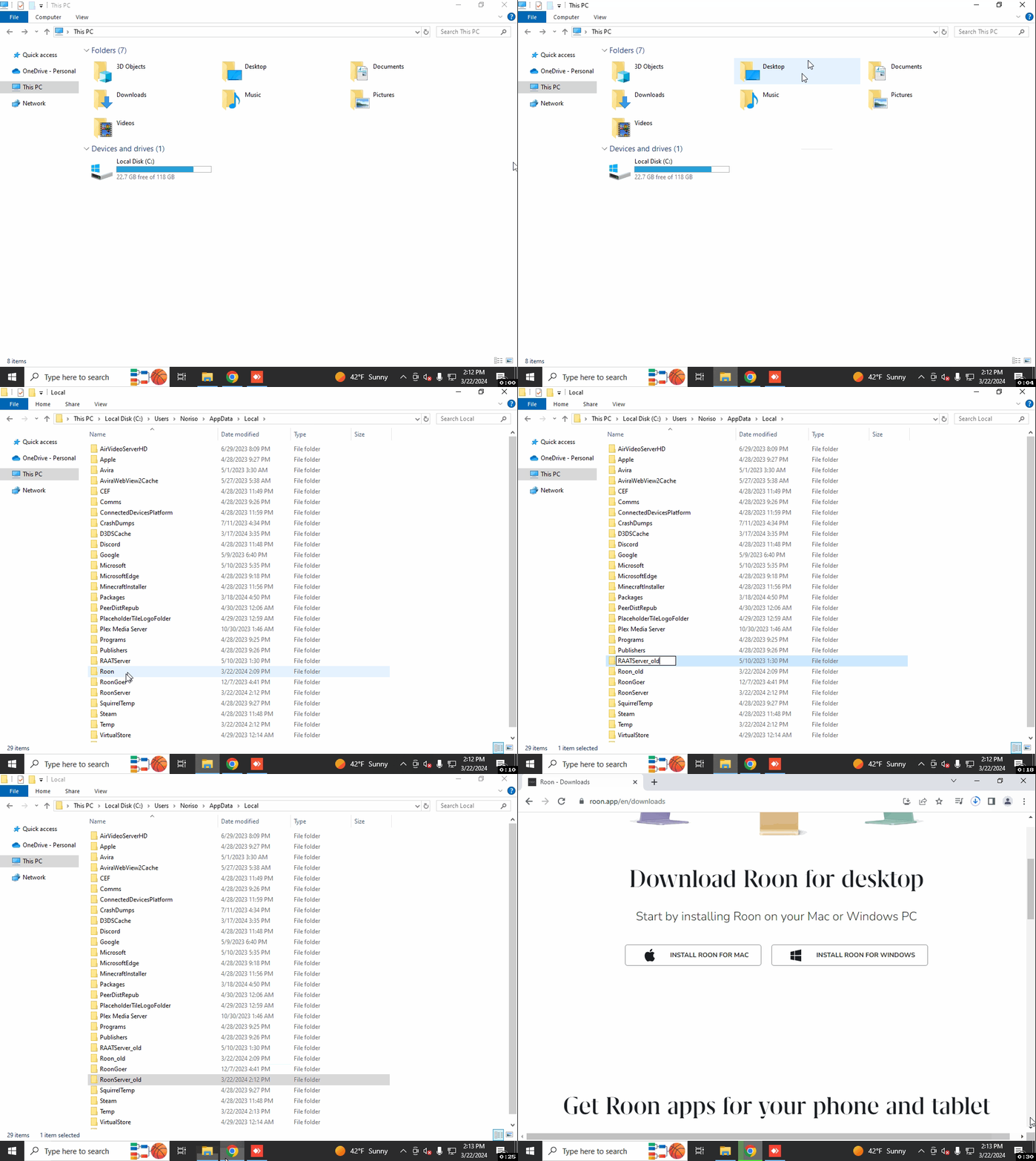
If you try to search for RoonServer on your PC and manually launch it, does it then show in the taskbar area? Do you happen to have a Backup of your Roon database? If you wish, you can try to perform a full reinstall of Roon to see if this helps:
Let’s try a fresh database and see if your issues persist: