Roon Core Machine
Home built desktop PC
Networking Gear & Setup Details
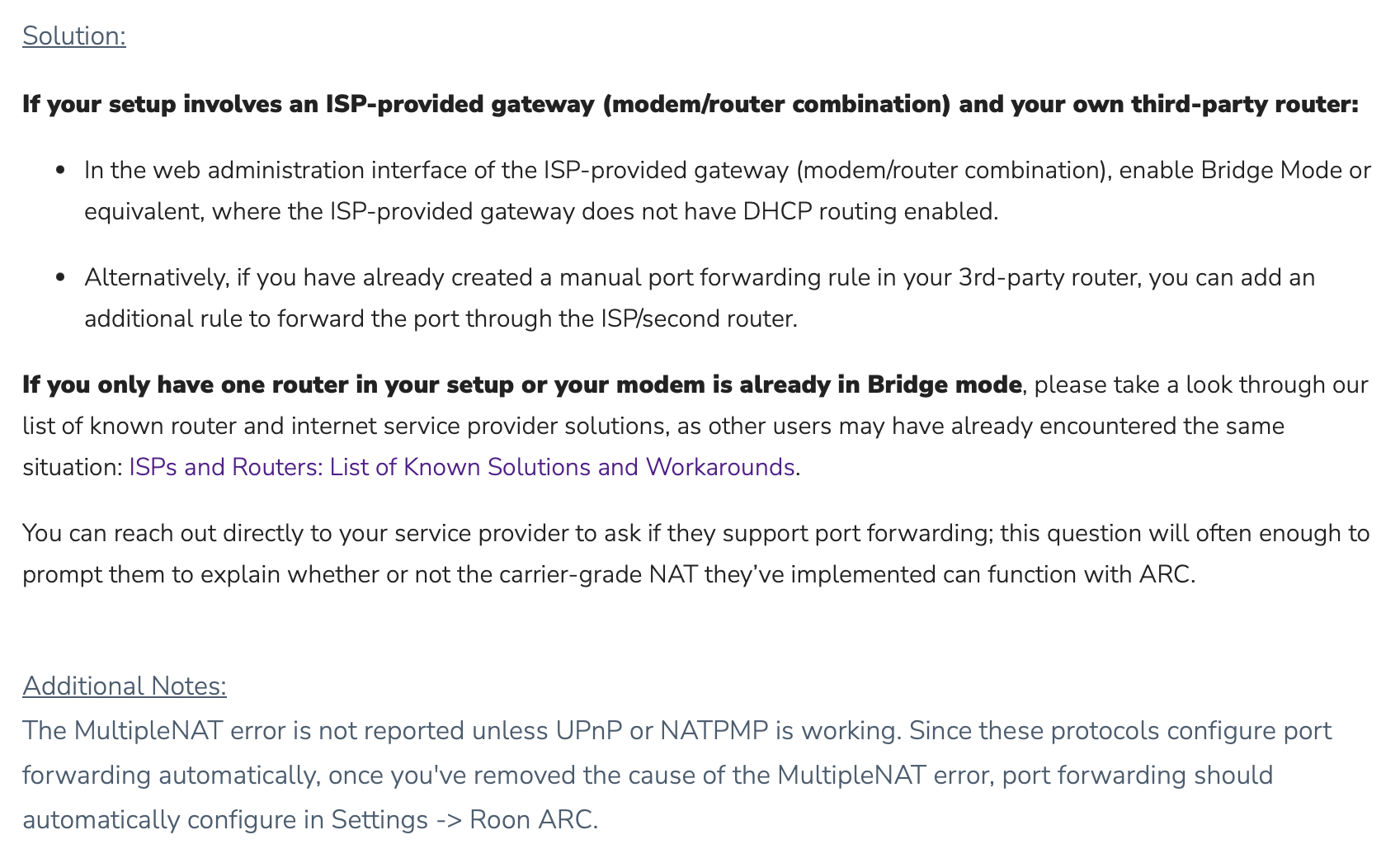
ORBI RBR50 Router, Centurylink 1 Gig fiber modem
Connected Audio Devices
Attempting to access roon arc via android samsung galaxy S22 5G
Number of Tracks in Library
200 tracks
Description of Issue
I know this was addressed in your support but I am somewhat computer illiterate. Can someone please outline detailed steps?
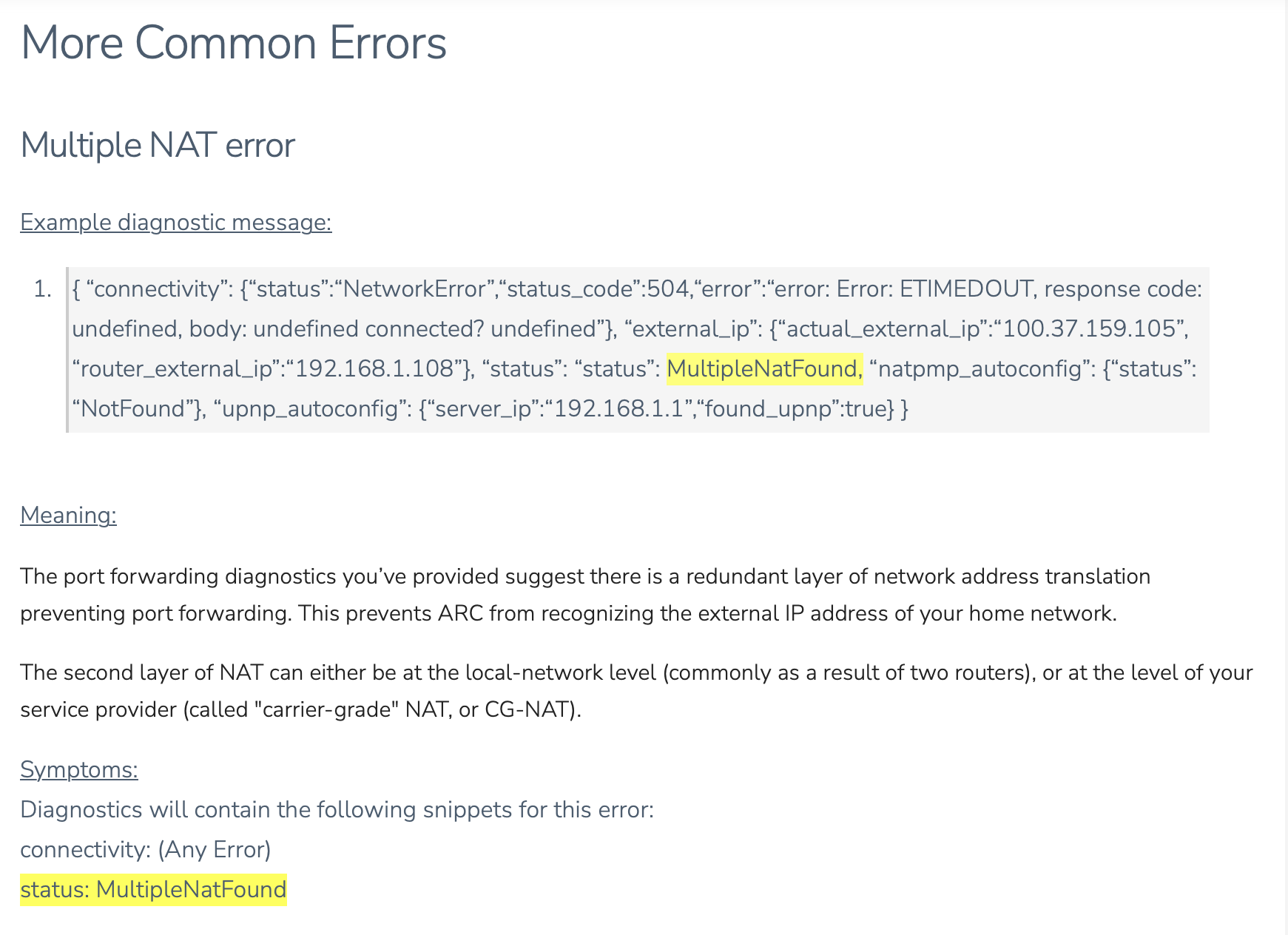
{
“ipv4_connectivity”: {“status”:“NetworkError”,“status_code”:504,“error”:“error: Error: ETIMEDOUT, response code: undefined, body: undefined connected? undefined”},
“external_ip”: {“actual_external_ip”:“71.aaa.bbb.ccc”,“actual_external_ipv6”:“null”,“router_external_ip”:“null”},
“status”: MultipleNatFound
,
“natpmp_autoconfig”: {“status”:“NotFound”},
“upnp_autoconfig”: {“server_ip”:“192.168.1.1”,“found_upnp”:true}
}