· I use my ISP's router alongside a personal router.
ARC Status
· ARC is *Not Ready*
Roon Error Code
· None of these are listed. It simply says "TIMEDOUT" or similar.
System or third-party *firewalls *or *antivirus software* can sometimes block RoonServer from reaching ARC.
· Try adding RoonServer and its associated processes to the whitelist of any firewalls or antivirus software you have installed, including the Windows system firewall, if applicable. [You can learn more about firewall exceptions with Roon here.](https://help.roonlabs.com/portal/en/kb/articles/firewall)
Has the status in Roon -> Settings -> ARC changed after adding exceptions in your firewalls and antivirus software for Roon? I don't have any system or third-party firewalls or antivirus software.
Have you configured bridge mode?
· I enabled bridge mode, but ARC fails to connect
Select the Diagnostic Keyword or Text String
· Something else
Don't give up yet.
· I'm stuck. I'd like to create a post to ask Roon Community for help.
Describe the issue
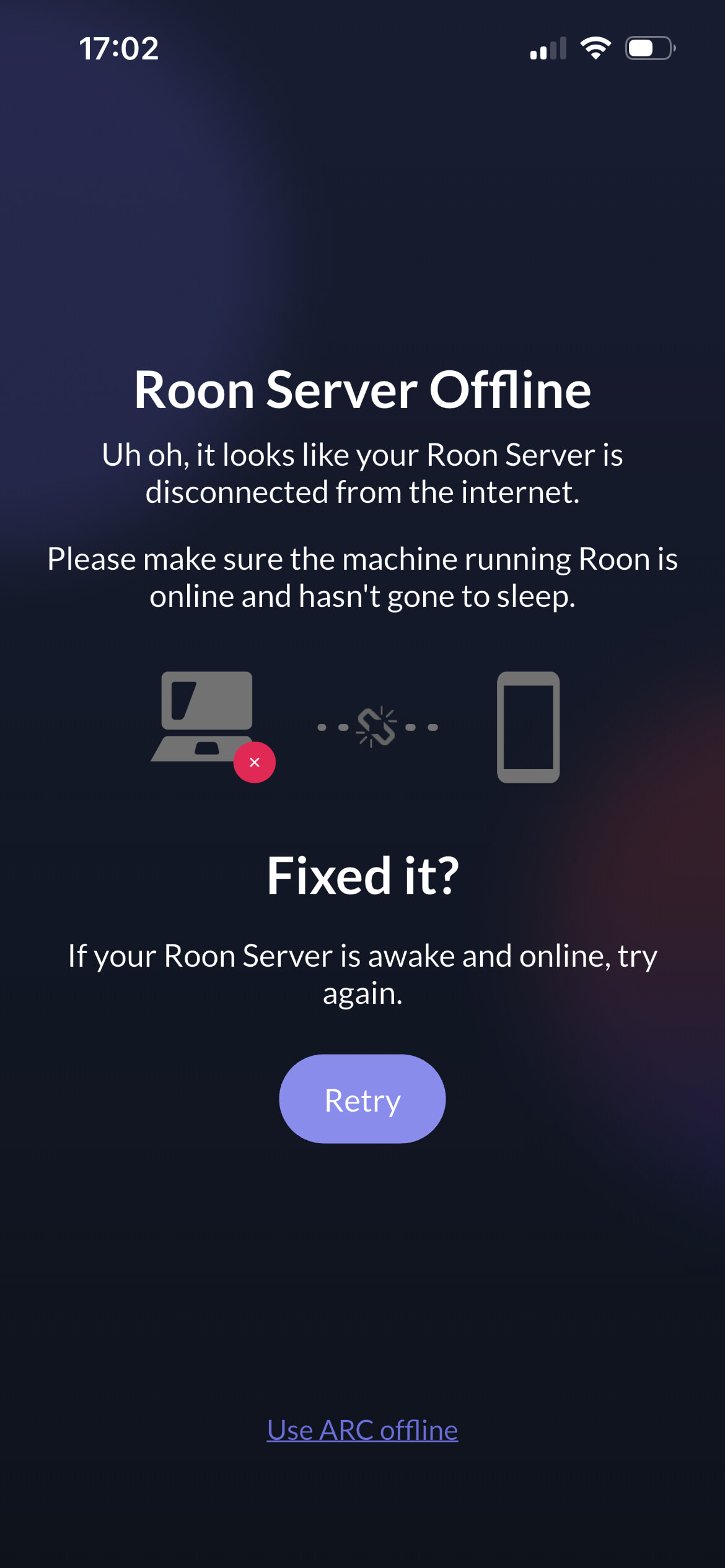
Arc stopped working after Cloudfare issue. My server works but I get error messages of: "ipv4_connectivity": {"status":"NetworkError","status_code":530,"error":"error code: 1016"}. On the app, I get a "Roon server offline" message. I've rebooted 1)server, 2) Roon, 3) router , 4)Phone several times with no impact. I've also tried ARC over wifi and 5G and still won't work. Also turned on/off upnp on the router. Nothing works
Describe your network setup
Movistar (Spain) // Unify dream machine // all cable // MacOS Tahoe 26.3 on a Mac Mini M4
ARC doesn’t work. I just signed out of Arc and can’t sign in again. I first get a message of “can’t access ARC outside your network”, then “Roon server seen 1 min ago”, then a red cross and can’t sign back again. Now, I can’t even access my downloads
Thank you for the detailed report and for providing your diagnostics.
The 530 and 1016 errors you are seeing were directly caused by the recent major Cloudflare outage. While Cloudflare has resolved the primary global incident, we are noticing that some regional ISPs (potentially Movistar in your case) might still be dealing with lingering routing issues or cached DNS records that are preventing your Roon Server from reaching our cloud services.
To help us determine if this is a residual routing issue specific to your local network connection, we would like to run a quick test.
Could you please try the following?
Install a free, reputable VPN on your device with the Roon ARC installed (such as ProtonVPN, Windscribe, or Cloudflare WARP).
Connect the VPN to a server in a different region or country.
Open the Roon ARC and try to authorize your remote
Does the connection succeed when routed through a VPN?
I used NordVPN connecting to US and UK servers. App says it can access cloud, but not Roon server. App says I have a “port forwarding issue”. I get a different error message on my Roon server though
If I disable the VPN and try ARC over5G connecting to my local ISP (Movistar) , I get the same results and error message on the ARC app but a sligthly different error on Roon