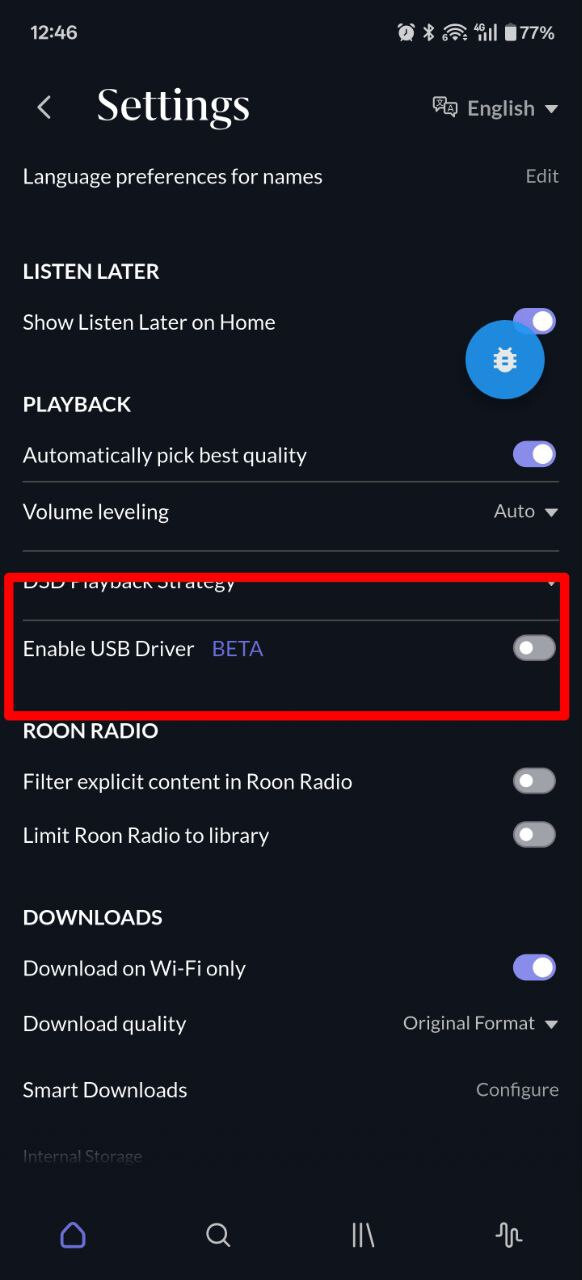
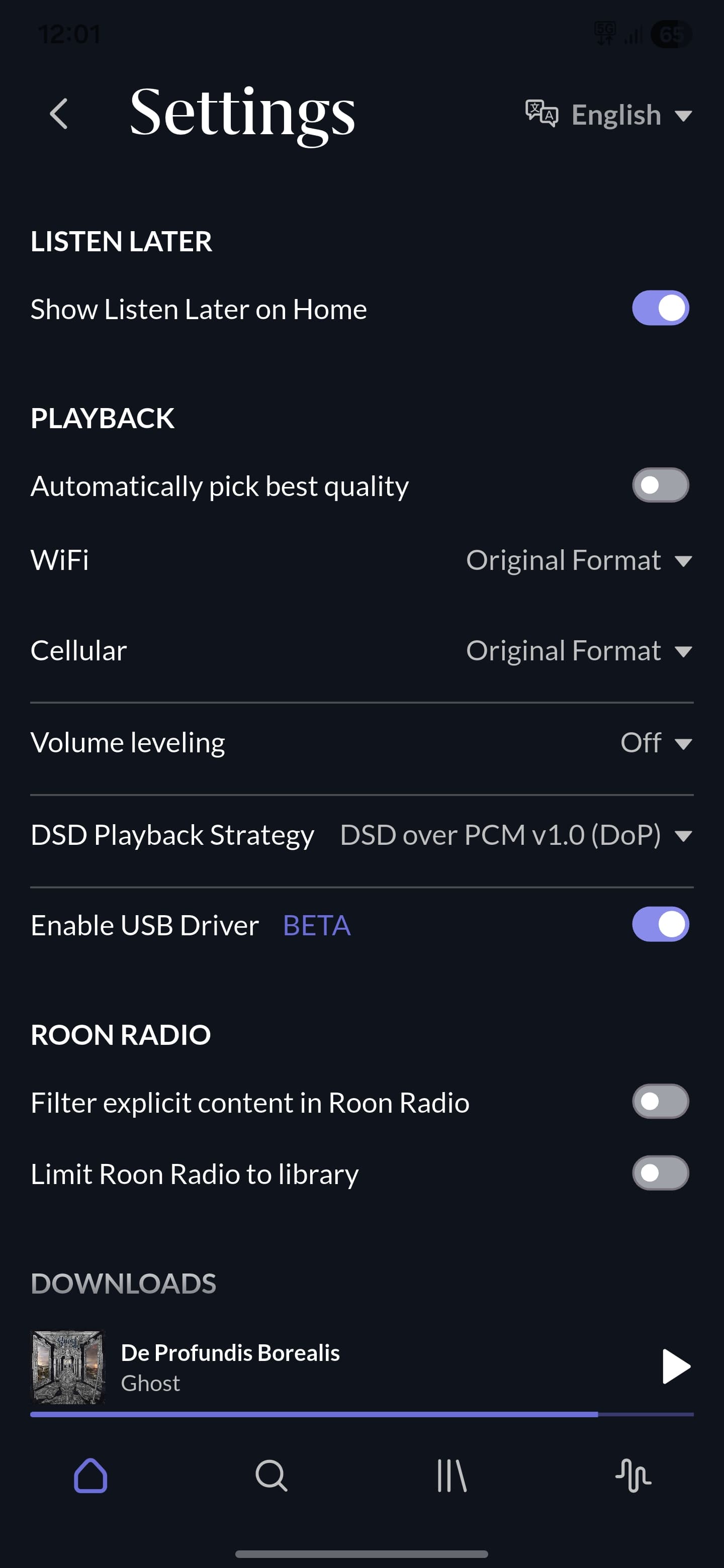
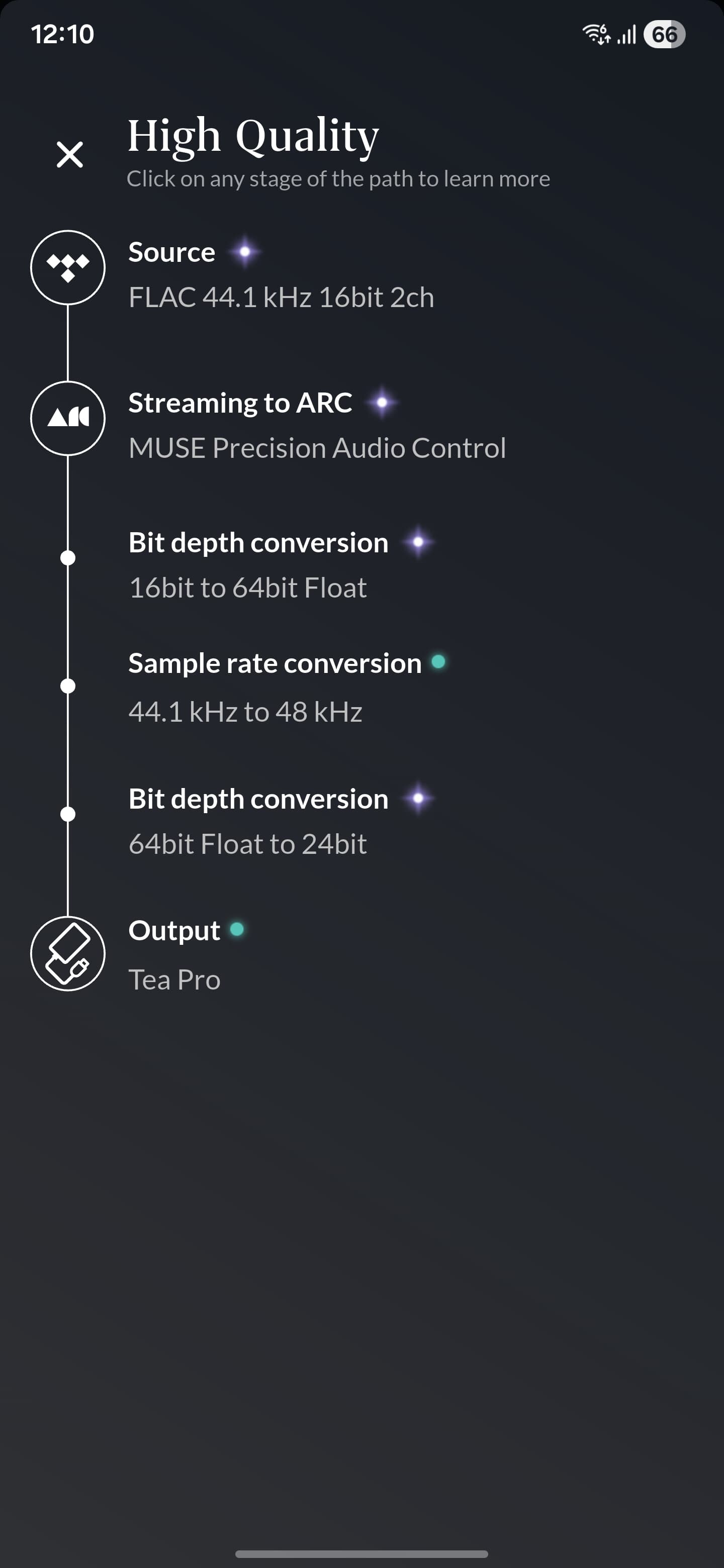
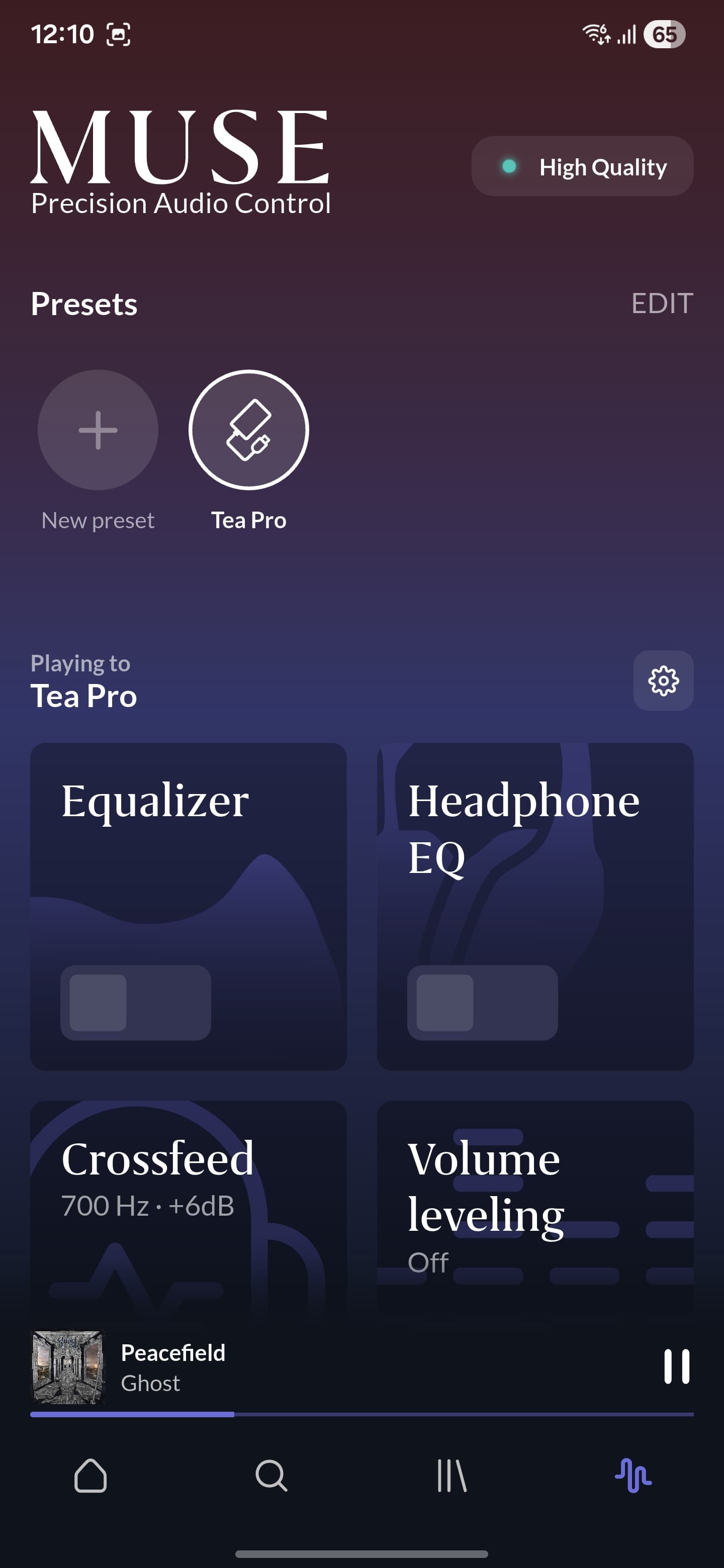
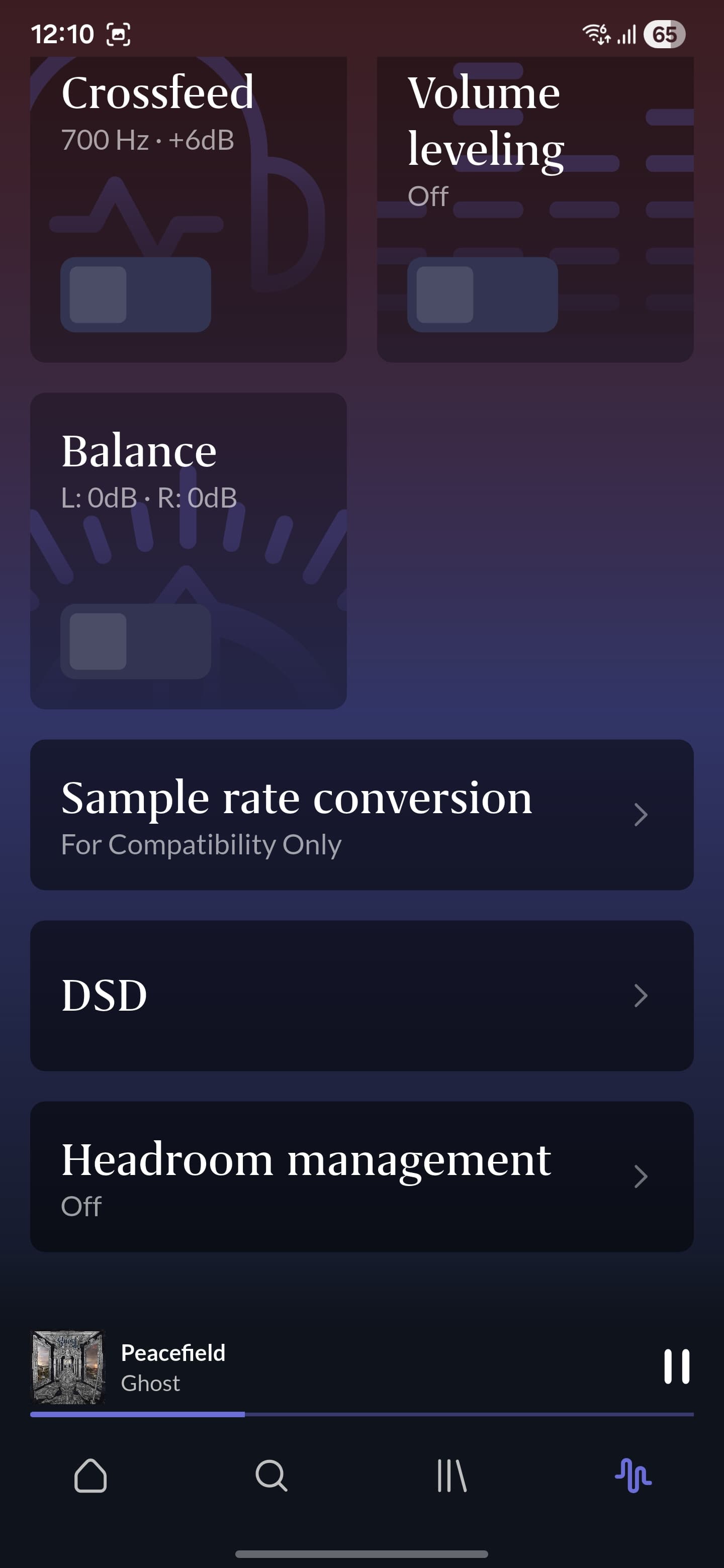
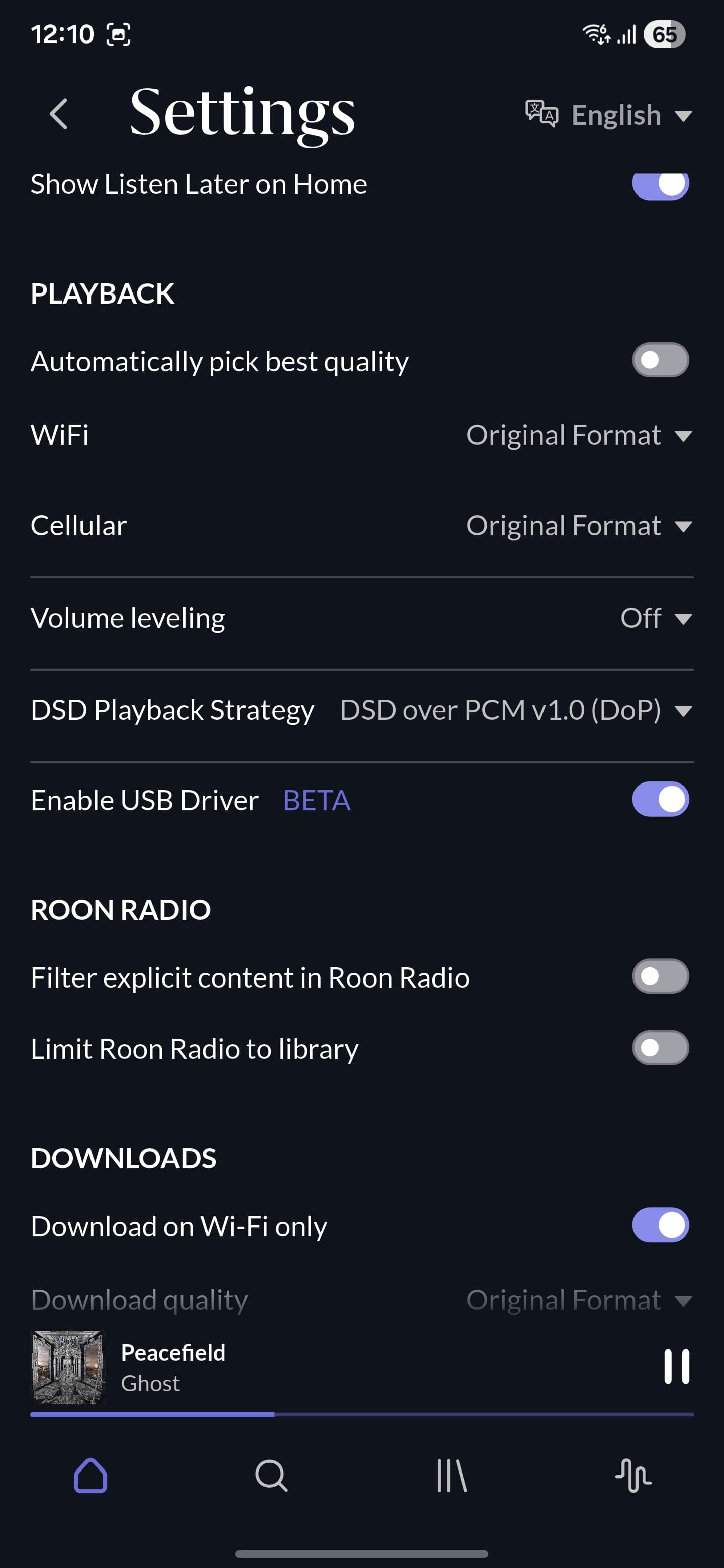
I have Roon Arc on my Samsung S25 Ultra. I want to use it with my USB DAC/AMP Khadas Tea Pro (or others). I can't get it to work without resampling everything to 48kHz. I tried using beta drivers. Nothing. USB Audio Player Pro works like a charm and sends bit perfect data to my DAC without any extra steps. I hope you can advise. Thank you
Can you please verify in Android Developer Settings on this phone that “Disable USB Audio Routing” is turned off? This setting might be preventing ARC from querying the full capabilities of the DAC, since 48KHz would be default for Android’s system mixer.
ARC negotiates device capabilities through the Android API suite. Samsung devices are notoriously fickle about system mixer routing and permissions, and sometimes updates to Android, ARC, or even Samsung OneUI can scramble this device negotiation. The team addresses bit-perfect support for ARC in the Android environment on a by-manufacturer or by-device basis. We’ll investigate this item internally and follow up here.
I contacted Samsung’s support. We tried everything to get it working. After over 30 minutes we just failed to make it work with Roon ARC losslessly.
It works with UAPP with no issues.
Here is a comment from Samsung’s rep:
“You should report this specific DAC incompatibility to Roon Labs Support (as mentioned in the last step) so they can update their USB driver profiles to include the Khadas Tea Pro’s specific identifier and fix this issue in a future update.”.
Thank you for checking this and for taking the extra step of speaking with Samsung support — we really appreciate the thoroughness.
At the moment, ARC relies on Android’s standard USB audio frameworks, and we’re unable to provide explicit compatibility support for every DAC and every device-manufacturer implementation in the Android ecosystem. When a DAC doesn’t properly expose its full capabilities to ARC through the Android API (while other apps using different drivers or custom bypass mechanisms might succeed), this typically falls into the category of a feature request rather than a product bug.
From the Support side, we’ll escalate this internally so our Product and Development teams can review the Khadas Tea Pro’s behavior. However, to help us understand the broader demand and prioritize this work appropriately, it would be extremely helpful if you could also submit a post in the Feedback > Feature Suggestions section of the community.
This allows us to gauge how many users would benefit from expanded device-specific USB handling in ARC and ensures the request is visible to the teams responsible for future roadmap decisions.
Thank you again for the detailed testing and for your patience — we’ll follow up here if we learn anything new.
Thank you for the reply. I will do as you recommended.
I feel, that highest quality audfio is one of the most important features of Roon in the eyes of users. A robust USB Audio driver that works with any device would be most appreciated. UAPP does it very well, so it is something doable.
Appreciate you working on it and passing it down to the rest of the team.