· Roon ARC stops playing in Android Auto after 3 songs
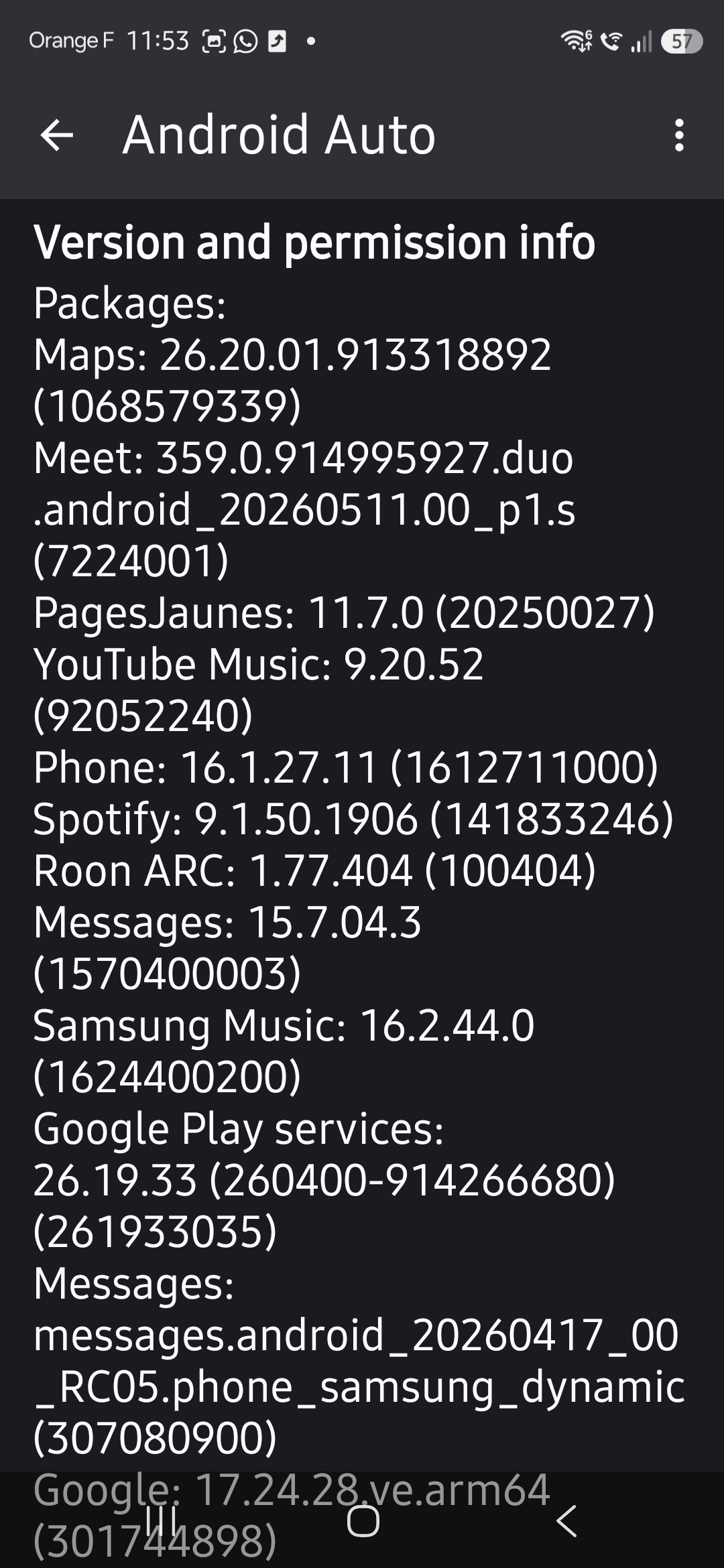
I’m using the latest version of Roon ROCK (2.66 build 1658) and Roon ARC (1.77.404 build 100404). I have a Samsung Galaxy S26 Ultra and a Nissan Qashqai e-POWER 2025.
I connect my phone wirelessly to Android Auto.
Roon ARC can connect properly to my roon rock server.
Every time I start playing music (album, artist, playlist… It doesn’t matter) playback stops after the 3rd song played. Only the cover art of the 1st song is showed. Playback continues for 2 more songs without the cover art changing then stops.
This happens constantly every time.
If I try to press home on Roon ARC interface I get a never-ending blue spinning circle.
The only way to get Roon ARC to work again is to force stop the App and clear the cache from Android settings.
This renders Roin ARC useless.
I’m on the latest Android (16) and One UI (8.5) versions.
Do you need any other details?
Tell us about your home network
· It's a Roon ARC issue and the App says it can see cloud and Roon ROCK fine. I don’t think it's a home network problem.
We’ve discussed this with our senior QA and development teams. The team is investigating some possibilities here and, as soon as that investigation is complete, we’ll be sure to follow up ASAP.
You have our apologies for the trouble here, and we’ve greatly appreciated your patience as we continue investigating this tricky issue. We’ll be in touch as soon as we can.
Since the problem was consistent and tricky, I tried to completely uninstall Roon ARC from the mobile and reinstall it.
My Roon library is one of the largest existing with 550K+ FLAC tracks. Roon is running on a dedicated powerful NUC (Intel NUC 13 Pro NUC13ANHi7 Arena Canyon Mini PC, i7-1360P, 32GB RAM, 1TB SSD) as Roon ROCK.
When launching Roon ARC for the first time a “Syncing with the server for the first time” operation is indeed expected to last some time with such a large library.
I’m happy to report that after a few attempts at this 1st syncing, I managed to complete it and everything seems now to be working fine.
In Android 16 the OS aggressively monitors resources and blocks Apps requiring a lot of resources. What happened with the failed attempts at 1st syncing is that as soon as you leave the focus from Roon ARC (e.g. switching to another App) the syncing stops. If you regain focus and restart the syncing it fails or it hangs and leaves you in the unstable situation I was before (playback stops after 3rd song).
Uninstalling, reinstalling, and let the 1st syncing complete without interruptions (it took 20 minutes on my Galaxy S26) worked fine and solved the problem.
I hence have two suggestions: fix what goes wrong when the 1st syncing is interrupted, and add a progress bar/circle visualising how much time or % of syncing is still remaining so that people know they have to wait. By the way, is it normal that the 1st syncing is interrupted, just because the App loose focus? It doesn’t seem right, unless it’s the aggressive Android resource reclaim function that causes that.
Should you want me to help you further investigating this issue, or ANY OTHER ISSUE INVOLVING EXTRA LARGE MUSIC LIBRARIES, I’m a retired computer engineer and I’m happy to help.