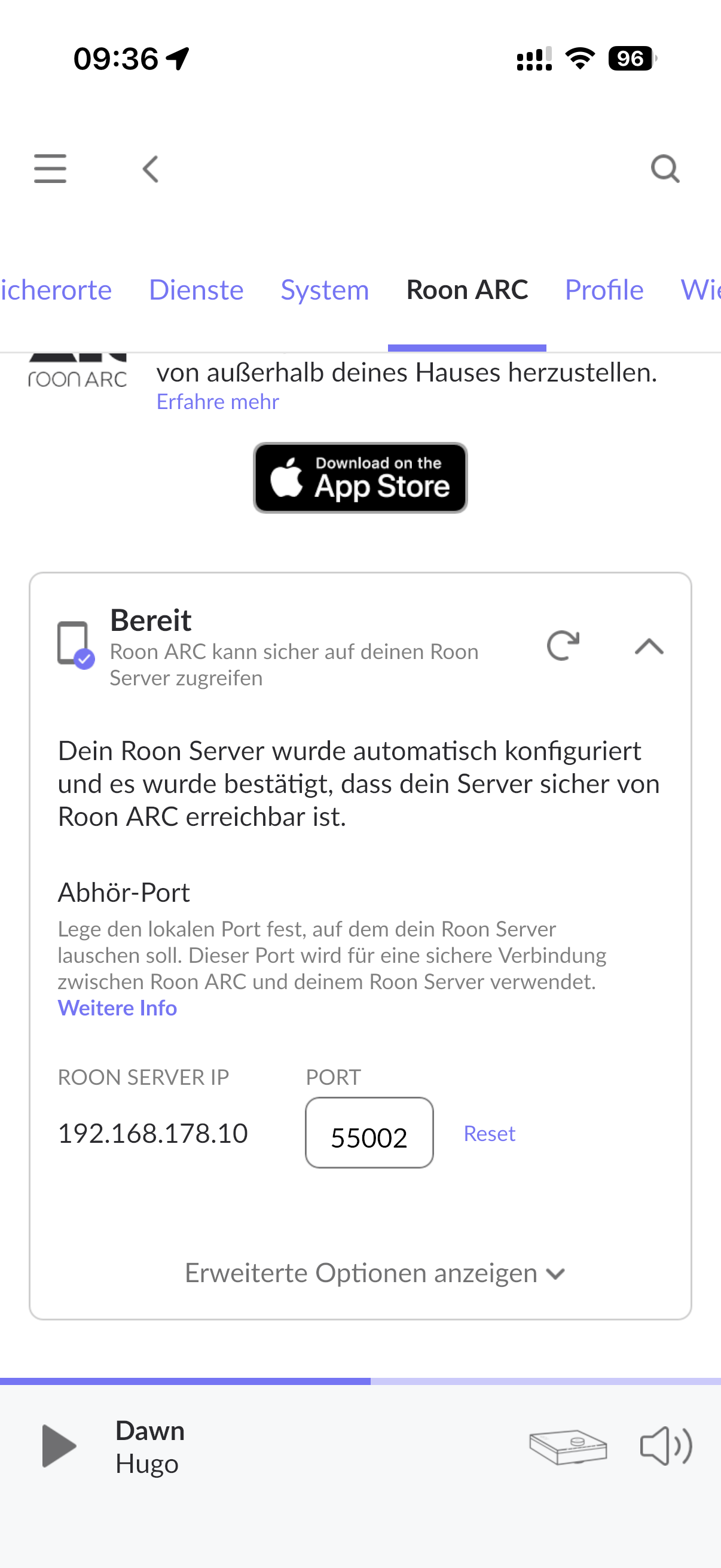
If ARC has been stuck in a “Synchronizing” state for weeks, the most common cause is a corrupted or incomplete local ARC cache on the mobile device.
Please try the following first:
Completely uninstall the Roon ARC app from your phone
Reboot the phone
Reinstall Roon ARC from the App Store / Play Store
Open ARC and sign in again, allowing the initial sync to complete
This forces ARC to rebuild its local database from scratch and resolves the majority of cases where syncing never completes despite the connection reporting as OK.
If the issue persists after reinstalling, please let us know:
Reviewing this case, your Roon database is almost certainly too large to sync reliably with ARC.
Diagnostics show your library contains roughly 700,000 tracks. ARC isn’t built for full-scale library management like RoonServer, but it still needs to maintain the object graph for the entire database to track changes while offline. Syncing a library of this size would require transferring metadata, artwork, and track information for hundreds of thousands of objects in real time, which puts enormous strain on memory, network bandwidth, and processing. On top of that, Apple and Google impose limits on how much data any app can request on a phone, which makes this practically impossible.
To use ARC reliably, you’d need to rebuild your Roon database with a much smaller object count. Simply deleting or removing files won’t work, because Roon still retains the objects in its database. You’d need to start fresh and add only a portion of your library. In our testing, libraries of 100,000–200,000 tracks sync reliably on high-end phones.
We understand this is frustrating for users with large collections, but it’s a limitation imposed by the mobile platforms themselves, not by ARC.
Please let us know if we can answer any questions.
This thread will auto-close without any further responses after a few days, so please reach out if we can clarify any of the points in my response above. Thank you and we’ll happily answer any questions.
We’re going to close this thread at this time due to inactivity. You can always submit a new tech support request here or post directly in Roon Software Discussion to continue the conversation. Thank you!