Peter_Zorn
February 25, 2026, 10:56pm
1
Network Setup · I use a single personal router not provided by my ISP
ARC Status · ARC is *Not Ready*
Roon Error Code · “natpmp_autoconfig”: {“status”:“NotFound”}, “upnp_autoconfig”: {“status”:“NotFound”} }
Have you successfully located and enabled the UPnP or NAT-PMP settings in your router's web UI? · I've turned UPnP/ NAT-PMP on and ARC won't connect
Select the Diagnostic Keyword or Text String · Something else
Don't give up yet. · I'm stuck. I'd like to create a post to ask Roon Community for help.
Describe the issue Roon ARC was working fine until a week ago. Roon shows "Roon ARC was unable to securely access your Roon Server"
Describe your network setup -ISP is Google Fiber
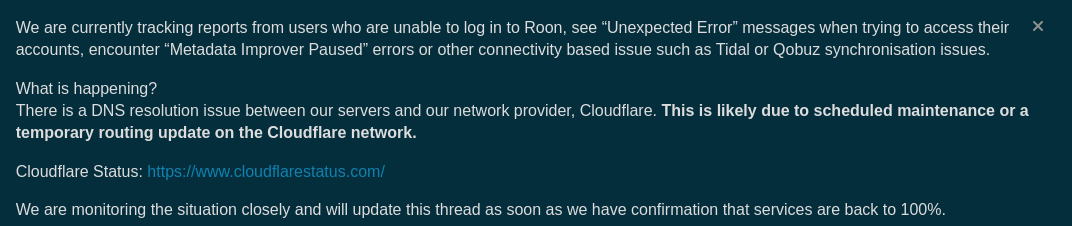
Please read the sticky message at the top that looks like:
And also:
Hi All,
We’re surfacing a quick update to let you know we’ve identified that the Cloudflare-related outage might still affect some users.
Symptoms:
530 Errors: Connection failures between Roon and our network provider.
410 Errors: Failures in retrieving metadata or account verification.
Our team is currently investigating why these errors have returned and will provide updates here as the investigation progresses. Thank you for sticking with us while we get this sorted.
Peter_Zorn
February 25, 2026, 11:24pm
3
Thanks for the quick response
alex_h
February 26, 2026, 2:32pm
4
Hello @Peter_Zorn ,
Thanks for reaching out to us with this question.
What @BlackJack said is right. We are still working on fixing the current issues and expect them to be resolved soon.
Once you stop seeing error codes 1016 and 530, it means that the problems have been resolved.
Thanks.
connor
March 2, 2026, 6:25pm
5
Hi @Peter_Zorn ,
We wanted to check in. The upstream cloud service issues affecting the port forwarding test have been resolved. At this time, you shouldn’t see a diagnostic error in Roon Settings → ARC unless there’s an actual port-forwarding blockage at the level of your local network or your ISP.
Can you please first confirm if you have any connectivity errors within ARC itself in the settings → connectivity section?
Please also share any diagnostic you currently see in Roon Settings → ARC as well.
We’ll watch for your response. Thanks!
vadim
March 3, 2026, 12:59pm
7
Hello @Peter_Zorn
Thank you for the update.
Happy to hear that everything is running as expected. Enjoy your music!