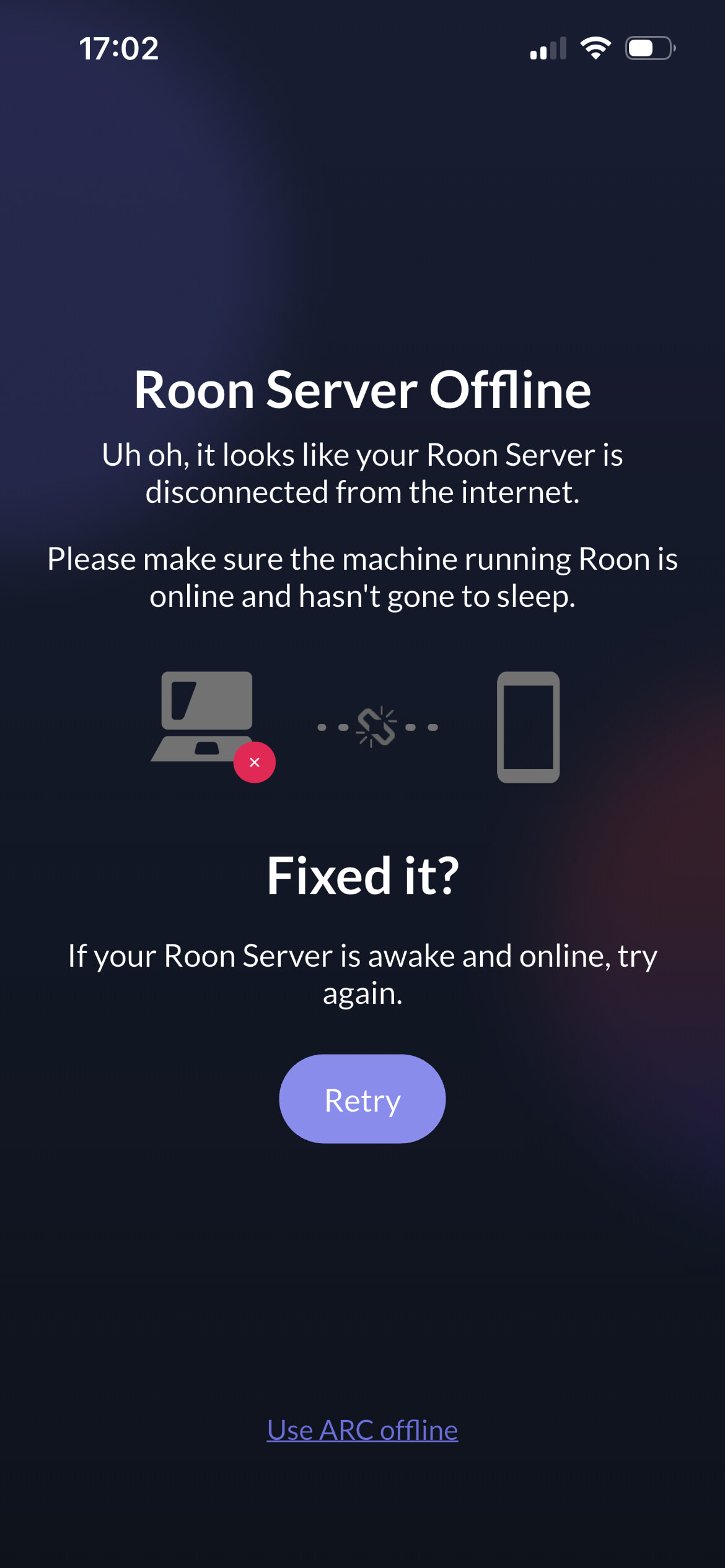
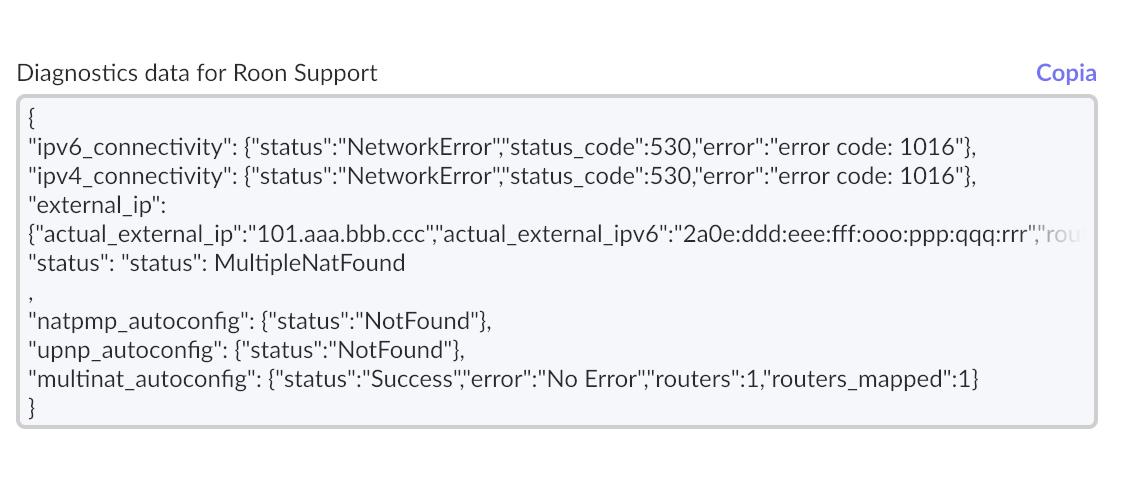
Roon arc has been working fine. Then out of the blue it stopped getting this reason from Roon:
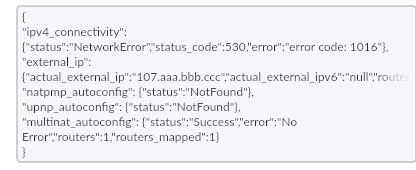
Port forwarding has been turned on since arc came out, no changes there. I did change the port forwarding port to 55023 and rebooted the routers.
Roon arc has been working fine. Then out of the blue it stopped getting this reason from Roon:
Port forwarding has been turned on since arc came out, no changes there. I did change the port forwarding port to 55023 and rebooted the routers.
I have the same error (530/1016), but ARC still works when I use it.
it does, but this error just started occurring when before everything was clean. Roon takes longer in the car than it used too whether that’s associated with this or not
I’ve got a similar error message. Yesterday I changed Roon from Early Access to Production. Arc previously worked now in Production I get the following message. Presumably I just sit and wait?
{
“ipv4_connectivity”: {“status”:“NetworkError”,“status_code”:530,“error”:“error code: 1016”},
“external_ip”: {“actual_external_ip”:“86.aaa.bbb.ccc”,“actual_external_ipv6”:“null”,“router_external_ip”:“null”},
“natpmp_autoconfig”: {“status”:“NotFound”},
“upnp_autoconfig”: {“server_ip”:“192.168.1.1”,“found_upnp”:true,“error”:“<s:Envelope xmlns:s="http://schemas.xmlsoap.org/soap/envelope/\” s:encodingStyle="http://schemas.xmlsoap.org/soap/encoding/\“><s:Body><s:Fault>s:ClientUPnPError718ConflictInMappingEntry</s:Fault></s:Body></s:Envelope>”},
“multinat_autoconfig”: {“status”:“Failed”,“error”:“Network Trace Failed”}
}
I came here to report an identical issue. And this issue has been happening intermittently for WEEKS. Isn’t Roon a Cloudflare CUSTOMER? I’m frankly shocked that Roon doesn’t have more than a vague, “it’s Cloudflare’s fault” excuse with no ETA. Should Roon users complain directly to Cloudflare? The technical expertise of the Roon support staff is supposed to be the “value add” for the exorbitant renewal fee we pay every year. Where are they on THIS ISSUE???
Same issue here (Spain), same error codes, ARC not working (Day 3 and counting…)
ARC should be working despite these messages, did you try?
Yes I tried. I get a message on ARC app of “roon server offline” (both over 5G and wifi) and this error messages on Roon:
{
“ipv4_connectivity”: {“status”:“NetworkError”,“status_code”:530,“error”:“error code: 1016”},
“external_ip”: {“actual_external_ip”:“88.eee.fff.ggg”,“actual_external_ipv6”:“null”,“router_external_ip”:“88.eee.fff.ggg”},
“natpmp_autoconfig”: {“server_ip”:“172.aaa.bbb.ccc”,“found_natpmp”:true},
“upnp_autoconfig”: {“server_ip”:“172.aaa.bbb.ccc”,“found_upnp”:true},
“multinat_autoconfig”: {“status”:“Failed”,“error”:“Control URL not found in Device Description Document”}
}
Strange because I get the 530/1016 errors in Roon ARC settings too, but it still works and there is no error in the ARC app. (And that’s what the official posts are saying should happen if ARC worked before)
I get this on a loop from the app. I can only use it in offline mode
My roon server is working with some odd behaviours: yesterday couldn’t link to Tidal (now ok), my profile photo “disappeared” and I get an error message every time I try to re-upload it
My Roon arc still works. Getting this error, don’t know if it was having any impact on my local Roon playback. Yesterday, it was taking almost a minute to play the next song, every song coming up. Last week, it took 5 seconds between songs. I did bounce the server and haven’t tried it since if that cleaned things up.
Am in offline and getting the message and tried to disconnect wi-fi and connect via 5G and the app shuts down half the time. Have checked all my settings and they are right. It would be good to know when the cloud issue is resolved.
Sounds like Support ticket material
I am now waiting for confirmation that the cloud issue has been resolved
Did you miss this message?
I’m in the same boat, Roon ARC is not working. Have the Cloudflare error code.
Waiting for it to be resolved before spending time issuing a support ticket. Support will just claim its Cloudflare issues.
Edit : I have made no change to my network. ARC have been working rock steady for a good year.
I lodged a support ticket yesterday, before seeing the cloudflare notice, however my ticket is suggesting that I try other things than ‘wait’. so far unsuccessful in resolution:
Same problem here = Italy. No changes to the router, everything was working fine until 2 days ago. Now the iPhone is stuck searching for the server.
Same issue for me. Error started about a week ago. ARC works, sort of, the performance in the car is SLOW, which is how I discovered the issue.
My diagnostics data is a follows:
{
“ipv4_connectivity”: {“status”:“NetworkError”,“status_code”:530,“error”:“error code: 1016”},
“external_ip”: {“actual_external_ip”:“136.aaa.bbb.ccc”,“actual_external_ipv6”:“null”,“router_external_ip”:“136.aaa.bbb.ccc”},
“natpmp_autoconfig”: {“status”:“NotFound”},
“upnp_autoconfig”: {“status”:“NotFound”},
“multinat_autoconfig”: {“status”:“Success”,“error”:“No Error”,“routers”:1,“routers_mapped”:1}
}