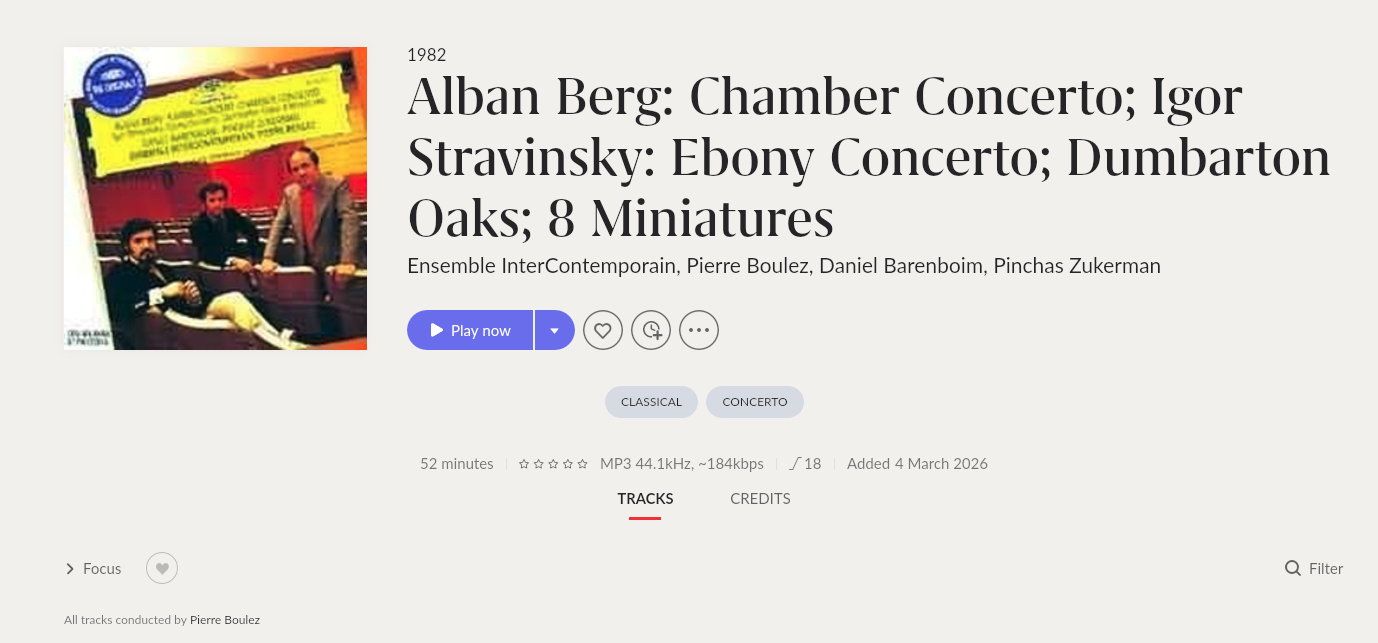
· After version upgrade Roon artwork is not displaying/importing after matching albums. I am in middle of importing my ripped album collection - this has overlapped with the recent Roon version releases to 2.61 and 2.62. Before those releases, Roon would show the better artwork it has over the admittedly poor images I had on the ancient ripped files.
But in my sessions today and yesterday of matching "Unidentified" albums with the correct album - the better artwork of the identified album in Roon's metadata is not showing in the interface. I have tried all the tricks of telling Roon to explicitly display the better image AND the option of only choosing Roon over the artwork. I can never get the Roon artwork to display - only the artwork of the original files. This only happened after installing 2.61 and 2.62 on my Mac app and my Roon ROCK. Before those versions the much better Roon artwork would display.
I've deleted the image cache a couple of times, and re-started the server and the app more than several times. There is something with this version in displaying artwork of imported or matched albums as far as I can tell.
This image is after matching the album from it’s previously ‘Unidentified’ state. The interface is still showing the bad image I had from the ripped files - and not the Roon image I saw when I was matching.
The cover art for albums that I imported yesterday were replaced by Roon overnight during its maintenance. However, the issue of not being able to choose which image to display (roon or file) is still there on newly imported albums - the roon image is just not available.
Please share the screenshot from Settings → Library, and it might be helpful to have the file(s) for testing on our end as well, can please upload them here and let us know?
Hi Vadim - I’ve uploaded three screenshots of “Clifford Brown with Strings”:
After adding the library - the album is “unidentified” and is red
The identification screen - the album matches the album with the purple cover
After identification - the album stays red, even though the purple artwork should show.
I’ve verified that import settings are set to choose the best image, and when I choose “Edit Album” under “Album Artwork” - there is no Roon image available to select.
I have tried playing the album while it was unidentified and after identification - it doesn’t change the artwork.
Thanks for uploading those! Our team will take a closer look.
In the meantime, since Roon “knows” what the album is but isn’t showing the art, try forcing a fresh pull from the cloud:
Go to the affected album.
Click the three dots (...) > Edit > Identify Album.
Even if it's already matched, click "None of these look right" and then manually search for the album again.
Re-select the correct match. This often forces the server to re-fetch the entire metadata packet, including the artwork links.
If the Roon images aren’t even appearing as options in the “Edit” menu, check your Global Import Settings one more time, but with a twist:
Go to Settings > Library > Import Settings.
Find Artwork Snippet and temporarily set it to "Prefer File", save, and wait 30 seconds.
Switch it back to "Prefer Roon". This "toggle" can sometimes kickstart a stalled background process.
Instead of just re-scanning the folder, try this:
Go to Settings > Storage.
Click the three dots next to your watched folder and select Force Rescan.
Once finished, go to Settings > Library > Library Maintenance and click Clean up Library. (Note: Only do this if you don't have "dead" links you're trying to save).
Lastly, try changing your ROCK’s DNS settings (via the Web UI) to Google DNS (8.8.8.8) or Cloudflare (1.1.1.1). This is a common fix for "missing artwork" issues in the Roon community.