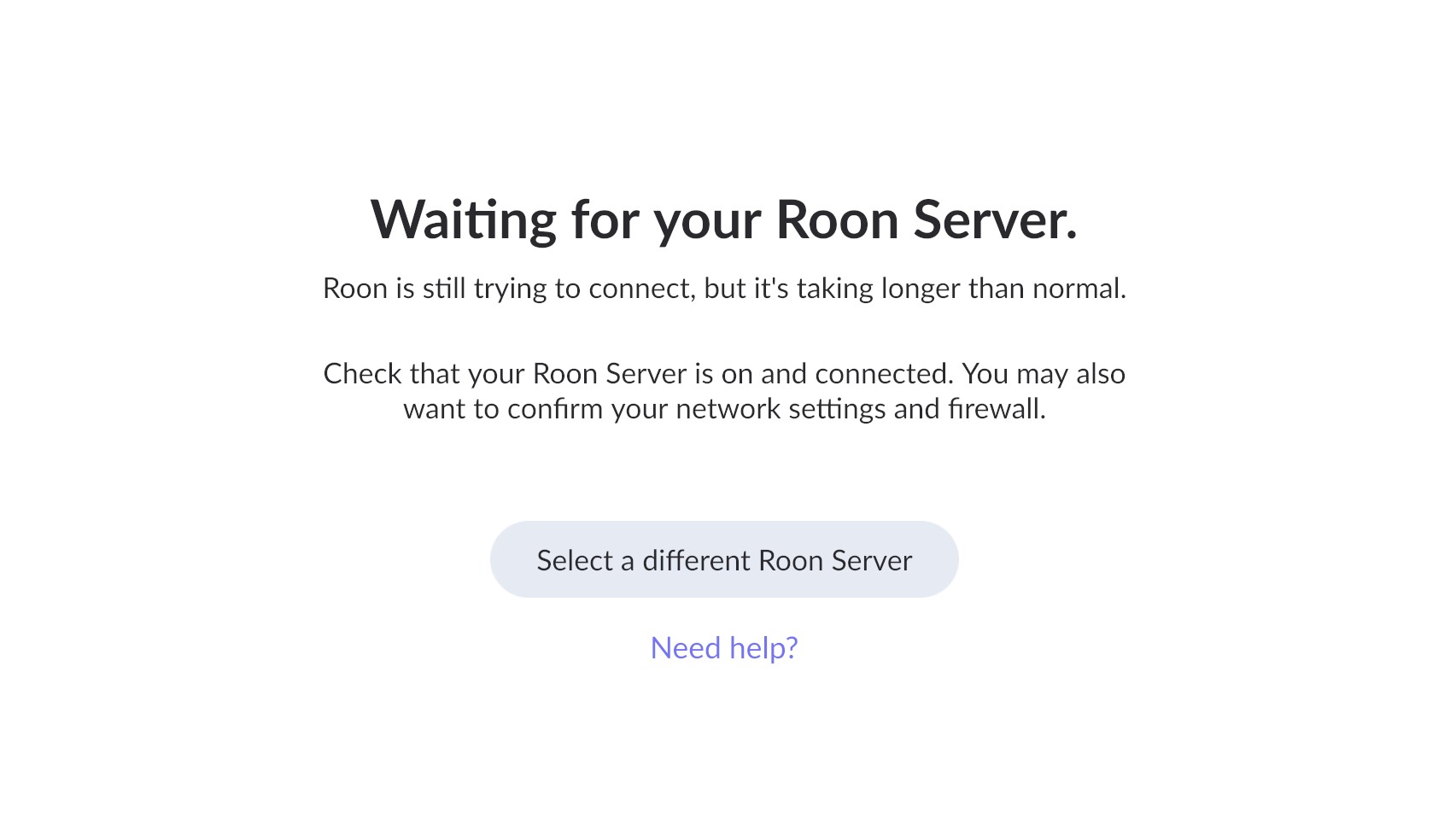
I have tried to make a backup of roon on my old computer. On my old computer, I initiated a roon backup but the software stalled trying to connect to the server. Now, the software is stuck and will not do anything but allow me to connect to a new server without my old data. I want to transfer my old "history" to the new computer.
Describe your network setup
I have a fiber internet for house (1GB speed). I have a ASUS AC1900 dual band wireless router.
Could you please check if you see the Roon icon in the Windows system tray (next to the clock)?
If it’s there, try right-clicking it and choosing “Quit”, then start Roon again from the Start menu or desktop shortcut.
Also, when you click “Select a different Roon Server” on the screen you shared, what options are shown?
Please let us know what you see there.
I do not have a roon icon in my system tray. When I right click on the task bar icon and select “quit roon” I get error message that says “The item you selected is unavailable. It might have been moved, renamed, or removed”.
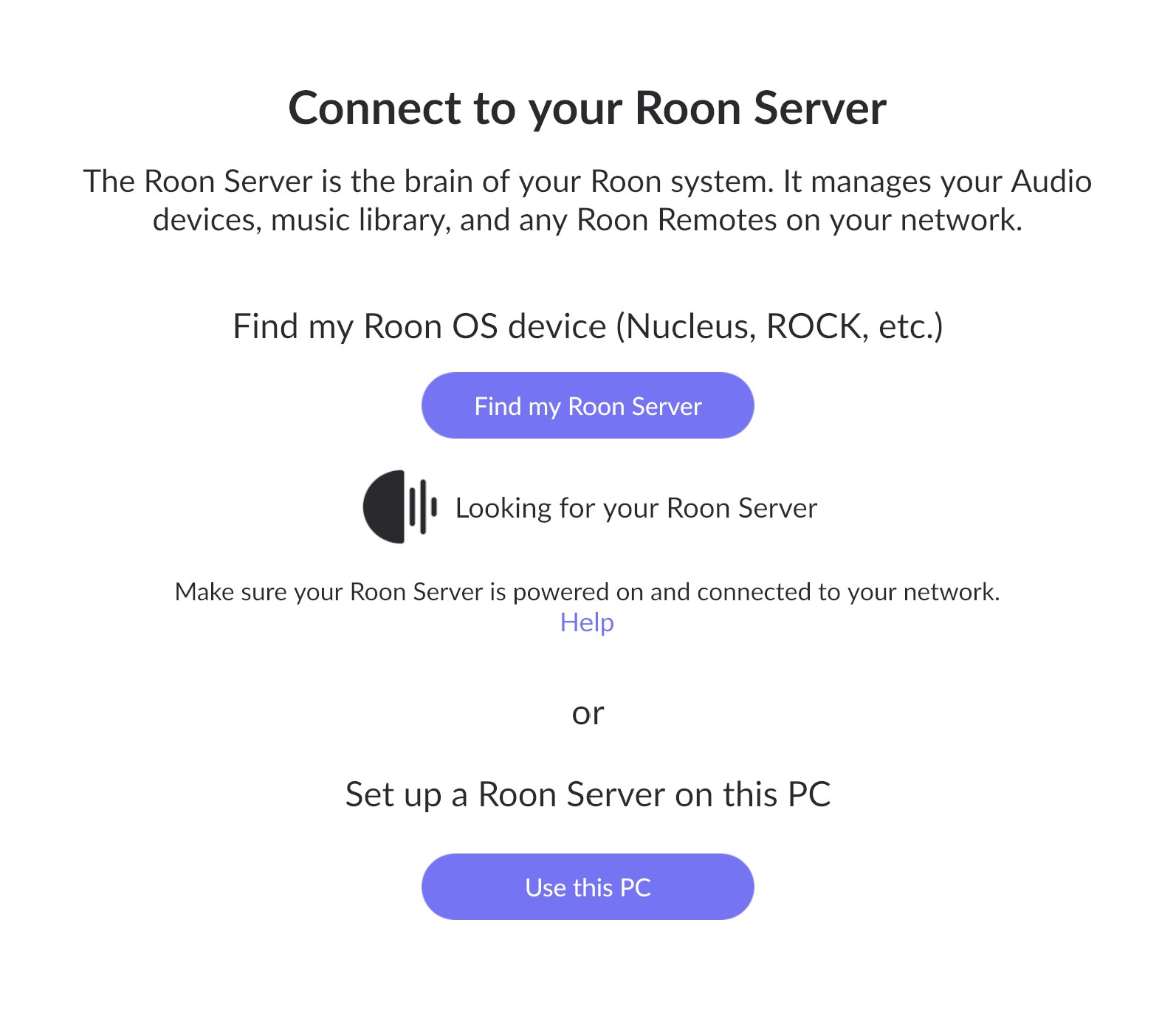
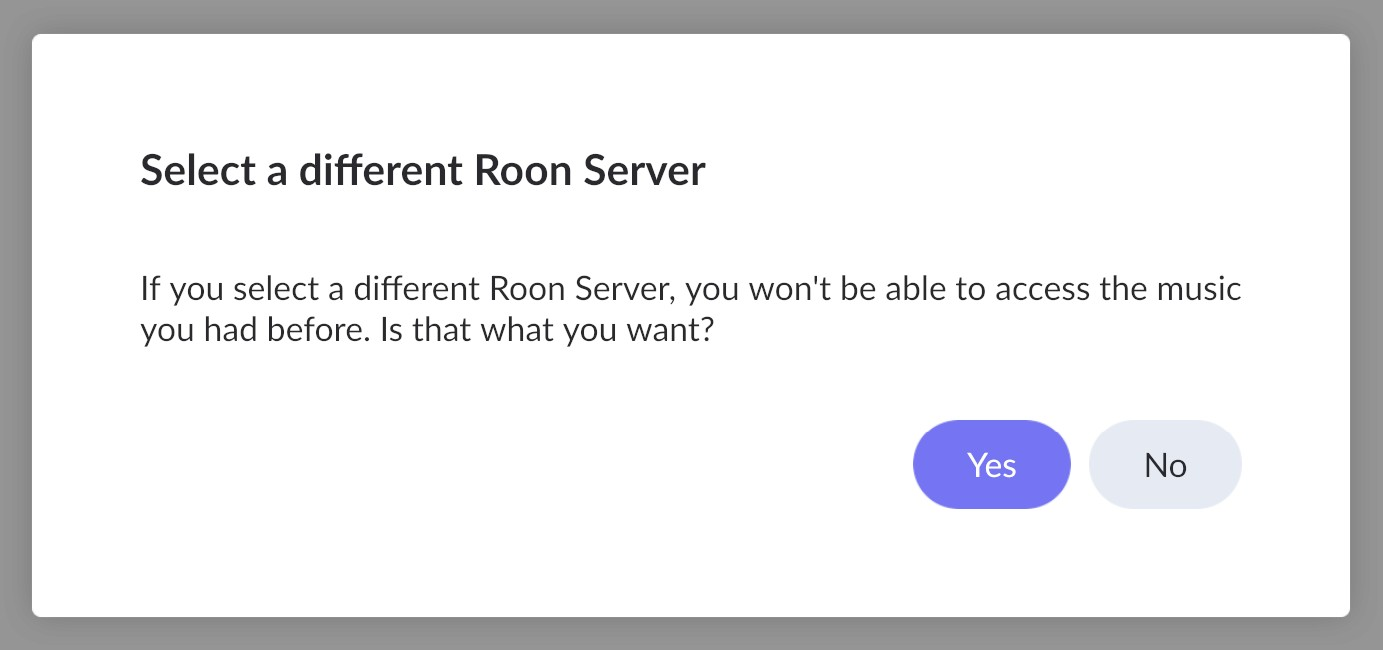
When I select a “different roon server” I get the following messages. See attached screenshots. The app just continues to say “looking for your roon server”. Note that my roon server is a flash drive with 350GB of music files.
For the record, I am trying to copy my roon history from my old laptop PC to my new MAC laptop.
Just to clarify — when you mentioned creating a backup, did you use the Backup feature in Roon (Settings → Backups), or did you try to manually copy Roon folders or files from your old computer?
This will help us understand what type of data you currently have available.
You also mentioned that your “Roon server” is on a flash drive with 350 GB of music.
Could you please clarify what exactly is stored on that flash drive?
Is it only your music library, or did you also copy Roon program or database folders there manually?
Additionally, could you confirm whether Roon Server on your old Windows laptop still starts?
You mentioned that you don’t see the Roon icon in the system tray, but that you get the message:
“The item you selected is unavailable. It might have been moved, renamed, or removed.”
This message usually indicates that some Roon program files have been moved or deleted.
If possible, please check whether you still see the Roon.exe or RoonServer.exe file in one of these folders:
Once we know if the old Roon installation is still operational and what’s stored on the flash drive, we can guide you through restoring your old history on the new Mac.
Just to clarify — when you mentioned creating a backup, did you use the Backup feature in Roon (Settings → Backups) , or did you try to manually copy Roon folders or files from your old computer?
Yes, I used the backup feature in Roon. I did not copy or transfer any Roon files from the old computer.
You also mentioned that your “Roon server” is on a flash drive with 350 GB of music. Could you please clarify what exactly is stored on that flash drive? Is it only your music library , or did you also copy Roon program or database folders there manually?
The flash drive ONLY contains .flac music files.
Additionally, could you confirm whether Roon Server on your old Windows laptop still starts? You mentioned that you don’t see the Roon icon in the system tray, but that you get the message:
When I open Roon on my old computer it goes straight to the “Connect to your Roon Server” message and stays there.
This message usually indicates that some Roon program files have been moved or deleted. If possible, please check whether you still see the Roon.exe or RoonServer.exe file in one of these folders:
Yes, I have both the Roon.exe and RoonServer.exe files in the root folders. They are both 317KB in size.
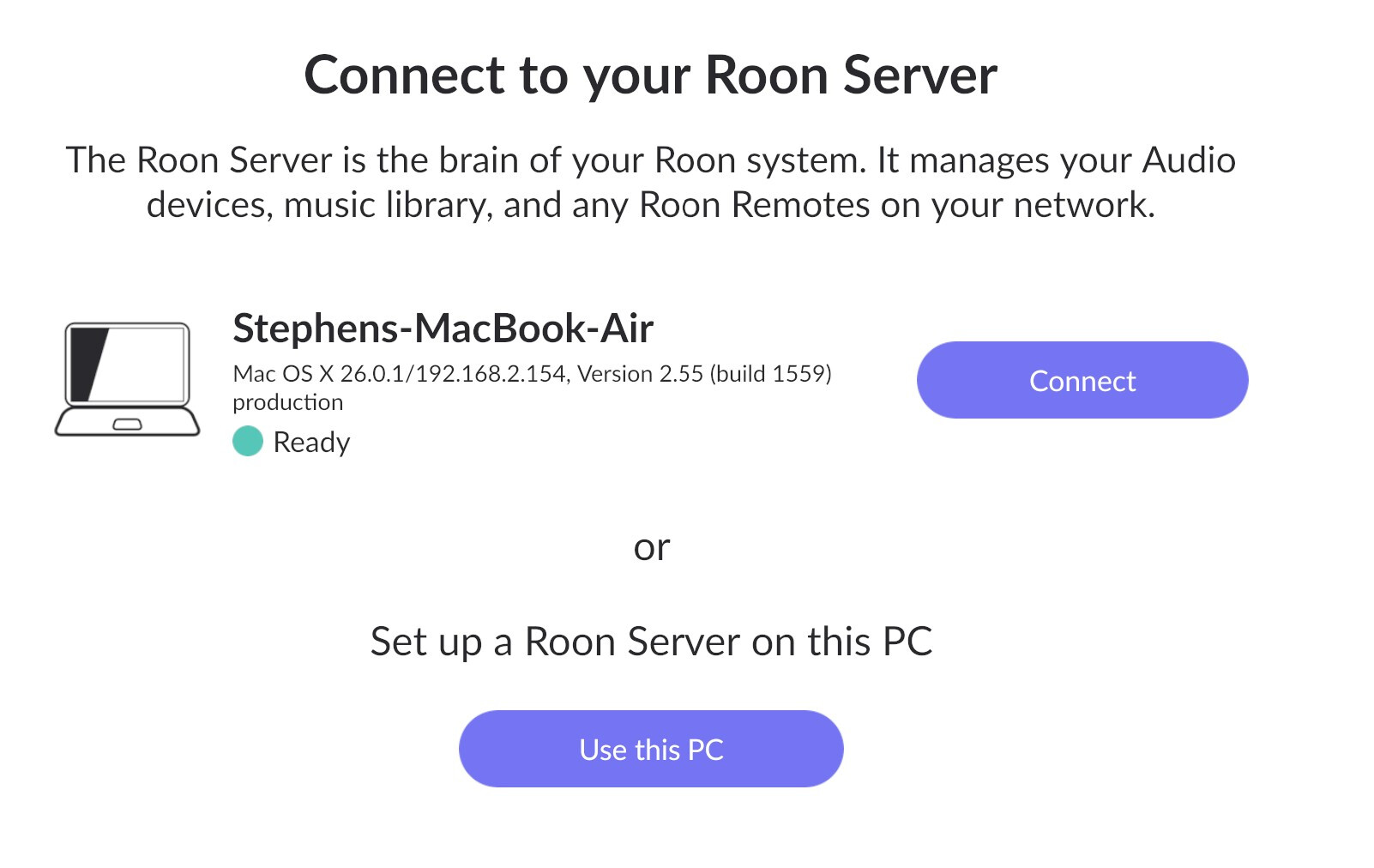
I am a little confused now. I have been able to login to Roon on my new PC with no issues. I just cannot transfer my “roon history” from my old PC to my new Mac via backup. After I login to Roon on my new computer I get this message on my old PC.
Please review the entire thread. I have not been able to complete the backup on my old computer. I started the backup process but the program froze up. The Roon app on my old computer no longer opens properly. The Roon app on my new computer has worked just fine. I wanted to transfer the Roon backup from my old PC to my new Mac.
Input your credentials and log back to the Roon application. If everything is ok you should see your old database with the listening history. Please try creating a new database backup. In case if something goes wrong, please provide us with the screenshots of what you are seeing on the screen.
Success! I was able to backup from my old computer and restore onto my new computer. Apparently, Dropbox was backing up my flash drive as I was trying to backup Roon. I use this flash drive as the Roon server. When I reconnected my flash drive to the old computer I got a popup message from Dropbox. I paused the Dropbox backup and I was able to initiate a new Roon backup with no issues. The only reason I saw this is because I reconnected the flashdrive. Under normal circumstances, I leave the flash drive connected and never see the Dropbox backup message.