· Roon cannot see my endpoints so i can stream to different devices
Tell us about your home network
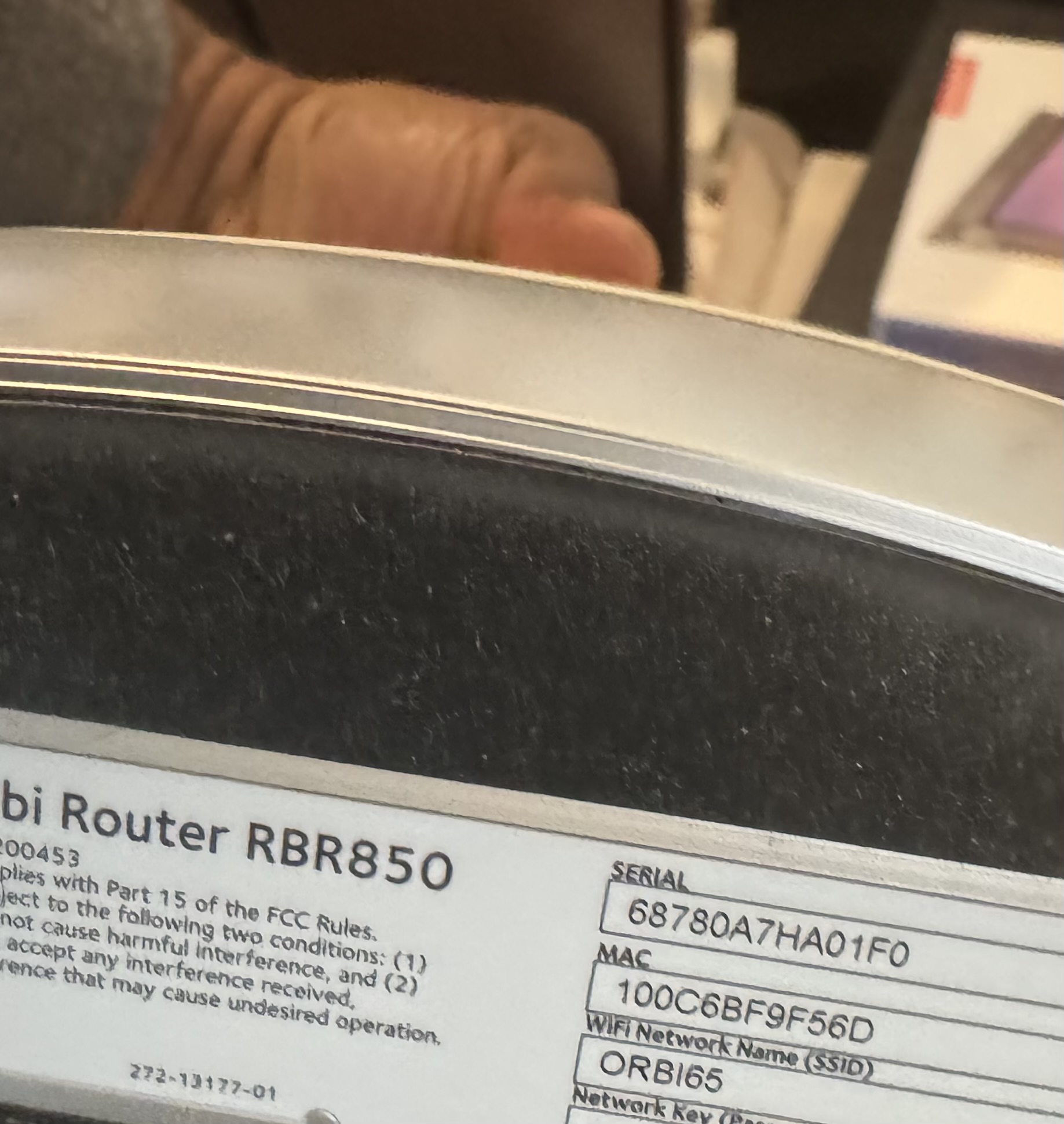
· rbr850 orbi netgear
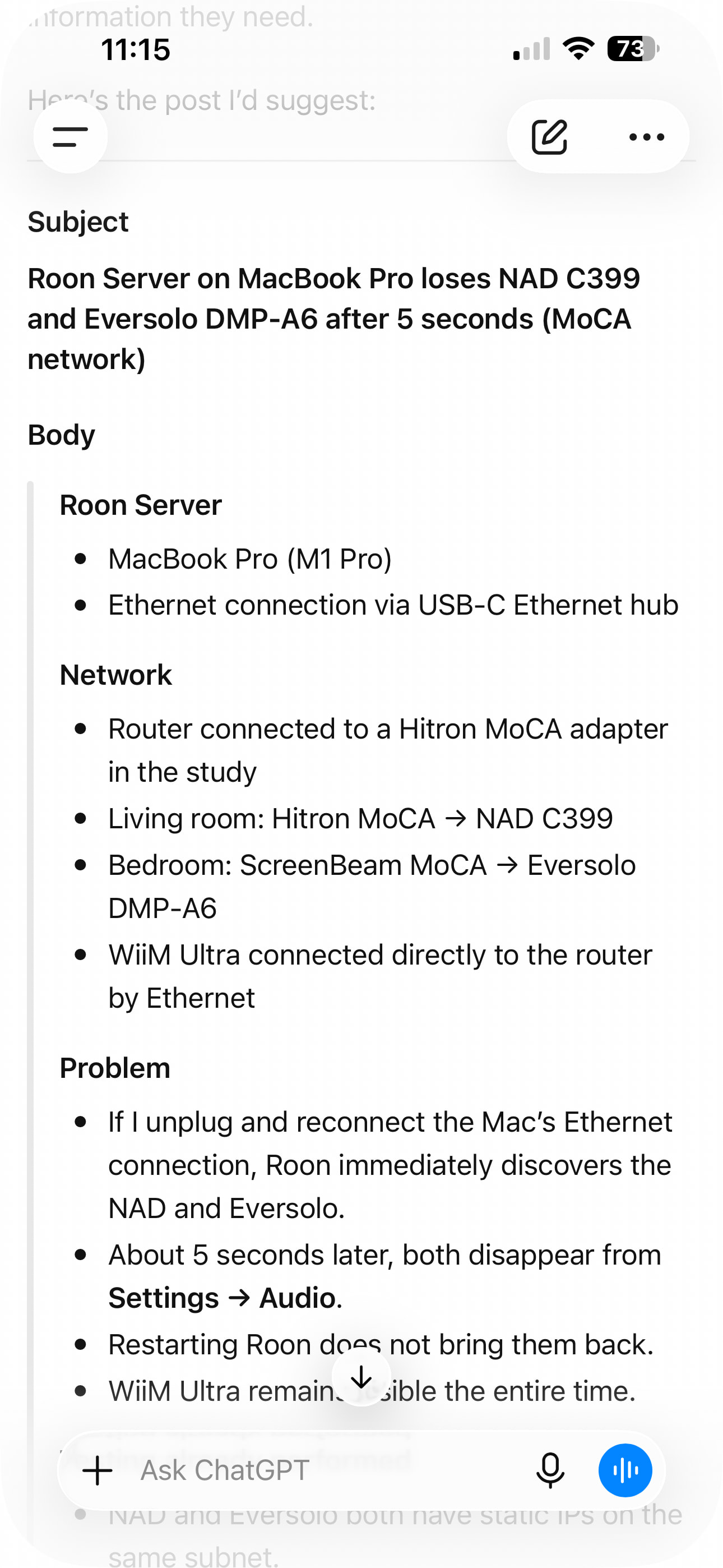
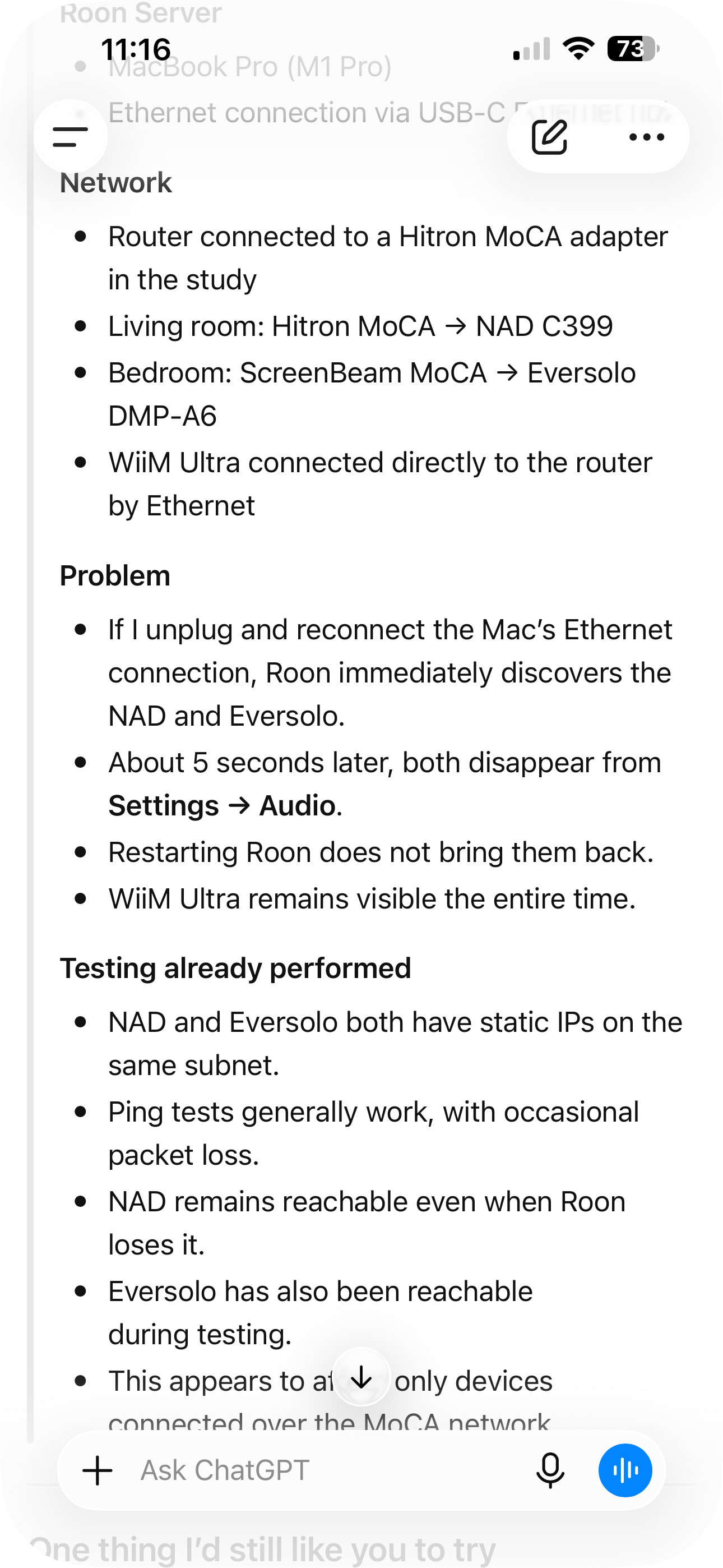
i have spent countless gours trouble shooting with chat got over the past 2days and cannot get my streaming work as it used to .
I have a mesh network orbi netgear system in my house .
Chat got madea summary of all we trouble shoot but i post it incorrectly in the wrong page . I never did it before so don’t how to use this chat community app .
i need to get a copy and put it in this chat so you guys can read . I have no idea what I did in with chat GPT
Since you’re running macOS, the behavior you’re seeing is consistent with the newer, stricter Local Network permission controls in the recent macOS releases.
Please try the following steps:
Open macOS System Settings → Privacy & Security → Local Network
Make sure Roon and Roon Server are both enabled
Even if they are already enabled, please toggle them off and back on
Fully quit Roon Server from the macOS menu bar / task bar
Reboot your Mac
After reboot, launch Roon again and check if the devices is avaliable again.
Once these permissions are refreshed and the system restarted, your audio devices should reappear.
Please let us know if the issue persists after these steps, and we’ll continue from there.
Just checking in on this. Were you able to go back into macOS System Settings, confirm that both Roon and Roon Server have Local Network access, toggle those permissions off and back on, then fully quit Roon Server and reboot the Mac? After that restart, we asked you to launch Roon again and see whether the audio devices show up again. Let us know what you’re seeing, and we can take the next step from there.
Please note, if we don’t hear back from you this thread may close automatically soon. If the thread auto-closes and you need further assistance, please submit a reopen support request via the technical support help form below and specify that the issue should be reopened. Thank you.
The issue was the roon server - I had to erase and redownload the roon and now i begin to see even devices not i wasn’t aware had roon capability like yamaha avr and sonos smart speaker
Glad to hear you got this sorted. We’re happy to hear the issue has been rectified, and that reinstalling Roon Server brought your endpoints back, including the Yamaha AVR and Sonos speaker you were not expecting to see. We’ll go ahead and mark this thread for closure. Enjoy your Roon experience!