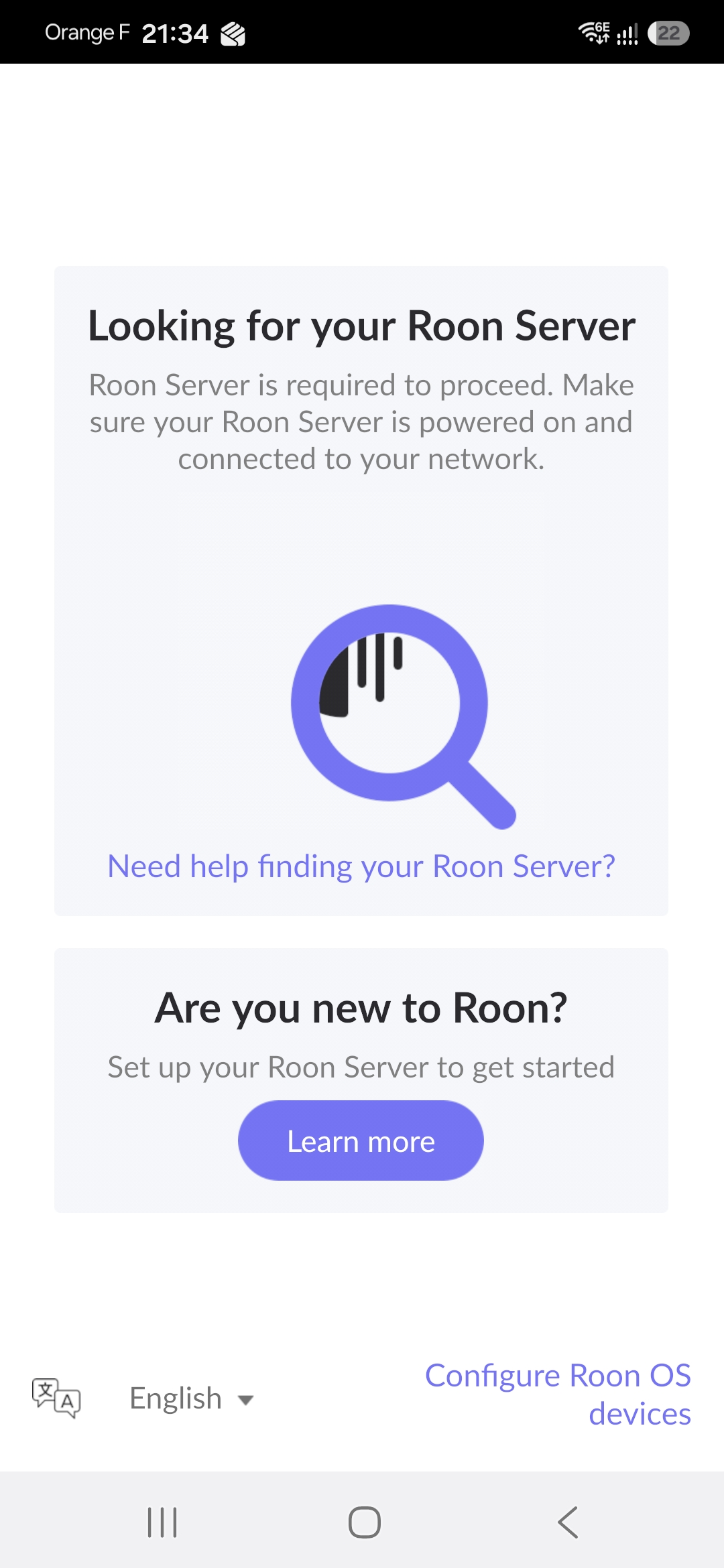
· When I launch roon on my android phone or windows 10 computer, it cannot find the roon server, which is installed on a Sonictransporter 7. I am connected to the same wifi, which is Orbi's mesh wifi RBRE960. Since the drive on the sonictransporter is mapped to my computer, I can see it and open the music files using my computer. I can also see the sonictransporter connected to the Orbi RBSE960 satellite to which it has been connected via an ethernet cable since roon installation--it worked fine till today. I have restarted the wifi router, sonictransporter, and my phone. I have tried putting in the sattelite IP address as well as the Sonictransporter IP address to search. Nothing works. No idea how to resolve the issue. I am not an expert on computer systems/networks. Can you please help with detailed instructions on next steps.
Tell us about your home network
· Orbi RBRE960 with two RBSE960 satellites. They are working fine. I can connect to the internet. Ookla shows a download speed of 411 mbps.
05/28 23:05:08 Trace: [remoting/brokerserver] [initconn 10.0.0.26:59940=>10.0.0.36:9332] Connected
05/28 23:05:08 Trace: [remoting/brokerserver] [initconn 10.0.0.26:59940=>10.0.0.36:9332] Initialized Fresh Session
05/28 23:05:08 Trace: [remoting/brokerserver] killing old client from d8fb5625-b931-4d26-91ff-3e6d3269b03e because we have a new one
05/28 23:05:08 Info: [remoting/serverconnectionv2] Client connected: 10.0.0.26:59940
Would you kindly confirm that you are still facing the issue?
Yes, I was able to connect. Thanks. I went into the sonictransporter software, cleared the cache and did a software reboot. That finally enabled me to connect. Although the logic eludes me.