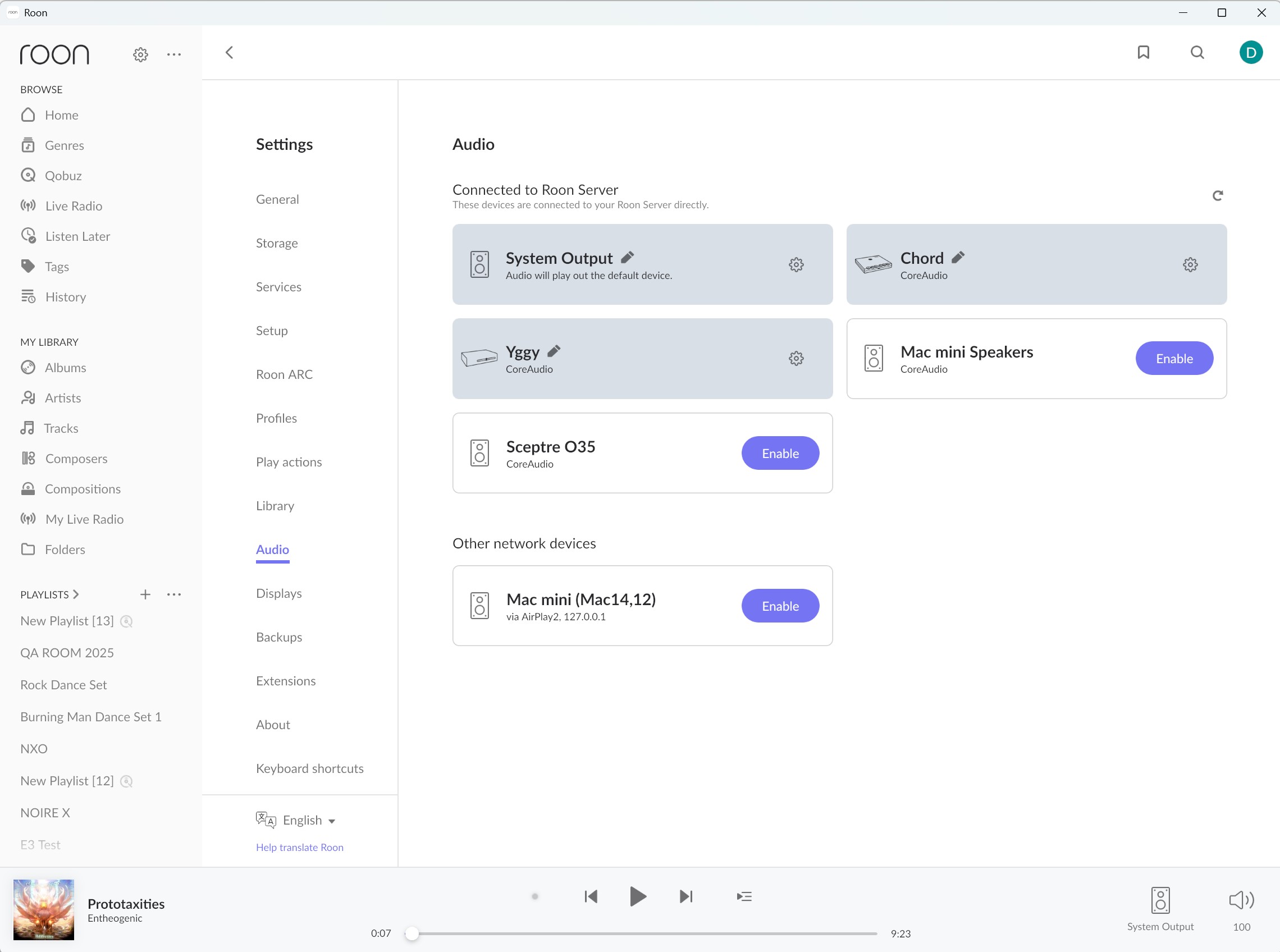
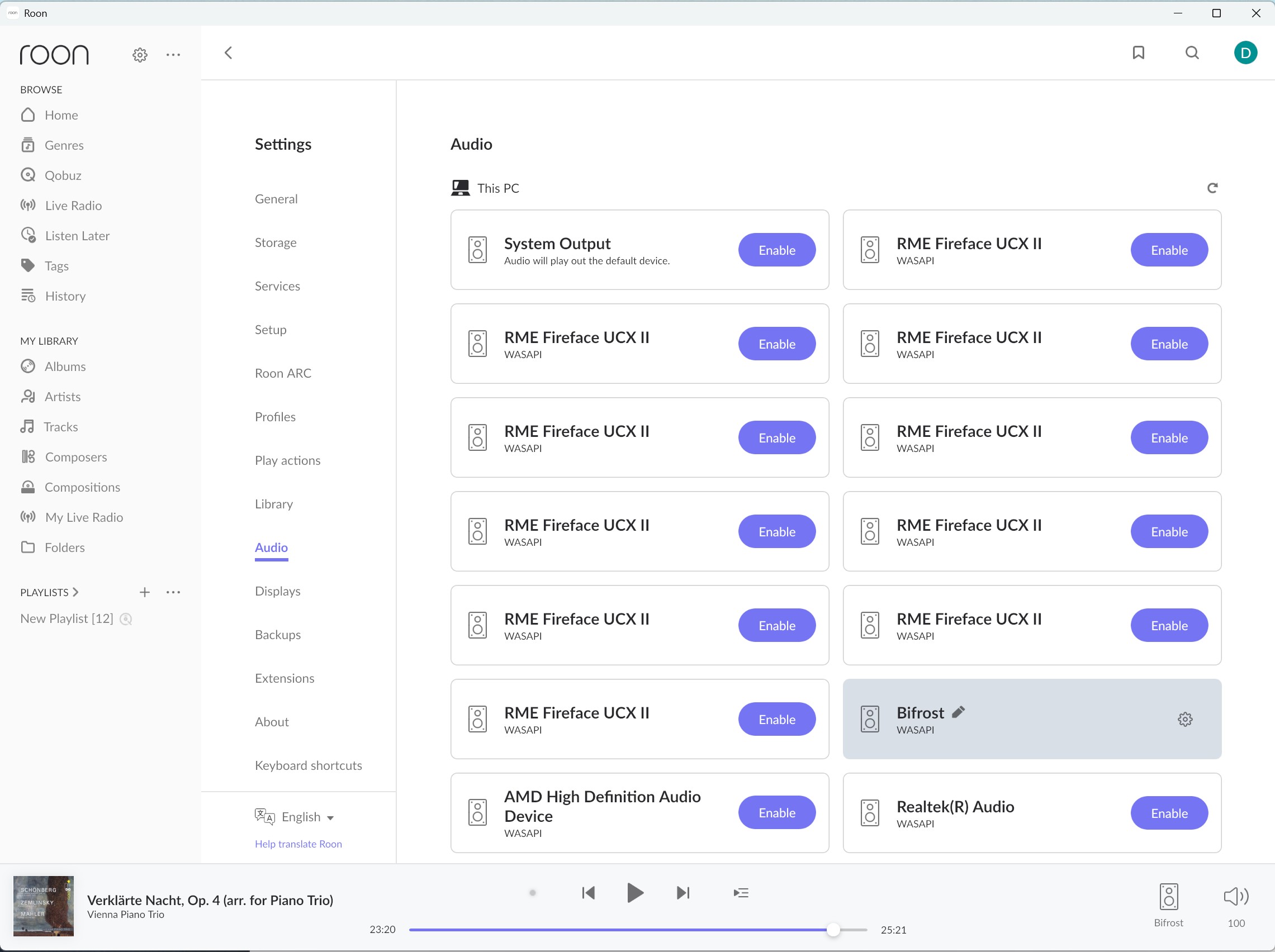
Client on Windows 11 can not see any local audio devices, the list is empty. The audio devices show in Windows and function correctly for other applications.
The server is on OSX.
The Roon client can see the OSX-connected audio devices but it can’t see any local audio devices even though they can on Windows.
Since you are using a Windows PC, I would verify that both Roon.exe and RAATServer.exe have been added as exceptions to your Windows firewall.
You can use these instructions to add the exceptions and the executables themselves would be located in your Database Location/Application folder path.
I would also add these exceptions to any Antivirus or other Firewall blocking applications you may have and ensure that you connected to your network via a Private network, not a Public one, see this guide for more information.
On Sep 29, I accepted Windows 11 update: Version 24H2 for x64-based Systems (KB5065789) (26100.6725) and ROON end point devices vanished except airplay (Yamaha AVR and WX10 speakers). However all endpoints incl Roon ready were visible under Roon settings> Audio.
I put the question to AI chat (copilot) and learned that it;s not Roon issue but Windows issue. So decided to roll back this update.
Now ROON back to normal after this uninstall.
We’ve discussed this with our senior QA and development teams. The team is investigating some possibilities here and, as soon as that investigation is complete, we’ll be sure to follow up ASAP.
You have our apologies for the trouble here, and we’ve greatly appreciated your patience as we continue investigating this tricky issue. We’ll be in touch as soon as we can.
Just to check something with you, if you temporarily host the Roon Server/Core on the Windows machine, is there any change? Does the Windows PC have any VPN or security software that could be blocking RAATServer?
Do we understand correctly that when you are using windows machine as Roon Server your local audio devices work as expected ?
Can you please also clarify for us how those devices are connected to your Windows PC ? Via USB, network, etc. ?
Can you please open the Roon Remote on that windows machine and share with us the screenshot from the “Audio“ section from Settings ? Don’t they all appear there and just have to be enabled ?