Roon Client on Windows 11 unable to connect or complete Server Setup with login loop (ref#QJ9JI6)

Hi! What’s not quite right with Roon?

· None of the above quite fits

None of the above quite fits

· None of these quite match

Tell us what's going on

· From Roon Client on Windows 11 PC can't connect nor complete Roon Server Setup Does not recognize my account login and loops

Tell us about your home network

· Asus RT-AX88Pro Router with Cisco 24 port Gb Switch, Intel NUC with 256 GB SSD and 32 GB RAM running ROON ROCK on a Static IP, Synology NAS on a static IP no VPN is used

Hello @Predrag_Kos !

Can you please clarify whether you are able to sign in to Roon on the web site or this happens only inside the app ?

Also, can you please grab the logs as per this instruction and upload them here ? We’ll have a look at them and try to understand what’s preventing you from logging in.

Thanks!
PLease note that we might need both, your Roon and Roon Server logs.

Regards.

Hello Alex, Thank you for prompt reply.
I’m logged on web to my account

But if I try to connect ROON server from my Roon client running on windows 11 I'm facing this issue. From client it opens screen to login, then it opens web page, I login returns me back to Client to a page Login again, and again.

it takes me to web page where I login, returns me to client again to login. It becomes infinite loop.
I’m loading logs right away.
It is ridiculous, this should not be something that I have to contact support.

Alex_h I have zipped and uploaded both Roon and RoonServer logs as per instruction and it has my Community name

Hey @Predrag_Kos,

Thanks for sending those over! In the meantime - the pop-up might be blocked by the default browser, depending on your settings. In that case, there are a few things that can help:

  • Rebooting your Roon Server

  • Clearing the default browser’s cache and cookies

  • Temporarily changing your default browser

  • Checking to ensure that you don’t have popup or cookie blockers preventing the redirect

Thank you!

Benjamin,

Followed your directions and it did not work. This is ridiculous. I can’t finish setting up my server and enjoy music. There is no valid reason to make this simple task so convoluted. All the cache, cookies, add blockers garbage is complete ■■. Provide us with clean straight forward way to complete the setup process without the need to jump through hoops. After all we are paying subscription to enjoy music, not to solve your puzzles. As good as roon is, this process causes unnecessary frustration.

Benjamin, I managed to connect to ROCK, but only after restoring the DB. Completely insane, what if I want to setup DB from scratch, I can’t do it, and process does not give any clue why it is failing. Apparently, the reason is that DB is not present, or not recognize that DB is present or is corrupted for whatever reason. If so, why simply not display the error, inform the user, instead of going back to LOGIN without any explanation. That is really bad design and flow of UI.

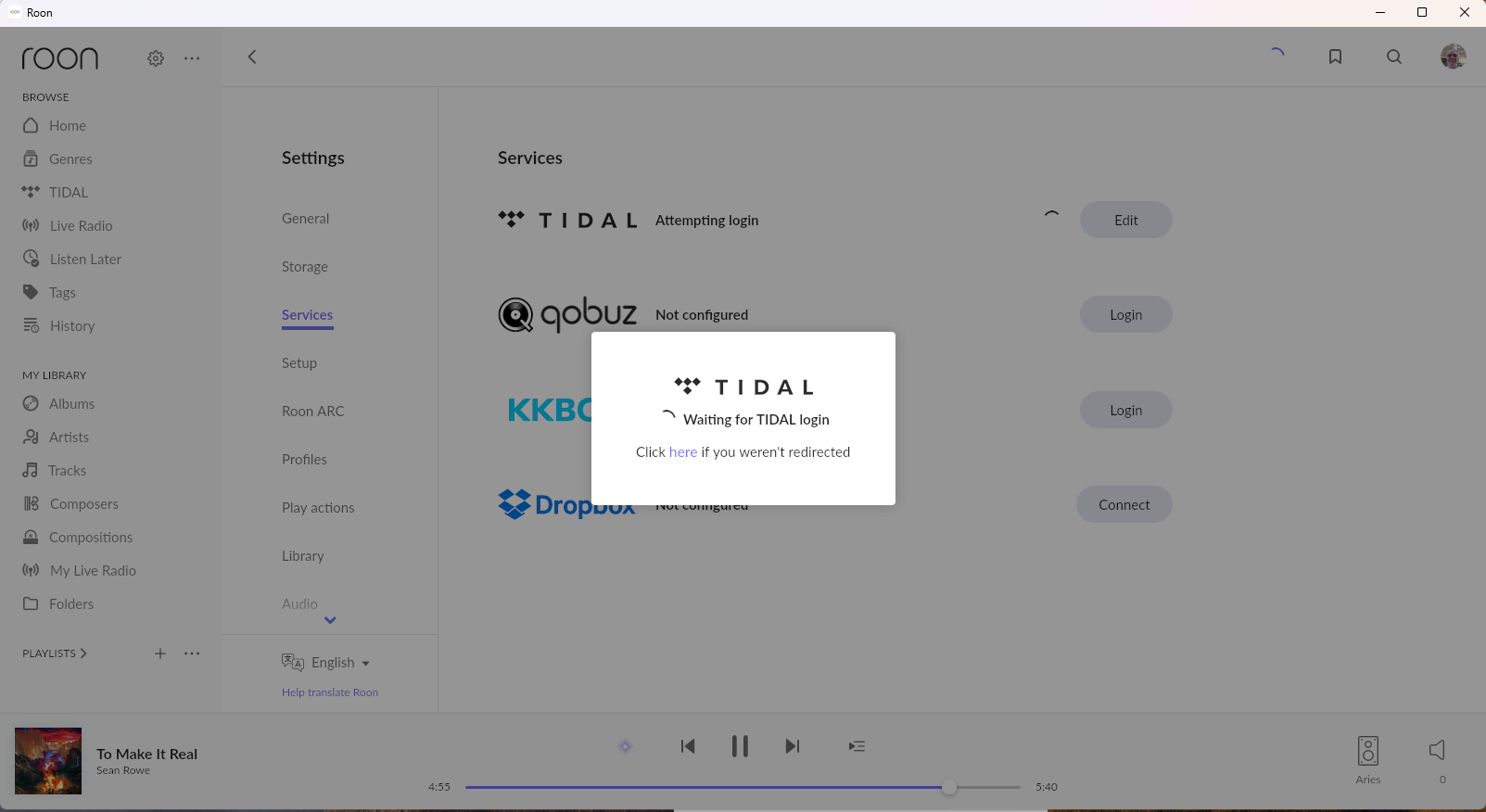
However it now fails to login to TIDAL, It is getting more than frustrating. Every step of the way it’s hitting roadblock

Hi @Predrag_Kos,

Sorry to hear you’ve been hitting so many authentication-related issues. Note that this isn’t typical behavior and is likely something we’ll be able to troubleshoot in relation to your local network.

First, could you bring your ROCK back online - we’ve enabled diagnostic mode and should send us a fresh report when connected to our servers.

Since you are using a Windows PC, I would verify that both Roon.exe and RAATServer.exe have been added as exceptions to your Windows firewall.

You can use these instructions to add the exceptions and the executables themselves would be located in your Database Location/Application folder path.

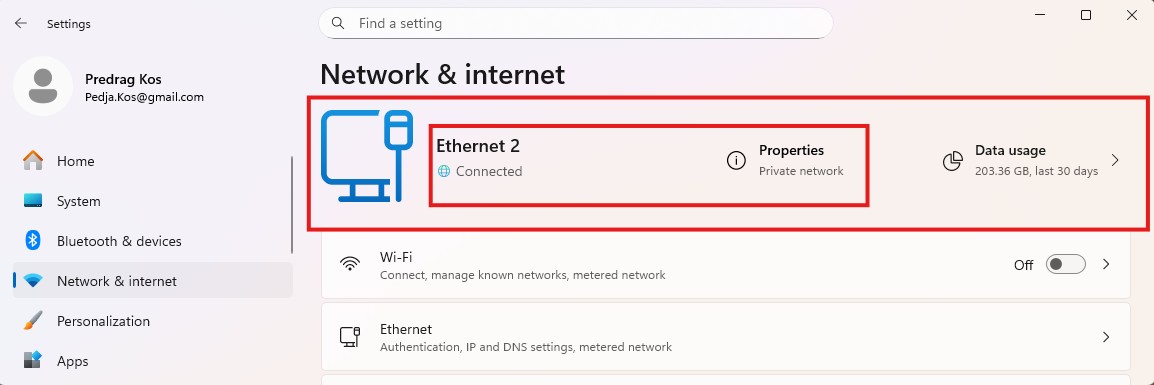
I would also add these exceptions to any Antivirus or other Firewall blocking applications you may have and ensure that you connected to your network via a Private network, not a Public one, see this guide for more information.

Thank you!

Benjamin, network issues appear to be silver bullet excuse. If it is so sensitive and fragile, why opting for it. My network is setup according to ROON recommendations. I have ASUS RT-AX88 PRO router is connected to a smart switch where I have three separate VLANs configured. Everything related to audio is connected to a same VLAN no crossing VLANs nor subnets, it is completely isolated. Port is defined as TRUNK so that it does not impede with internet traffic for any of VLANs. Entire ROON setup, INTEL NUC with 256 Gb SSD and 32 RAM, Synology NAS, PC with ROON Remote client running on Windows 11, Denafrips ARCAS network Streamer, Hegel H390 are connected to the same VLAN. Also IGMP Snooping is enabled as per recommendations. Attached is the screen shot of versions of ROON software, I’m not sure about RAATServer, but am assuming ROON should take care of it when updating version for the rest of the software. If it does not, it definitely is ROON problem not mine.

Add

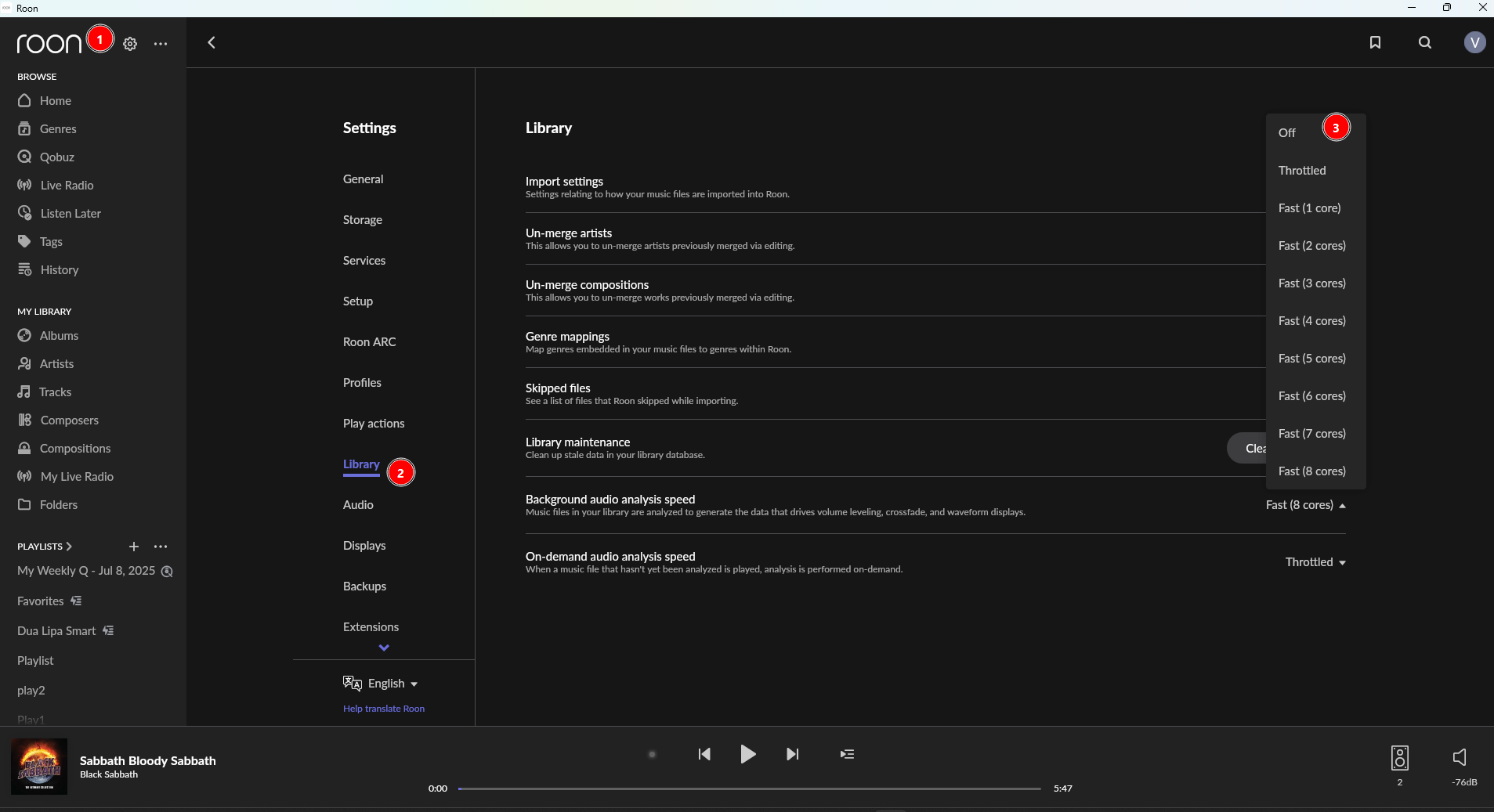
I'm not sure that I understand what you are telling about Antivirus and/or Firewall blocking. I have no firewall rules enabled, nor I do have Antivirus running, all are turned off at the moment. If i go to ROON Account login web site and complete login without a problem it indicates that firewall and antivirus is allowing that traffic to go back and forth. After restoring from backup ROON is connected to ROON server. It identified all of the tracks in my library, but apparently is stuck on the one of the subsequent steps, either collecting metadata, cover images, organizing. It is running for about 24 hours, and there is no apparent way to close it and restart it, unless there is some secret command. ![ROON Scanning|690x335](upload://cz5KyzICM5eySkkq4wrlKSbMN9w.jpeg)

Also it does not allow me to connect TIDAL service. I do have valid TIDAL account, but when it does go through ROON verification process it fails each and every time. Obviously there is something corrupted within ROON process that prevents it from completing above processes.

I understand that I have large DB with over 185K tracks, and that probably takes substantial amount of time to complete entire process but 24 hours is way more than sufficient time, if not there is something inherently wrong with the process where ROON bit more than it can chew. My network is definitely defined as private network

Just would like to emphasize that at the moment, I can play music only from my local library, and it is working fine, no dropouts or interruptions. I cannot stream using TIDAL for above mentioned reason. Also the process identifying metadata, images is running constantly in the background without any apparent intention of comming to an end. Also just to make another test I have added new album to the Synology NAS last night. This morning I checked new album is picked up by ROON, and can be played without problem, but without cover image. Also search doe not work , most likely because process did not complete indexing so that it can work efficiently.
Hoping we can resolve this challenge I’m facing.

Benjamin,

Here are screen shots of process of Tidal service setup.

Login redirects to RoonLabs web site


I redirects to Roon and waits for several minutes

Finaly it displays following message

Hey @Predrag_Kos,

Thank you for the detailed follow-up!

I think there may be a bit of a disconnect between Roon’s recommendations and what you’ve actually described in your setup. Roon’s recommended network topology is intentionally simple and flat:

  • One router
  • One LAN / one broadcast domain
  • No VLAN segmentation between Server, endpoints, and control devices
  • Minimal “smart” switching features enabled
The ASUS RT-AX88 Pro itself is perfectly fine, but once you introduce a managed switch with multiple VLANs, you’re already well outside what Roon considers a recommended or supported configuration. VLANs, inter-VLAN routing, IGMP behavior, and multicast filtering can all interfere with RAAT discovery.

While your setup may be technically valid from a networking perspective, it isn’t quite aligned with Roon’s own design assumptions. Roon’s protocol relies heavily on unrestricted multicast and low-latency LAN behavior, which VLAN segmentation directly complicates.

That’s why Roon often works flawlessly on very simple home networks and becomes unpredictable or fragile on more complex, segmented ones, not because VLANs are “bad,” but because they add variables Roon does not optimize for.

With that, we were able to review a fresh diagnostic report that showed us repeated authentication issues beyond Tidal, including Roons cloud services, for example:

failed to auth: Result[Status=Unauthorized]
EnsureAuthReady failed: Result[Status=Unauthorized]
GET https://api.roonlabs.net/... status code: 401
POST https://api.roonlabs.net/roonmobile/1/cores/announce ... 401

You also see identical failures for:

  • Metadata
  • Internet Radio
  • Server announcement
  • Messaging
  • Genre updates

If you move your Server and a single Roon remote off your VLANs, and plug it directly into your router for a very simple setup, do you run into the same issues?

Thank you!

Benjamin,
Though there are quite a few points in your response that are highly debatable. To do it by Roon rules, I have added 1GB unmanaged switch to on a different router port and plugged all of the devices related to audio connected to Roon on that unmanaged switch. I restarted router, Roon Server as soon as I open remote client it continues where it stopped. How to stop the process of identifying library that is stuck? Also there is still problem with TIDAL login. You have mentioned that there is 401 status from authorization, that means that my credential are not recognized by your server. How can that be if I go straight to ROON web sight and enter my credentials it is recognized. Are there some stale data in your DB? Should I reset DB on RoonServer to try from clean slate?

Hello,

Thank you for the update.

  • Exit out of Roon
  • Find and open your Roon database
  • Navigate to Roon/Cache
  • Move the contents of the /Cache folder elsewhere, like your desktop
  • Try restarting Roon and verify if the issue still occurs

Hi Vadim,

\ROCK\Data\RoonServer\Database\Cache folder is empty. However, \ROCK\Data\RoonServer\Cache has subfolders and data in it. Should I move RoonServer\Cache folder or not? What happens when structure is not as you described. Why can’t I clear DB on ROCK and start from clean slate. At this point it would make sense to me to mop up everything and start from clean slate, obviously something is corrupt.

Hello @Predrag_Kos !

You can try to move that cache folder away from its current location too. It is safe.

If you are okay with starting over with a clean database, that can help in resolving your situation with tidal login too.

Also, have you tried to login to your tidal account from your mobile device phone/iPad/etc ? Did it lead to the same outcome ?

Looking forward to your reply.

Regards.

Hi Alex,

I have logged in to TIDAL from my mobile phone and Samsung tablet without problems.

I’m afraid there is some corruption beyond repair, thus I will resort to clean DB, in the long run it will most likely save your and my time.

Thank you

Certainly, let us know if that helps @Predrag_Kos we’ll still monitor for your results. Thank you! :raising_hands:

Thank you for your help.

Only clean database worked. Avery other avenue failed with the same results. Apparently Roon stores some corrupt data and fails setup each and every time.

I repeated clean database twice, once with unmanaged switch and second time with managed switch and VLANs, just to verify whether it makes a difference. Both times after clean database performed, entire setup worked without a problem. Whether it will cause other problems down the road I don’t know. So far, almost 4 days later, it appears that there is no consequence of using smart switch and VLANs.

Hi @Predrag_Kos,

That is excellent news! Happy listening :musical_keyboard::musical_note: