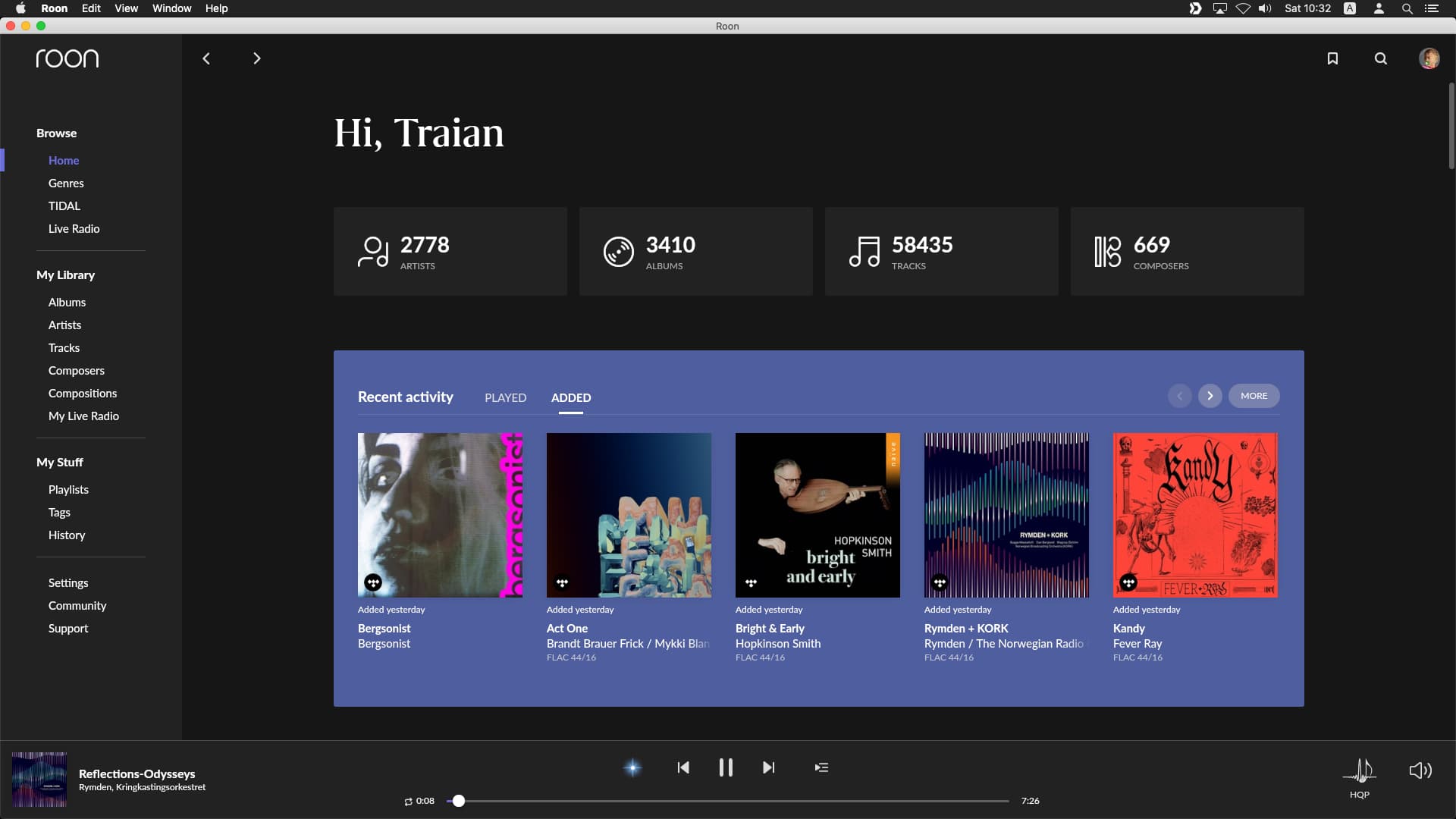
Controlling via iPad (roon version 2.0 build 1202)
Networking Gear & Setup Details
No VPN, network via standard Comcast Router. iMac with ROON Core is connected via Ethernet. Controllers (including iPAd mentioned) connected via WiFi
Connected Audio Devices
via Meridian Explorer USB DAC connected to Musical Fidelity integrated Amp
Number of Tracks in Library
Don’t know where to look up how large my library is (Settings/Library seems to be the right place but it’s not listed there.
In any case, I’m primarily playing from TIDAL when this happens (could it be a TIDAL streaming issue?) I do use TIDAL on some other devices (even though not at the same time) and I’ve experienced this on other devices that TIDAL sometimes says it is already streaming somewhere else (even though it isn’t)
Description of Issue
Started happening about a week ago: When first getting back to ROON on the iPad it usually says “no audio zones” available, even though ROON is running on the iMac
After logging into the iMac (which runs 24/7 with ROON open) and bringing ROON into the foreground on the iMac, usually the iPad now shows the zones and I can start playing
After playing for less than 30 seconds, playback will stop.
I can restart it and then it will stop again after 30 seconds.
If I keep repeating, SOMETIMES it will keep playing, but most of the time I can’t get it to keep playing before I give up, frustrated.
Logging in to your iMac… so I think your Mac was sleeping. That is how it behaves for me also, if I wake up osx, roon will see the outputs only in foreground, meanwhile no outputs. Hope some other users have a better idea. My workaround is to not let Mac sleep. Tweak the sys prefs or use amphetamine app (I do it from sys prefs but I have seen a lot of users using amphetamine).
About the 30 sec stop, does roon give you an report error on the screen?
For me, if I use tidal with roon and roon it is playing my mobile tidal app will stop after 30 seconds. If roon it is not playing the tidal app works ok.
Try logging out from all your devices, log only roon and see if better
Thank you, Traian_Boldea
I’ll check about the Mac sleeping. I had it to not sleep on inactivity, but for some reason there was also a schedule set up to sleep it at night and wake it later in the afternoon. So I disabled that.
I believe the issue of playing for 30 secs must be related to TIDAL. My solution was to sign up for a family account and use a different login just for ROON, so it never plays anywhere else but through ROON. So far (after 24 hours) this seems to do it.
I really think TIDAL sometimes thinks it’s playing (on my iPhone or in a web browser) even though it’s actually stopped. That’s a bit of a problem, if you don’t want to pay for extra subscriptions.
I’m assuming from your previous post that we can mark this topic as resolved; please correct us if we can assist in any way.
Please also verify your iPad and Core are on the same version of Roon and the most recently available from within Roon → Settings → About. If the issue resurfaces, please let us know.