Hi everyone,
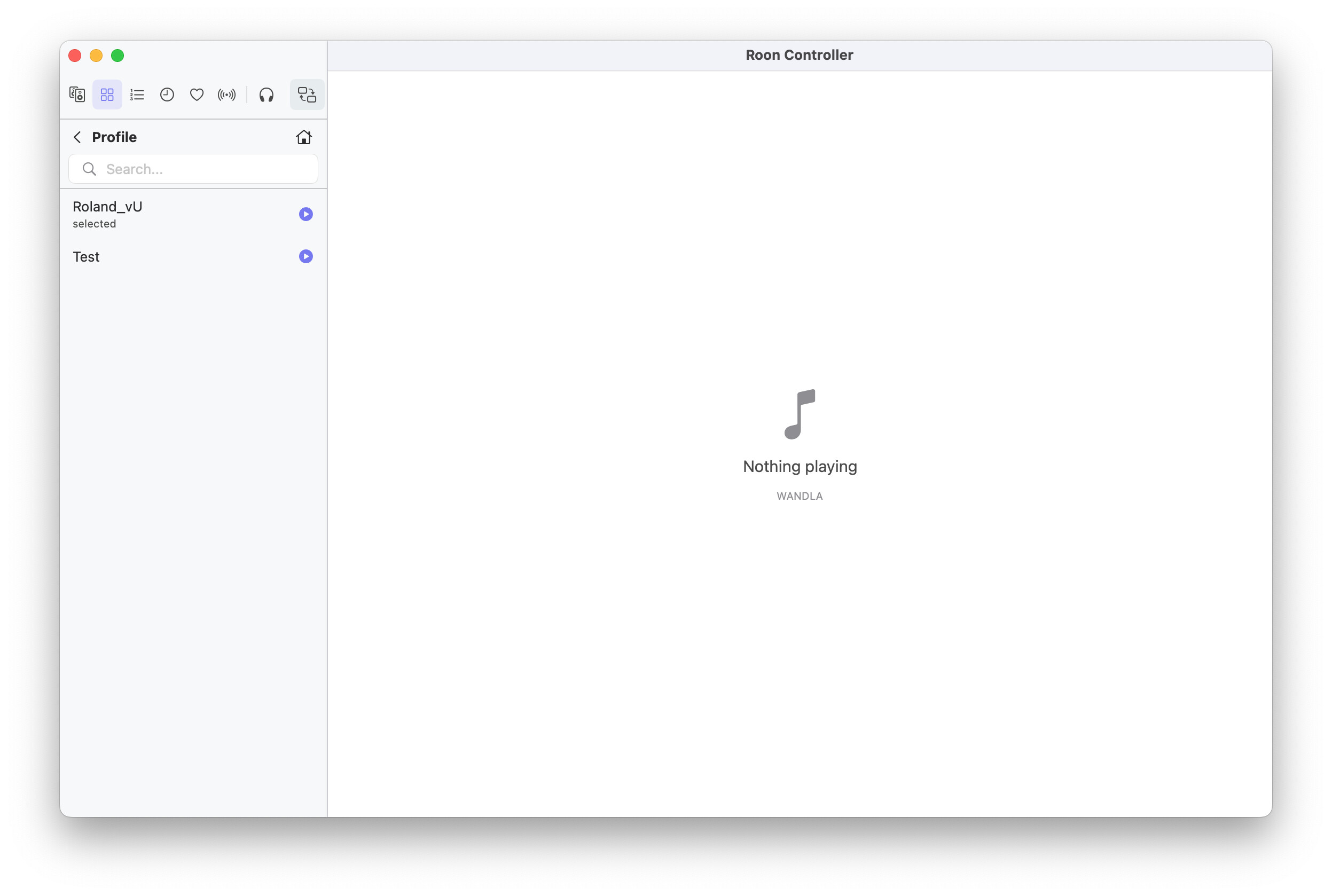
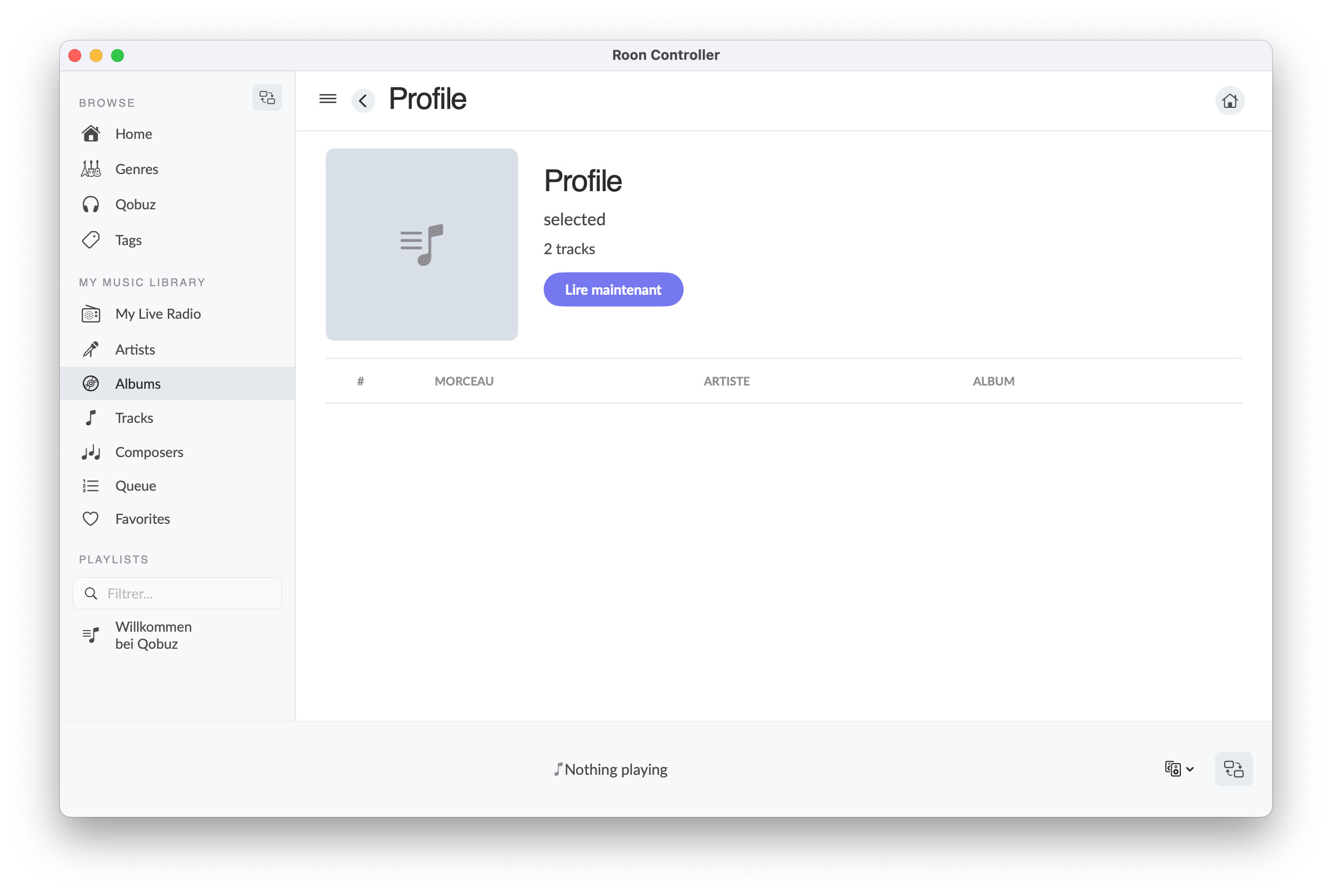
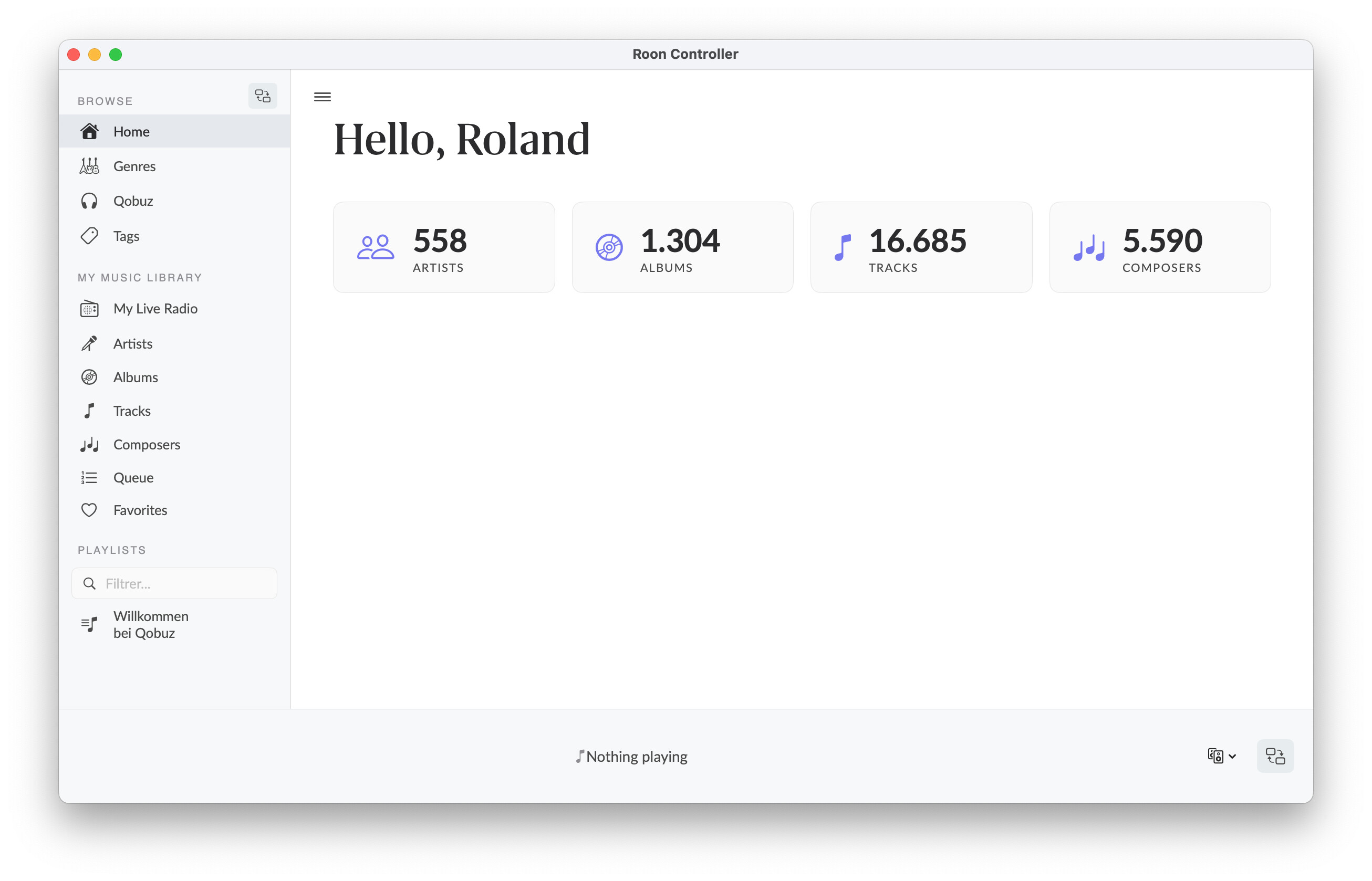
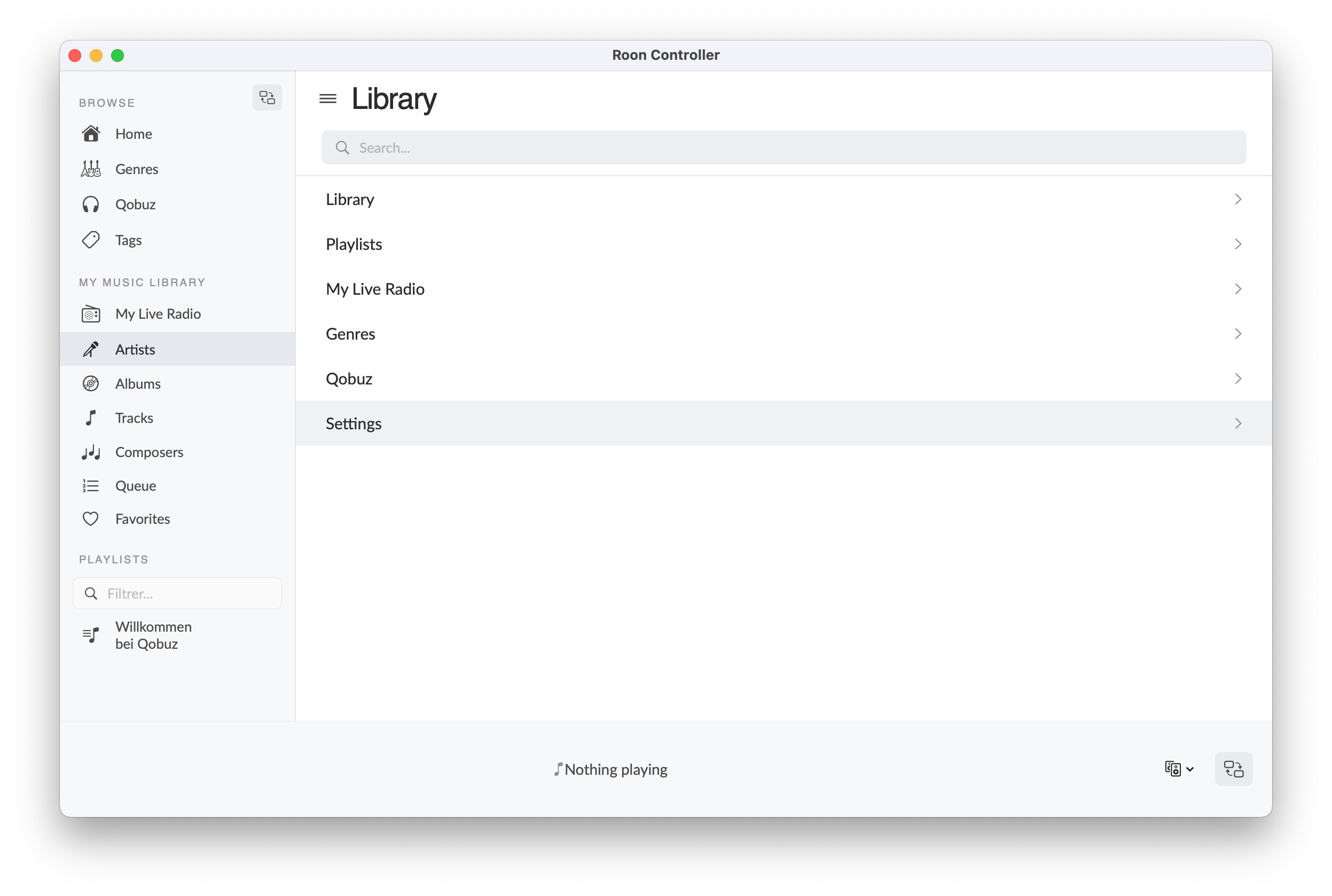
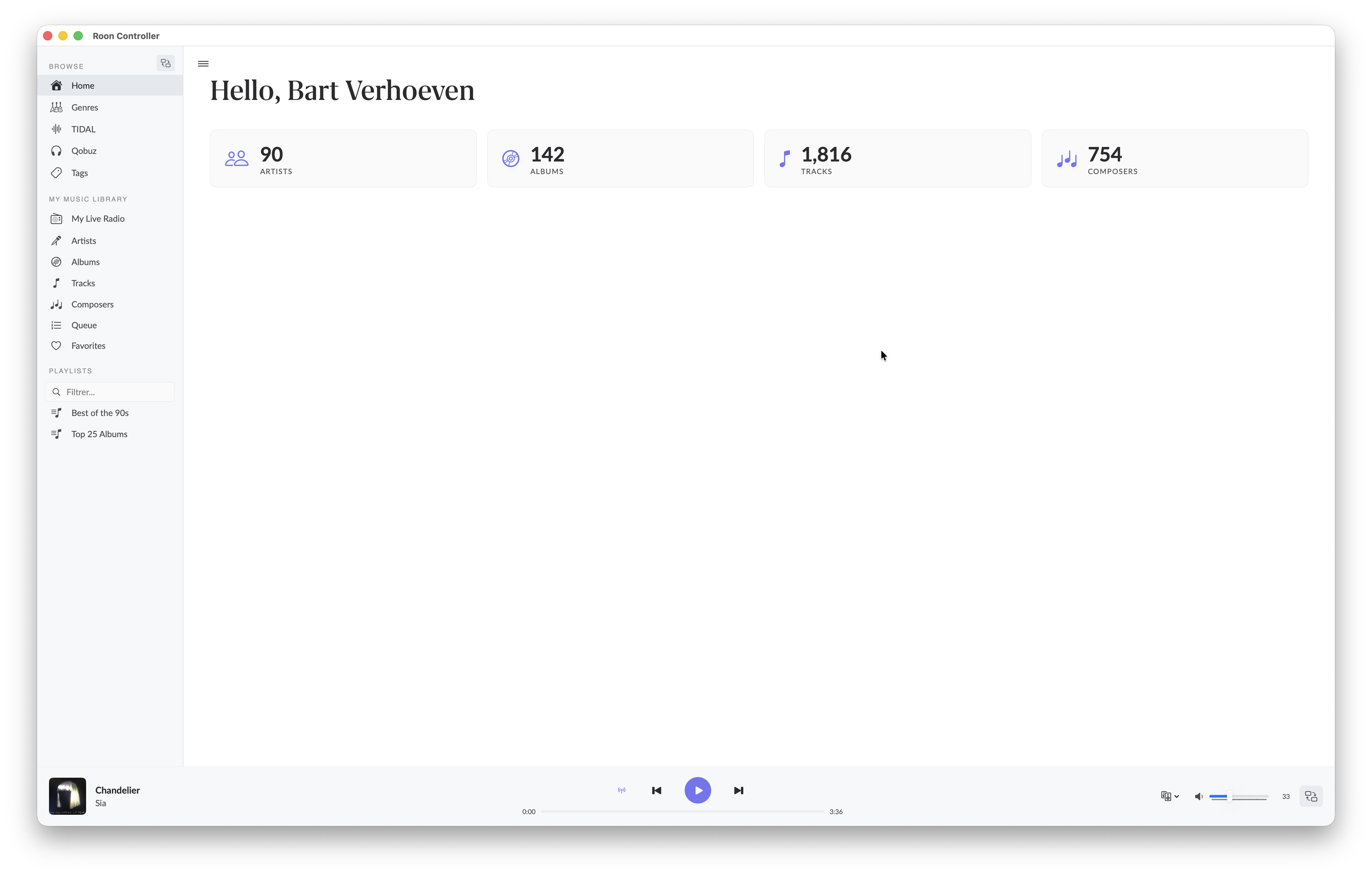
I’ve built a native macOS app (SwiftUI) to control Roon, and I’m looking for beta testers with different setups to help me iron out edge cases.
Why?
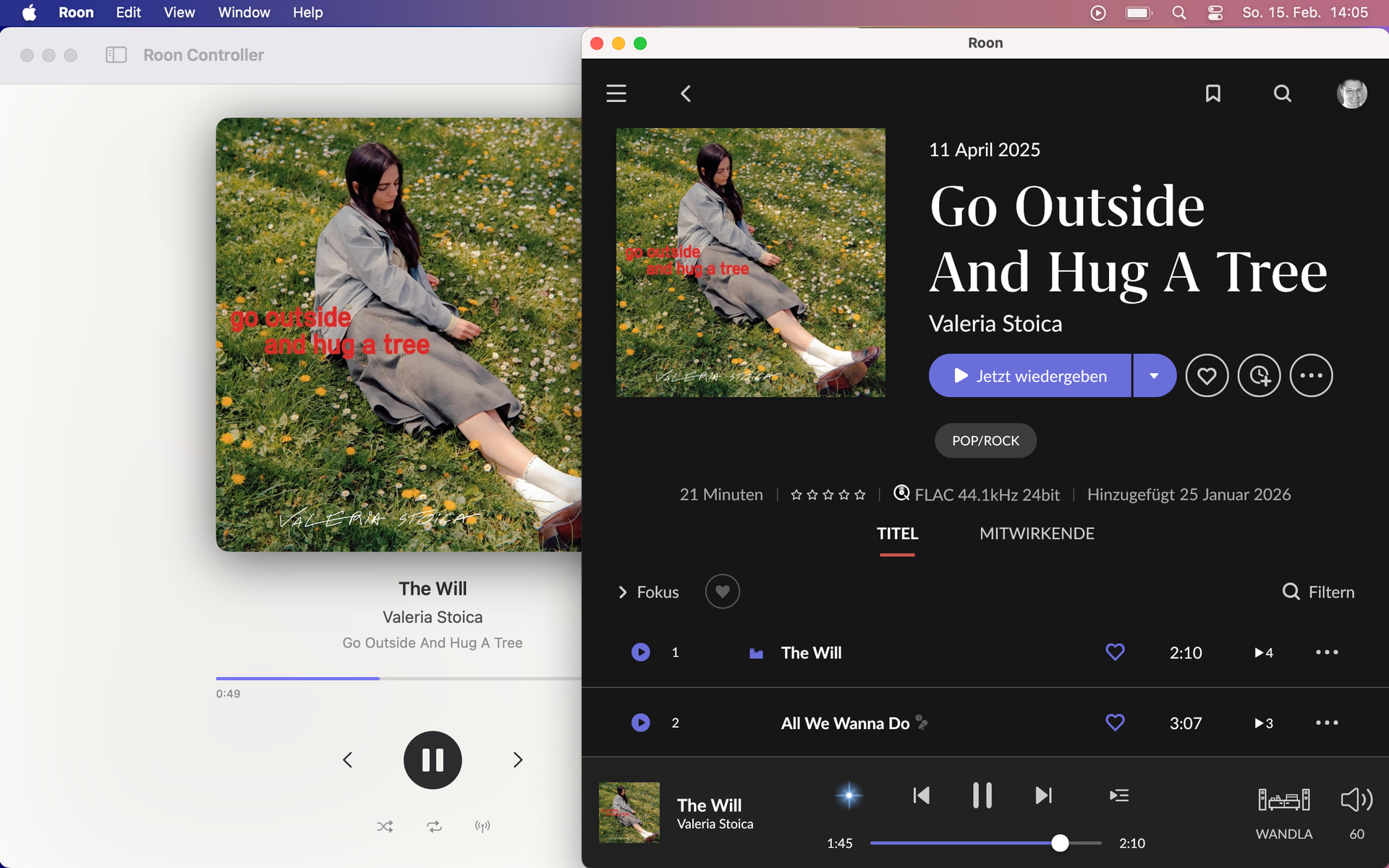
My Roon Core runs on a Mac mini (late 2012) and my workstation is a Mac Studio with a USB DAC. The official Roon.app on the Mac Studio simply cannot find the Core — I’ve tried everything: automatic discovery, manual IP entry, firewall disabled, both machines on the same subnet, reboots, reinstalls… nothing works. Roon.app just sits on the “Choose your Core” screen indefinitely. Despite multiple attempts over weeks, it never connects. Meanwhile, the Core is perfectly reachable on the network (Roon Bridge on the same Mac Studio sees it just fine).
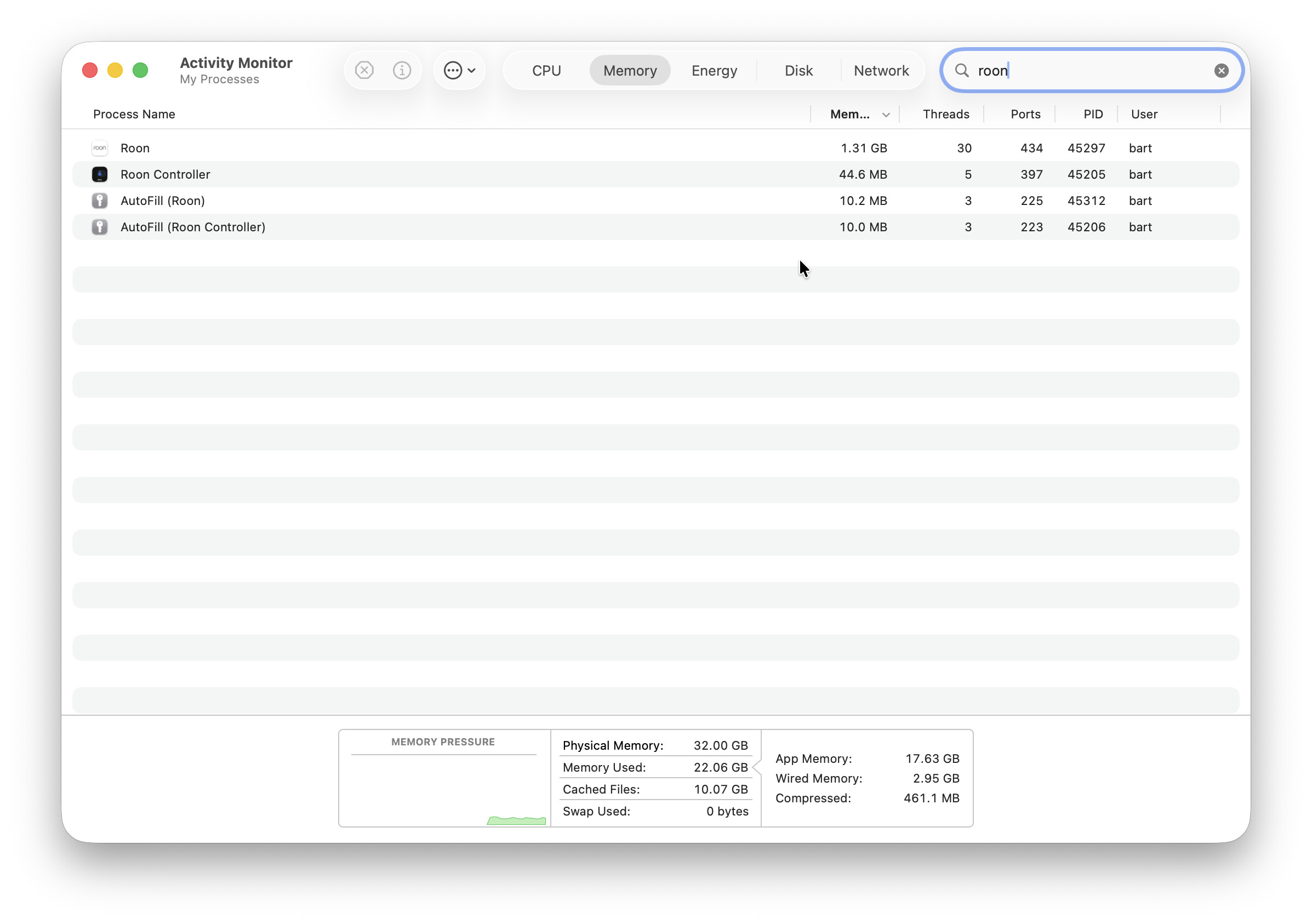
Out of frustration, I decided to build my own client. And since the official Roon.app is an Electron app (~500 MB, ~300-400 MB RAM), I wanted something lighter, faster, and more Mac-native.
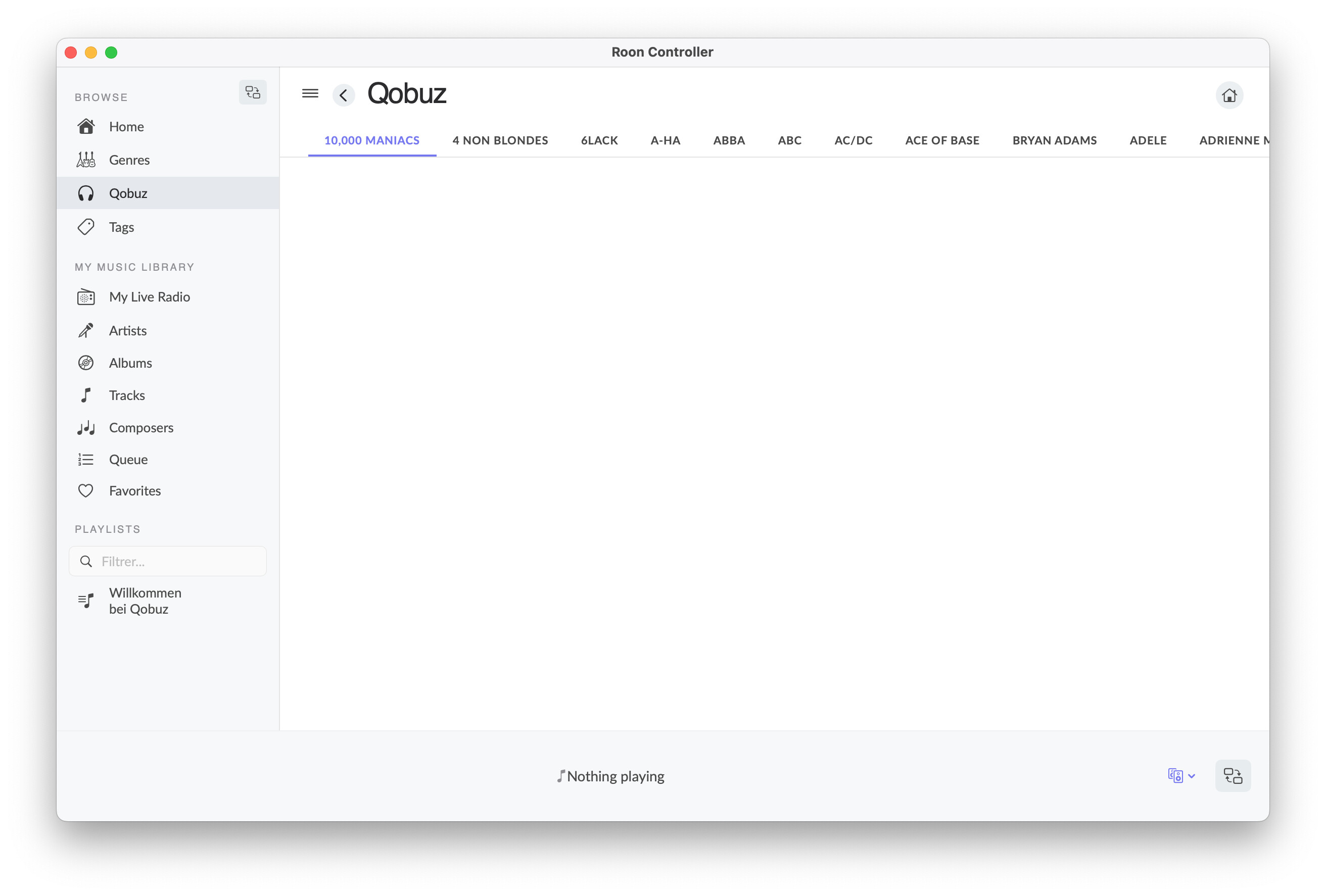
What is Roon Controller?
A lightweight (~5 MB), native macOS remote that connects directly to your Roon Core. It implements the SOOD and MOO/1 protocols natively in Swift — no Node.js, no Electron, no intermediary.
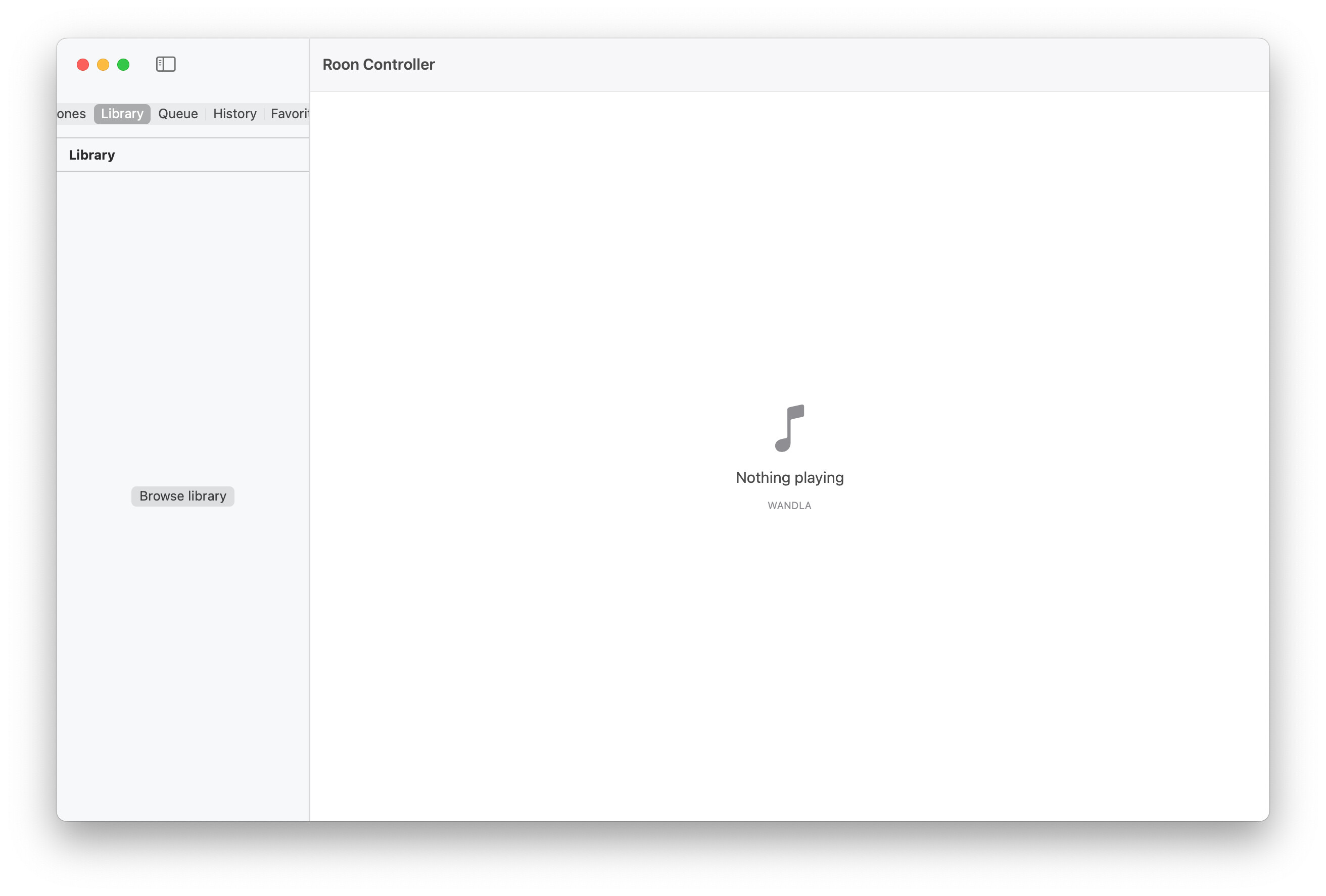
| English | French |
|---|---|
 |
 |
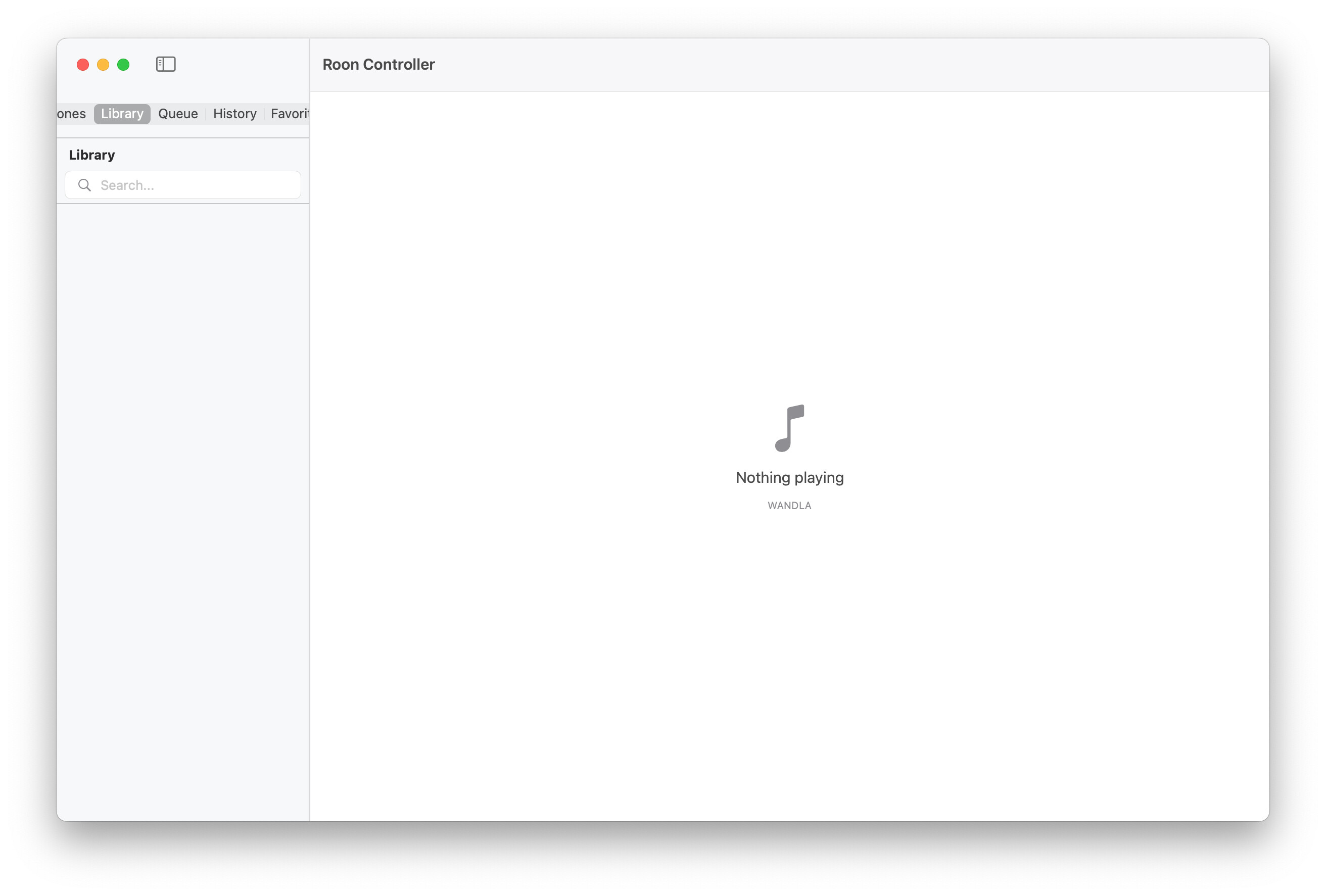
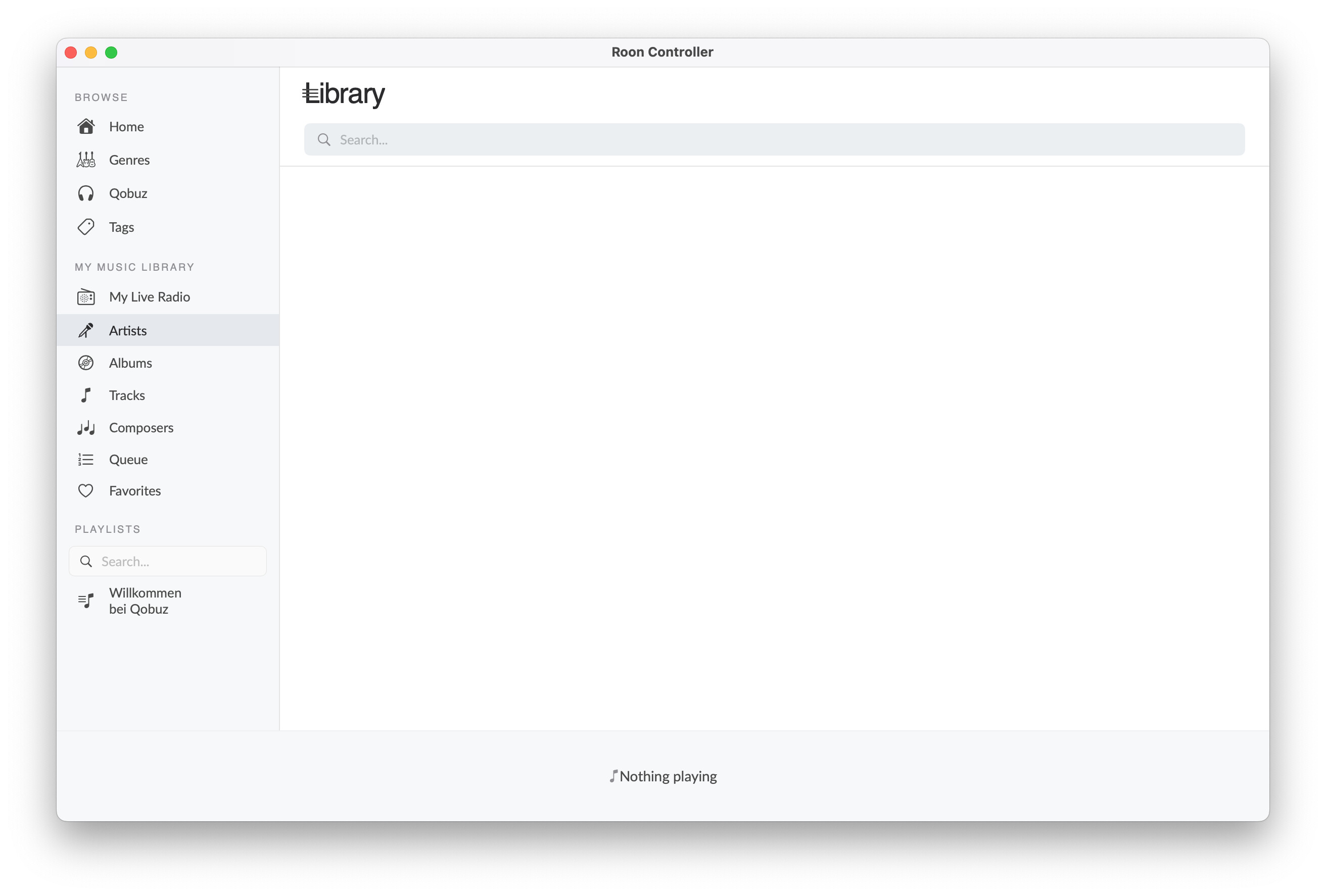
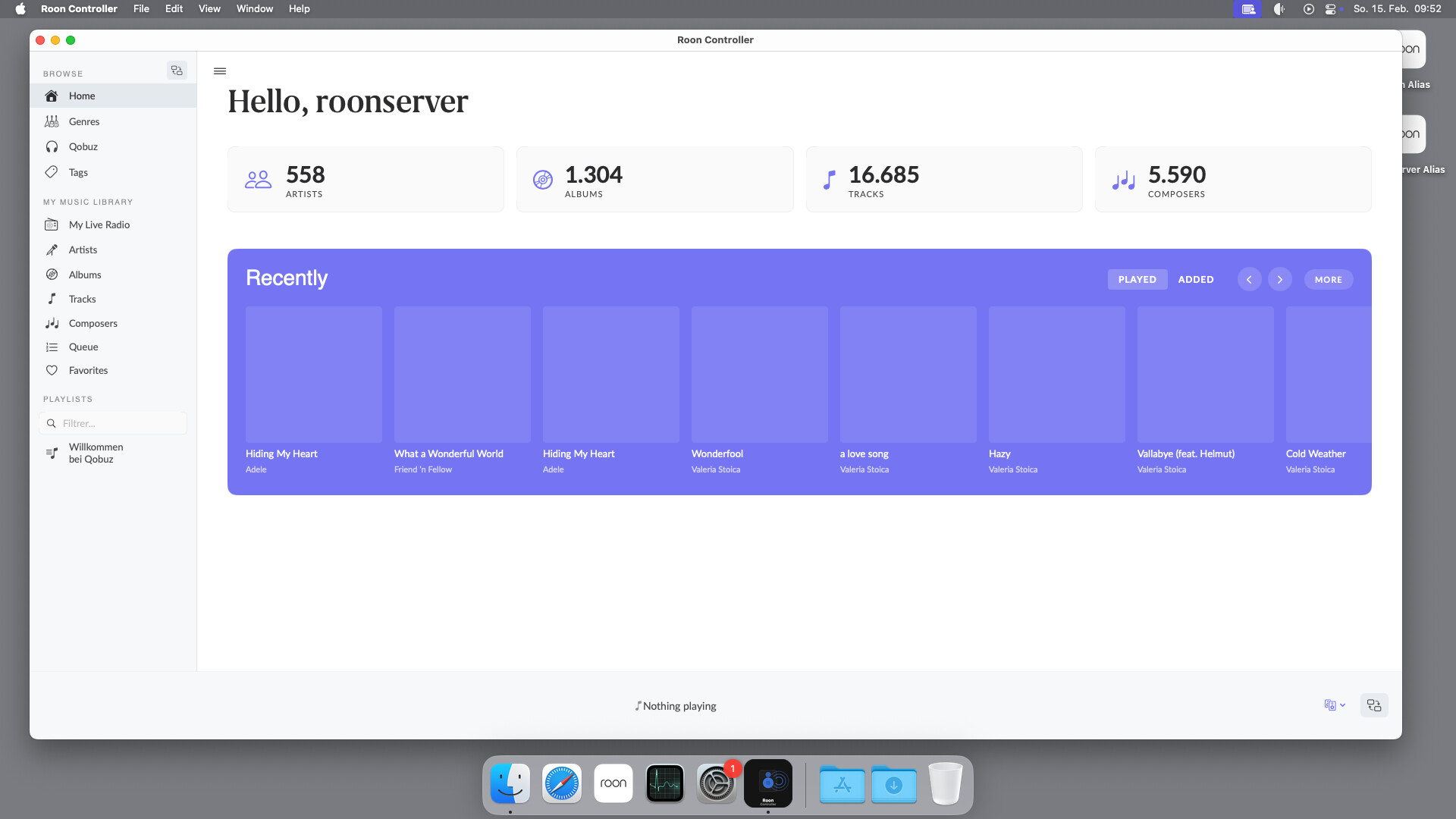
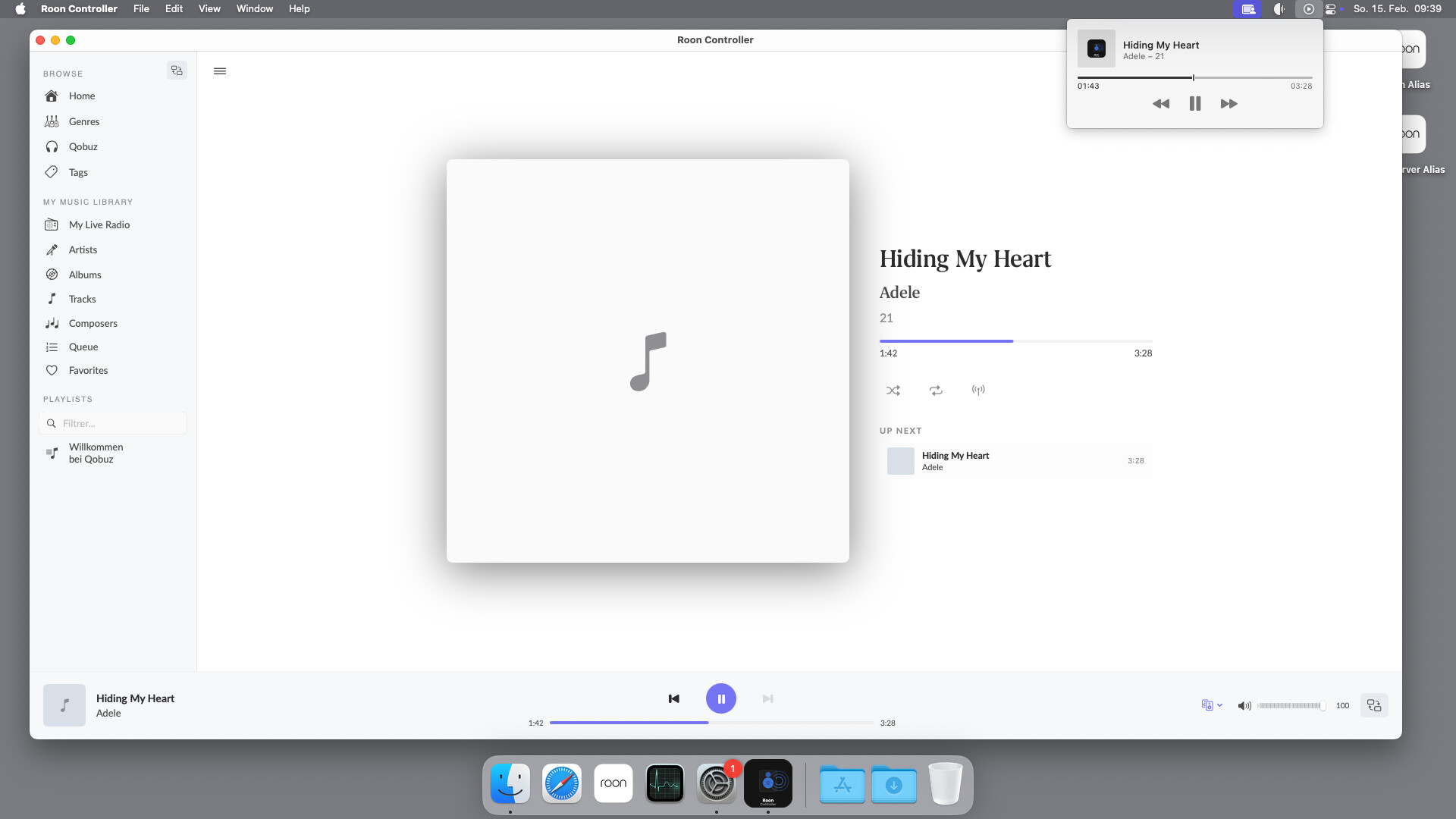
Features
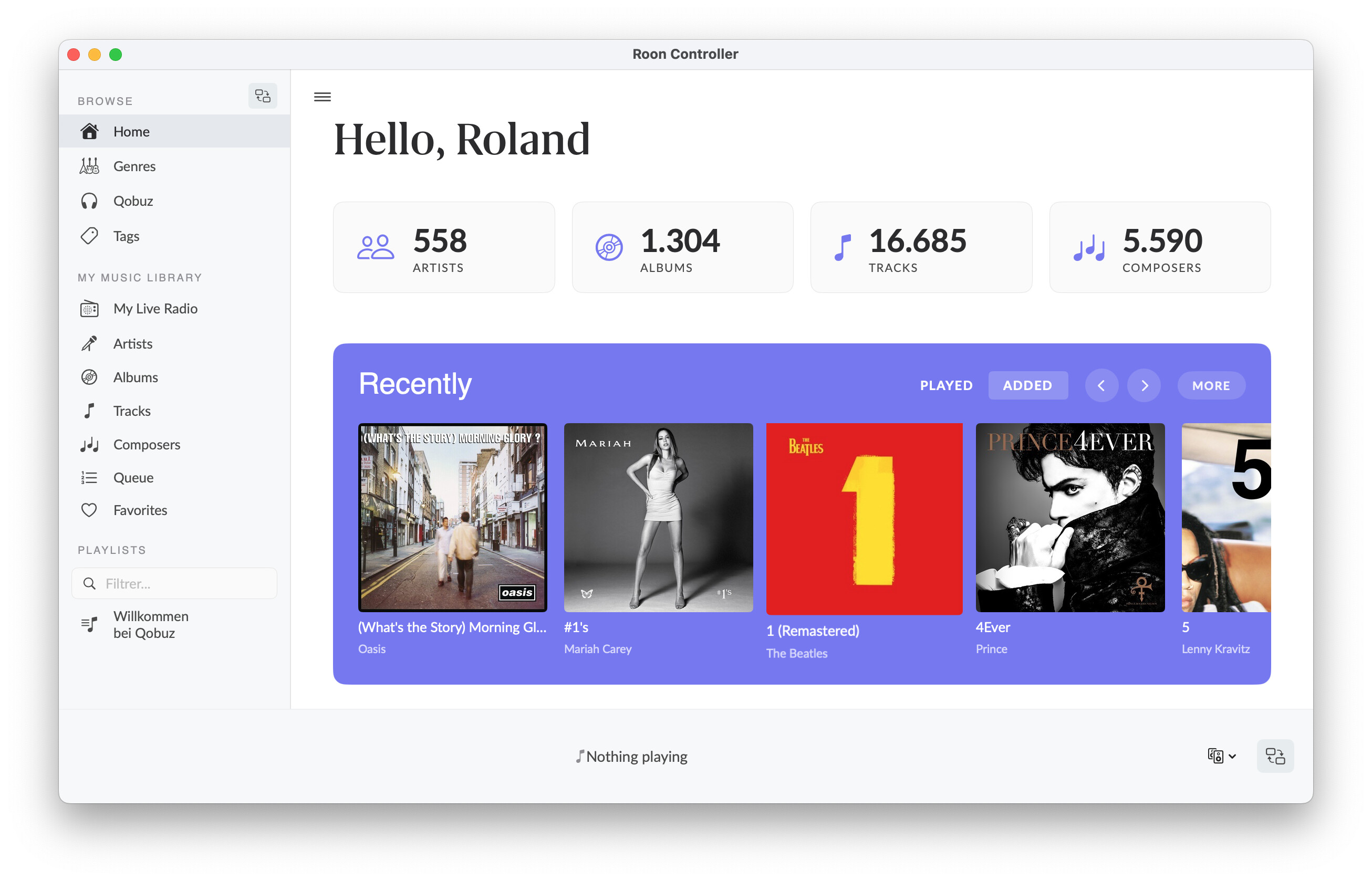
- Automatic Core discovery via SOOD protocol (or manual IP connection)
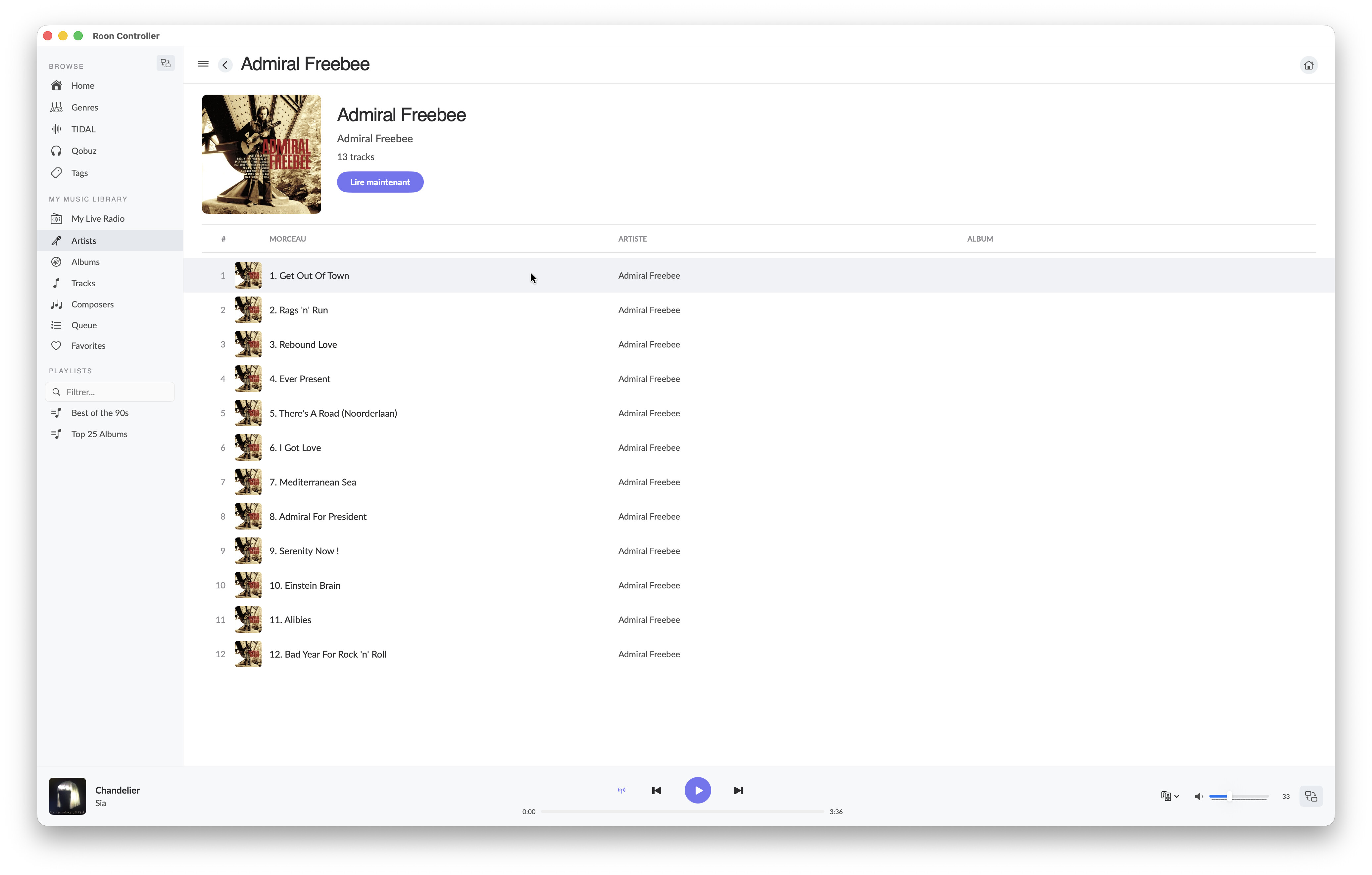
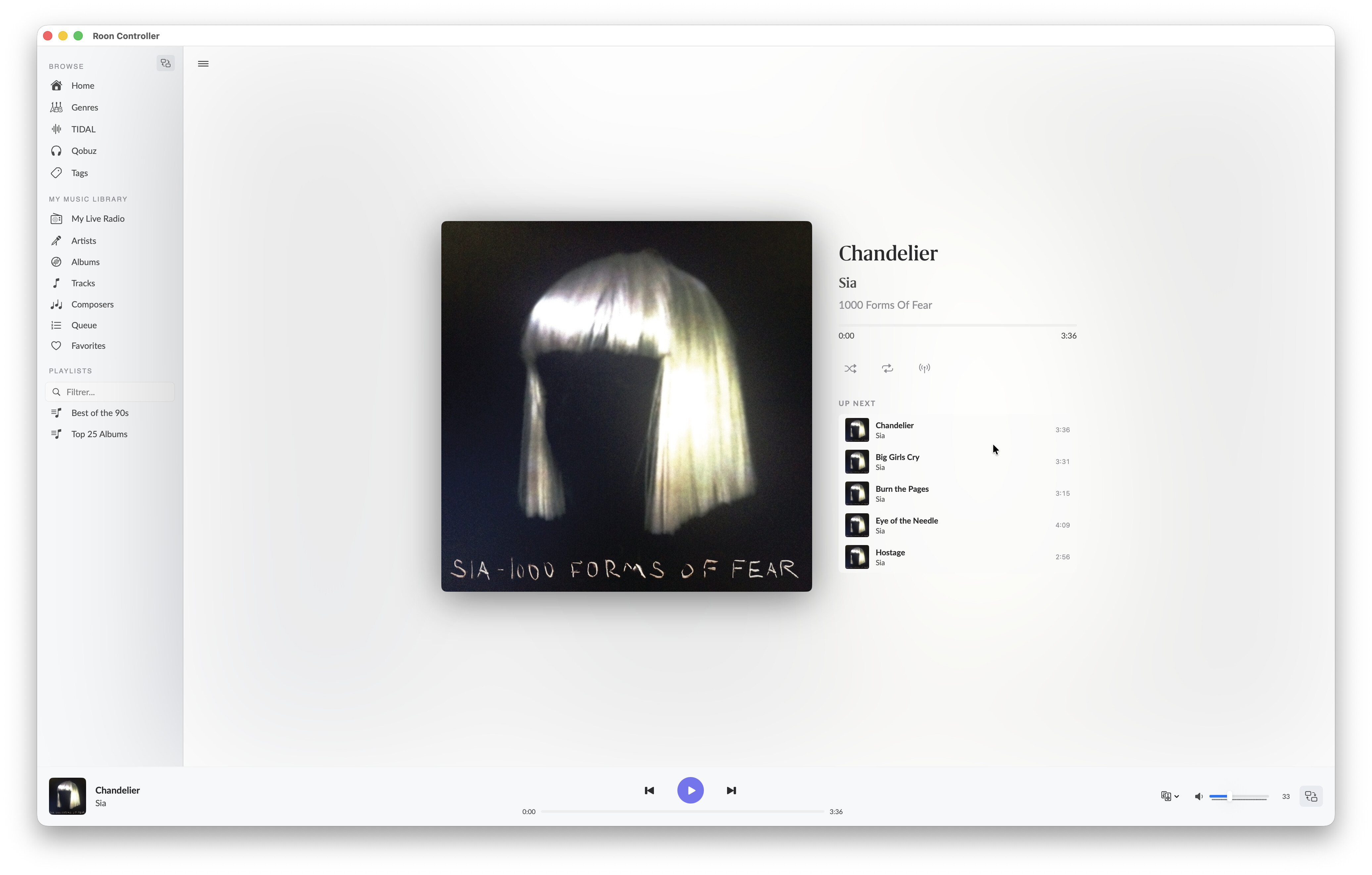
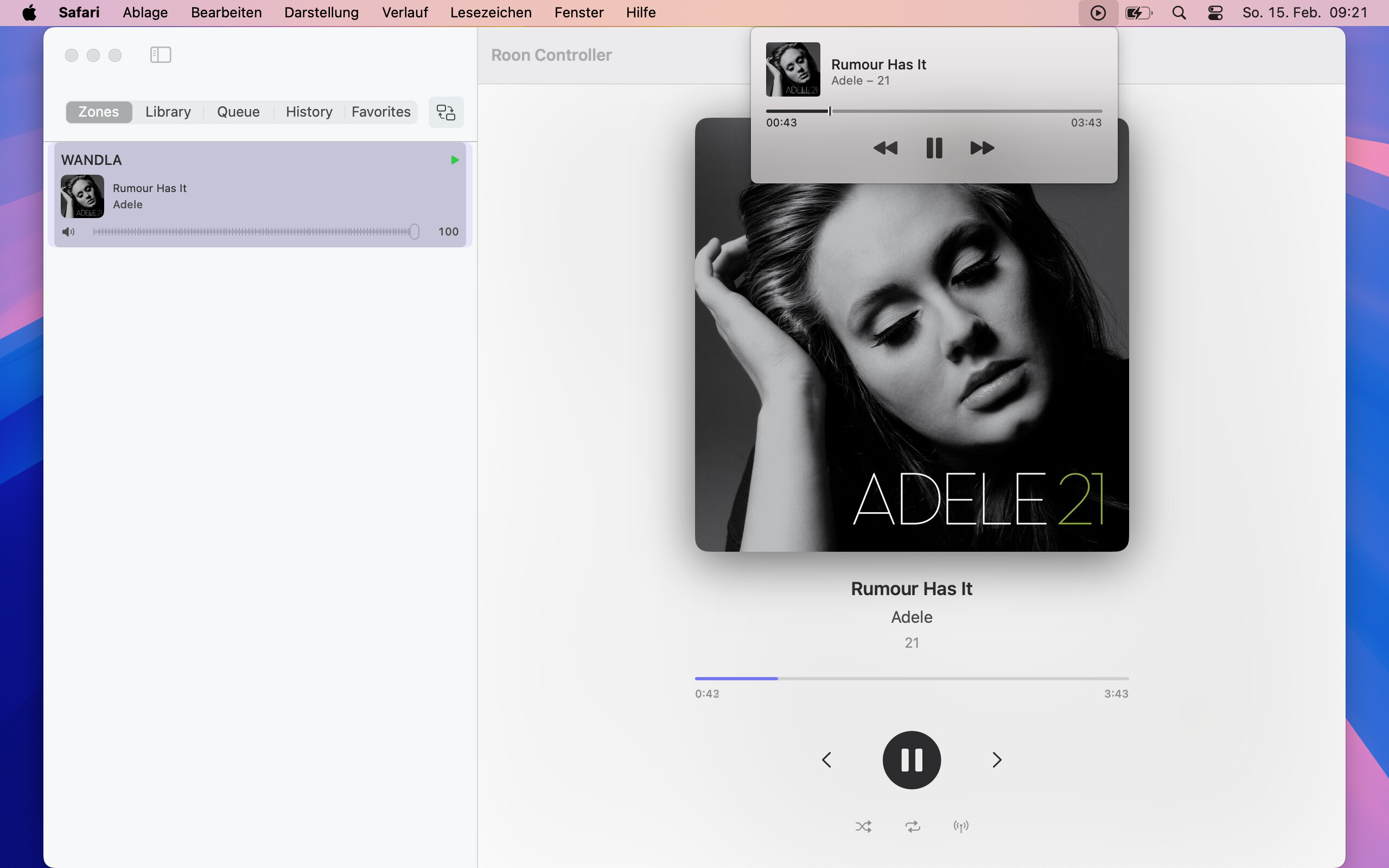
- Full playback control: play/pause, next/previous, seek, shuffle, repeat, radio
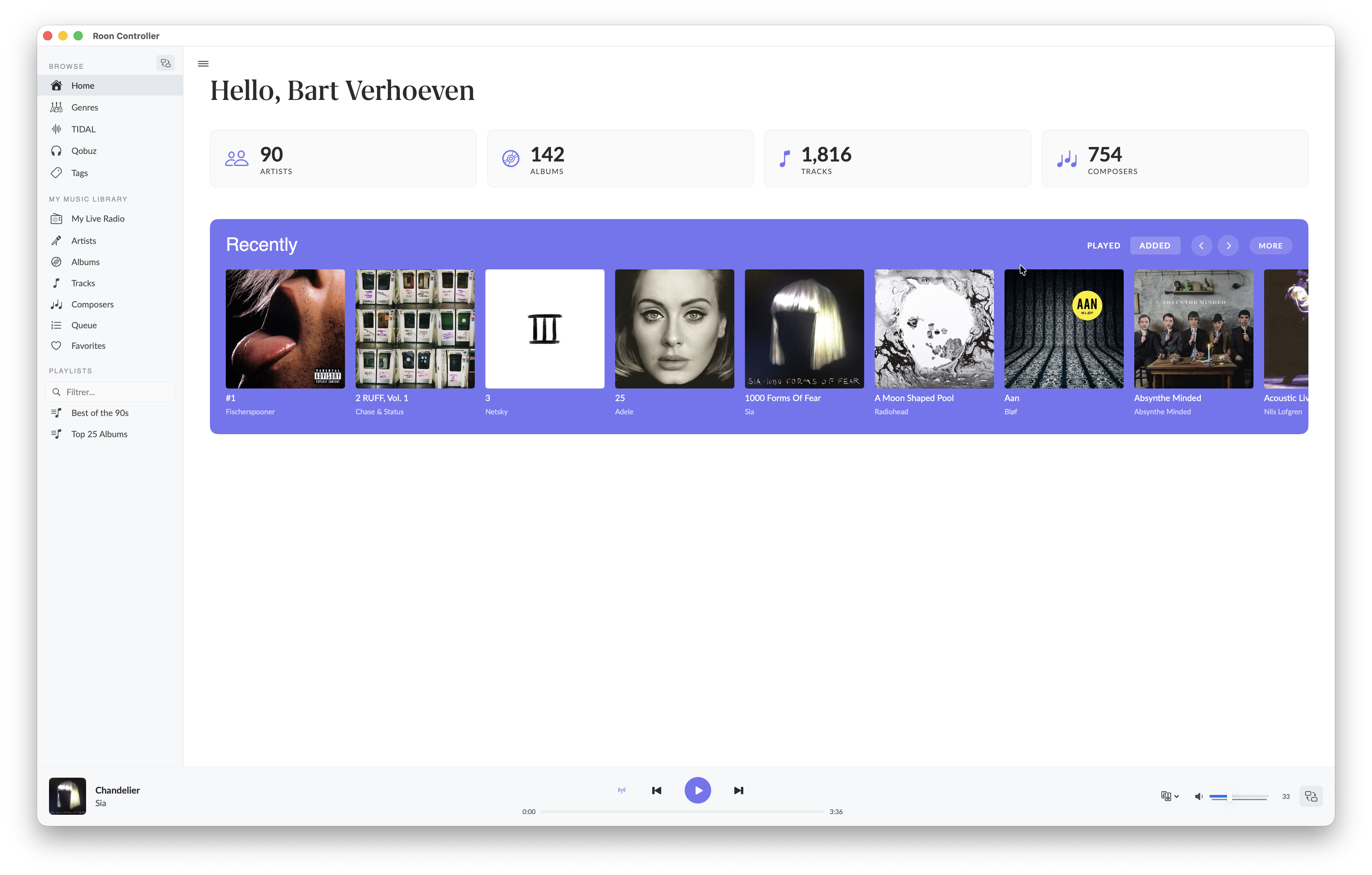
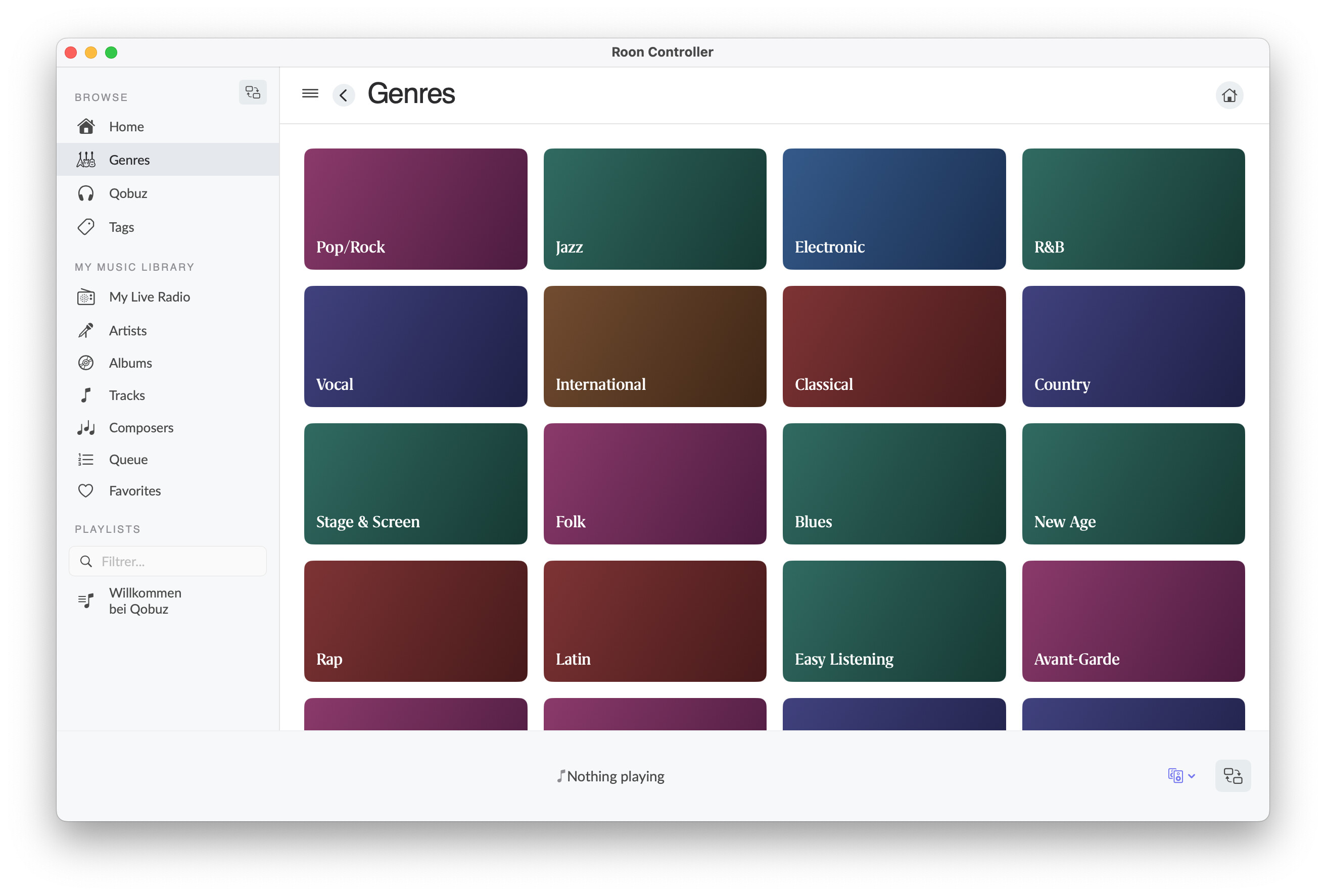
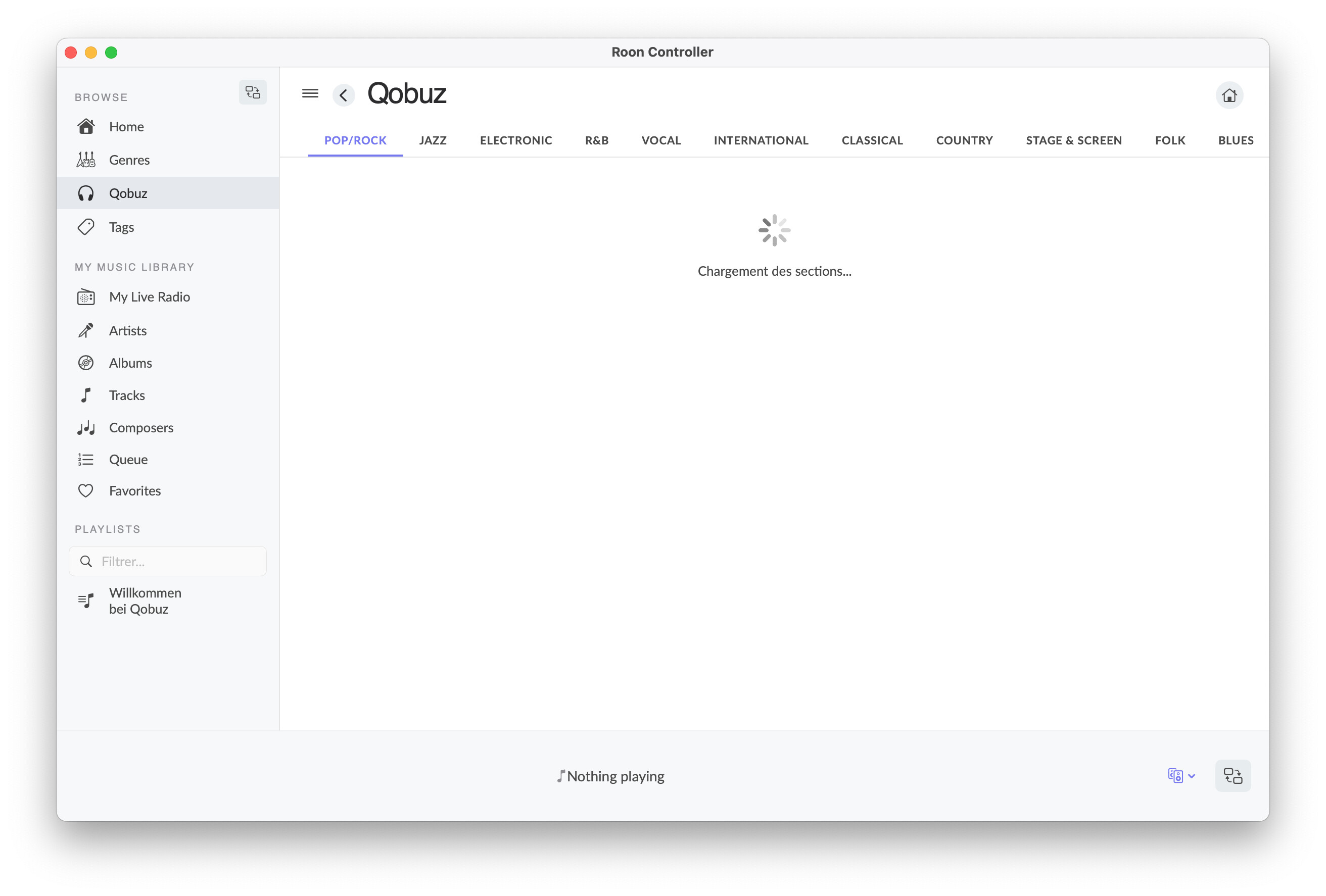
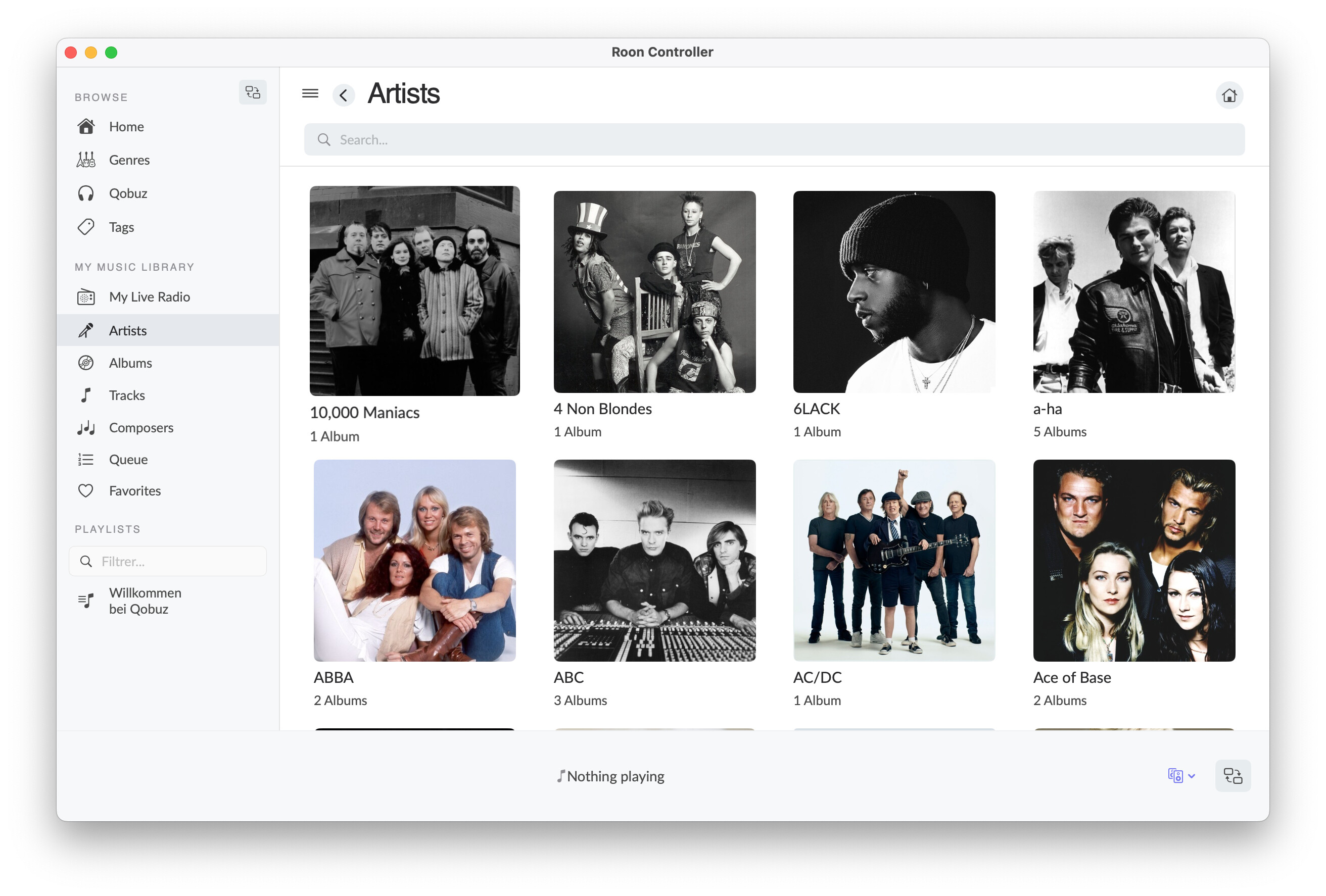
- Library browsing via Browse API (albums, artists, playlists, genres, radio stations…)
- Search within browse results
- Queue with play-from-here
- Per-output volume control (slider + mute)
- Album artwork with blurred background
- Playback history with replay (tracks and live radio stations)
- Radio favorites: save tracks heard on live radio, export as CSV (compatible with Soundiiz for TIDAL/Spotify import)
- Automatic reconnection with exponential backoff
- Bilingual UI (English / French, follows system language)
- Dark theme matching Roon’s aesthetic
What it does NOT do
- No Roon Settings (Core configuration, DSP, streaming accounts)
- No audio output — for that, Roon Bridge (free, ~37 MB daemon) exposes your Mac’s DAC to the Core
- No library management (importing, tag editing)
This is a remote control, not a full Roon replacement. Think of it as a lightweight alternative to Roon.app for day-to-day listening.
Architecture
The app connects directly to the Roon Core with zero intermediary:
Roon Controller (SwiftUI)  ---SOOD (UDP multicast)--->  Roon Core
                           <--WebSocket (MOO/1)----->   (port 9330)
- SOOD: Roon’s UDP multicast discovery protocol — reimplemented with POSIX sockets
- MOO/1: Roon’s binary messaging protocol over WebSocket — full native implementation
- Zero external dependencies — pure Swift, no npm, no frameworks beyond Foundation
Audio setup (for those wondering)
Roon Controller is a control app only — it doesn’t output audio. For audio output on macOS, I use Roon Bridge (free from Roon Labs). It runs as a background daemon and exposes the Mac’s USB DAC to the Core via RAAT. Together:
- Roon Controller (~5 MB) = the remote
- Roon Bridge (~37 MB) = the audio output
- Total: ~42 MB vs ~500 MB for Roon.app (and Roon.app still needs Bridge for DAC output anyway)
Download
Requirements:
- macOS 15.0 (Sequoia) or later (tested on macOS 26 Tahoe)
- A Roon Core on the local network
Installation:
- Open the DMG, drag Roon Controller.app to
/Applications - First launch: right-click > Open (the app is not code-signed)
- Authorize “Roon Controller macOS” in Roon > Settings > Extensions
Looking for beta testers
The app works well on my setup (Mac Studio, macOS Tahoe, Roon 2.x, USB DAC via Roon Bridge), but I’d love to test with different configurations:
- Different DACs / endpoints (USB, network streamers, AirPlay, HDMI)
- Multiple zones (grouped or ungrouped)
- Large libraries (10k+ albums)
- Different Macs (M1, M2, M3, M4, Intel?)
- Different macOS versions (Sequoia, Tahoe)
- Different network setups (VLANs, multiple subnets)
If you try it, please let me know:
- Does SOOD discovery find your Core?
- Do all zones show up correctly?
- Any issues with playback control, browsing, or artwork?
Open source
The full source code is available on GitHub: renesenses/roon-controller
104 unit tests, CI via GitHub Actions, detailed architecture documentation. Contributions welcome!
Technical details (for the curious)
The Roon protocols (SOOD discovery, MOO/1 messaging) are not publicly documented. They were reverse-engineered from the node-roon-api source code and reimplemented in pure Swift 6 with strict concurrency (actors, async/await, Sendable). The app registers as a Roon extension via the standard registry:1/register handshake with token persistence.
Key technical choices:
- POSIX (BSD) sockets for SOOD to avoid needing the
com.apple.developer.networking.multicastentitlement - Swift actors for thread-safe network operations
URLSessionWebSocketTaskfor MOO/1 transport- Local HTTP server (port 9150) for artwork caching
- String Catalog (.xcstrings) for localization
Happy to answer any questions or discuss the implementation!
Bertrand




 RoonController.dmg — v1.0.5 (beta)


 !
!