Hi Bertrand,
thanks for the new build, this fixes alot of issues! Here are my findings, related to the numbering scheme in Post 38:
resolved issues first:
#2 Roon Mode Homepage “Recently played” empty state: fixed
#8 Version number: fixed
#9 Roon Mode Homepage “Recently played”, click album for album details: fixed
#12 Startup view preference (homepage / las view): fixed
#13 Genre navigation breadcrumb in Roon Mode: this looks fine now, can’t go back any further than “Genre” anymore to avoid messing up the layout.
#14 Genre grid view: I see the grid view for sub-genres (shaded cards). Album artwork is shown for albums once you reach Albums level. Same for Artists. This is just fine.
#17 More-Button in purple box on Roon Mode homepage: now works as expected. History view for “recently played”, Album view for “recently added”. However, Album view is still alphabetical, not sorted by date added. Maybe this is just not possible with RoonAPI. Regarding items in “recently added”, see open issues.
#19 “My Live Radio” translated to german: fixed
open issues from the list in Post 38:
#1 Profile Switching:
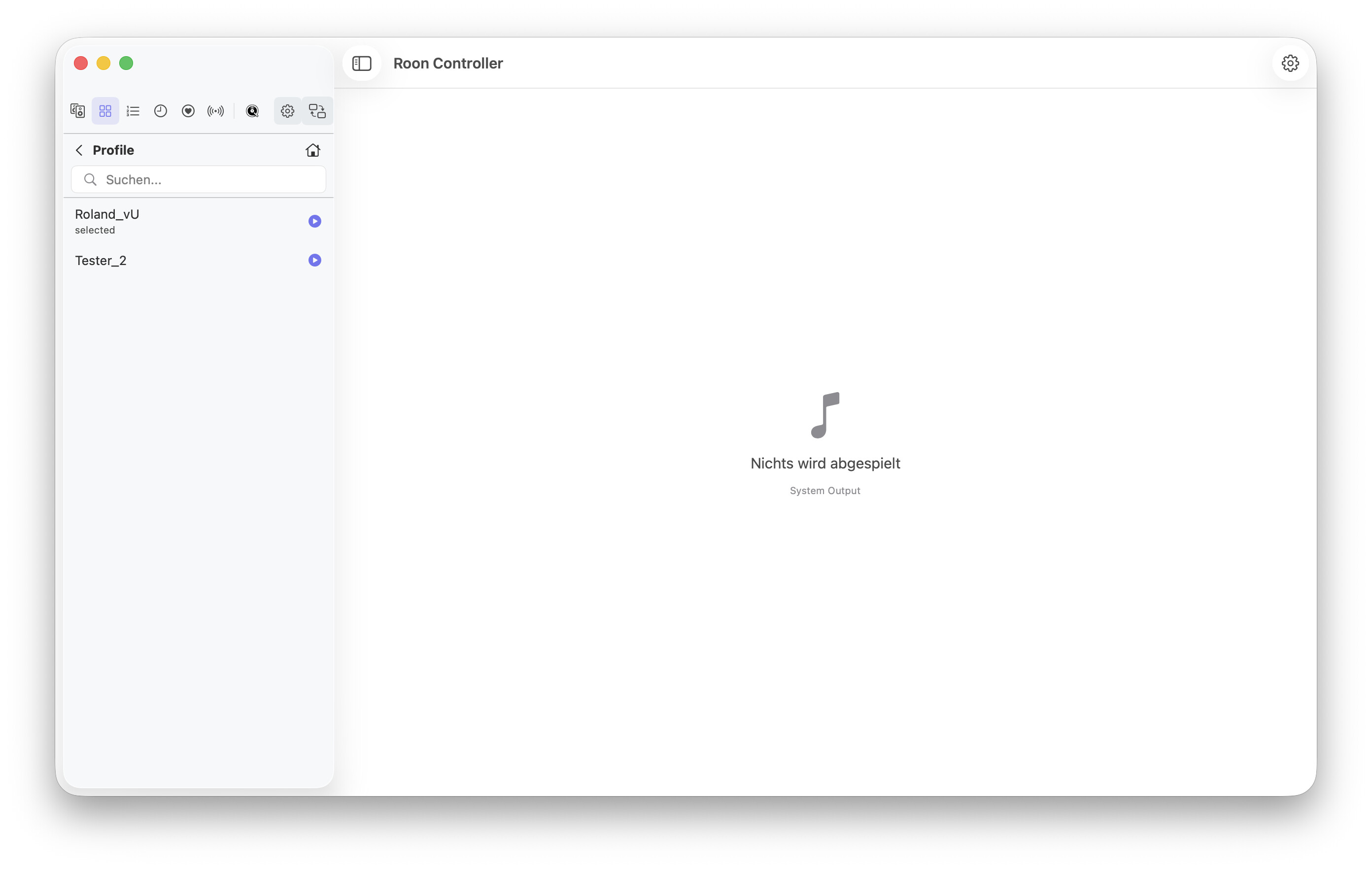
- Works in Player mode (via Browse Library > Settings) → individual playlists from different profiles are shown after profile switc h
- Doesn’t work via settings menu (checkmark changes after multiple tries, but doesn’t change active profil e)
- Roon Mode still shows local user name and is stuck on one profile even when profile is changed in player m ode
#3 open settings via gear icon: Still not working, both in Roon Mode and player mode. Access settings via menu or cmd+, works. There’s second gear icon in Player mode in the top right corner of the window title. This doesn’t work eit her.
#4 Category Layout when accessed via stat b oxes:
- Artis ts OK
- Al bums OK
- Tracks show wron g layout
- Composers show wron g lay out
#5 Seek position sync: There are several cases for seek position sync, most of them work, on e doesn’t:
- Update RoonController position when locally changed in Mac OS “now playing” dialog: OK
- Update Mac OS “now playing” seek position when changed in local RoonCo ntroller: OK
- Update RoonController seek position when remotely changed on other controller vi a RoonAPI: OK
- Update Mac OS “now playing” seek position when remotely changed on other controller: local RoonController updates seek position via RoonAPI (see above) but doesn’t publish the update to Mac OS “now p laying” dialog
#6 “Album” column in different view s in Roon Mode:
- Removing Colum in single album view: not resolved, i t’s still there.
- Filling column with album name in tracks view: not resolved, it’s still empty
#7 Window resizin g in player mode:
Still doesn’t work in extreme cases, e.g. when resizing to minimum height and width and just increase width or toggle the sidebar. Not a big issue though.
now for unclear issues from Post #38:
#10 Roon library favorites (heart toggle):
I’m still uncertain about this new function. I see a heart toggle in “now playing” view both in Roon mode and player mode, but it doesn’t do anything when clicked (filled/unfilled), neither does it reflect the actual favorite status in the Roon Library (i.e. track favorites don’t show the filled heart).
This is only track favorites though. I can’t find album favorites anywhere.
How is this supposed to work? Does it reflect the Roon Library favorite status, or is it local favorites in RoonController like playback history?
here we go for “Roland’s Bugs” from Post 39:
#1 and #2 (Profile name and profile switching in Roon Mode): still doesn’t work for me
#4 gear icon, see above, doesn’t open settings.
#5 recently added sorted by date added: doesn’t work for me. In the current version I see three random albums in the purple box, all not recently added. Anything I can do to trigger the mentioned “full album scan” to refresh the list? Maybe a manual “rescan” button would help?
And some more suggestions (starting with #20 to avoid confusion with # from post 38):
General:
#20 Display settings from “Library→Settings” are missing in the RoonController Settings dialog. Would be nice, if they could be accessed from there.
#21 Why do Player mode and Roon Mode use different sidebar styles? This is especially apparent in MacOS 26 where Player mode uses the new LiquifGlass overlay and Roon Mode does not.
#22 make access to library search easier by adding a search field in title bar both for player and Roon mode (very MacOS style). At the moment, you need to browse explicitly to Library → search to search the library and get a clunky separate window to enter your search.
Or add a search field in Roon Mode homepage that starts a library search if it’s not possible to put it in the title bar.
#23 The search field in the library browser is limited to the current browse level and this way acts more like a filter than a search, I recommend to change the description to “filter results” or similar just as in Roon mode for the playlist filter.
Player mode:
#24 Qobuz view from Qobuz button: the new carousel layout looks strange when limited to the sidebar (looks great in Roon mode though!). I would prefer to open the list view just the way it opens when browsing to Qobuz from Library top level. Makes more sense in limited space.
Roon mode:
#25 There’s no need to go back to the top browse level. Every top categories are accessible through the side bar.
The Genre view is exemplary in this regard, you can’t navigate further back than Genre and there’s no home button in the top right to directly jump to the top level.
I recommend doing this for every view (Live Radios, Qobuz / Tidal, tags, Artists, Albums, Tracks, composers).
The “Playlists” views shouldn’t go up any further than Playlist either.
This also solves many problems with messed up layouts when you browse back to top level and enter another category through the browser instead of the sidebar. It’s just not possible anymore.
#26 Moving the Queue button from the sidebar to play status bar. I know, this is copy/paste from the Roon layout, but it’s “Roon” mode after all. An the queue really isn’t part of the library anyways.
#27 The sidebar is missing the history. In Player mode, there’s a separate button, in Roon mode you can access history only via recently played → more. Of course the logical place would be beneath tags.
#28 in general I would recommend re-ordering the sidebar entries according to the layout in the Roon app. This way everybody feels at home right away. For example
Search section:
- Home page
- Genres
- Qobuz / Tidal
- Radio Favorites
- Tags
- History
Library Section:
- Albums
- Artists
- Tracks
- Composers
- My live Radios
Again, a long post, but I hope this is helpful.
I think, the RoonController app already has reached a quite mature state in a short time. I really like it!
Best Regards, Roland
 Good to hear, the root cause had been found.
 Hi Roland,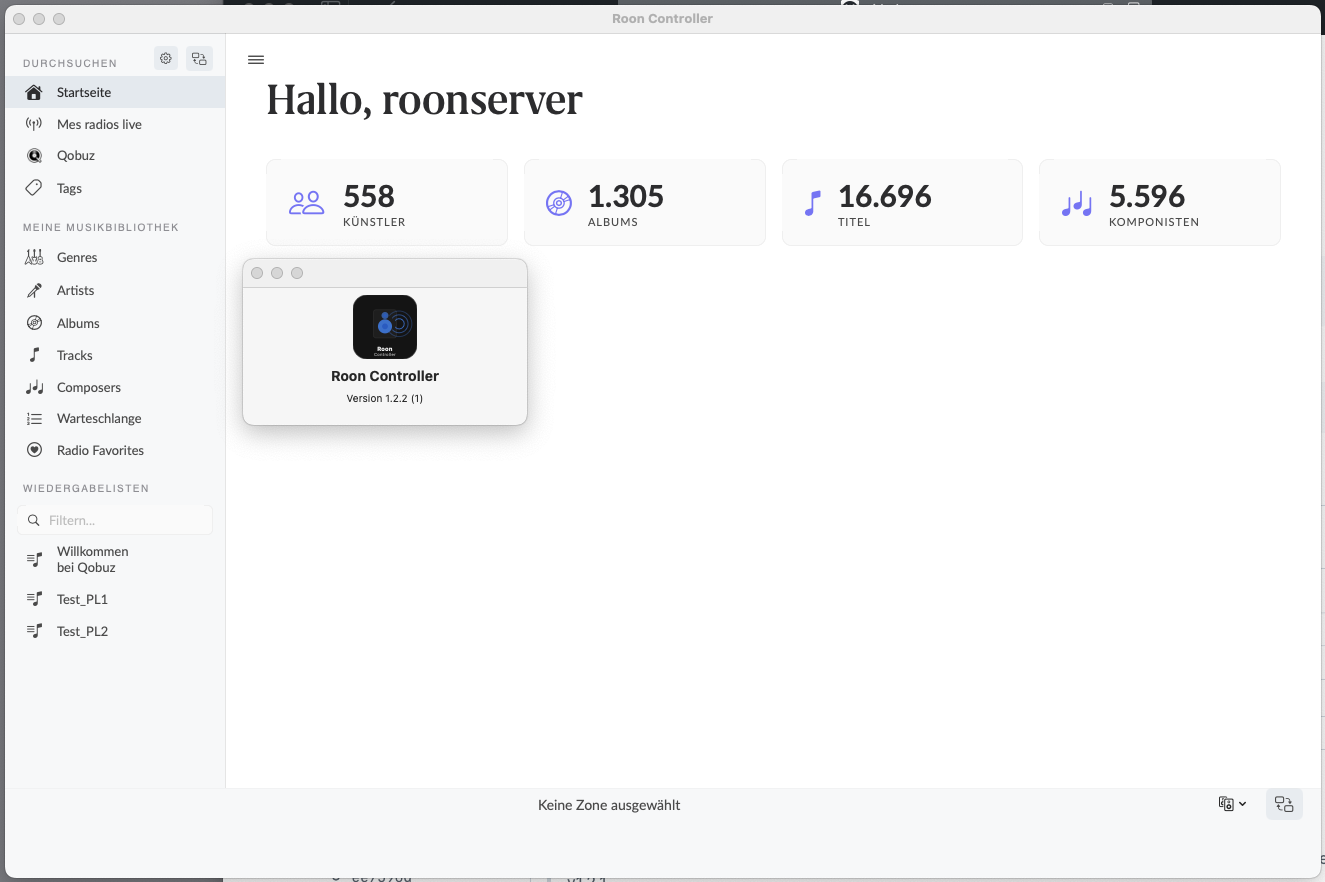


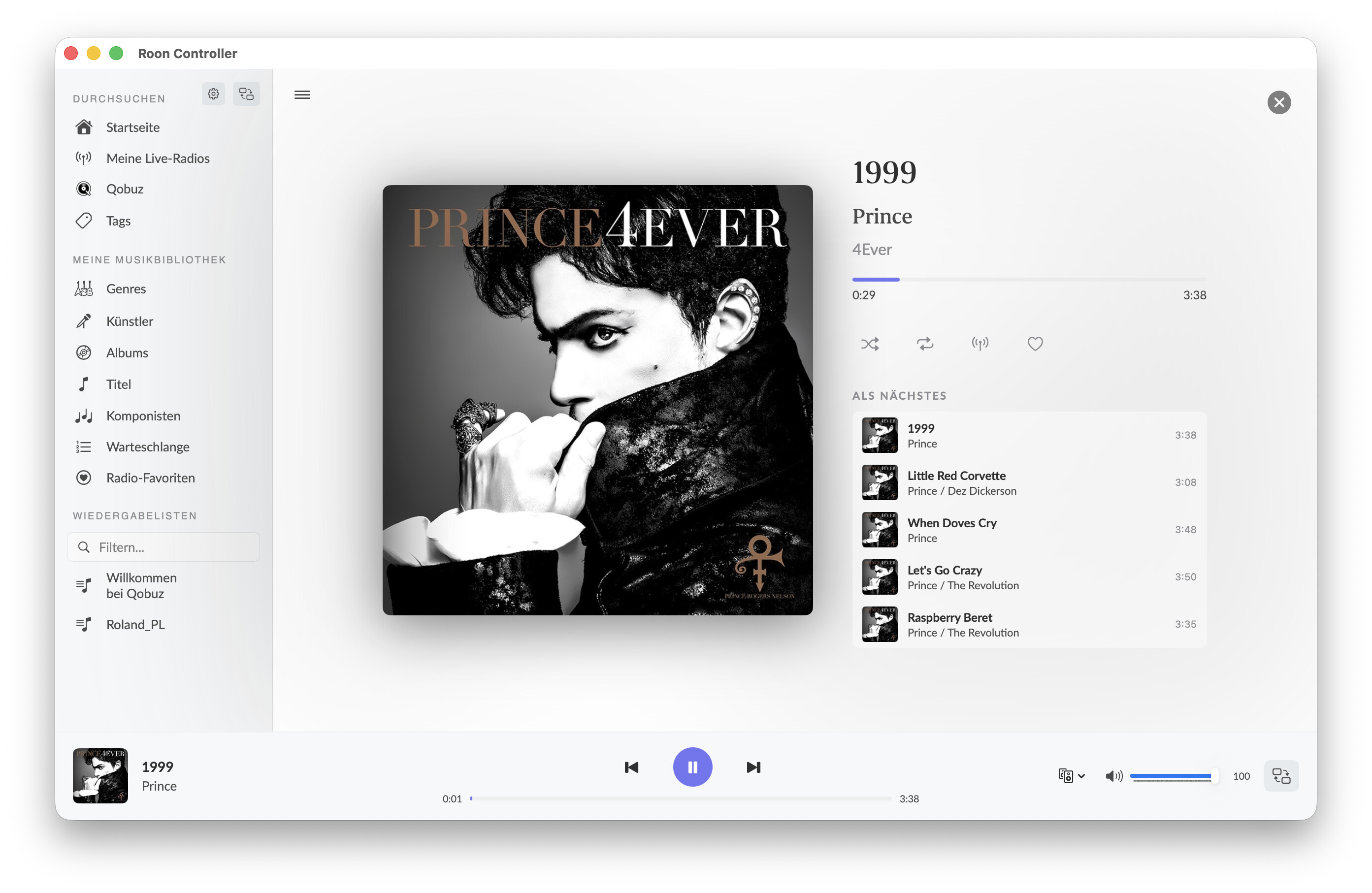
 , but they are not very responsive. It takes a few attempts to move the slider to adjust volume.