I have a verizon router hard wired to my NUC as well as the remote where i listen.
Connected Audio Devices
I use a pro-ject s2 digital DAC and a pro-ject streamer connected to a YBA 2 channel amp
Number of Tracks in Library
750k plus
I was listening to my music. I paused it to do something upstairs. I came back and my remote had rebooted to update and my Core has never come up after that. NO MUSIC AT ALL. Can an tech view my logs and see what is going on.
Are you able to connect a monitor or tv to the NUC hdmi port? This will at least tell you if the core has started. You have a great many tracks - maybe the core is working its way through them. Can you reach the web admin page?
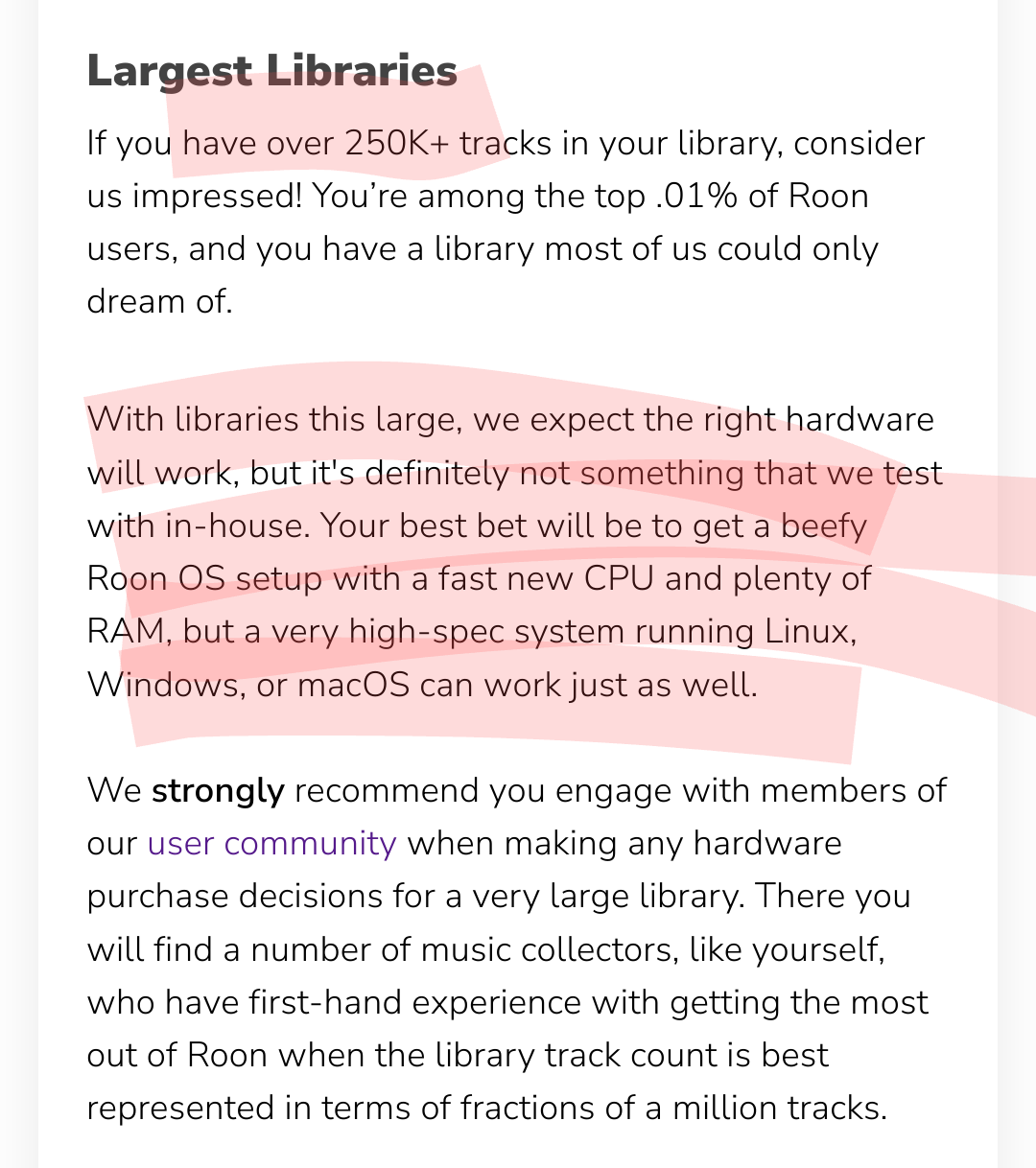
You are trying to tow a mega yacht with a Camry. Running ROCK with a 750,000+ track library on a NUC with a laptop class processor and 16 GB of RAM is not appropriate.
You will have to add memory. And possibly move to a desktop class processor. Support will tell you the same thing.
Actually that is incorrect. Ive been told that for years by the community but I am going on guidance from the CTO of ROON. Thanks anyway. Ive been runnig ROON the same way flawlessy for many many years
With all due respect to all of you. I DID go through ROON tech support all the way to the top to right size my core. The specs of the core have NEVER been the issue. Again thank you to all of you but all i need is my logs looked at on Monday.
The only issues I have had is when ROON updates. I never have any issues until then so as much as the community points to my library size as the issue. It is misguided. The last issue I had happened right as ROON updated and fixed itself a few days later when ROON updated again. So lets wait for the logs thanks.
Thank you for your patience. We’ve pulled a log request on your affected NUC - it appears you’ve also migrated your Core, possibly as a result of an OS reinstall on the same machine.
Your logs haven’t reached our server as this Core has obviously been offline for nearly three weeks. Is this machine unable to boot up? It’s unclear whether you’re facing a hardware or RoonOS failure.
Reviewing the most recent diagnostics available to us from your ROCK, there are some recurring patterns in your database that, to the support team, amount to the rumblings of a volcano. Roughly a quarter of your 700k+ track library are objects unidentified by Roon’s audio analysis, a number between 125k-200k. That’s over four times the size of the average Roon user’s total library size. Regardless of the processing power of your machine, the Roon broker will constantly chew on unrecognized tracks in these conditions. That alone won’t cause any problems, but there are ongoing network failures in logging, too. Roon recovers, but accumulating failures to reach our main server (and Qobuz/Tidal’s) are taxing your setup.
Roon can function supremely for what it’s designed to do, but professional file management software is not what we build. I recommend you share with us a little bit more about the makeup of the local content in your library, and if you can, tell us a little more about how you’ve organized this local storage. Do you have subdirectories each album?
This isn’t to say your system won’t function with your current database or that your library size is even the cause. The update process seems to be the trigger here, based on your report history on Community. We can work with you to try to mitigate the risks that appear in older logs. But it is worth noting that there’s a spectrum of risk to performance in Roon, and there are serious indications in that your database might fail to function properly given the combined stresses on your Core.
In any case, we’re here to help you out and will keep a lookout for your response. Thanks again for your patience.
Thanks for responding. The event happened when my REMOTE PC updated its OS. I was listening to it just before that uodate and it has never come up since. I havent been able to reach the core since. I would check the admin now but im not in the home that the NUC is in at the moment. It was unreachable the last time i checked.
To answer how the local content is organized. It is on multiple drives. The folder structure is such that it is ordered by letter of the alphabet, then singer or band, then album. Does that help
Very helpful, thank you for the quick follow-up and clarification regarding the Remote. I’ve re-read your Windows updater thread from March to refamiliarize the team with the current circumstances.
I know we checked this previously, but it’s worth revisiting as Windows updates will restore firewall settings to default. Please verify that Roon and RAATServer are excepted by the Windows Firewall:
Windows 10:
You can use these instructions to add the exceptions and the executables themselves would be located in your Database Location/Application folder path.
I would also add these exceptions to any Antivirus or other Firewall blocking applications you may have and ensure that you connected to your network via a Private network, not a Public one, see this guide for more information.
Windows 11:
You can use these instructions to add the exceptions and the executables themselves would be located in your Database Location/Application folder path.
Thank you for the quick reply. I will check thise settings when i return from vacation. I am unfortunately not in the same location as the server and remote.