My PC, running Windows 10, is my Roon Core. Roon is not now working and when I try to start Roon on my PC and saw the message ' Waiting for your Roon Server. Your Roon Server doesn't seem to be running' I use Roon with Qobuz and a Lyngdorf streamer
I don’t use a VPN I have checked and my firewall does have the necessary exceptions I have switched off the firewall and restarted the PC and still got the same error message
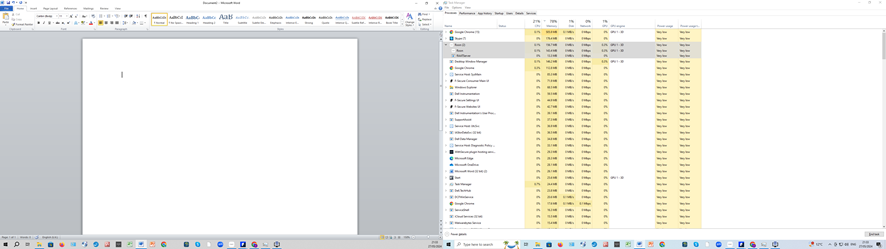
If I look at Task Manager I see that Roon and Raatserver are running. Their CPU usage fluctuates between 0% and 0.3%
I have switched everything on and off several times with no effect
This has happened before when I had a broadband outage. Virginmedia say there is a problem with the TV service which may affect some people but it isn’t affecting me, my TV service is normal
Describe your network setup
Roon Core is my PC running Windows 10 and F Secure anti virus which I recently renewed, it had lapsed for a while. I have Virgin media broadband and have a separate Nighthawk router.
In the Task Manager you should see if the RoonServer process runs (not just Roon and RaatServer).
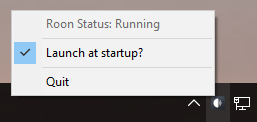
And if it runs you should have the icon in the notification area, right side of the Windows task bar at the bottom of the screen. This is what the screenshot shows.
I have copied the page from task manager. I have checked at the bottom of the screen and clicked on the up arrow and Roon is not shown
I have the Roon symbol pinned at the bottom task bar. It is shown on the image I sent, very small at the right of the line of icons at the bottom of the screen
I saw, unfortunately I can’t read any text, it’s very blurry, but it looks like there are two process entries and you already mentioned Roon and RaatServer, so my guess is there’s no RoonServer.
If there’s no Roon icon anywhere there, then probably there is no RoonServer running indeed.
I see that and it looks like this is the launcher for the graphical Roon app.
So I guess you need to start RoonServer. Do you have two icons on the desktop, one called Roon and one called RoonServer? Or maybe search for Roon in the Windows start menu, do Roon and RoonServer come up?
You could try double-clicking the RoonServer.exe. Note that it starts no window, but the Roon icon in the notification area should appear.
If so, right-click it and select Launch at Startup
If it works, you could create a new launcher for it, but it’s not strictly necessary as it should now load at startup anyway. (Or you could simply reinstall - edit: see my next post)
No you shouldn’t as there should be a message asking you if you want to do a clean reinstall and remove it, or if you want to keep the data, in which case it only refreshes the program files.
In addition, by the way, you should always have a current database backup so that you can recover in the event of data loss.
I double clicked on RoonServer.exe. The hard disk started getting excited but nothing happened. I am still confused by the image you previously posted. I see nothing like that. The little uparrow I click is called ‘Hidden Icons’
The HDD doing something is better than not. Are you sure the RoonServer icon does not appear? See below.
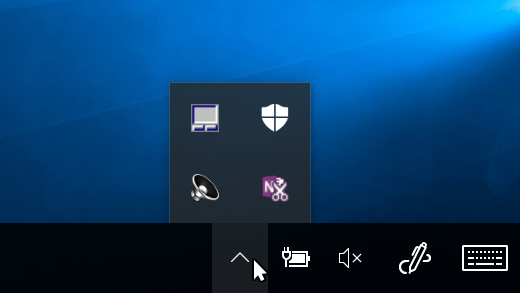
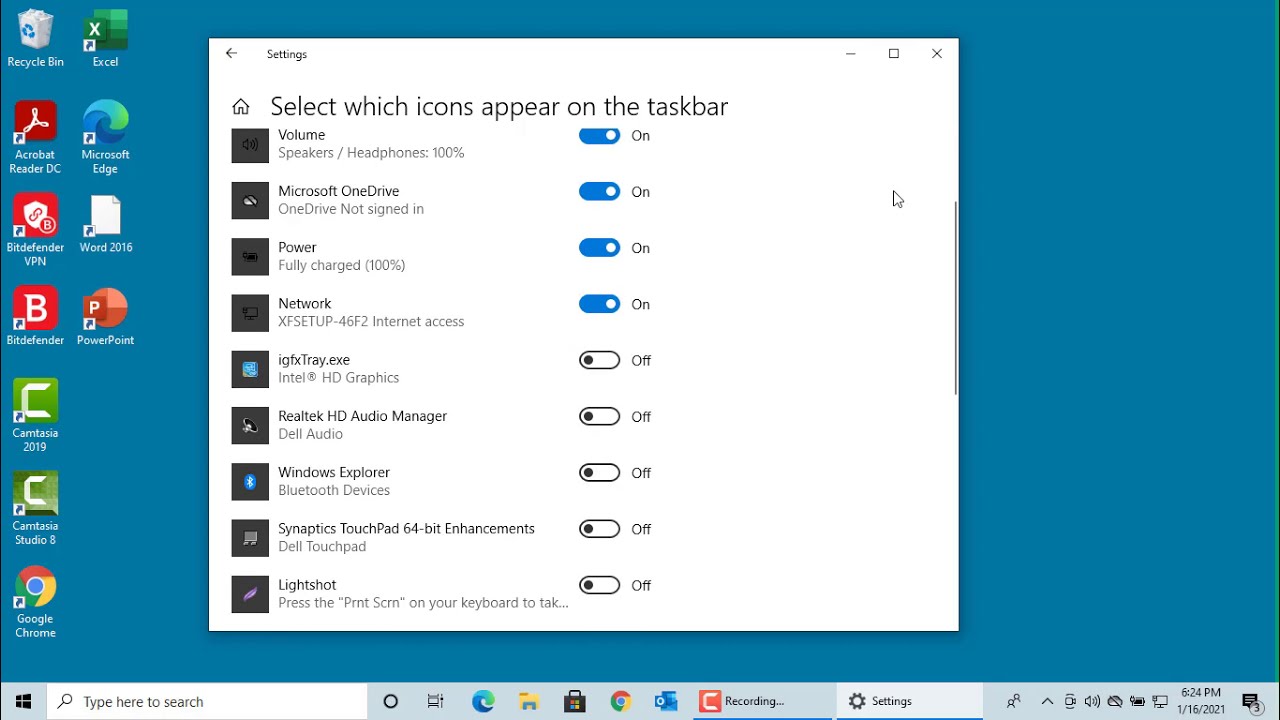
It’s in the bottom right corner of the screen, where Windows and all the apps show their notifications and persistent icons for stuff that always runs in the background like virus scanners.
What exactly is shown there depends on the stuff you have running.
This is part of it. If there are too many things in the notification area, they move into this menu to prevent cluttering the task bar.
Yes, that is the notification section, click the Uparrow or carot to open it. When RoonServer is running there will be a little icon in this section which can be right clicked.