Hi! What’s not quite right with Roon?
· None of the above quite fits
None of the above quite fits
· None of these quite match
Tell us what's going on
· Roon database backup fails
Tell us about your home network
· N/r
· None of the above quite fits
· None of these quite match
· Roon database backup fails
· N/r
Adding: tried multiple times. The relevant logs (do you need me to send them?) show several failures between 12:20 and 12:30 Pacific Standard Time on Thursday February 5.
I tried restarting Roon and even restarting my Mac Studio M4 running 26.2.
Backup has generally worked will until now.
Web interface for my Titan reveals everything OK. Plenty of room on the target volume (that device’s Macintosh HD): over five TB. Nothing has changed on my Samba settings etc.
Happy to supply any further details. Thanks in advance…
Update: in /Volumes/Data/RoonServer/Logs/RoonServer_log.txt I see lines like these:
02/05 20:43:24 [Local 02/05 12:43:24] Trace: [mobile] [remoteconnectivity] Exiting Verification Task: {"ipv4_connectivity":{"status":"NetworkError","status_code":504,"error":"error: Error: ETIMEDOUT, response code: undefined, body: undefined connected? undefined"},"external_ip":{"actual_external_ip":"107.aaa.bbb.ccc","actual_external_ipv6":"null","router_external_ip":"192.168.1.236"},"status":"MultipleNatFound","natpmp_autoconfig":{"status":"NotFound"},"upnp_autoconfig":{"server_ip":"192.168.0.1","found_upnp":true},"multinat_autoconfig":{"status":"Failed","error":"Router Control URL not found"}}
02/05 20:43:24 [Local 02/05 12:43:24] Trace: [mobile] [remoteconnectivity] Verification Task Completed!
02/05 20:43:24 [Local 02/05 12:43:24] Trace: [mobile] [remoteconnectivity] Got Verification Task Result: {"ipv4_connectivity":{"status":"NetworkError","status_code":504,"error":"error: Error: ETIMEDOUT, response code: undefined, body: undefined connected? undefined"},"external_ip":{"actual_external_ip":"107.aaa.bbb.ccc","actual_external_ipv6":"null","router_external_ip":"192.168.1.236"},"status":"MultipleNatFound","natpmp_autoconfig":{"status":"NotFound"},"upnp_autoconfig":{"server_ip":"192.168.0.1","found_upnp":true},"multinat_autoconfig":{"status":"Failed","error":"Router Control URL not found"}}
Would I be correct in thinking that the 504 error is the first place to start looking, please?
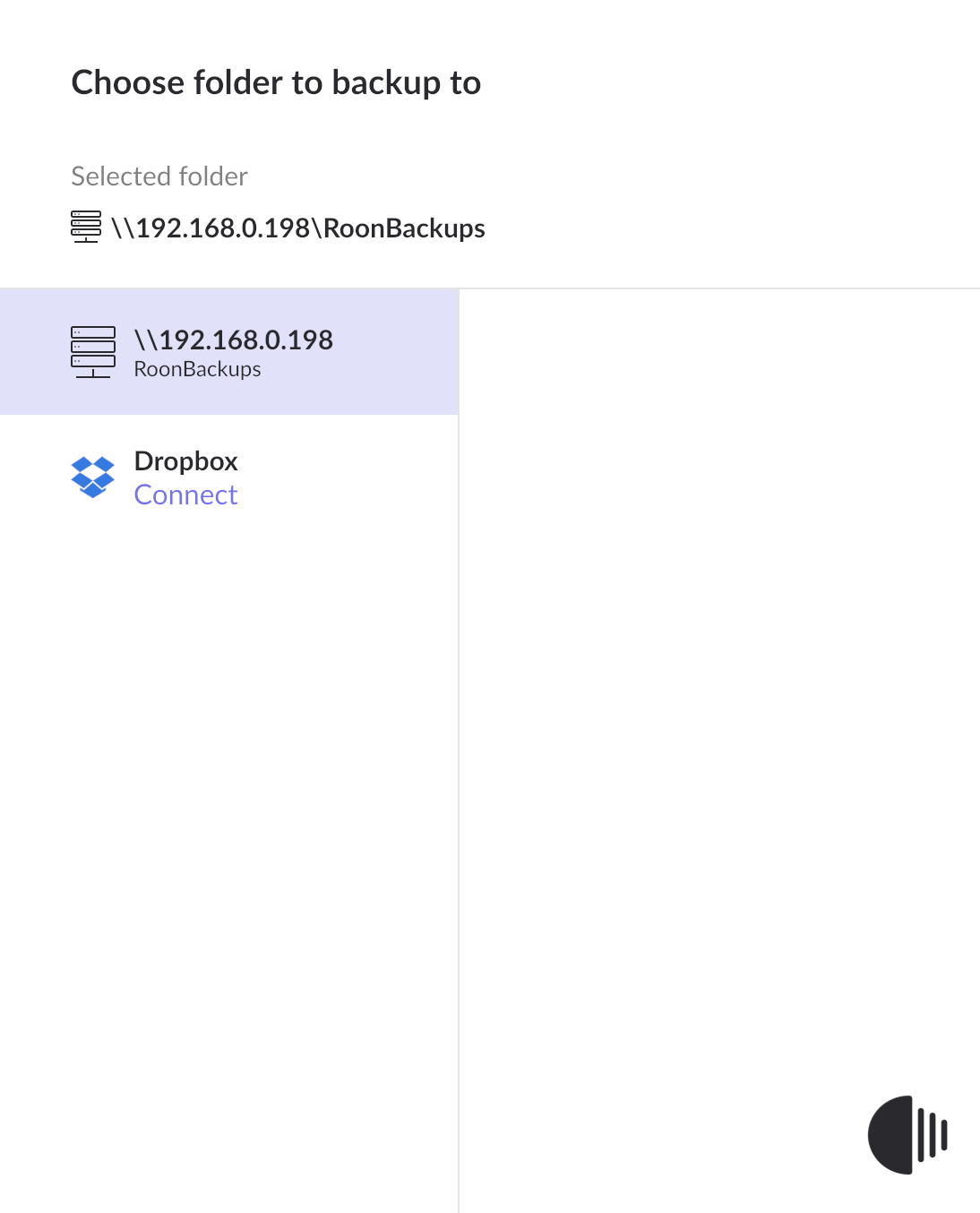
I can’t imagine that 192.168.0.198 is not my Mac Studio as seen from Titan:
Nothing has changed in any of my devices, router (Synology RT6600ax) or Nucleus etc! Not using Arc. All connections Ethenet.
Hey @Mark_Sealey,
Good to see you! Sorry to hear about your backup issues.
Since you aren’t using Arc, you can actually ignore most of the [mobile] traces in your Roon Server logs.
We did, however, see a specific file that kept failing within a specific folder in your Roon Server database that might be causing this issue.
Since these files are just temporary crash reports and not your actual music or database, you can safely wipe them to give the backup engine a “clean” path.
/roon/data/RoonServer/
SentryCache folder.
Let me know if this helps, thanks Mark! 
Hello Benjamin; thanks so much for your help so quickly.
I followed each of your steps 1 - 5 as you said. Stopped the server in the Nucleus web interface.
No errors or unexpected results.Everything else seems to be working as expected in Roon.
Unfortunately, though, it didn’t fix the problem: the same failed backup at 15:28:15 this afternoon.
Standing by to try something else, please…  .
.
(Interestingly, I have been getting errors on ‘Sentry’ files when trying to run Carbon Copy Cloner where Titan was my source lately. Rerunning the clone always fixed it. But I haven’t been touching the Titan filesystem etc)
I spoke too soon, @Benjamin  …
…
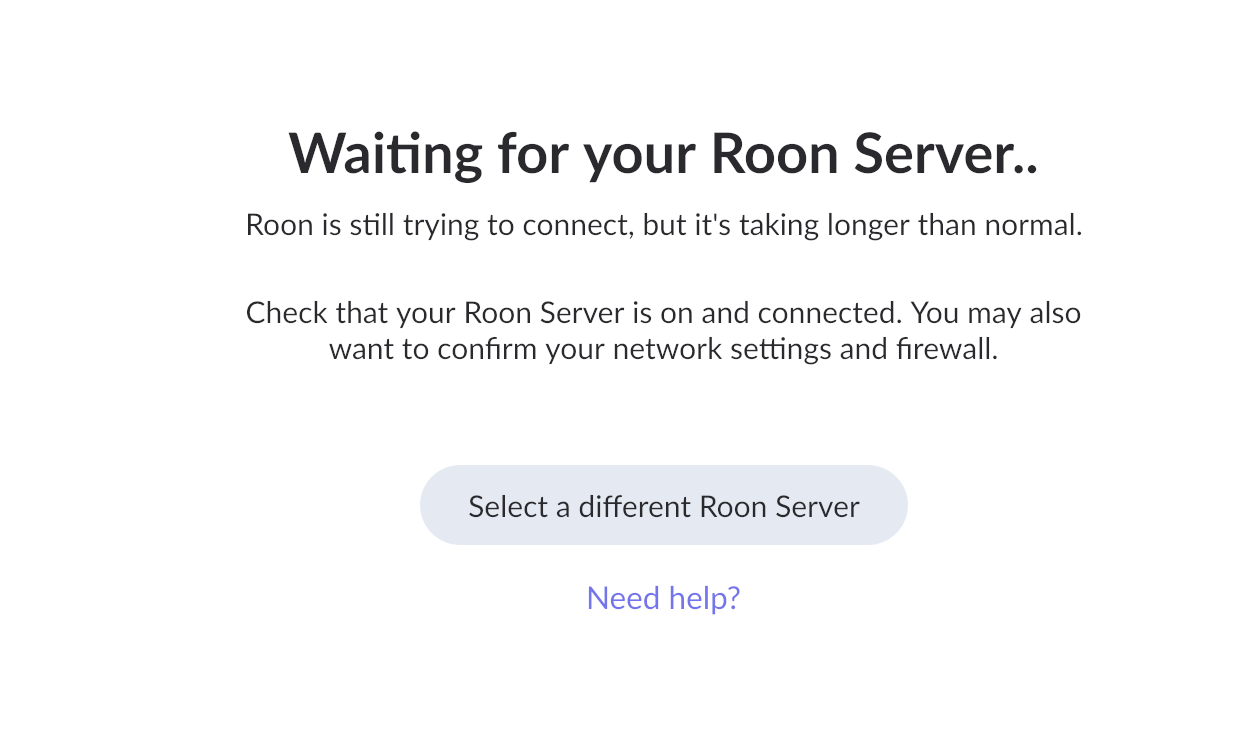
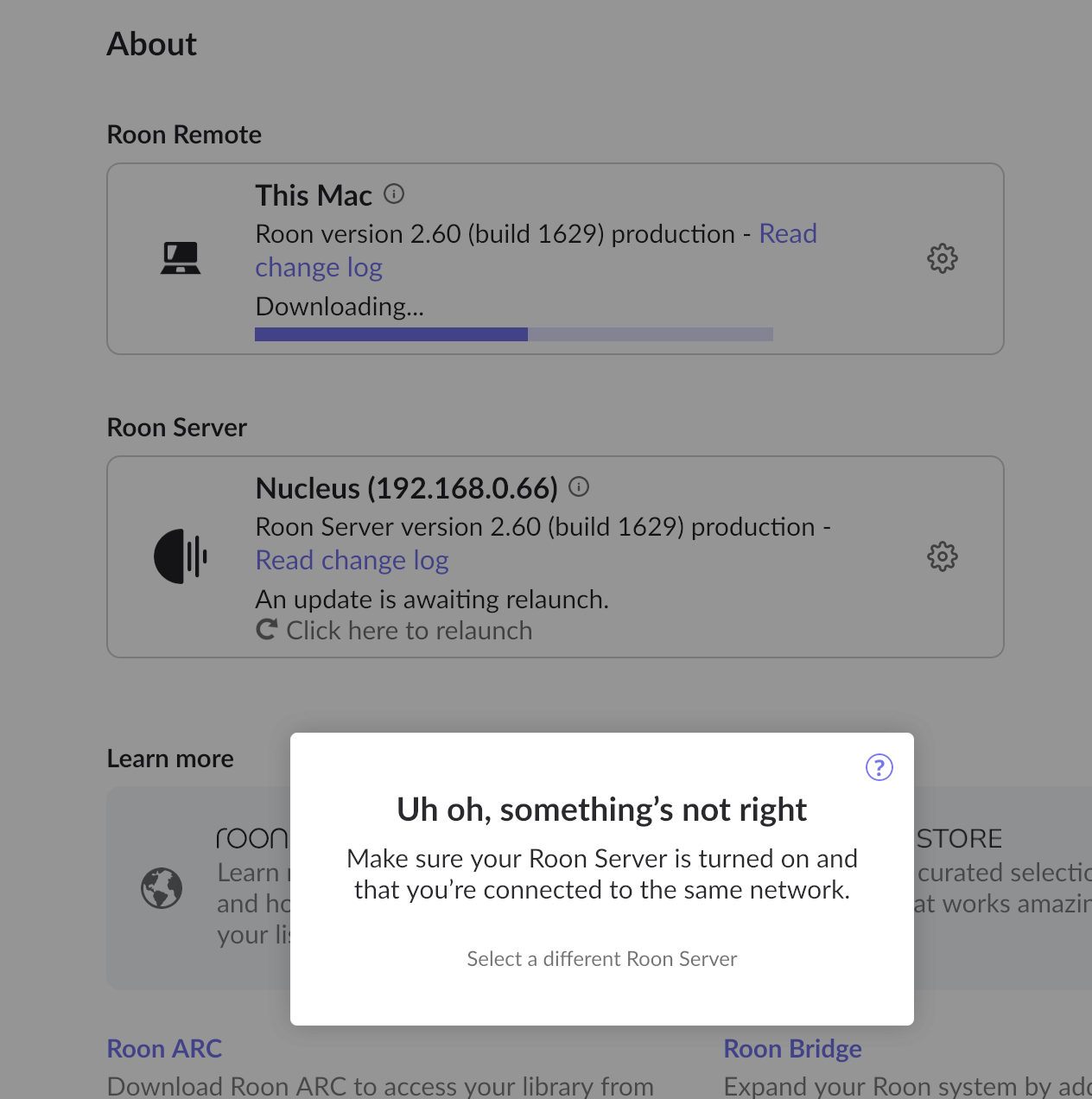
I tried a manual backup again today and Roon was unable to find the target backup folder on my Mac:
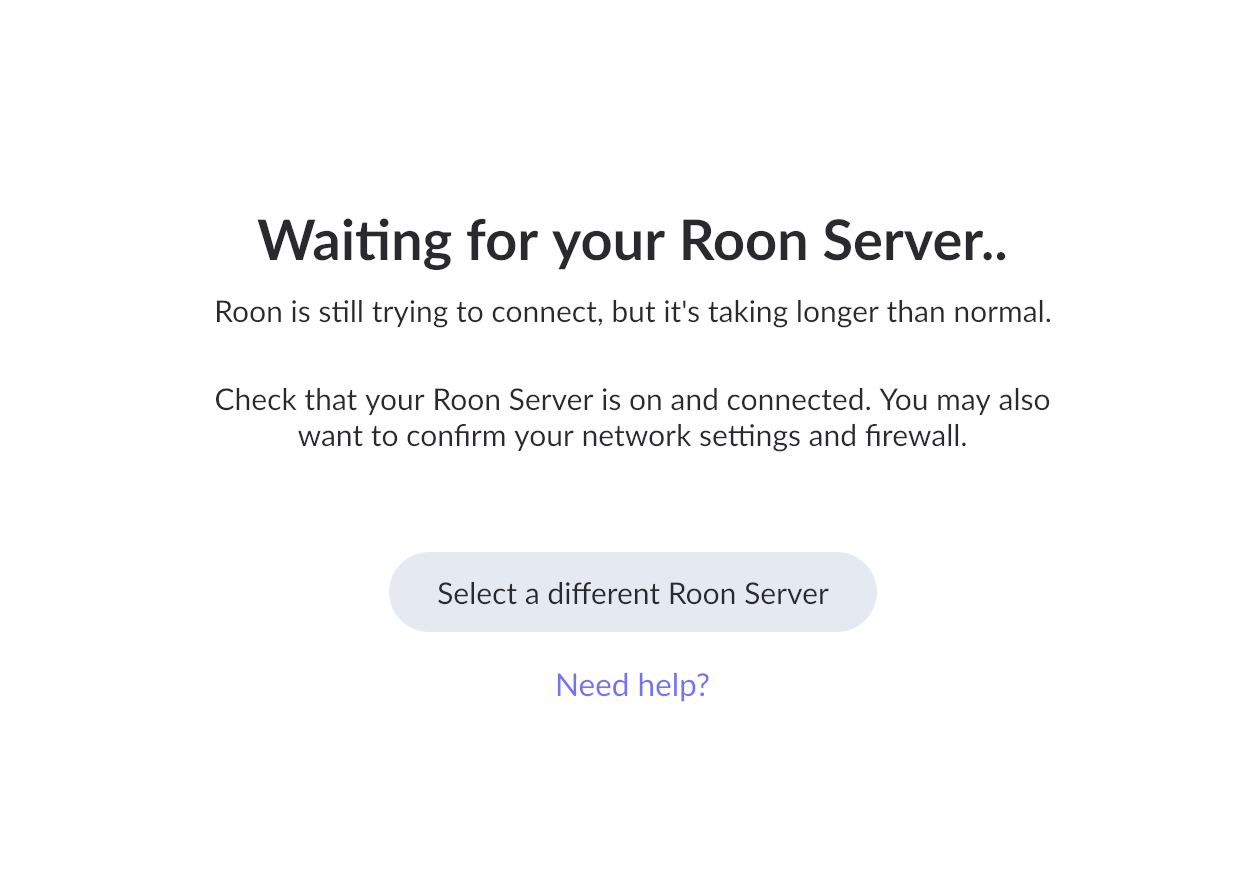
So I restarted the Roon Server on Titan from its web interface. Then I got this:
Neither a (‘soft’) reboot of Titan from the web interface nor a restart of my Mac etc would help.
So I tried a manual ‘hard reset’ of Titan: its push button with a short delay (under four seconds) as instructed previously.
That did not work.
In the end I had to do what I have actually had to do several times recently (but not asked for help with here because I hate to think something is really wrong).
I had to remove the power supply from Titan and re-insert its plug.
Waiting the appropriate amount of time then finally allowed Roon to see Titan. I have been able to see Titan via Samba all along.
So I tried a backup.
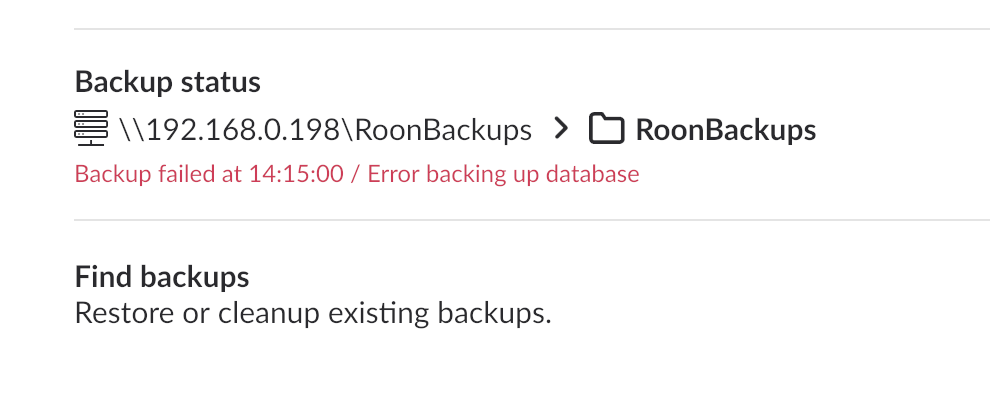
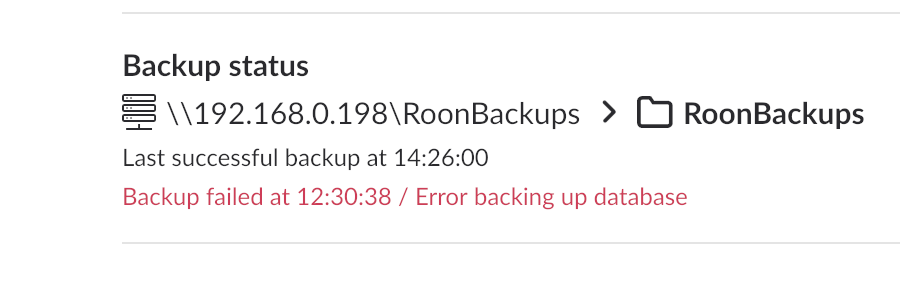
That failed:
I’d really like your help, please, in getting to the bottom of what’s going on here; and how I can fix it once and for all.
The relevant logs will be between 14:00 PST (2 PM, California) and 14:15.
It strikes me (I may be wrong, of course) as though there are two (connected/related, or unconnected/unrelated) errors/faults here:
Please say if I can help you to fix this permanently, @benjamin and team.
Thanks…!
Thanks for the additional information @Mark_Sealey! An odd sequence of events indeed.
Our team will enable diagnostics to take a closer look at the timestamp you’ve shared. In the meantime, could you please access the webUI and perform a RoonOS reinstall?
Let me know if the same error occurs afterward. Thank you!
Thanks, @benjamin!
What is ‘Sentry’ in this context, please?
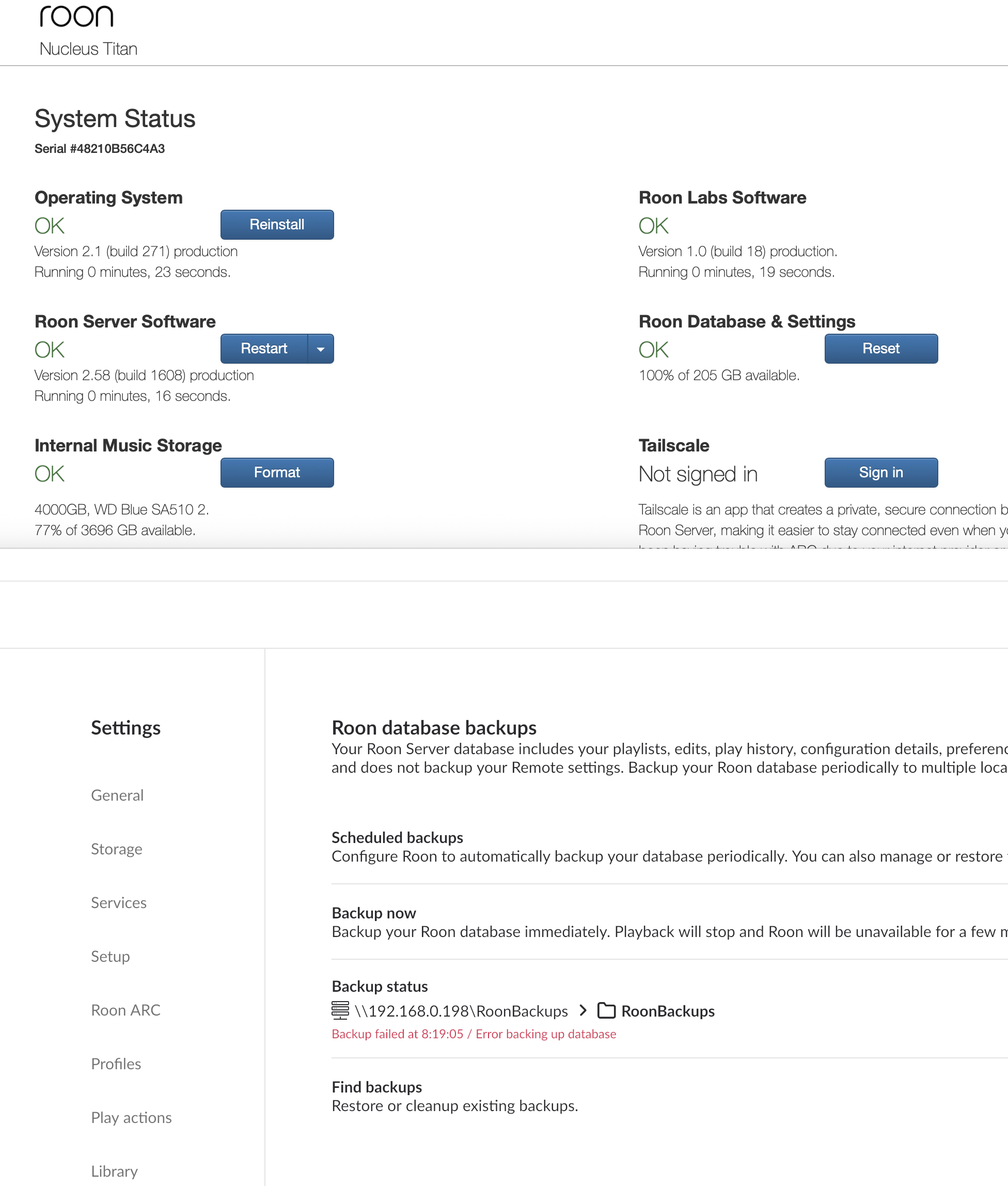
I reinstalled RoonOS thuis morning (relevant log entries will be between 08:15 and 08:20 PST.
But still get the backup error. See grab (below).
Kindly note that this is not the only error; and that rebooting Titan is also problematic… I usually have to physically remove the low voltage power supply cable/plug from Titan’s front…
Hello @Mark_Sealey
We’ve discussed this with our senior QA and development teams. The team is investigating some possibilities here and, as soon as that investigation is complete, we’ll be sure to follow up ASAP.
You have our apologies for the trouble here, and we’ve greatly appreciated your patience as we continue investigating this tricky issue. We’ll be in touch as soon as we can.
Thanks, @vadim!
Does it help for all of you to know how grateful I am, and that I have every confidence that you’ll be able to solve this?

Thank you for your cooperation.
We truly appreciate your loyalty and patience as a customer.
We will be sure to reach out to you the moment we have an update from our development team.
Thanks.
+ 10 chars
Not sure if this is relevant but Roon backups started failing for me this week or so on version 2.58 build 1608 (i think). Upgrading to 2.6 fixed the issue. Backups were failing with the message “Selected drive is full”. The drive was at 27% capacity.
Thanks for adding this, @adam_tuxbury; doubt it’s relevant to my case: the inability to restart Titan has been going on for months and the failed backups seem (I may be wrong: the Roon folk are looking into that as well) to have to do with (inconsistent (e.g. ‘missing’) behaviour of) these ‘Sentry’ files. My target drive has > 5 TB free. But thanks, anyway… glad you got it fixed!
Hello
@adam_tuxbury - The best course of action is always to open your own Support request and describe your setup in detail if you want help.
You may have a similar symptom, but not necessarily the same cause as the original poster - your system setup may be different, that’s why the general rule is to always first open your own request. Let the Support team merge threads if they find common causes.
Note, this Support link is clickable and will take you to the correct place to create your request by clicking on the “Get Help” button.
Any developments on this please?
@alex_h and @vadiimvadiim; I really need this urgently!
Today - somewhat against my better judgement (this has been going on for almost a month now) - I tried to update to today’s 2.6.1 (build 1639).
I got these errors and had to remove and replace the power cable from my Titan in order for Roon to work at all.
Neither Restarts in the web interface nor indeed Reboots (top right red there) worked, although I was able to see the nucleustitan volume in the Finder after a short wait. Roon was not  .
.
You’ll be able to see what happened - in the logs - between about 11:30 and 11:50 PST today.
I’m sure you appreciate that this is not the kind of experiment you want for loyal Roon users.
Please advise asap! Thank you…
We have inspected the logs from your machine and can see that after an update, your system placed a lock on the Roon Server process.
This means that another related process, likely an updater, was running in the background and prevented the Roon Server instance from starting.
We can see that later, likely after a reboot, Roon Server started normally.
Could you please clarify if you have experienced this problem more than once, and why you think you might have needed to replace the power cable for your Titan.
Thanks.
Alex,
I need to be clear. There appear to be three (related or separate) issues/faults/bugs:
Yes, I experience the failure of Titan to boot etc every time.
‘Re-inserting’ the power cable back into Titan is a better word than ‘replacing’ it; I’m sorry for any confusion. I have to physically detach the power cable and plug it back in to Titan.
May I ask you to (re-) read all the thread, please: I hope it will help you to help me. That’s the only way I can get Roon to see Titan after powering it down or restarting it is to remove the power cable and re-insert it.
I can well imagine how busy you are. But whatever is going on with the connection between Titan and Roon is preventing me from using Roon reliably. And whatever Sentry is is intermittently preventing me from performing Roon-initiated backups.
May I ask you to review the entirety of this thread, and the logs referred to on February 10 (almost a month ago!), please, and diagnose once and for all why I cannot restart Titan without a ‘cold’ restart!
Thank you very much 
Hello @Mark_Sealey
Thank you for clearly breaking down the issues you are experiencing. I completely understand how frustrating it is when your system isn’t running reliably, and I appreciate your patience as we work through this. Let’s address your three points directly so we can get your Titan running smoothly again.
1. Stopping the Server for External Backups & Titan Booting First, I want to save you a lot of time and hassle: you do not need to manually stop the Roon Server or power down your Titan to perform backups. When you use Roon’s built-in backup system (Settings > Backups), Roon automatically manages the database state. It safely locks what it needs to in the background to ensure the backup is created without any risk of corruption. Manually stopping the server via the web interface to copy files externally is completely unnecessary, and doing so is exactly what is triggering this specific hardware boot issue for you.
While a software shutdown should ideally allow for a normal restart without pulling the power cable, avoiding these manual web-interface shutdowns entirely is the immediate and correct solution. Please rely strictly on Roon’s internal backup tool.
2. The “Sentry” Error During Backups Sentry is a new internal crash reporting and diagnostic logging system we recently added to Roon to help us track and fix issues faster.
Unfortunately, adding this new logging system inadvertently introduced a bug that occasionally causes the backup process to fail. The good news is that this is a known bug on our end, and there is nothing you are doing wrong. You cannot avoid it through your own actions, but our development team has already coded a fix for this specific bug, and it will be included in our next software release.
3. The Failed Update It sounds like a background process simply hung up during yesterday’s attempt, which can occasionally happen and temporarily lock an update. However, we are very glad to hear that your system successfully updated to version 2.6.2 (Build 1641) this morning! Since you are now fully up to date and running smoothly, you can safely disregard that isolated update failure.
Moving forward, please try running your backups exclusively through the Roon app (Settings > Backups) without interacting with the web interface’s Stop or Power Down buttons. This will keep your database completely safe and bypass the need to physically unplug your Titan.