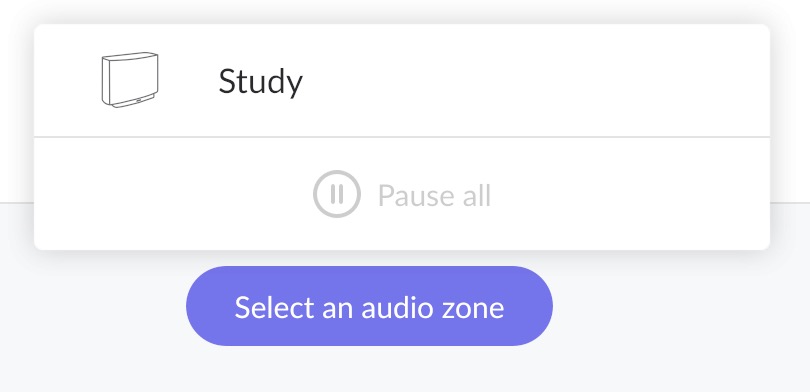
· Since the penultimate update (the one that dropped support for older macOS) Roon is unable to find my audio setup (Kii Three) after the Mac starts. I have to physically disconnect the cables to the Kii Control and then it is recognised again. My Mac is a MacMini running Sonoma 14.8.5.
I think the next step here is to enable some diagnostics on your account so our technical staff can get some more insight into what’s going on here.
However, before I enable this feature, I’d like to ask for your help ensuring we gather the right information.
First, can you please reproduce the issue once more and note the time at which the error occurs. Then respond here with that time, and I’ll make sure we review the diagnostics related to that timestamp.
Thank you for your message. Can you please use the directions found here and send over a set of logs to our File Uploader? Once logs have been uploaded, please let us know so that we can check the server for your files, thanks!
We have a few due diligence questions to ensure we have the details in alignment here.
We need to ensure that Apple coreaudio is shaking hands with the DAC above Roon. This Kii Three is connected via USB, no? When you first start the Mac, do you see the device enumerated in Audio Midi Setup (Applications → Utilities) and in Kii Control outside of Roon?
First of all, I have uploaded the logs to your Upload Server, as requested in an earlier mail.
Yes, the Kii Three is connected to the Kii Control via USB. I forced a restart and then checked the Audio Midi Setup. Kii is not listed there. When I start the Roon app it is not listed as an Audio Zone either. The only Audio zones listed are the iPhone on which I am running the Roon app and an old Sonos speaker linked to the MacMini via WLan. When I then disconnect the Kii Control completely by removing the Lan-type cable (not used for Lan but to connect it to the speakers) and the USB cable and then reattach both the audio zones including that of the Kii Three are back. When I then check the Audio Midi Setup the Kii Control is listed.
Thank you for uploading the logs — we’ve had a chance to go through them carefully.
Based on the analysis, the pattern points to a macOS sleep/wake issue: the Kii Control USB audio device is not being reliably re-enumerated by CoreAudio after the Mac Mini wakes from sleep. When this happens, macOS drops the device silently without notifying Roon, so it disappears from your audio zones. The cable reconnect works because it forces macOS to re-enumerate the USB device from scratch.
We’d like to confirm this by ruling out sleep entirely. Could you try the following:
Disable sleep on your Mac Mini:
System Settings → Energy Saver → set “Prevent automatic sleeping when the display is off” to On (and set “Turn display off after” to a value you’re comfortable with, or Never)
Once sleep is disabled, please use Roon normally for a few days and let us know whether the Kii Three continues to disappear. Since your Mac Mini is functioning as a dedicated Roon server, keeping it from sleeping is also a sensible long-term setup.
There’s no native terminal command to force the USB bus to provide power after sleep, but a few workarounds might help with this:
the simplest is unplugging/replugging in the USB device after you wake the Mac. This will renew the handshake automatically.
you can try to restart coreaudio to see if it forces a new handshake, if the USB bus is still providing power. Open Terminal and enter: sudo killall coreaudiod
The third option is to install a third-party app that prevents sleep entirely, like Amphetimine for MacOS.
Thanks, it helps to know what is going on, and thanks to knowing it I was able to solve the problem. I switched the MacMini to be always on during the day and I automated a switch off (and on) for the night.