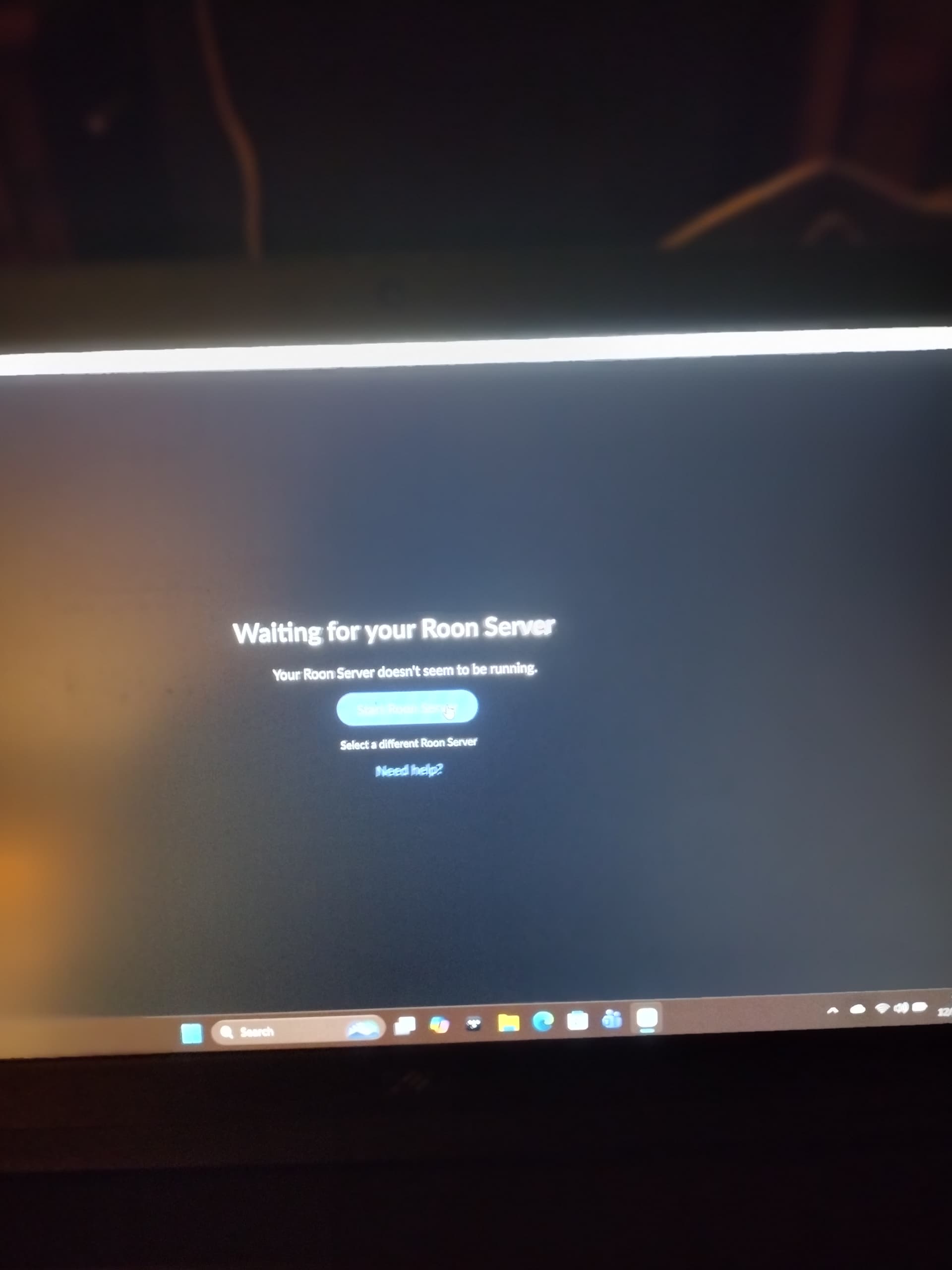
At the moment, there isn’t quite enough information for us to clearly identify what’s failing in the chain, especially since the description mixes Roon Server startup, device discovery, and audio connections.
To help us understand this better, could you please clarify the following:
Where is Roon Server actually running (on the Dell PC, or another device)?
When you say “Roon Server is not running”, do you see any error message when trying to start it?
Is the Dell PC still visible and selectable as a Roon Server from the Roon app?
Are the Chord, Mytek, and M Scaler devices connected via USB, Ethernet, or another interface?
Have there been any recent changes (OS updates, driver updates, network changes) just before this stopped working?
If possible, please also include:
Screenshots of what you see when starting Roon
Any error messages shown in the app
With that additional context, we’ll be able to determine whether this is a server startup issue, a network discovery issue, or a device/driver-related problem and guide you accordingly.
New computer is not working with roon either it’s a Dell i7 brand new and took out the mytek and went all chord quetest & mscaler using USB for Roon core on the computer and Android phone is my remote control it’s not working either
If your Mytek server is indeed online and connected to your network, and the only issue is stemming from the windows maching running as a Roon remote, see if the below helps: