Hi There. I did have it connected to both Wifi and Ethernet. Although it worked fine before in that configuration. I’ve disabled Wifi but this hasn’t resolved the issue.
Also, I can’t connect to the server from anywhere else (iPhone, iPad, etc). I tried downloading the app again but that didn’t resolve. Also tried rebooting. Thanks!
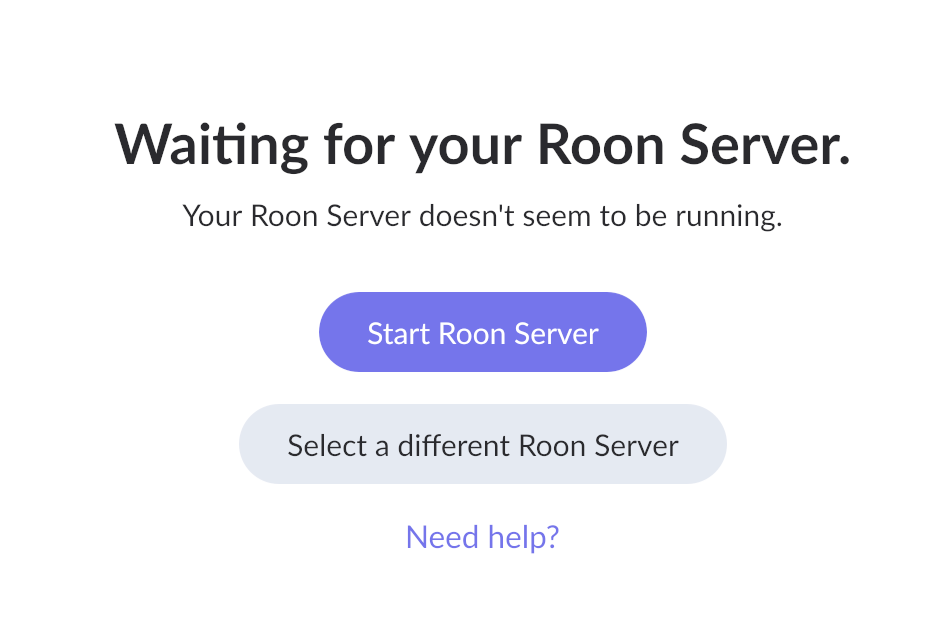
I tried rebooting the computer again after disabling Wifi. Now I get a different screen saying I should start the Roon server, but when I try it just goes back to the same message.
We noticed that you have /Applications/Roon 2.app listed, which most likely means you have Roon installed twice on your Mac.
Please inspect your Applications folder and make sure you only have one instance installed.
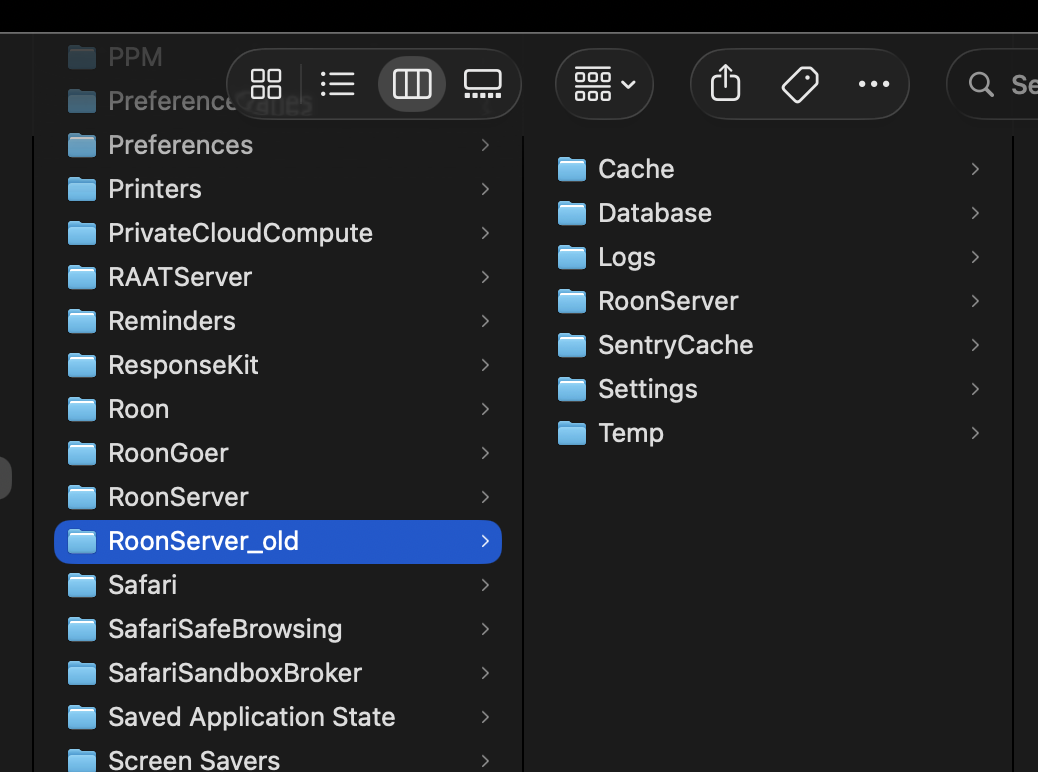
After deleting the second instance of the Roon app, you will need to generate a new RoonServer folder. To do this, please navigate to /Users/your_username/Library/RoonServer and rename the RoonServer folder to RoonServer_old. Alternatively, you can run the following command in Terminal:
Once that is complete and the second instance of the app is deleted, please launch Roon again on your Mac. It will generate a fresh database for your Roon instance. Alternatively, you can launch it by running the following command in Terminal:
open -a "/Applications/Roon.app/Contents/RoonServer.app" && while ! pgrep -x "RoonServer" >/dev/null; do sleep 1; done; open -a "/Applications/Roon.app"
Delete the second version of the app. Executed terminal command to rename Roon server folder. Attached is the library folder structure. Didn’t seem to resolve the issue. Now back to a stuck startup screen with the Roon icon in the middle.
BTW, I had to turn the WIFI back on. Need that for Airdrop and other activities. Also, how would my iPad connect to Roon otherwise? The ethernet connection is for streaming video to plex from my computer. So I need both channels open. I use my Mac computer as the Roon server. I’ve had Roon for a few months now without issue under that configuration. All that being said, does Roon use Core Audio? I also use Ableton and it seems like it’s having trouble connecting to my Apollo interface. Wondering if the two issues are related. Perhaps there was a recent OS upgrade that caused this. I checked and the last OS upgrade was March 4th and Roon was working fine until yesterday. Hmmm…
We have reviewed them and spotted few lines like this :
03/16 17:12:33 Warn: [remoting/brokerserver] [initconn 127.0.0.1:49266=>127.0.0.1:9332] failed: System.Exception: got unexpected broker id in REQ_HANDSHAKE: xxxxxxxx-xxxx-xxxx-xxxx-xxxxxxxxx
This indicates that your Roon client and server are unable to connect to each other, likely due to a mismatch. Considering that you previously had two instances of Roon installed on your Mac, it is possible that some leftover files are preventing the connection.
We recommend a full reinstall of the Roon app on your Mac. To do this, please complete the following steps:
Make sure to find all Roon.app instances on your mac and delete them .
Delete folder ~/Library/Roon
Delete folder ~/Library/RoonServer
Delete file /Users/your user name/Library/Preferences/com.roon.RoonHeadlessManager.plist
Once that is complete, please download and install the Roon app from scratch via our Downloads page.
Please let us know if this resolves the issue for you.
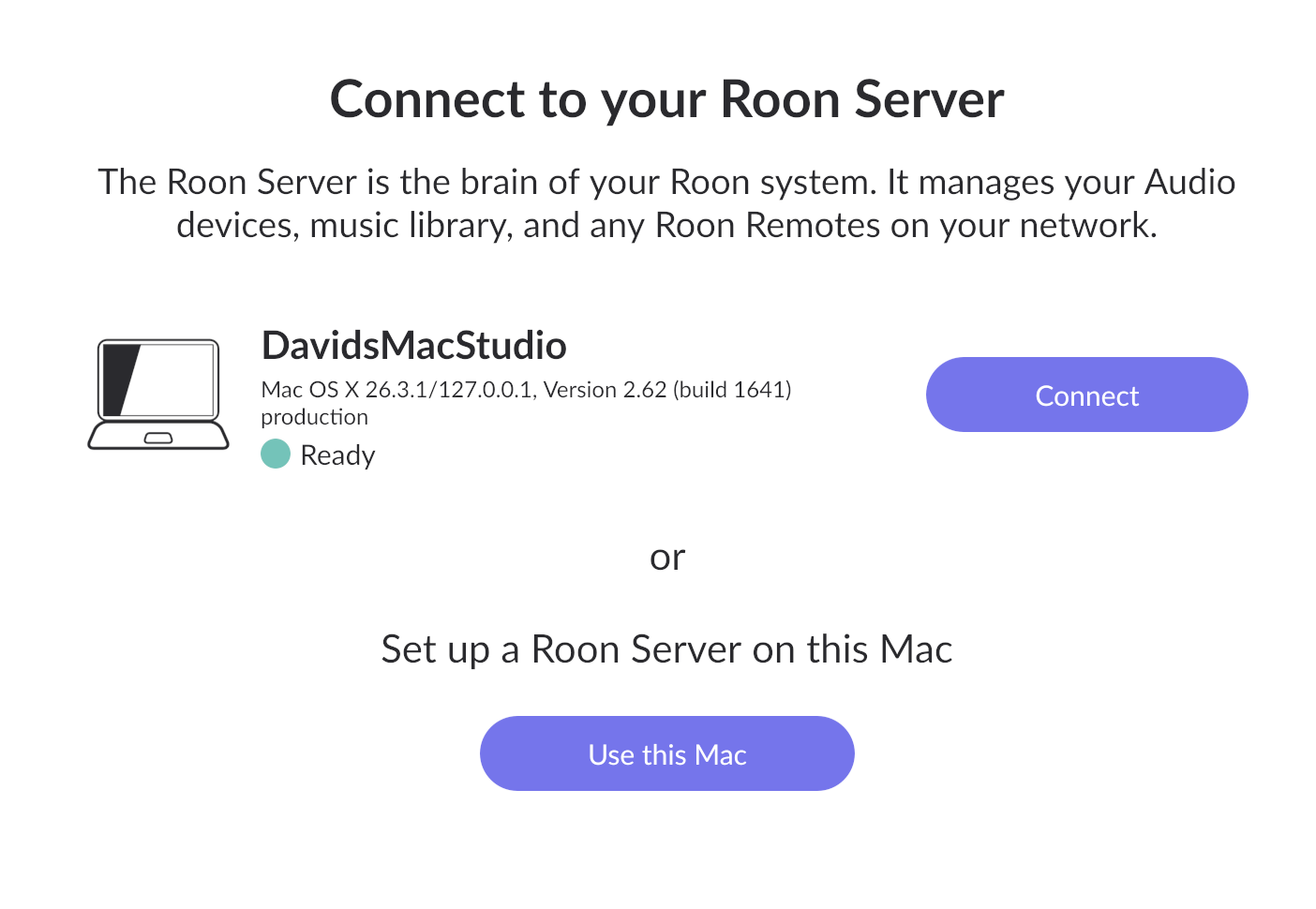
Sorry, it didn’t resolve the issue. Although I never found a .com.roon (plist) file on my computer. I deleted all Roon apps and the Roon folders under library, re-installed Roon but it’s still giving me the same issue. When I open the app it still recognizes my original Roon account. I can choose that option or start a new one. I tried both options and it led me back down the same path to nowhere. (see screenshot).
We are truly sorry to hear that this issue has been frustrating for you, and we sincerely apologize for the delay in our response.
We have escalated your case internally, and it is currently being reviewed collaboratively by multiple teams to determine the exact root cause, as the issue is not yet entirely clear to us.
We would greatly appreciate your continued patience while we investigate this further. Thank you.