Thank @mjw but I don’t use Terminal/Command Line tools.
I’ll try and remove the cover art, or just remove the album and start from scratch
Thank @mjw but I don’t use Terminal/Command Line tools.
I’ll try and remove the cover art, or just remove the album and start from scratch
Do you know of any MAC software that will do the same thing @mjw ?
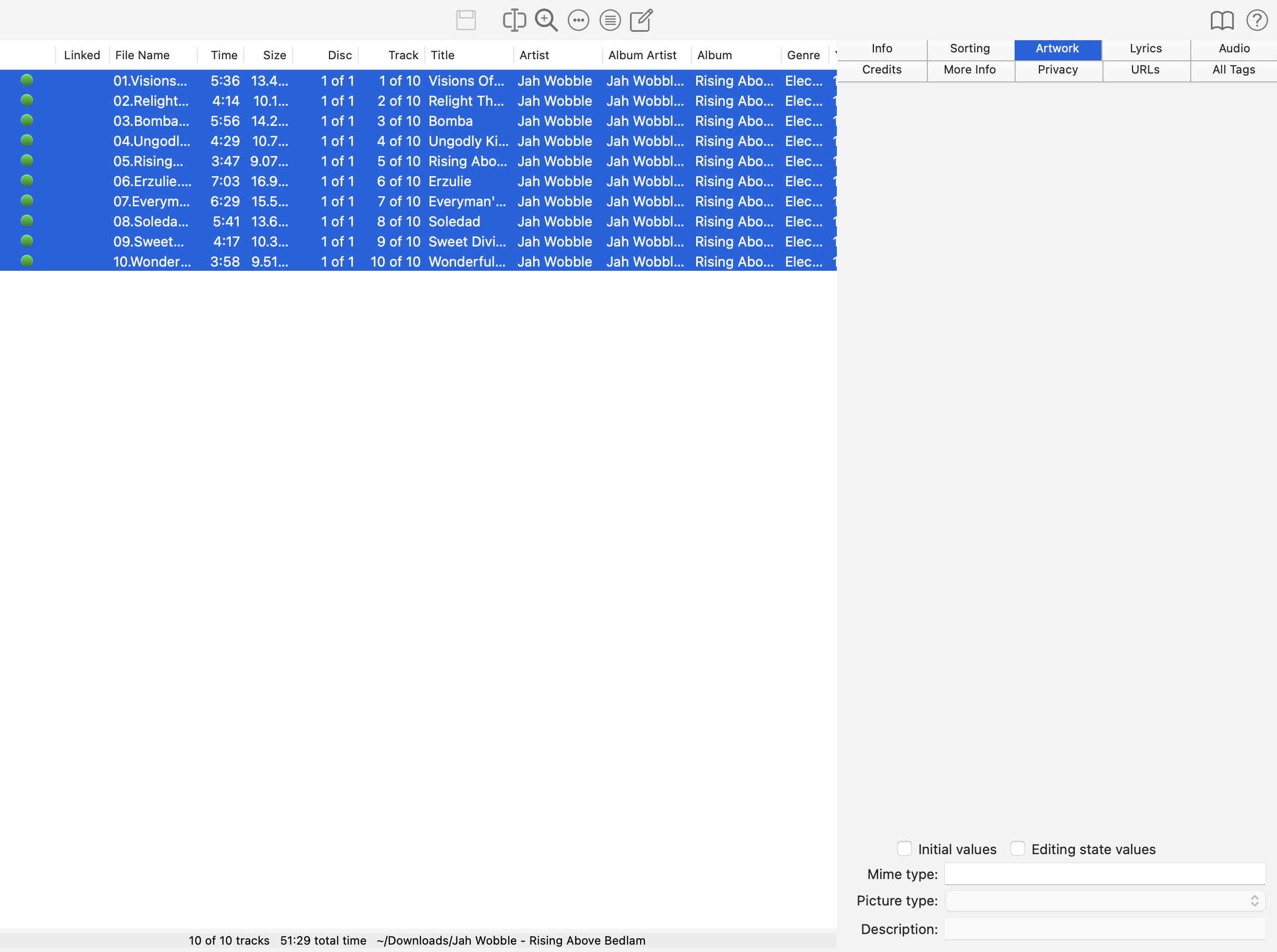
Yate should do this for you in batch mode.
OK. I’ll check that one. I use Tag Editor for Mac - Free Download - Amvidia (have done for years) and it’s been fine up until this album/issue. Even if I remove all artwork or replace with a new 600x600 version, Roon still skips it as corrupt
Are you using progressive JPEG? I think this could be a Mac thing.
I also don’t get how Roon pulled them in and played the album through twice before deeming them corrupt
Download Yate Audio File Health Check, and scan the files for issues. If problems are found, use Yate to reencode the files using batch mode.
Hi @davidmead,
Thanks for the follow-up! We did indeed use Terminal for the earlier procedure.
Did @mjw’s above reply help at all?
Another option to consider could be Kid3 as well: