Roon falsely detects MP3 files as corrupt on NAS (ref#5QY1MM)

What best describes your playback issue?

· Music doesn't start when I press "Play"

What type of Zone is affected by this problem?

· *All of my Zones* are affected.

Does the issue affect all file formats?

· The issue affects *multiple/all* file formats.

Does the issue happen with local library music, streaming service music, or both?

· *Only local library *music is affected.

Where is your local content stored?

· Somewhere else on the local network (NAS)

If you move the content from your NAS to a local storage location, do you still experience issues with playback?

· The issue only happens when the content is on the main NAS storage location

Please try playing content of a lower sample rate (44.1kHz or 48kHz), does this work as expected?

· No, lower sample rates are still affected

Do you have an approximate timestamp of when the issue last occurred?

· 8.51am EST 2026/06/28

What are the make and model of the affected audio device(s) and the connection type?

· WiiM Amp

Describe the issue

I added an album recently and have played it, at least twice, all the way through in Roon.

Today Roon says all tracks on that album are now corrupt. The tracks (.MP3s on a NAS) all play fine in both Swinsain and VLC Player from the same location.

I hit the ‘re-analyze album’ button but Roon still claims the MP3 files are corrupt.

Any ideas?

Describe your network setup

Nucleus and a NAS on a network. Both connected via patch cables to a Netgear 8gb unmanaged switch. Roon software on iPhone, iPad, and MacBook Air. Stream over WiFi
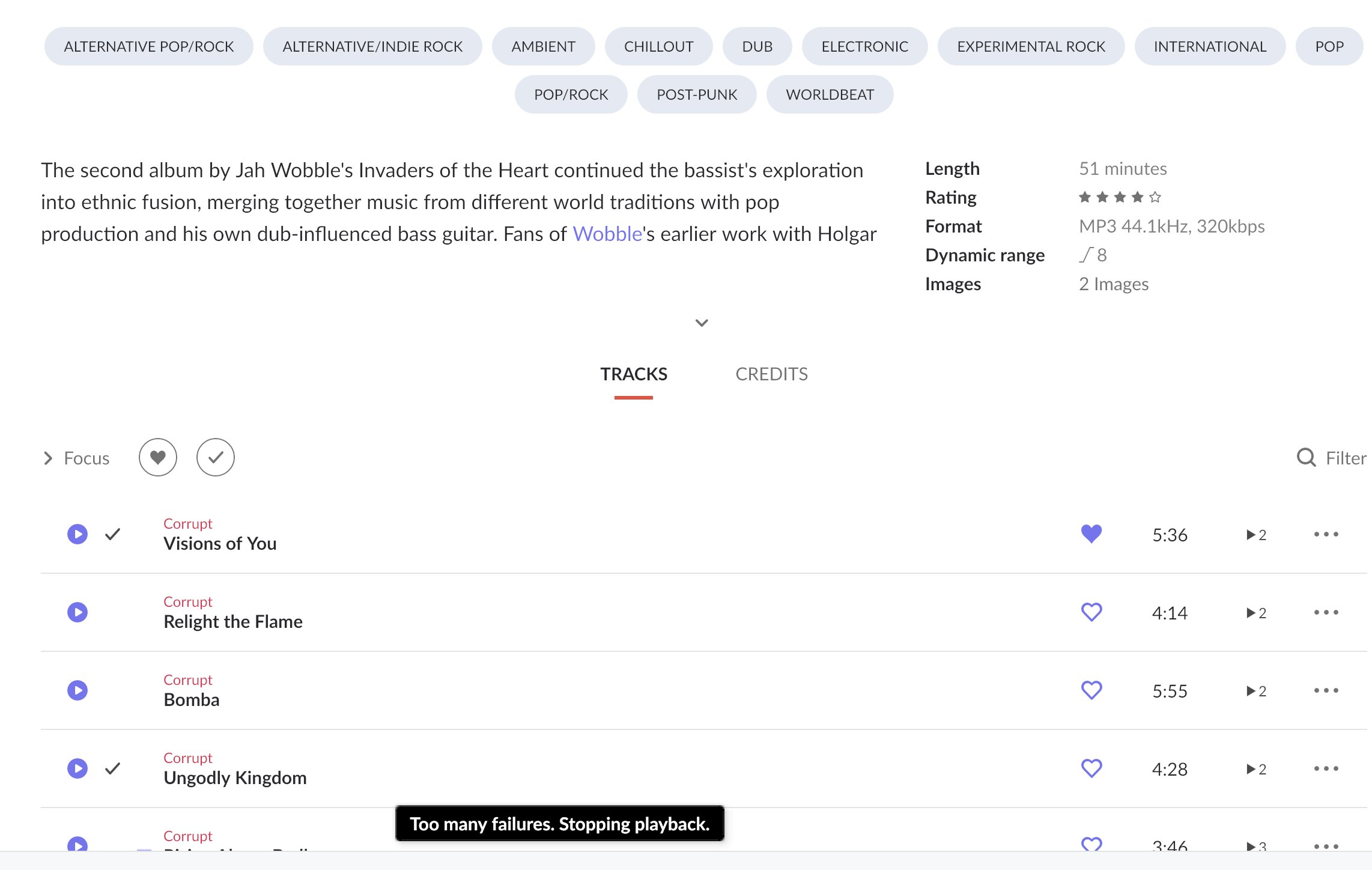
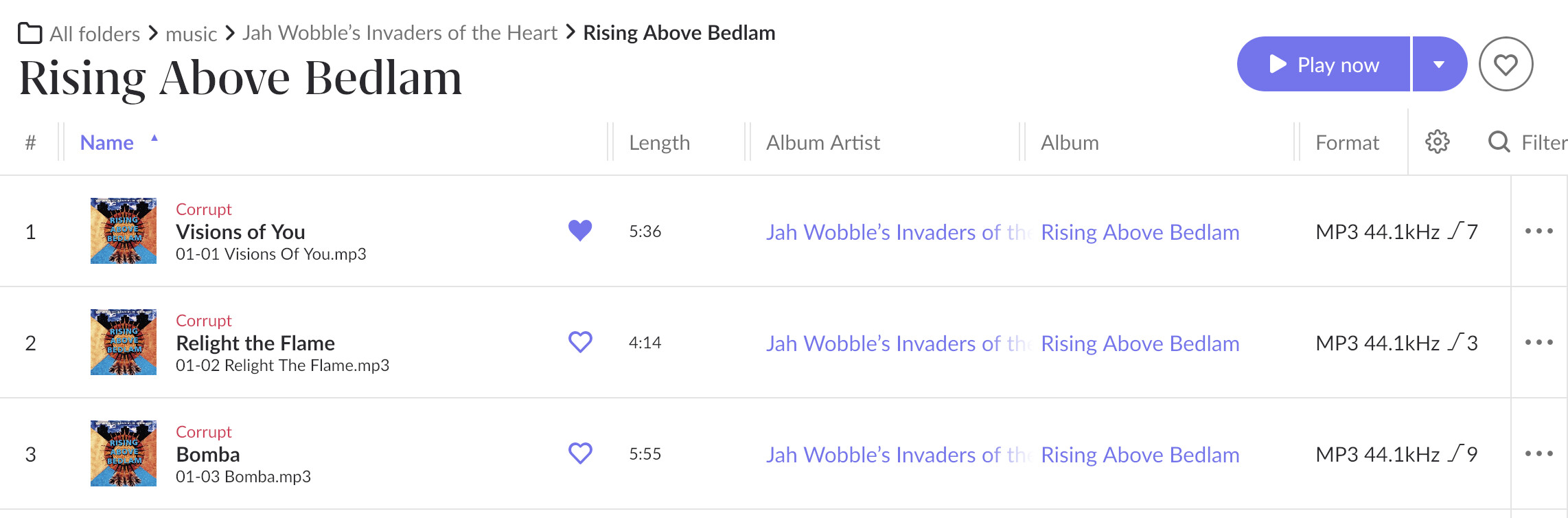
This in itself does not mean that the files don’t have an issue. There could be a problem with the stream or metadata that doesn’t prevent playback.

Unlike many music players, Roon always checks the integrity of our music files, so we have the opportunity to fix things. Most likely, the problem is fixable now, but when a player such as VLC can’t play the file it is likely unrecoverable (and this could include your backups, too!)

Fortunately, there is (free) cross-platform software that can check and repair these files.

What is the bit depth of the .mp3s?

Info in Roon says they are 320kbps MP3, 44.1kHz @DDPS

What is the name of the software @mjw ?

They can still be 16, 24, or 32 bit, and Roon does NOT like 32-bit MP3s. Roon doesn’t show that info, however.

MP3 doesn’t have bit-depth or sample rate. What are you referring to?

You may use FFmpeg which is command line only, or use with a GUI front end for your OS.

There are other apps, too, such as

There is an underlying bit depth. I had a bunch of 32-bit mp3s I had to fix when I first started using Roon back in late 2021. I forget what software I used to figure that out, unfortunately.

No, there’s not. It’s a lossy codec characterised by the bitrate (kbps) and sample rate. When converted to a PCM stream, bit depth is determined by the decoder and not the file.

A-ha…I just went back into my archives from back then and looked. Those mp3s were indeed mp3s but they were encapsulated in a .WAV container with an .mp3 extension…I am sorry for being misleading @mjw!

Hi @davidmead,

Were you able to inspect these files using FFMPEG or another program?

If you’re still having issues, you can upload the files here for our team to take a look at directly: Media Uploader

Hey @connor . I have not had time to look at those tools. I’ve uploaded the first 3 files shown here

Hey @davidmead,

Thanks for the uploads! We were able to analyze them further, and see the audio itself is completely fine. FFmpeg decodes all three start-to-finish with zero errors, exit code 0. They’re standard 320 kbps CBR, 44.1 kHz, stereo MPEG-1 Layer III with clean frame sync and no truncation or trailing garbage, and @mjw is right that MP3 has no bit depth, these are genuine MP3s.

The thing that stands out is the embedded cover art. Each file carries an APIC frame tagged mime=‘image/jpeg’, but FFmpeg identifies the actual embedded stream as MJPEG, 600×590, an odd, non-standard cover for Roon (note the 590, not a clean 600×600). The art is ~165 KB and the entire ID3v2.3 tag block is ~170 KB sitting in front of the audio.

We’ve gone ahead and stripped the embedded artwork to see if a re-import comes in clean, which would isolate whether the image is the trigger.

Each stripped file now has a single audio stream, zero APIC (art) frames, decodes with no errors, and all text metadata (title, artist, album, track, genre, etc.) is preserved. Audio is bit-identical to the originals since it was stream-copied, not re-encoded.

So the plan for next troubleshoot steps: @davidmead could you drop these into your library (ideally a fresh folder so Roon imports them as new files rather than re-reading the cached corrupt state), and see if they import and play without the corrupt flag? If they do, the embedded 600×590 MJPEG cover may be the trigger.

I’ve shared a private download link with the stripped files via PM, let me know if you’re able to download them and give it a try. :+1:

Thanks @benjamin I’ll grab the files.

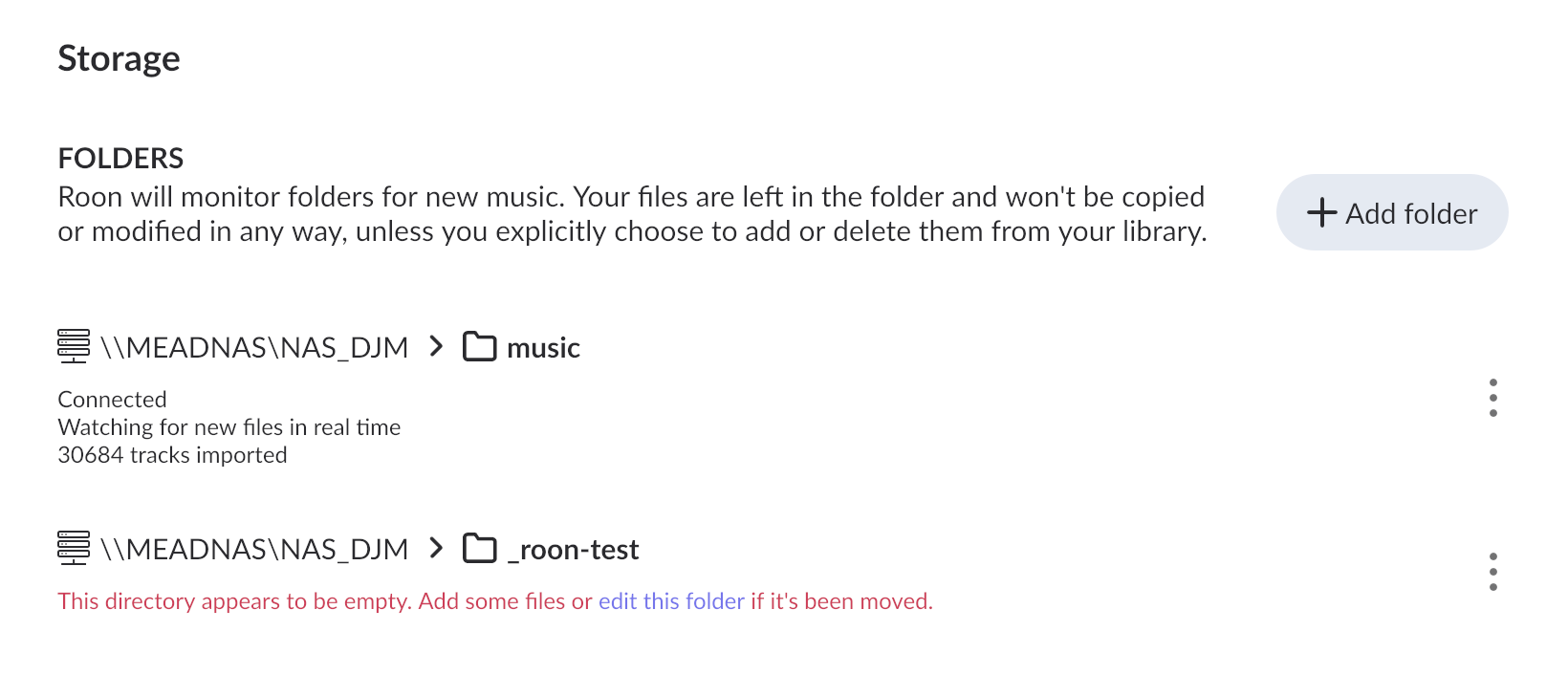
By a “fresh folder” do you mean create a folder and add it in the settings > storage screen of Roon?

Hello @davidmead

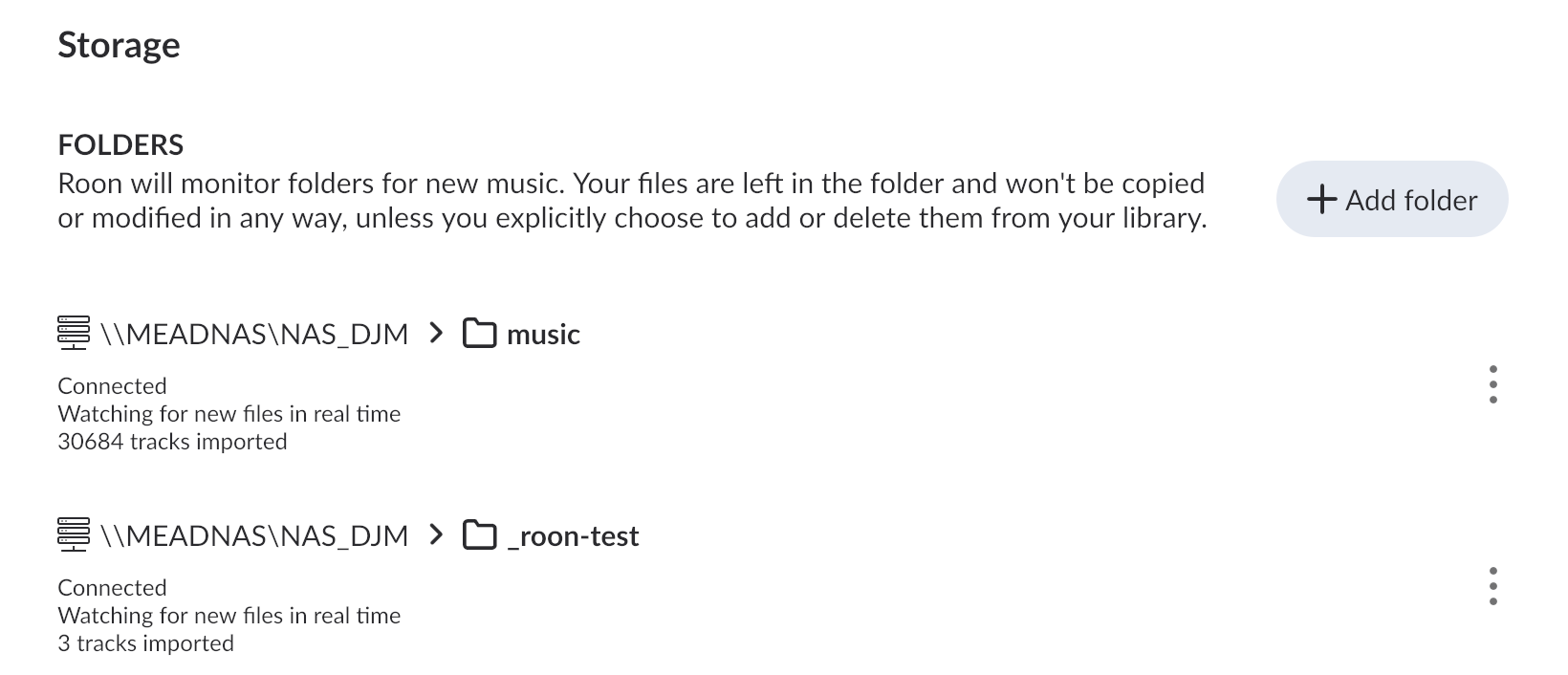
Так, exactly that — go to Settings → Storage, click Add Folder, and point it to a brand new empty folder (not one you’ve used before). So you’d just download his replacement files into that fresh folder, not copy your originals there. That way Roon treats them as completely new files instead of matching them against the cached “corrupt” entries it already has for the originals.

@benjamin will update you with the password in the DM

Thanks @vadim . I’ve created a new folder and when I hear from @benjamin I’ll drop the new files in there.

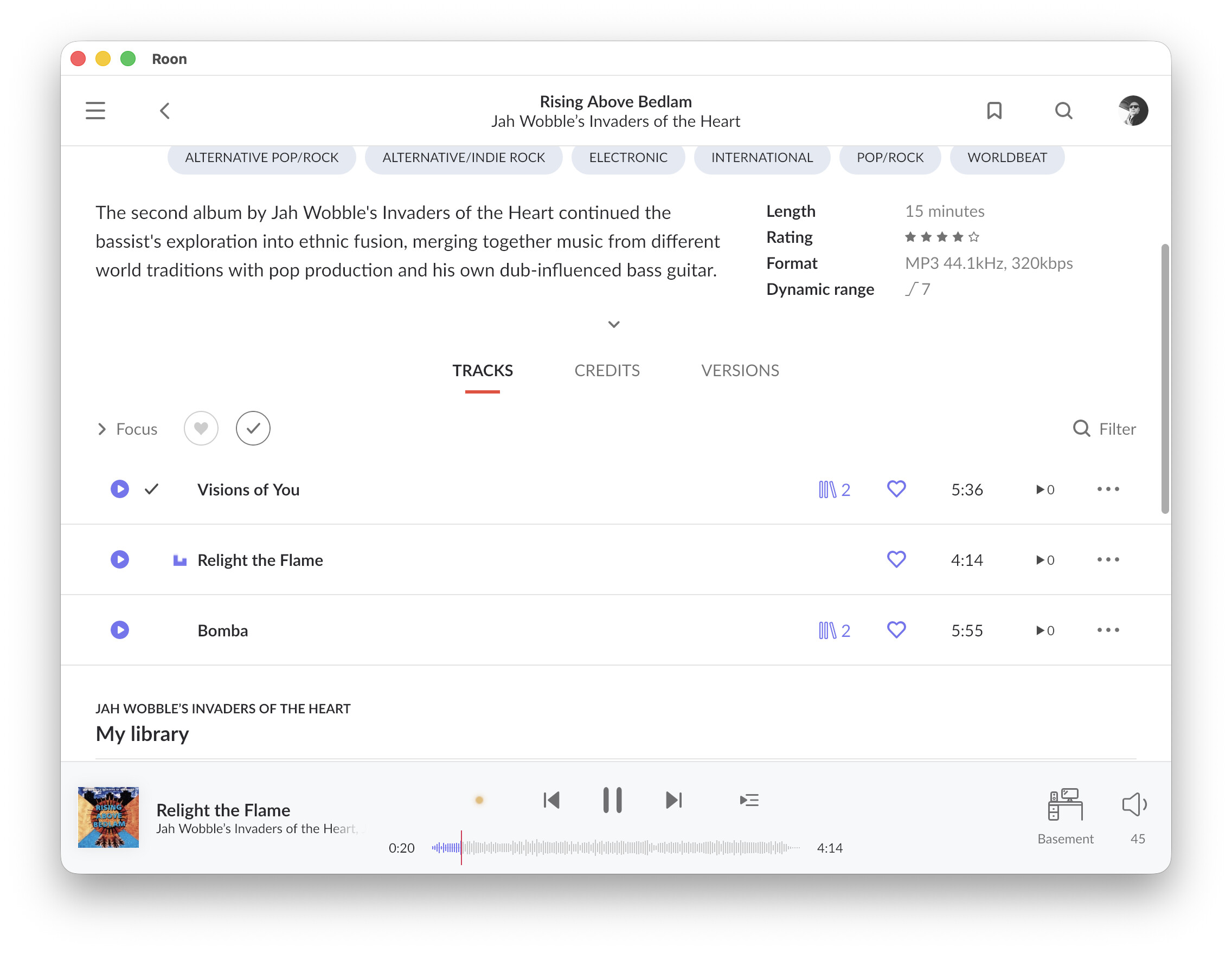
@benjamin @vadim I grabbed those files. Dropped them in the new folder and Roon is now playing them fine. It seems to have identified the album and assigned cover art too.

What should my next steps be?

In the past I had issues with MP3s in some programs when they were encoded as Varible Bit Rate (VBR), while they played ok with other programs. It was reported as corrupt. Constant Bit rate always worked.

--MD

Since the image is in an APIC frame, FFmpeg isn’t the best tool, so use the id3v2 tool instead. You should be able ago install with brew.

To batch process, use the following (untested), but note that the images are removed completely.

cd <into the music folder>
find . -iname "*.mp3" -exec id3v2 --remove-frame APIC {} +