Hi Dylan,
I took a drastic approach over night trying to make a fresh start with the music library on my PC, by deleting this in its entirety, and then transferring music library using iTunes (so instead of just copying the music files), after having disabled the drive for Roon. The procedure for using iTunes to move the library to another network drive that I followed is described here: https://www.pcmag.com/how-to/how-to-move-your-itunes-library.
That seems to have gone alright over night. But having now re-enabled the drive on q-cat for Roon, and Roon having completed its new indexation, I don’t see any major improvement. The examples I gave still persist.
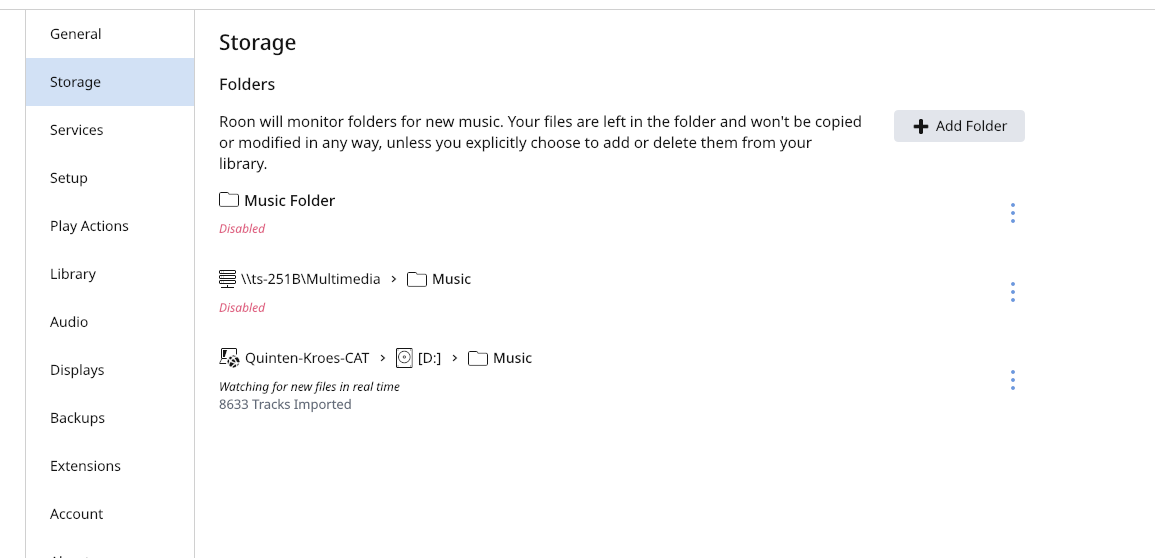
Here is the screenshot you asked for from Settings>Storage:
Here is the screenshot for the 01 01 Free - Prelude file from Finder:
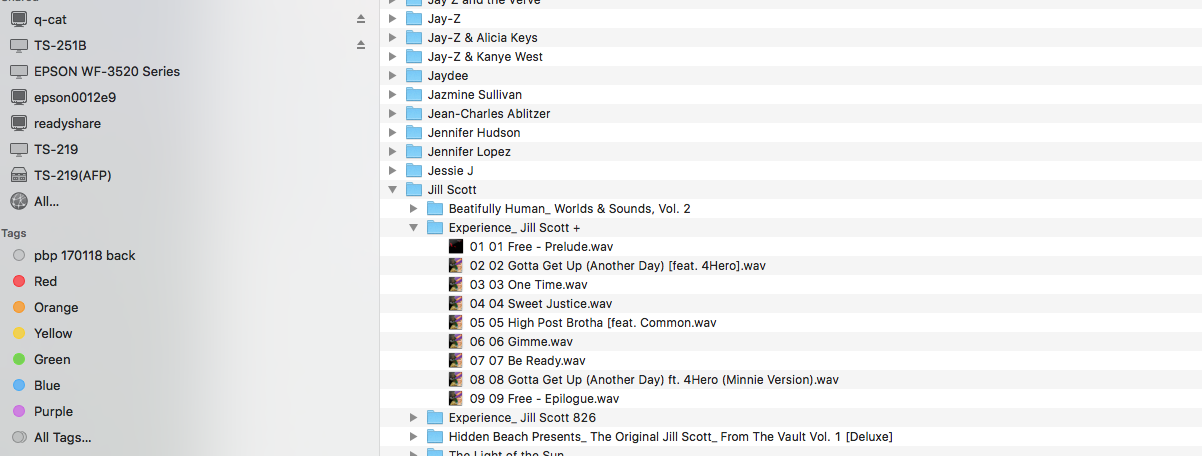
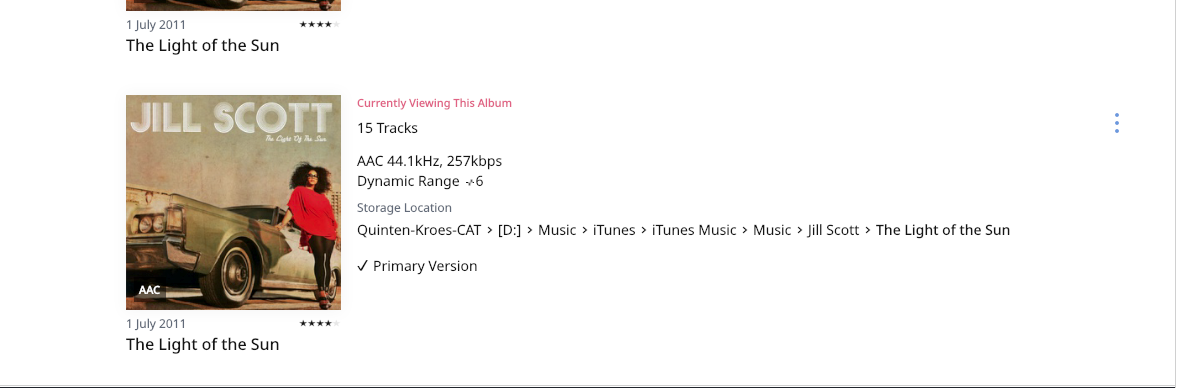
By the way, if I doubleclick on that file, it starts playing just fine in iTunes. If I search for Jill Scott (of whom I own quite a few albums) in Roon, it only finds The Light of the Sun, which is the only album in .aac format, all the other ones being CD-rips in .wav.
To answer your final question, yes, all albums reside in their own folders. Here is another screenshot:

And this screenshot from Roon shows the current directory path:
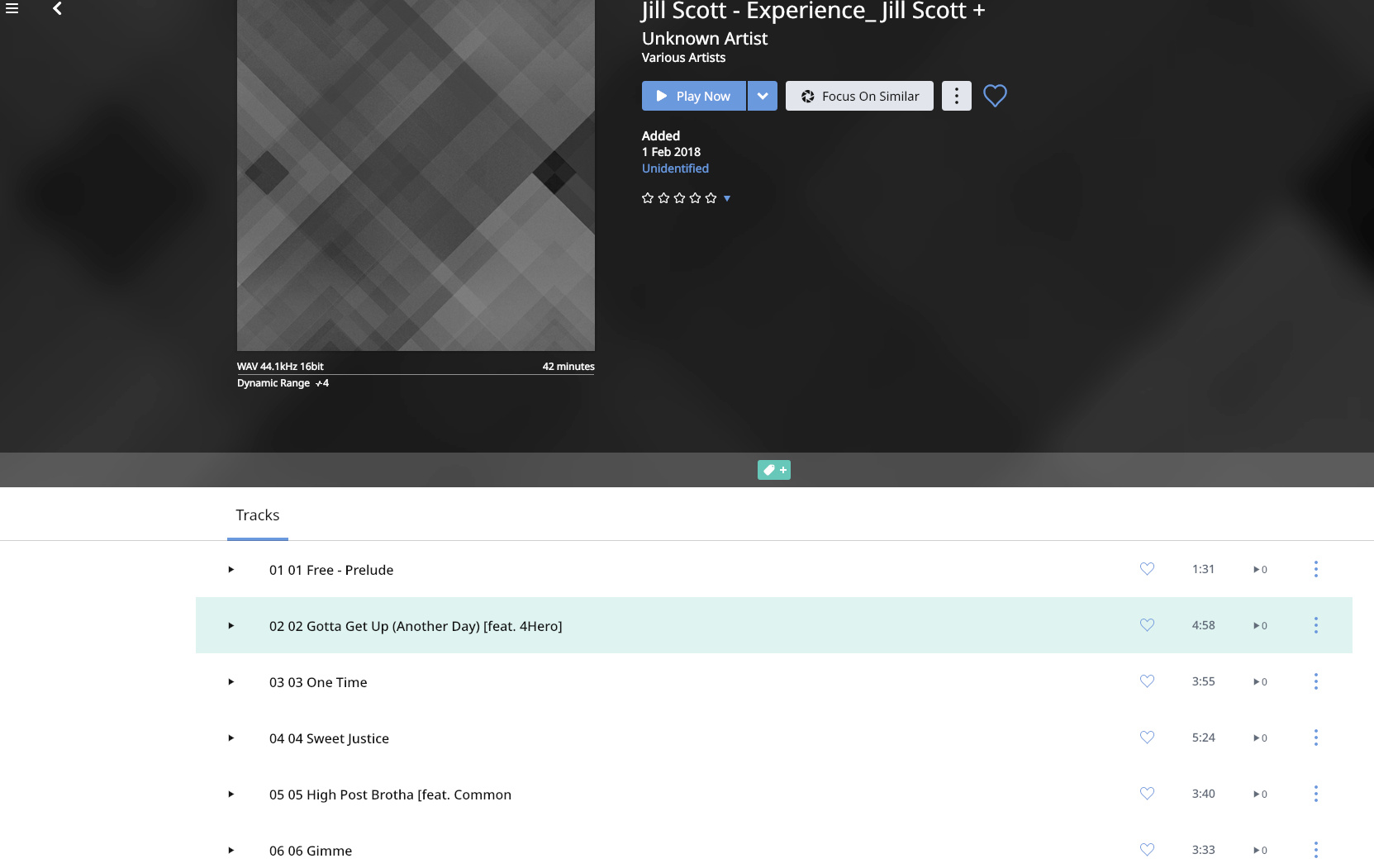
If I search for the second track on “Experience_Jill Scott +” in Roon, it finds the entire album as such (with the artist and album name lumped together in the album name) but under ‘unknown artist’:
Here is a screenshot of the path to the second track:
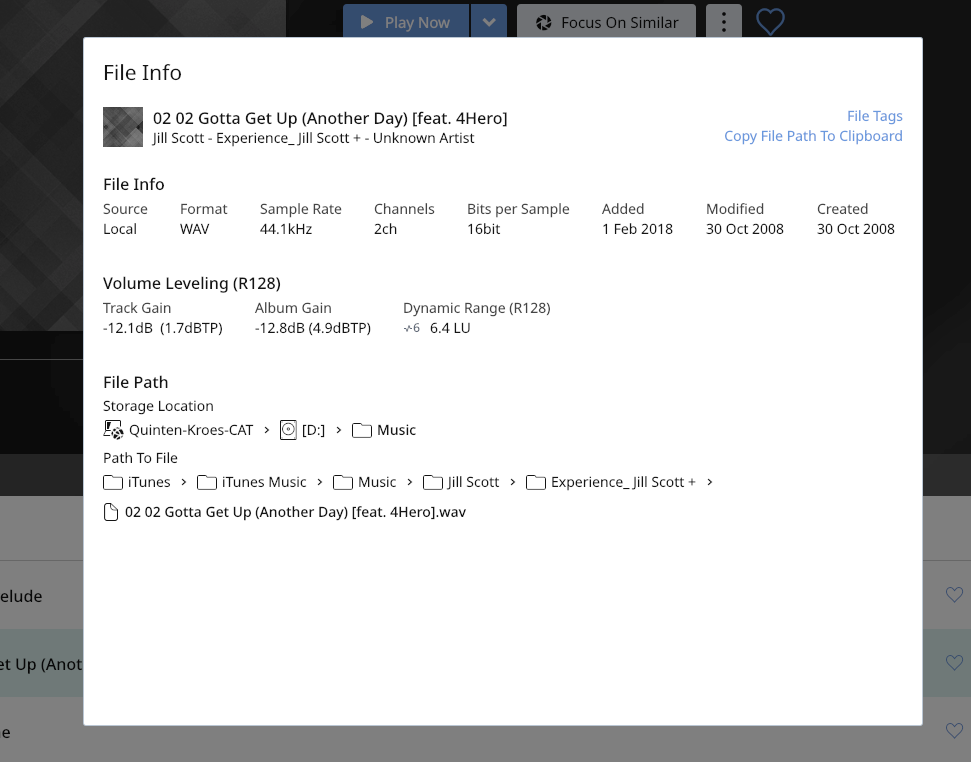
If I try to manually edit the metadata through Roon, it cannot identify the proper album, even after I add Jill Scott as the artist. But that could just be because this particular album is unknown in Roon?
I hope this helps to sort this out, because I really can’t think of any cause or solution…