Roon inconsistently interfacing with Bluesound Node (ref#FYRHQM)

Hi! What’s not quite right with Roon?

· None of the above quite fits

None of the above quite fits

· App interface looks or behaves oddly

Tell us what's going on

· roon is not interfacing with bluesound node in a consistent manner

Tell us about your home network

· [quote="Thomas_Strauss, post:1, topic:320782"]
Tom’s Acer OS Software Spec

Edition Windows 11 Home (latest version)
Version 25H2
Installed on ‎2/‎1/‎2025
OS build 26200.8457
Experience Windows Feature Experience Pack 1000.26100.304.0

I am using an ACER Swift SFG14-73T laptop for a computer
Memory: 16 GB
Bios Version: V1.19
Processor: Intel Core Ultra 7 155H
Hard Drive: 954 GB SSD
[/quote]

network is spectrum (1 GIG) and wifi is a Deco mesh system which all works great.

this is a continuing problem (roon tech support #pA13VJ) If you look at that thread you will see what has been discussed.

What is currently happening is that roon either locks up, looses connection to Bluesound, or keeps playing but no audio comes out of the bluesound. My fix is usually to reboot my computer and the bluesound, then everything will work for most of the day until it does not work. It seems to happen at the end of file, but not always. sometimes I can just close roon and restart it then it works again, but not usually.

Hello @Thomas_Strauss

I think the next step here is to enable some diagnostics on your account so our technical staff can get some more insight into what’s going on here.

However, before I enable this feature, I’d like to ask for your help ensuring we gather the right information.

First, can you please reproduce the issue once more and note the time at which the error occurs. Then respond here with that time, and I’ll make sure we review the diagnostics related to that timestamp.

OK two instances of stopping.

7/2/26 AT 7:05 PM Roon App lost connection to bluesound. Roon server kept connected to App, track appeared to play.. I restarted the phone and it connected to server.

7/3/26 4:15 pm- Roon stopped in the middle of track. I skipped to next track on roon radio, next track was shown but but would not start, after a few minutes it skipped to the next track but not able to bestarted, it did that a few times before I stopped it.

I hope this helps

Not to hijiack, but maybe helpful for support to know I have a similar problem (3 Nodes, slowing down, skipping tracks, stopping, Tidal and Qobuz, have to reboot Roon server, things get better, until they don’t) and will be submitting a support request.

Hello @Thomas_Strauss,

Thank you for the timestamps. After reviewing the diagnostic data we can confirm that what you are experiencing matches a known issue with the Bluesound RAAT implementation that other users have reported here:

Roon locking up with Bluesound Nodes, causing playback errors (ref#JKC0T7)

Bluesound has acknowledged the issue and is working with our partner team to resolve it. We do not have a specific timeline to share at this point. In the meantime we would recommend reaching out to Bluesound support directly to let them know you are also affected - the more users who report this, the higher priority it will receive on their end.

Hi. I’ve been having the same issue reported to support on this thread that’s now closed:

Do we know if and when bluesound will acknowledge this error/bug and fix it? I can only imagine how many other users are out there with the issue and have not reported it.

Thanks.

Well, after three back and fourths with bluesond on this issue, they said to contact roon tech support as it is a roon issue. Here is what they said:

Nick T. (Bluesound)

Jul 9, 2026, 8:51 AM EDT

Hello Thomas,

Thank you for getting back to me.

As this is a Roon-related issue, unfortunately, we are unable to provide further assistance since we only implement their software. Additionally, as we have not received other reports of this problem, please contact Roon support for further assistance.

Regards,
Nicholas
The Bluesound Support Crew


An update on my end, the problem is becoming more frequent making roon nearly unusable. I just upped for another year, which as of now was a mistake. I’m hoping for a fix soon.

Tom

What best describes your playback issue?

· Music doesn't start when I press "Play"

What type of Zone is affected by this problem?

· *Network Zones* are affected.

Is the affected network Zone connected with Ethernet or WiFi?

· Ethernet

Does the issue affect all file formats?

· The issue affects *multiple/all* file formats.

Does the issue happen with local library music, streaming service music, or both?

· *Both streaming and local* *library* music are affected.

Do you encounter any playback errors with the "System Output" Zone?

· The System Output has *no problem*, it's only my other Zone.

How is the affected Zone connected to your RoonServer machine?

· Network - Ethernet

Which network audio protocol is the Zone using with Roon?

· RoonReady

Does the device show up at all in Roon Settings -> Audio?

· No, it does not show up there

Does the device play audio from another source when using the same connection?

· The device has no problems with another audio source

If the device has multiple output options, do the other options work as expected?

· Only one output type is affected while the other output type works as expected

Is the device using the latest firmware as per the manufacturer?

· Firmware is up-to-date but the issue remains

Do you have an approximate timestamp of when the issue last occurred?

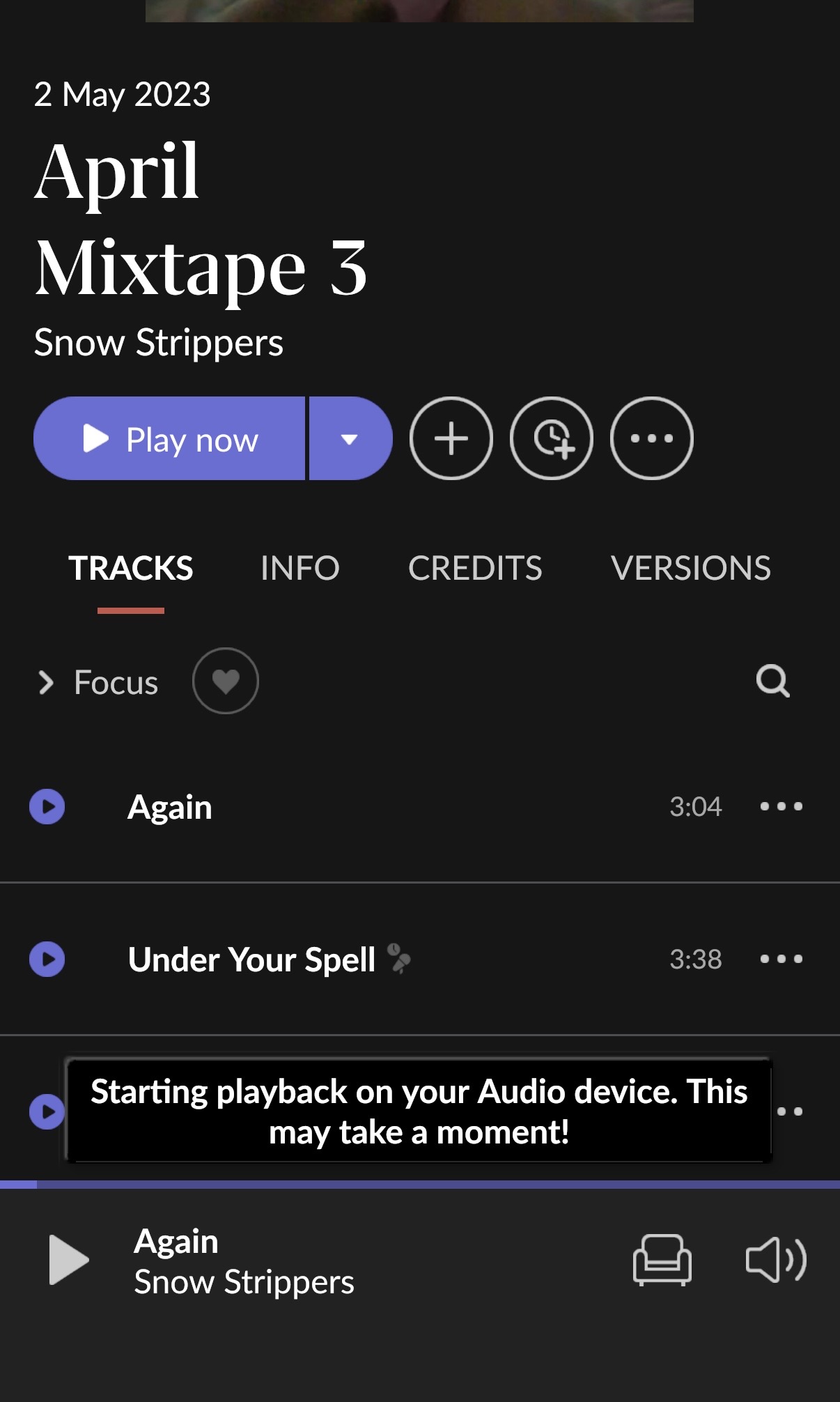
· 4:15 pm pacific daylight time - snow strippers track Again

What are the make and model of the affected audio device(s) and the connection type?

· Bluesounnd Node 2i

Describe the issue

Roon keeps locking up on 2 Bluesound Nodes. If I skip tracks or add tracks or use slider during tracks Roon will lockup and show errors and randomly add songs to the que but won’t play anything. Even repeated attempts to play songs fails. He’s to reboot Bluesound and Nucleus. Very annoying. If I use Bluesound app and stream it works just not via Roon. Been happening a lot since using the Nucleus one.

Describe your network setup

Unifi dream machine Pro

Hello @APV

Thank you for the detailed report. We have reviewed the diagnostic data.

After reviewing the logs, we were able to identify the root cause of the lockups you’re experiencing with your Bluesound Node 2i units.

What’s happening

When a Bluesound Node enters standby mode and then wakes back up, the device’s internal RoonReady server becomes temporarily unresponsive. Roon maintains a persistent management connection to each Node with a 10-second heartbeat. If the Node doesn’t respond within that window after waking from standby, Roon drops the session entirely — this is what causes the lockup, playback errors, and the zone becoming unresponsive. The Bluesound app continues to work because it uses a completely separate protocol that is not affected by this.

This explains why the issue happens inconsistently: it specifically occurs when one or both Nodes have gone into standby between listening sessions.

What to try first

The quickest fix is to disable auto-sleep/standby on your Bluesound Nodes:

  1. Open the BluOS app
  2. Go to Settings → Player for each Node
  3. Find the Sleep Timer or Auto Standby setting and set it to Off (or the longest available option)
  4. Repeat for your second Node

This keeps the RoonReady server inside the device continuously active so Roon never loses the connection.

If the issue continues

Please also check that both Nodes are running the latest BluOS firmware — there have been RoonReady stability improvements in recent releases that may address this directly.

If this wouldn’t help, we would recommend reporting this to Bluesound directly for further review.

Let us know if disabling standby resolves it. If you’re still seeing lockups after that change.

Thanks but this is not the reason. Here is why:

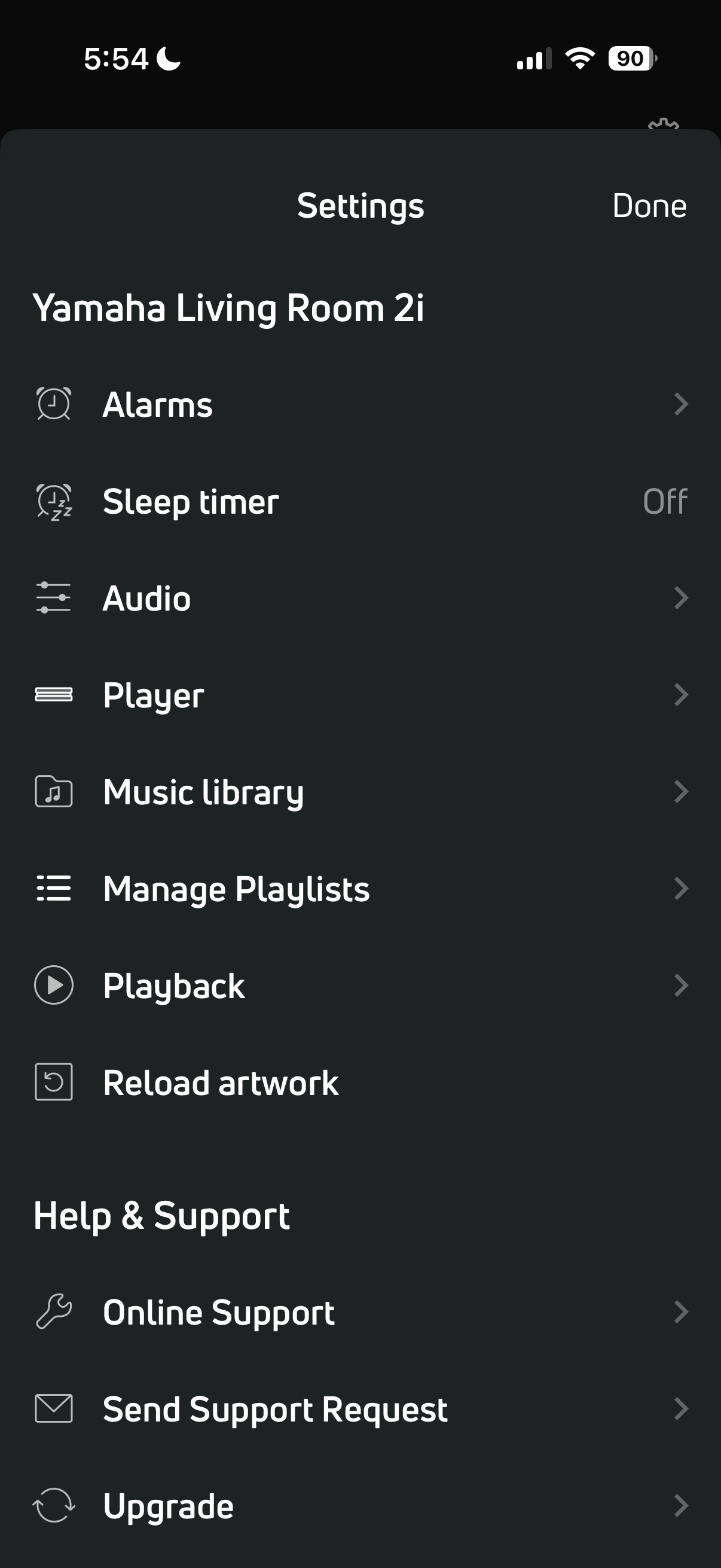
  1. auto sleep/standby has never been on for any of my nodes (see pic)

  2. it’s not a standby issue. This happens when I’m using the node and a track ends and tries to go to the next.

  3. for the multiple times I will repeat myself. This NEVER happened prior to me putting in the Nucleus One into my system. NEVER happened when I ran the core on a 13 yo iMac.

  4. all bluesounds are up to date on software

  5. I can’t be the only one experiencing this

  6. technology should advance not move backwards.

Can you please review the logs again and see why it locks up!?

Thanks.

Bump. Please help. Frustrating. All other tech in my house works flawlessly.

Hello @APV

Thank you for your patience. We have reviewed the logs in detail and found the exact cause of the lockup.

What happened at 4:15 PM

At 4:08 PM you paused the track “Again” by Snow Strippers at the 0:08 mark. Roon sent a stop command to your Bluesound Node 2i and received a clean confirmation:

06/06 23:08:58 Trace: [Bluesound NODE 2i @ 192.168.1.102] SENT {"request":"stop"}
06/06 23:08:58 Trace: [Bluesound NODE 2i @ 192.168.1.102] GOT {"status":"Stopped"}

Five seconds later, Roon suspended the zone to release the audio device (this is normal behavior) and sent a teardown command to the Node:

06/06 23:09:03 Trace: [zone Yamaha Living Room 2i] no playback for 5s, suspending to release audio device
06/06 23:09:03 Trace: [Bluesound NODE 2i @ 192.168.1.102] SENT {"request":"end_stream"}
06/06 23:09:03 Trace: [Bluesound NODE 2i @ 192.168.1.102] SENT {"request":"teardown"}
06/06 23:09:03 Trace: [Bluesound NODE 2i @ 192.168.1.102] GOT {"status":"Success"}

The end_stream was acknowledged. The teardown was not - no reply came back from the device.

When you pressed Play again

Between 4:09 PM and 4:09:47 PM you pressed Play four times. Each time, Roon sent a request_source command to the Node asking it to resume. The Node did not respond to any of them:

06/06 23:09:22 Trace: [Bluesound NODE 2i @ 192.168.1.102] SENT {"request":"request_source"...}
06/06 23:09:32 Trace: [Bluesound NODE 2i @ 192.168.1.102] SENT {"request":"request_source"...}
06/06 23:09:34 Trace: [Bluesound NODE 2i @ 192.168.1.102] SENT {"request":"request_source"...}
06/06 23:09:41 Trace: [Bluesound NODE 2i @ 192.168.1.102] SENT {"request":"request_source"...}
06/06 23:09:47 Trace: [Bluesound NODE 2i @ 192.168.1.102] SENT {"request":"request_source"...}

No GOT reply appears after any of these lines. The TCP connection to the Node was still open - the device was reachable on the network - but it had stopped reading and responding to RAAT commands entirely. This caused the full lockup you experienced.

What is causing this

After receiving the teardown command, your Bluesound Node 2i enters a state where it stops processing incoming RAAT messages on the existing connection. Roon keeps the connection open and continues sending commands, but the device is no longer listening. The only way out is a reboot.

This is a behavior issue on the Bluesound side - the device should either acknowledge the teardown and remain ready, or cleanly close the connection so Roon can reconnect. It is doing neither.

What to do

We recommend reporting this directly to Bluesound support with the following description:

After a teardown is sent over the RoonReady RAAT connection, the device stops responding to subsequent request_source commands on the same TCP session. The connection remains open but the device processes no further messages until rebooted. This results in a full playback lockup in Roon.

Reference your BluOS version (4.16.6) and device model (NODE 2i / POWERNODE 2i). Bluesound’s team will be able to reproduce this from that description.

From our side, we will also ask our partner’s team to reach out to Bluesound as well.
I have contacted Bluesound with this information. Any reason this only started last few months? Upgrade error Bluesound?

Thanks so much.

Now what Roon? Hard to believe I’m in the middle of this being a paying customer to both you and Bluesound for technology that has failed me! So ■■■■■■ have wasted so much time on this. FIX IT or I move on!

Hello @APV

I just came across this issue as I too am a BlueSound Node 2i owner experiencing the exact same issue(s). I thought the recent Roon 2.65 update might solve the play back issues I was experiencing but the updates did not help. I am up to date on BlueSound app/firmware updates, my systems settings are correct but I still must power cycle the Node 2i regularly to solve my problem. I have used Roon with this BlueSound Node 2i without issue since 2020. Only recently have experienced this regular disruption and due to the frustration and a busy schedule, I have not addressed and disconnected the Node 2i in favor of my Hegel 390 internal stream option. Works perfectly.

Greg

Greg. Thanks for this feedback and glad I’m not the only one experiencing this. And 110% agree only recently has this been a problem. Stupid mindless updates both Roon and Bluesound do are worthless. What’s not broke stop trying to fix.

I’m just waiting to see now when the fingers will get redirected my direction as the cause! But now that I have another user with the same documented problem maybe Roon will stop blaming Bluesound and vice versa. The amount of time and energy I have wasted on this they should be paying me for trouble shooting and identifying bugs. Super frustrating and only wish I could use the digital board in my Krell amp but the streamer stopped working so only option is Bluesound for now. If they don’t address the issue I will rip all my Bluesounds out and stop using Roon as well. Ridiculous this day and age honestly. Roon Ready my a**.

Again…Fix It! Report the issue to Bluesound!

Hello @APV, @Gregory_Phipps,

We have tested this internally using a Bluesound Node 2i with BluOS 4.16.6 and a RoonOS core, but were unable to reproduce the lockup behavior described.

To help us narrow down what might be common between your setups, could both of you share:

  1. What device is your Roon Server running on?
  2. What router/switch are you using, and how is the Node 2i connected to it?
  3. What BluOS firmware version is on your Node 2i?
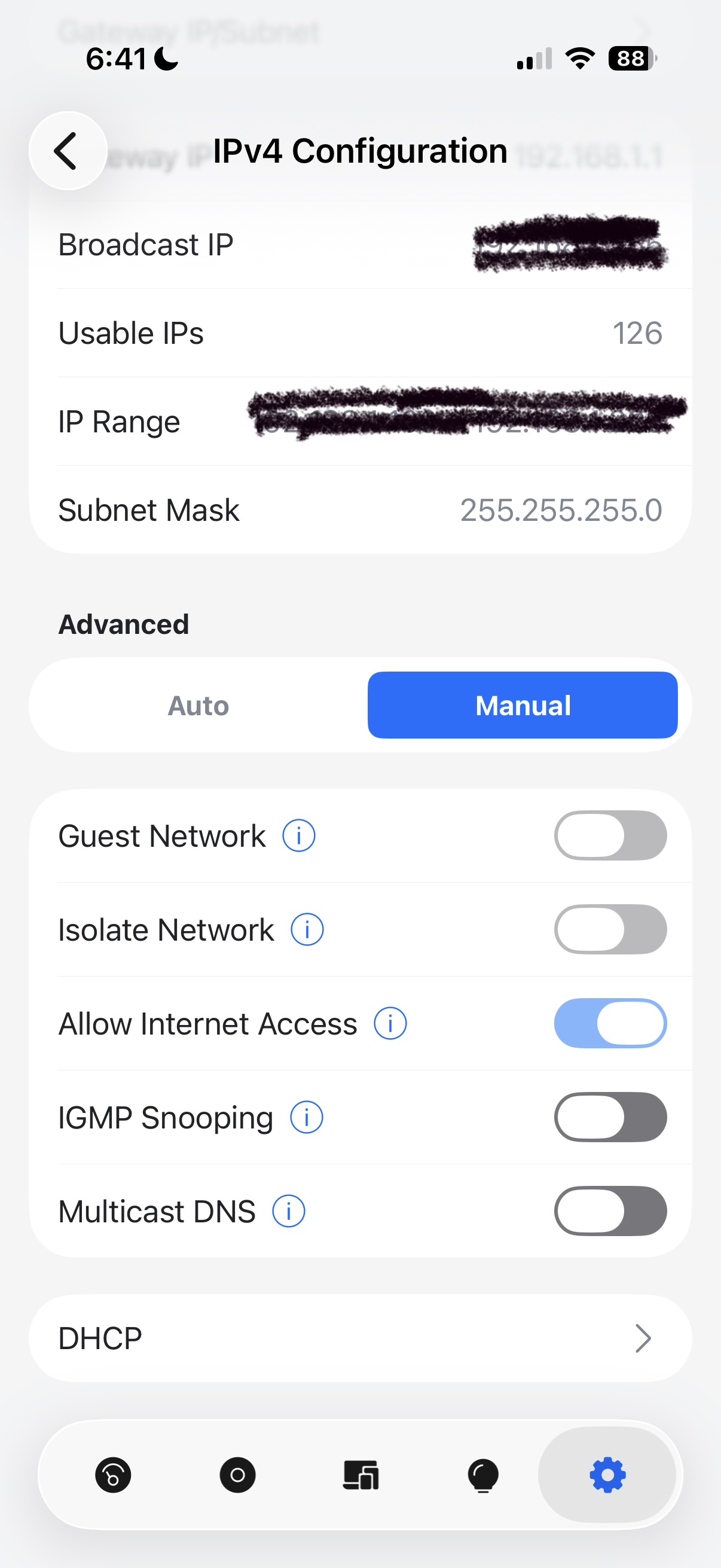
  4. Are you using any network management features like VLANs, port isolation, or multicast filtering?

There may be something specific in your network configurations that is triggering this behavior that we have not been able to replicate yet.

Vadim,
Here are my stats. Please let me know if you need additional information.

  1. Running Roon Rock 2.67 (build 1661) on a NUC i5 7th Gen.
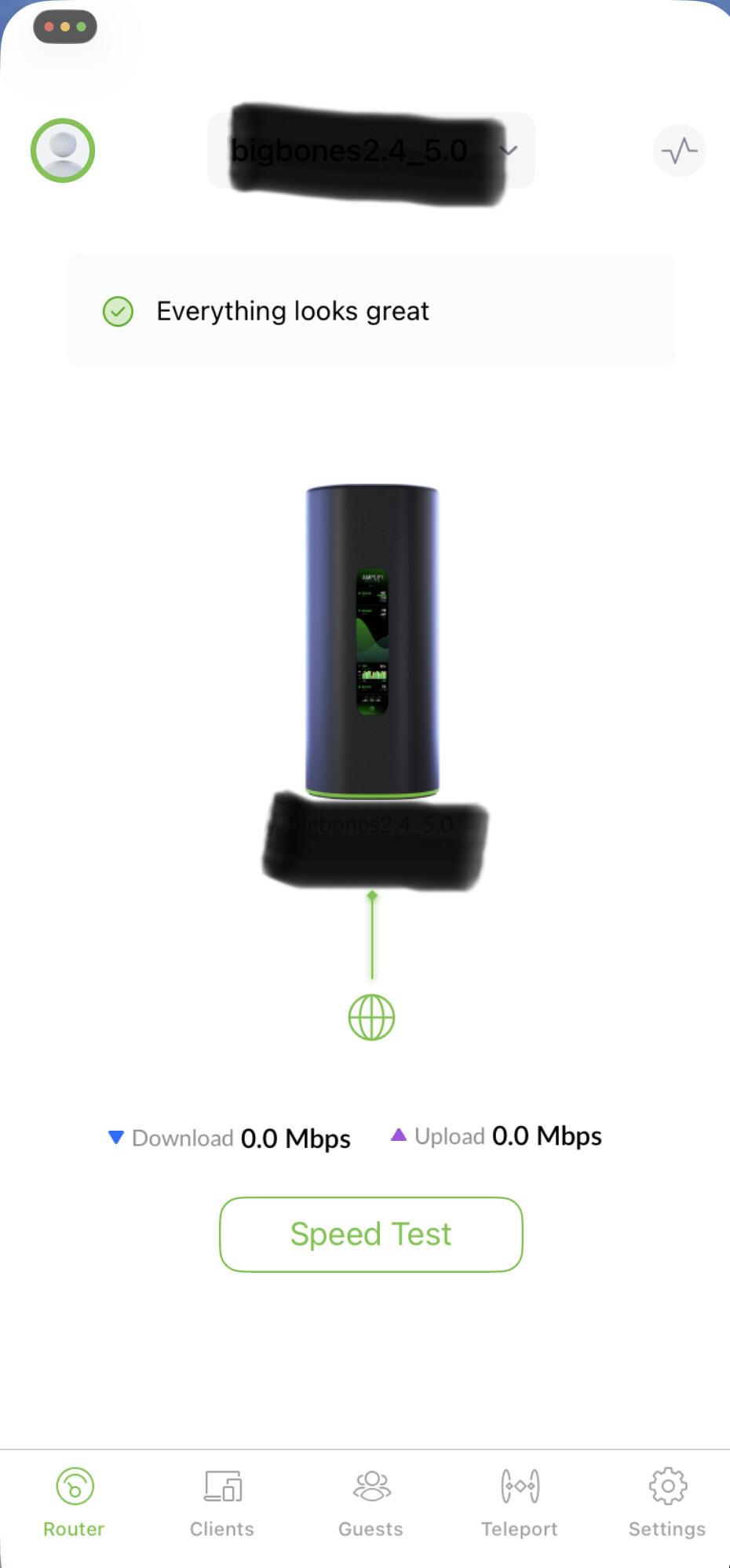
  2. Router is the AmpliFi Alien with latest firmware v4.0.8. Between the router and the Blusound I use a TP-Link (TL-SG108PE) switch that routes to the music room.
  3. BluOS firmware version is 4.16.6
  4. I am not using network management features. Way out of my league. Just basic stuff here.

Hello @APV, @Gregory_Phipps,

Thank you both for the additional details.

We have tested this further internally with a Bluesound Node 2i on BluOS 4.16.6 but were still unable to reproduce the lockup on our end. Given that Bluesound’s support team has also reviewed this and acknowledged it needs further investigation on their side, we recommend continuing to work with them directly - they are best positioned to investigate behavior within BluOS and their RAAT implementation.

We understand this is frustrating, and we’re sorry we couldn’t get to the bottom of it from our end.