Thanks for the hints.
Concerning tags, I would prefer to have them as separate CDs, because they have separate titles (the venue and date) which would be lost when they are just Disc n/m.
Even if you import them as a multi-disc set, it is still possible to have per-track recording dates and locations. (However, different albums covers per CD are then not possible)
But preferring them as separate CDs is also fine. Then you have to edit the file tags accordingly. Many people do that with multi-disc box sets because, e.g., of the limitation with album covers otherwise. It may mean that Roon cannot identify them automatically and you may have to trigger the identification for each CD manually, but it may work (depending on the available metadata in Roon). If you search the forum for multi disc or box set, you will find a lot of detailed discussion about people’s approaches.
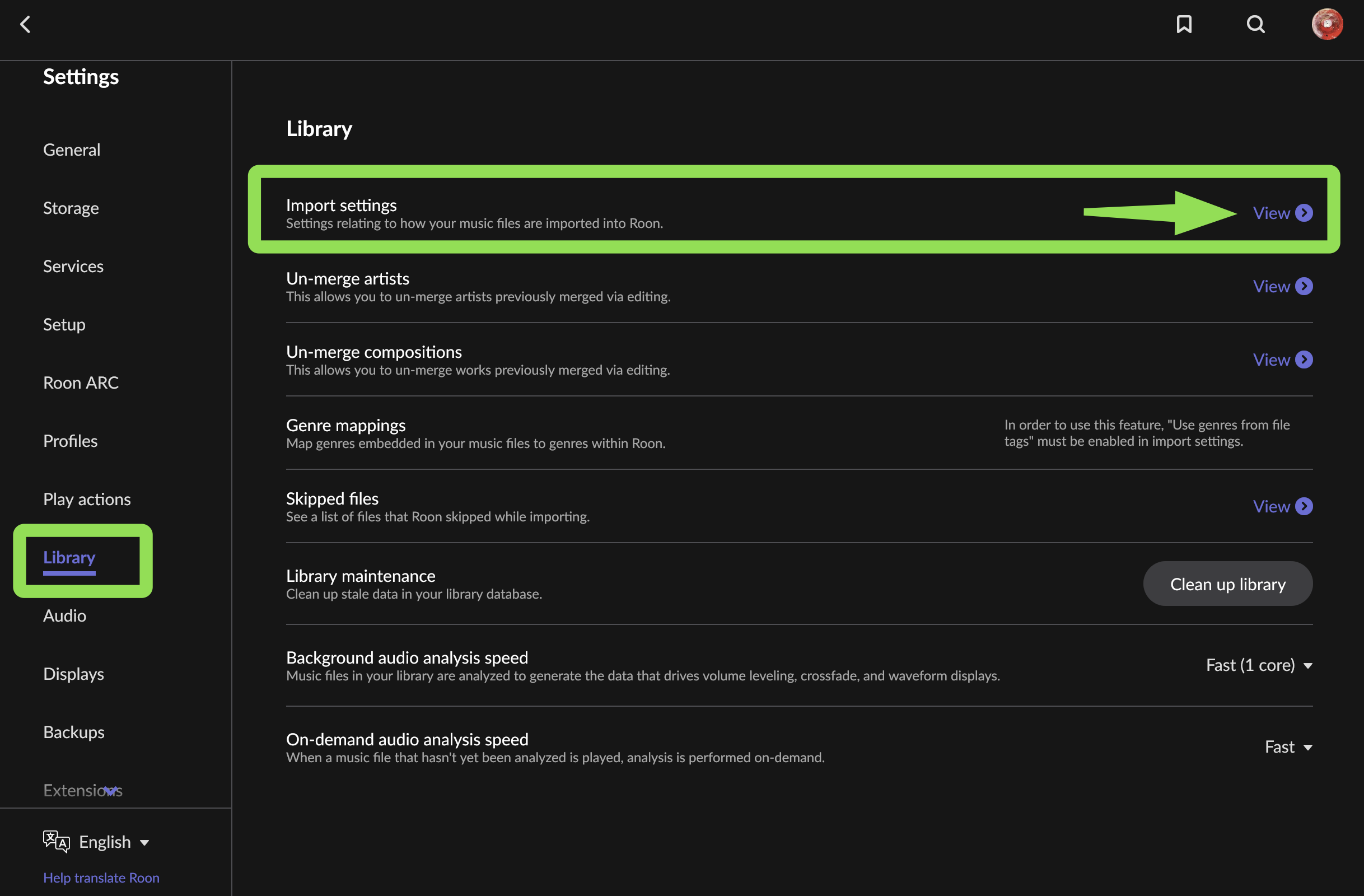
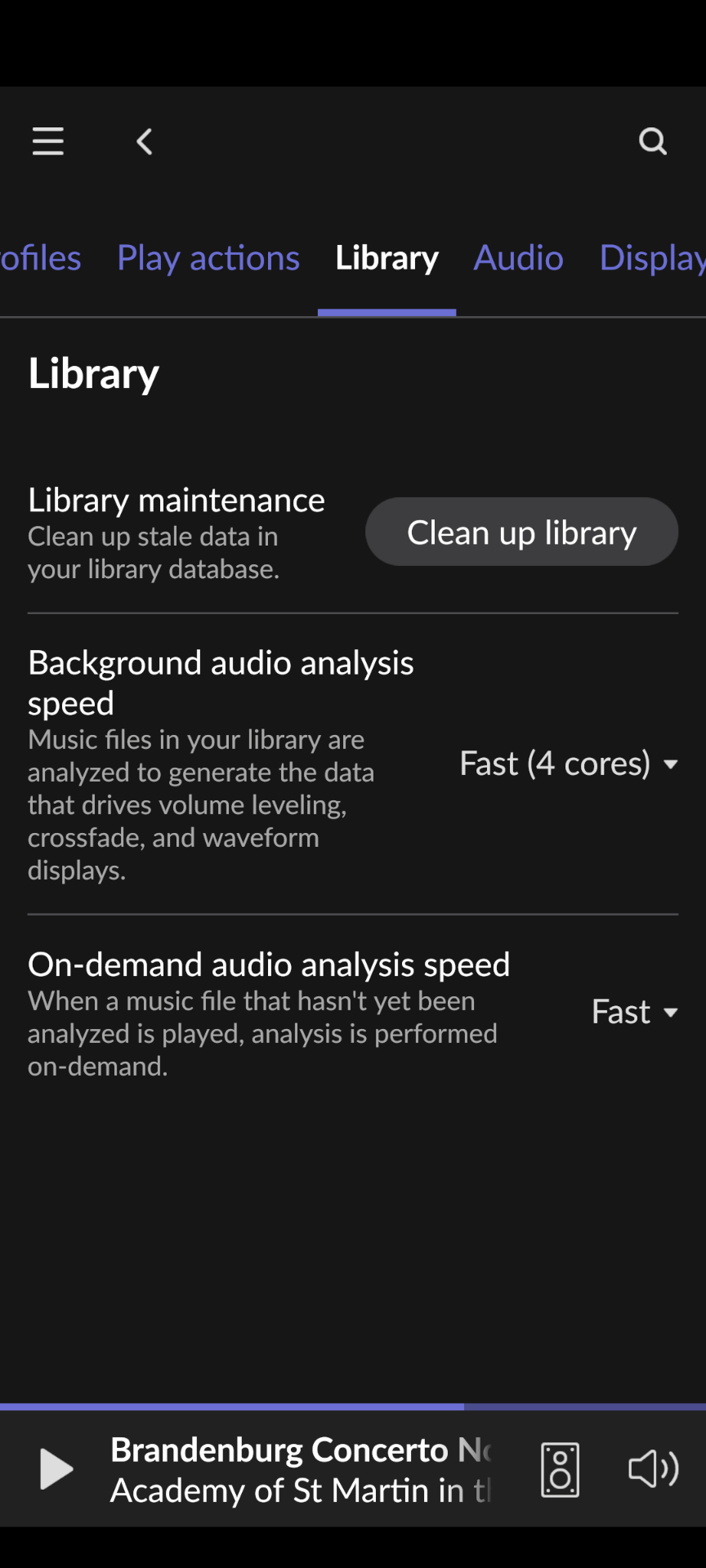
Ah, yes. Not Android, but phone (iPhone as well). The phone clients are meant mostly for playback and basic control options due to size constraints. Tablet (Android and iPad) and desktop versions have much more features. Not just regarding library but also metadata editing within Roon, DSP configuration, etc.
Thanks, that is the reason I would prefer them separately, since each one has a distinctive painting by Tomokawa on the cover. I will search the forum, but I found that I just need to trick Roon in not recognizing the CDs by instead of having a " " (space) between the title and the “DiscN”, I can use a Japanese full-width space or another non-blank character to ensure the CD is not identified. Then the completely sufficient tag information in the flac file should be used, and they are the correct ones.
Oh, that is bad, I don’t own any tablet, just iPhone and Android mobiles. And I am a Linux user. Guess I need to reboot into Windows at some point (what a pain). Since it is a Mono program, why don’t they compile it for Linux is beyond my understanding, though.
I would think that if you put them into separate folders and tag them CD 1 of 1, they may stay separate anyway. Not sure but I think the many box set experts on the forum have found ways
You can run the Windows remote in Wine (possibly with the slight issue that CPU usage on one core is high, depending, but else it works perfectly). Lots of info on the forum as well. There is even an install script:
Thanks for all your suggestion. Yes, roon on wine I have (had) running already, patched it myself to work with Roon2. But well, the CPU load is a pain. I guess I will only use it during configuration, and otherwise use the roon web component that works nicely, or the roon command line.
Hmmm, cannot agree with that. I have a Lenovo X1 Carbon and that is an excellent device. OTOH, the M1 Pro I got for work is painful for development (might be good if I only would do audio…). And with pipewire running, I can drive all my DACs etc at their full capabilities.
I still don’t grasp why Roon doesn’t provide Linux builds… it is C#/Mono
I know the Lenovo X1 Carbon and the usual other small form factor top class laptops, they all suck compared to an Air M2 Don’t get me started about the design failure that are the ThinkPad trackpads and their stupid button placement
I guess it is about getting used to things. The M2 I don’t know, but the keyboard on the M1 is a PITA, with incredibly inconveniently placed keys, feeling like the worst keyboard I have used in years.
Well I was used to Intel desktops and laptops with Linux for decades and loved the Air from day one. The trackpad and well-thought out and consistent multi-finger gestures are a dream.
The keyboard is a question of getting used to, that’s true, and it could to with more printed combination hints. But it goes quickly to remember the placement and combinations with the help of the keyboard viewer in the menu bar.
However, my thumbs will never grow out on the other side of my hands where ThinkPad trackpad designers think that they are. Placing the thumb buttons above the trackpad is the dumbest thing I ever saw. It only works for nipple users and I am not one. (Well, the dumbest thing short of Dell’s XPS 13 hardware design failures)
And that’s before we get to stuff like still having stupid fans on the one side and on the other side no fans, real 20 hours of battery while kicking Intel’s performance ass, and being able to wirelessly extend the screen to the iPad with a mouse flick. I feel like I’m living in the future now. (And I can even open the lid without needing two hands. Take a look, Dell)
 (possibly with the slight issue that CPU usage on one core is high, depending, but else it works perfectly). Lots of info on the forum as well. There is even an install script:
