Thanks for reaching out. Just to clarify, this device works as expected when not running with Ravenna? Do other zones work as expected? What kind of switch are you using, it is a managed switch?
Hi Norris. Thank you for your interest. The device works only with Ravenna, I have no other connection. But actually, after asking around me, I have sound again in a weird way. But it sounds. I am waiting for a control of my mac from the merging support to see and correct what looks strange. Maybe the RAAT from ROON takes priority and run the sound, but I don’t understand why I have sound with such strange information coming back from the Ravenna and the Aneman applications. A mystery !
Edit : Roon is only in my Mac, I have no remote control I can use…
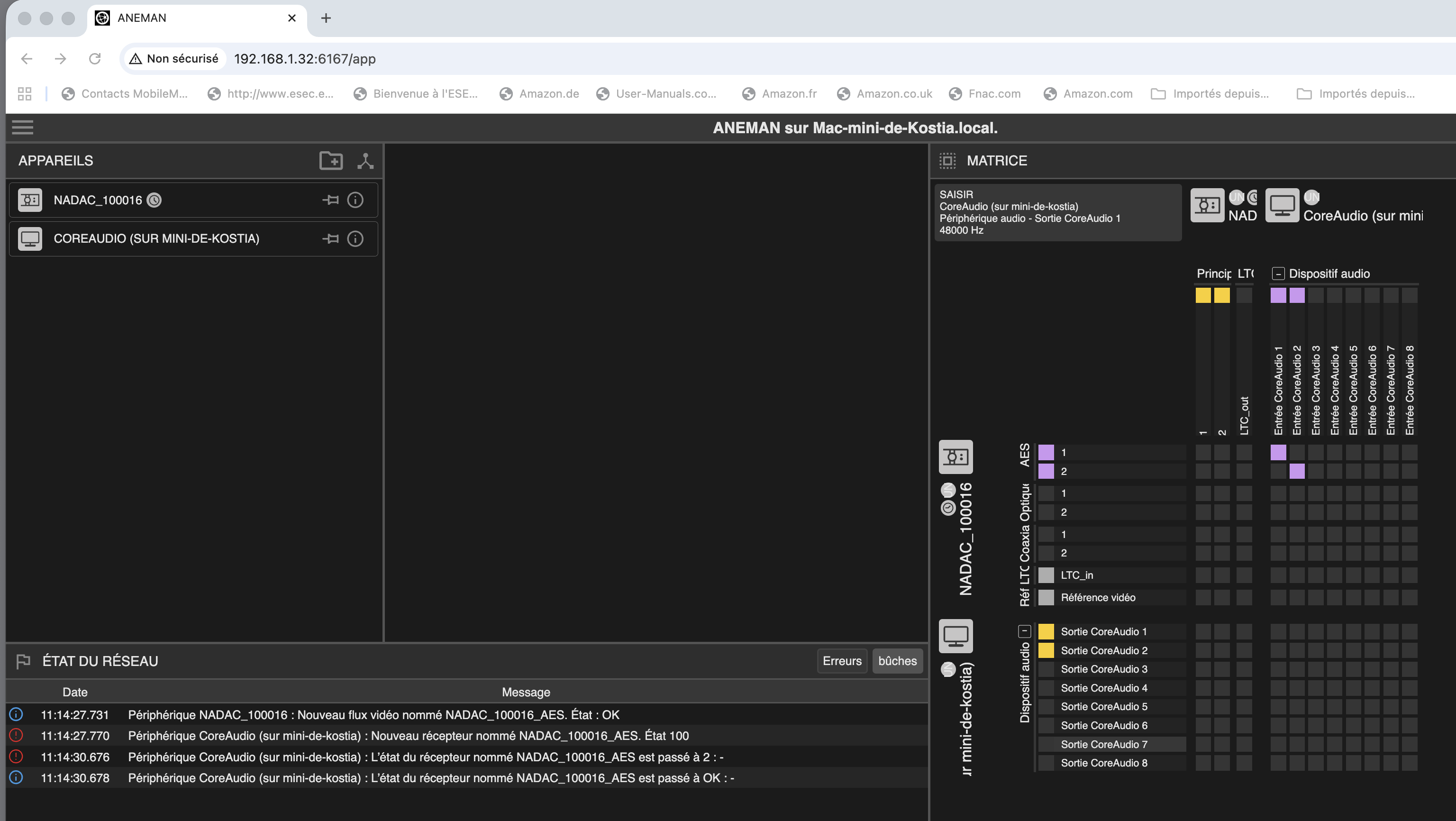
I would like to understand… Ravena and Aneman send me back strange information about the links I use. But I ear my music.
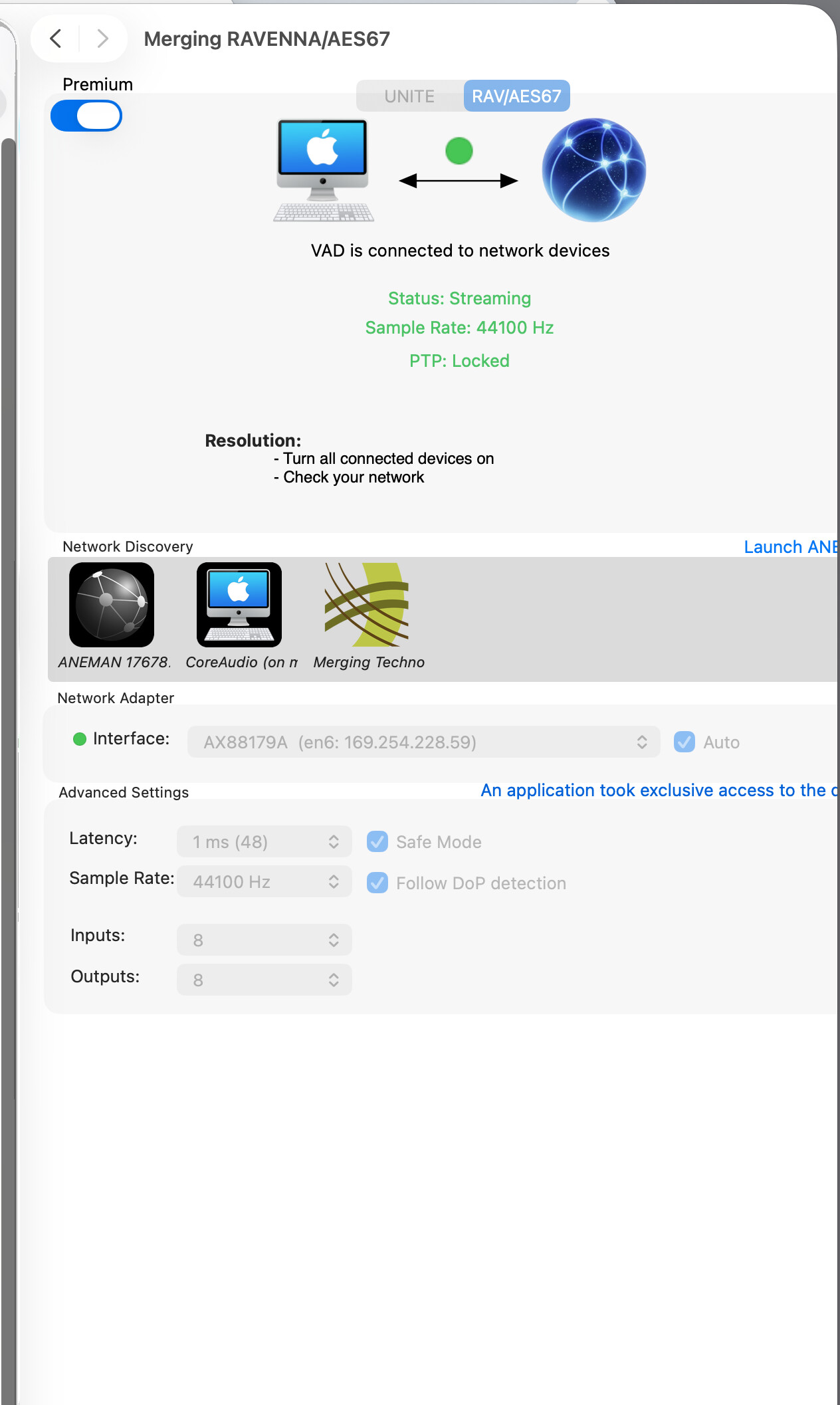
The VAD shows that “an application tooks exclusive access to the driver”. Does Roon’s RAAT do the job alone ?
In Audio and Midi configuration, RavenaAES67 is always grey and locked : I can’t change the flow 44.1 to 96 for example or ask it to be the preferred “out” to play the music.
I see, in the menu bar of the mac, that my “out speakers” in use are the internal speakers of my display. But the music comes from my HIFI system, not from my display.
Does something overlap Ravena and took control of music playback ?
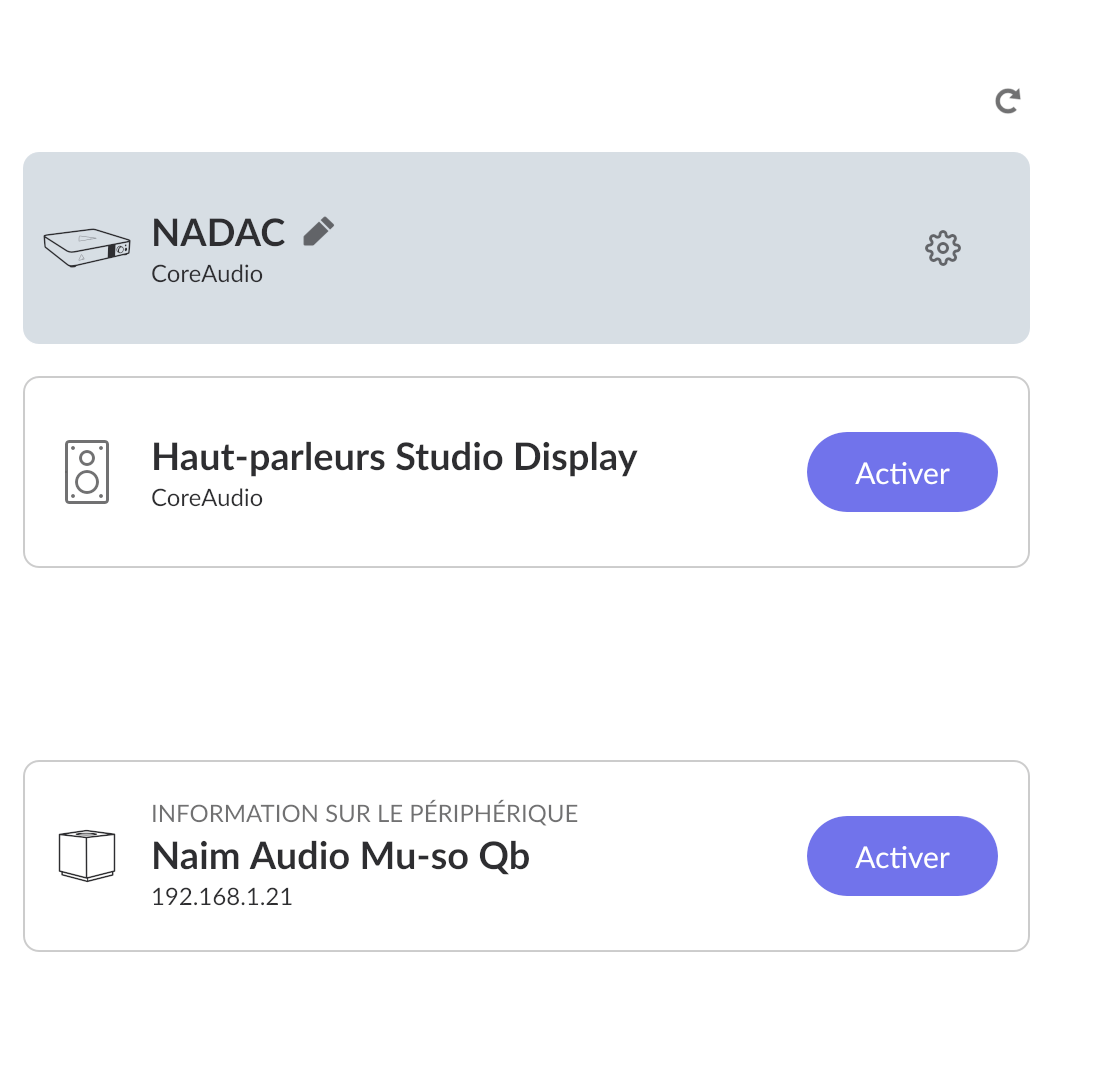
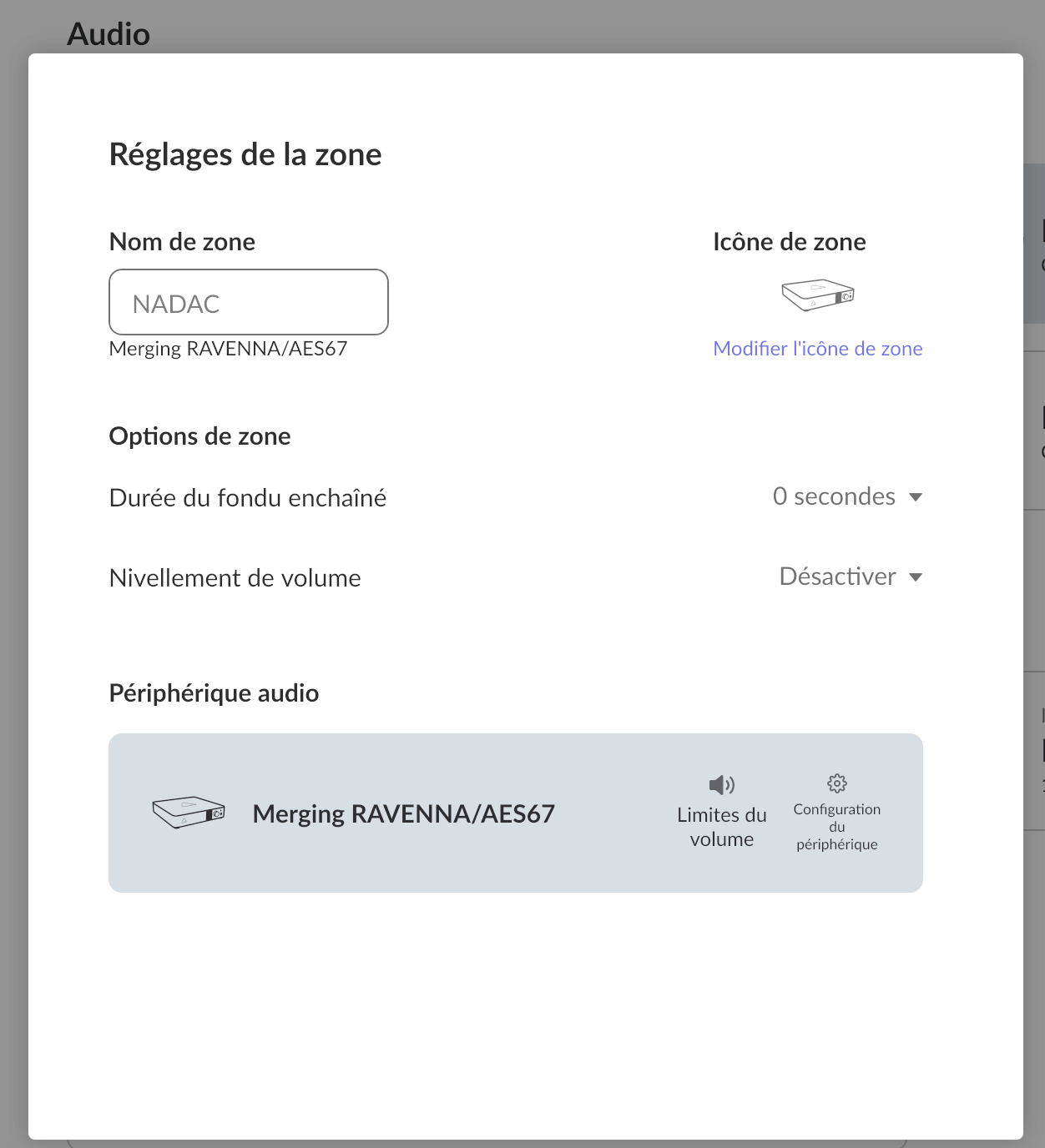
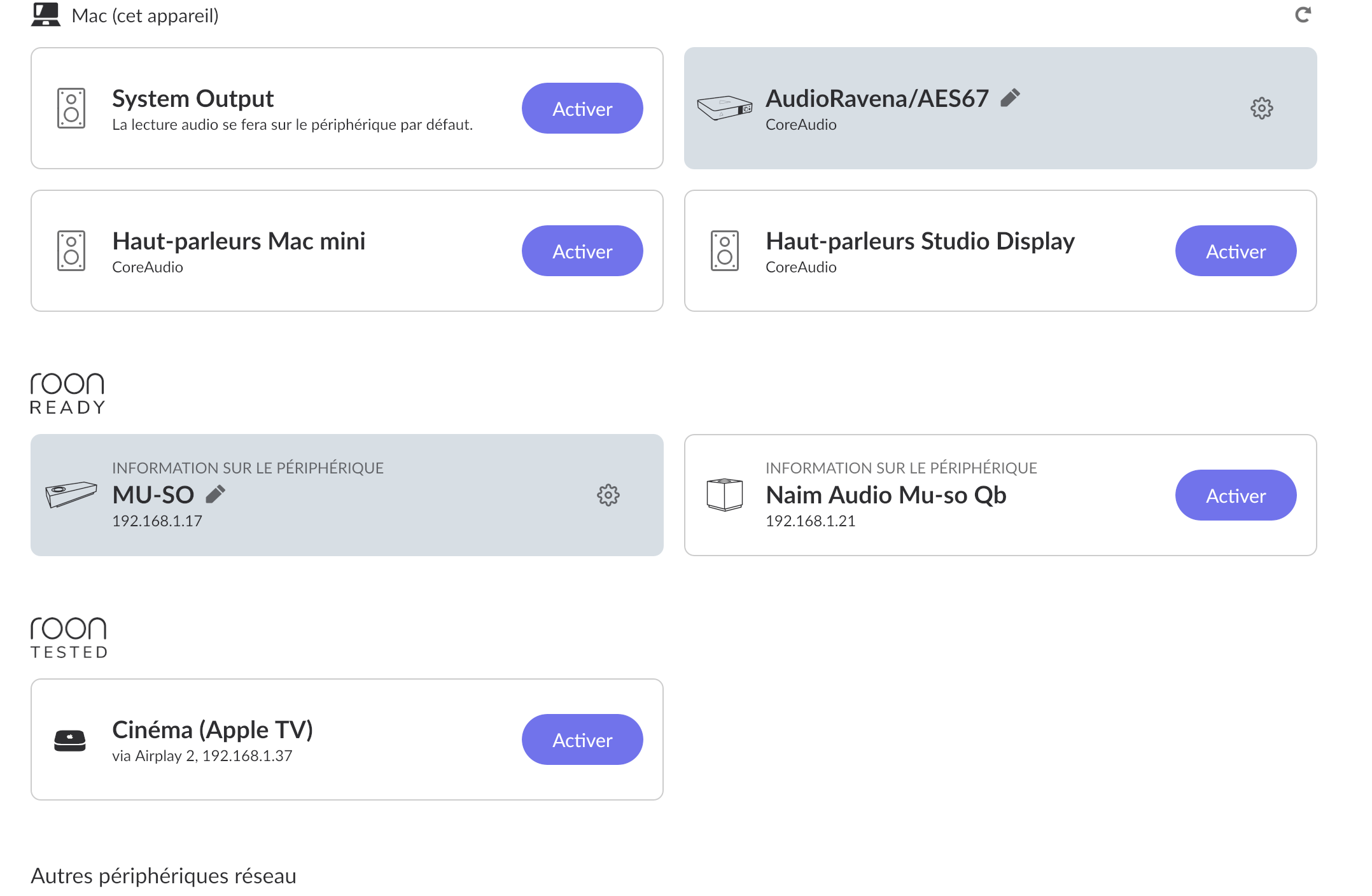
In Roon’s audio settings, the Nadac does not appear in the “ROON ready” devices. It appears as RavenaAES67.
I feel like a Chinese alone in the middle of Afghanistan… (no offense, please)
Can someone familiar with this system explain what is happening?
Is that an interesting issue to be solved by the Roon Support Supermen ?
Thank you for all the additional information! What you’re describing can happen, and it’s confusing because three different audio control layers are fighting for ownership:
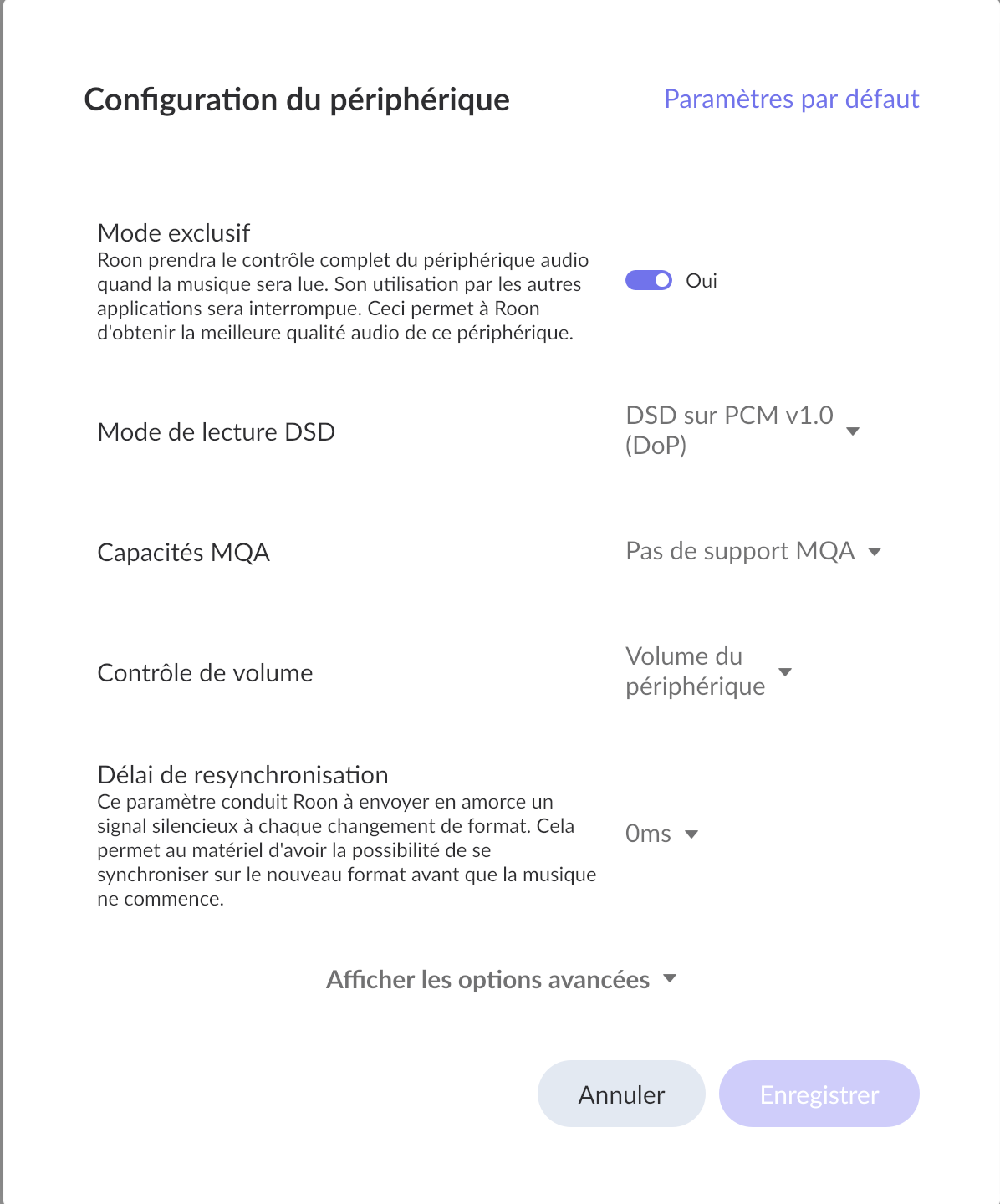
Roon is taking exclusive control of the RavennaAES67 CoreAudio driver
macOS Audio/MIDI shows RavennaAES67 greyed out and locked
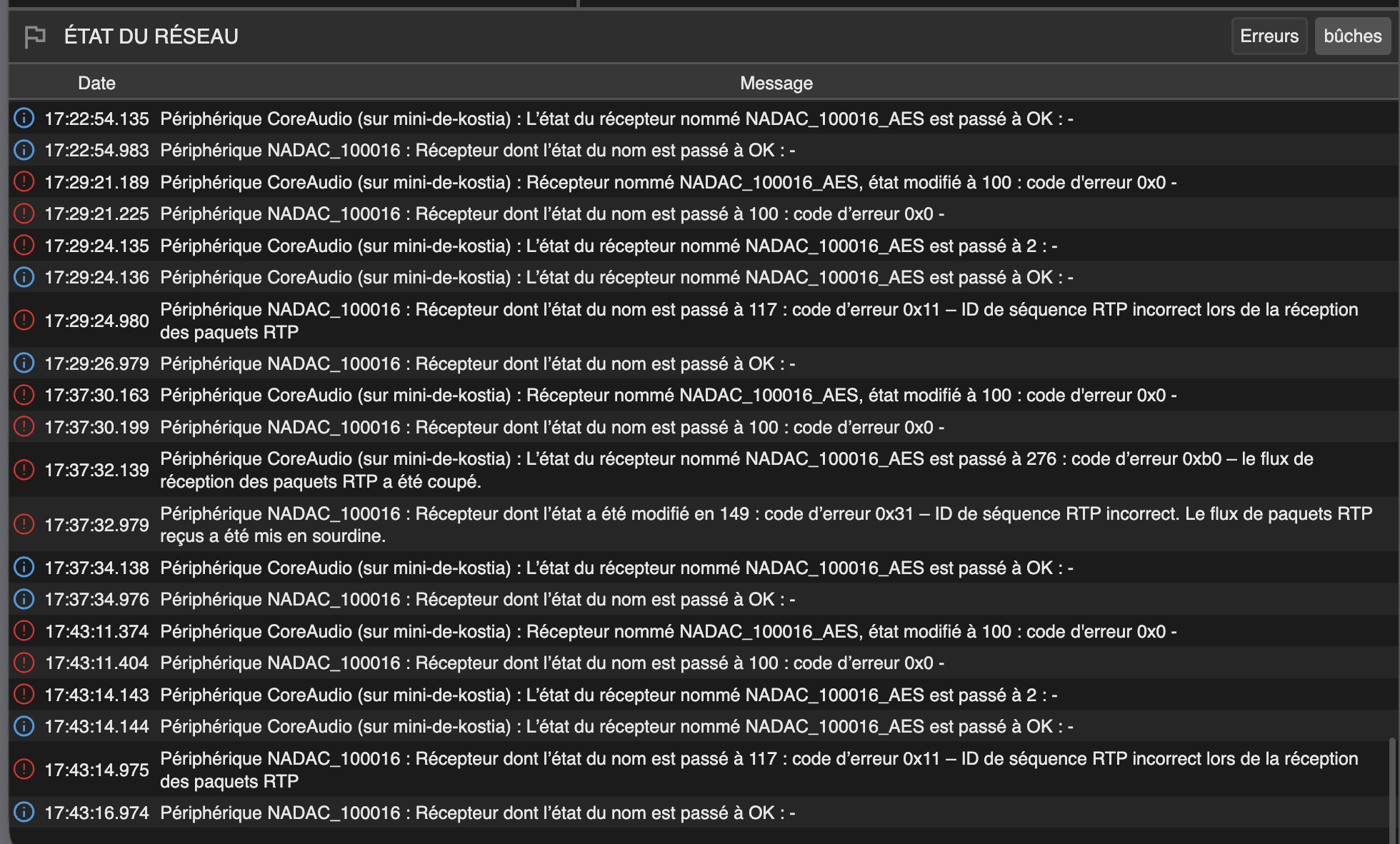
Ravenna Controller / ANEMAN show odd or inconsistent stream status
macOS menu bar claims audio is going to internal speakers
Yet audio is clearly playing via your NADAC
This combination almost always means Roon has opened the Ravenna virtual audio driver in exclusive mode, bypassing normal macOS audio routing and UI state.
That’s why:
You can’t change sample rate in Audio MIDI Setup
RavennaAES67 appears locked
ANEMAN shows “strange” link ownership
macOS thinks audio is elsewhere
But the DAC still plays correctly
Also, an important clarification - NADAC is not Roon Ready over Ravenna.
So:
Roon does not see NADAC directly
Roon only sees RavennaAES67 (the virtual sound card)
That is correct and expected.
What I recommend you do next: Decide who is in charge (Roon or Ravenna)
Currently, when playing a compilation of different songs on a single disc, I experience micro-glitches every time the track changes. This is what you see in the description below.
I would like to choose between ROON and RAVENA, but they do overlap, and I don’t see which one to choose—or how—despite your advice.
EDIT ON SUN. 01/11 : The glitches came from a weird CD version with different flows on each track. Some are 44.1, some are 96 … The Nadac had to change the settings after every change of tracks.
Because nothing rules stable, I plan to disconnect MERGING Applications and use ROON only. But one question first : is it possible to disconnect RAAT from ROON and try to keep MERGING alone in my set-up ? Thanks.
Thanks for the follow-up! Unfortunately, RAAT is not a separate service you can toggle independently. RAAT is embedded inside Roon and only runs when Roon is running.
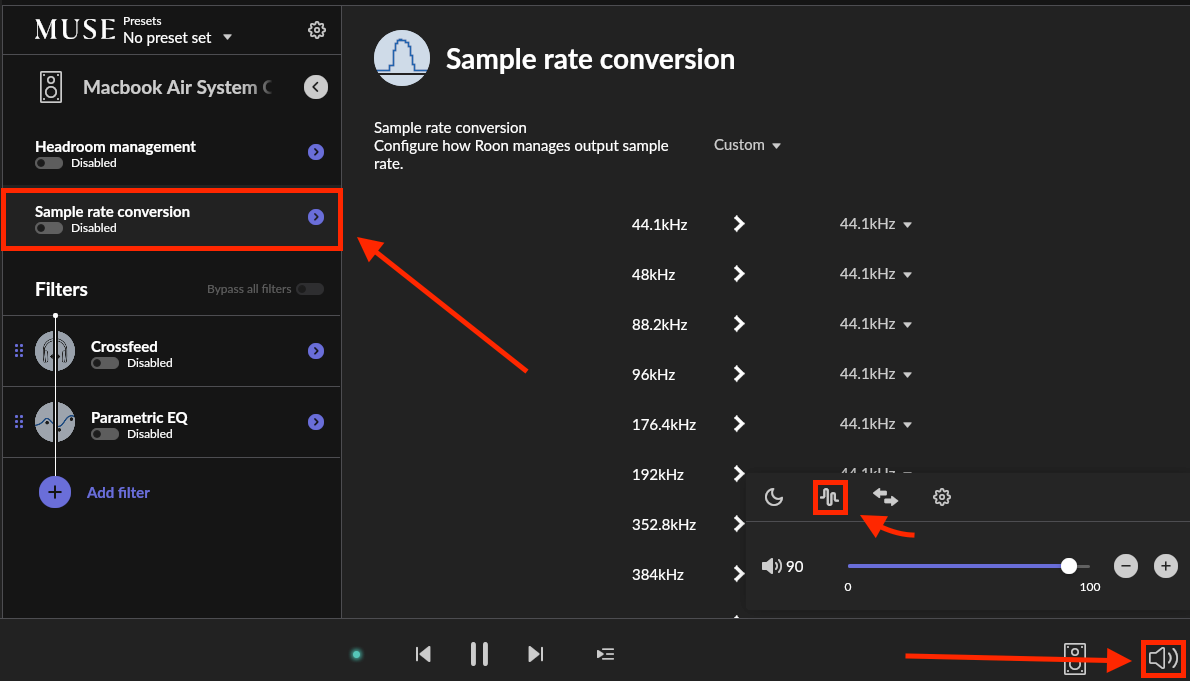
Yes, you’re in the right spot for this! Access MUSE, then click on sample rate conversion. Make sure you’ve enabled the zone you plan to apply sample rate conversion for.
Merging support team will access my Mac on this Monday and watch what happens. Will tell you more, guys. Thank you all. @benjamin, yes I knew the place to connect or disconnect the SRC, sorry. Mine was off. Thanks.
This morning, a Merging technician worked on my configuration and settings. There were mainly problems (conflicts) with sample rate configurations between ROON and RavennaAES67.
Everything seems to be back in order.
Thank you for your assistance.