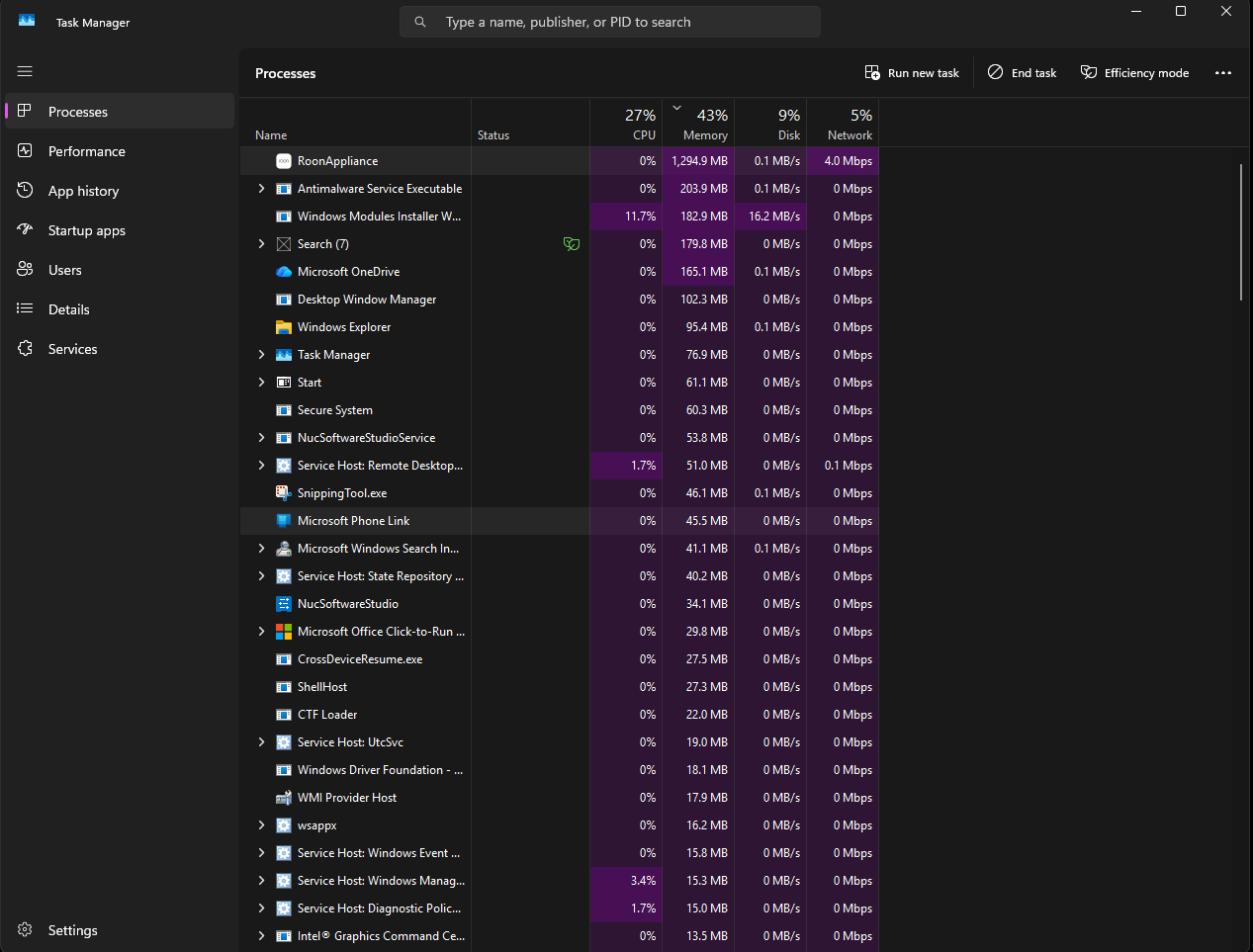
When Windows restarts, Roon loses all changes to time new files were added, what was played and additions to listen to later lists.
Describe your network setup
Network Type: Ubiquity UDM Pro with 3 access points in mesh configuration Internet Service Provider: Quantum Fiber The Roon NUC server running Windows 11 pro is connected directly to the UDM Pro
My Roon sever has been running for a couple of weeks. When I played songs today, I found that some tracks would play for a second and then skip to the next track. I have seen this before and know that it is related to being out of memory on my Windows box that is exclusively my Roon server.
I logged into that box remotely (it is a headless server) and restarted it to fix the out of memory problem.
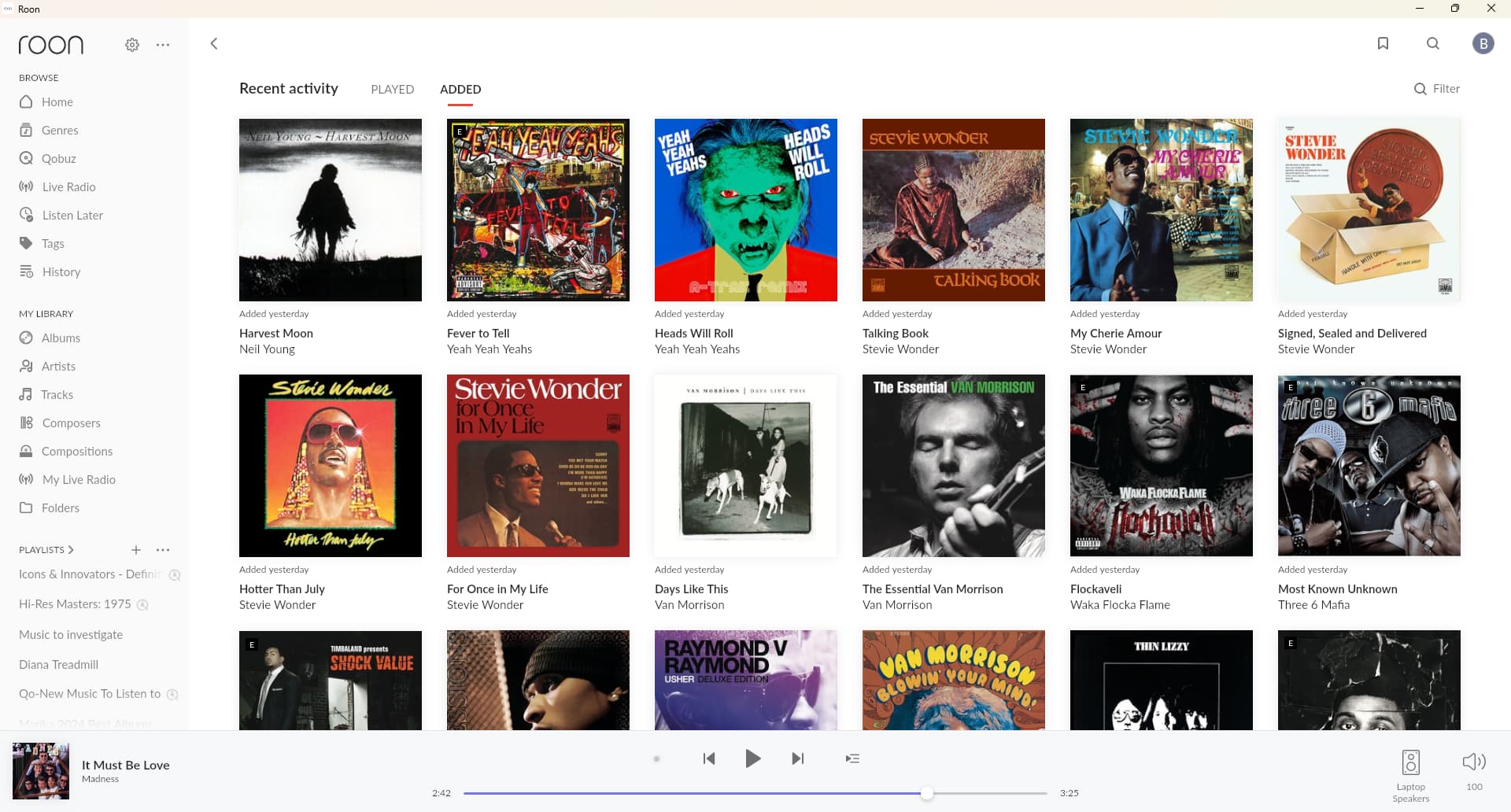
I added all these albums, and more, on Friday, Saturday, and Sunday but they all show up as being added today.
All the albums (and more) shown above were shown on the right dates.
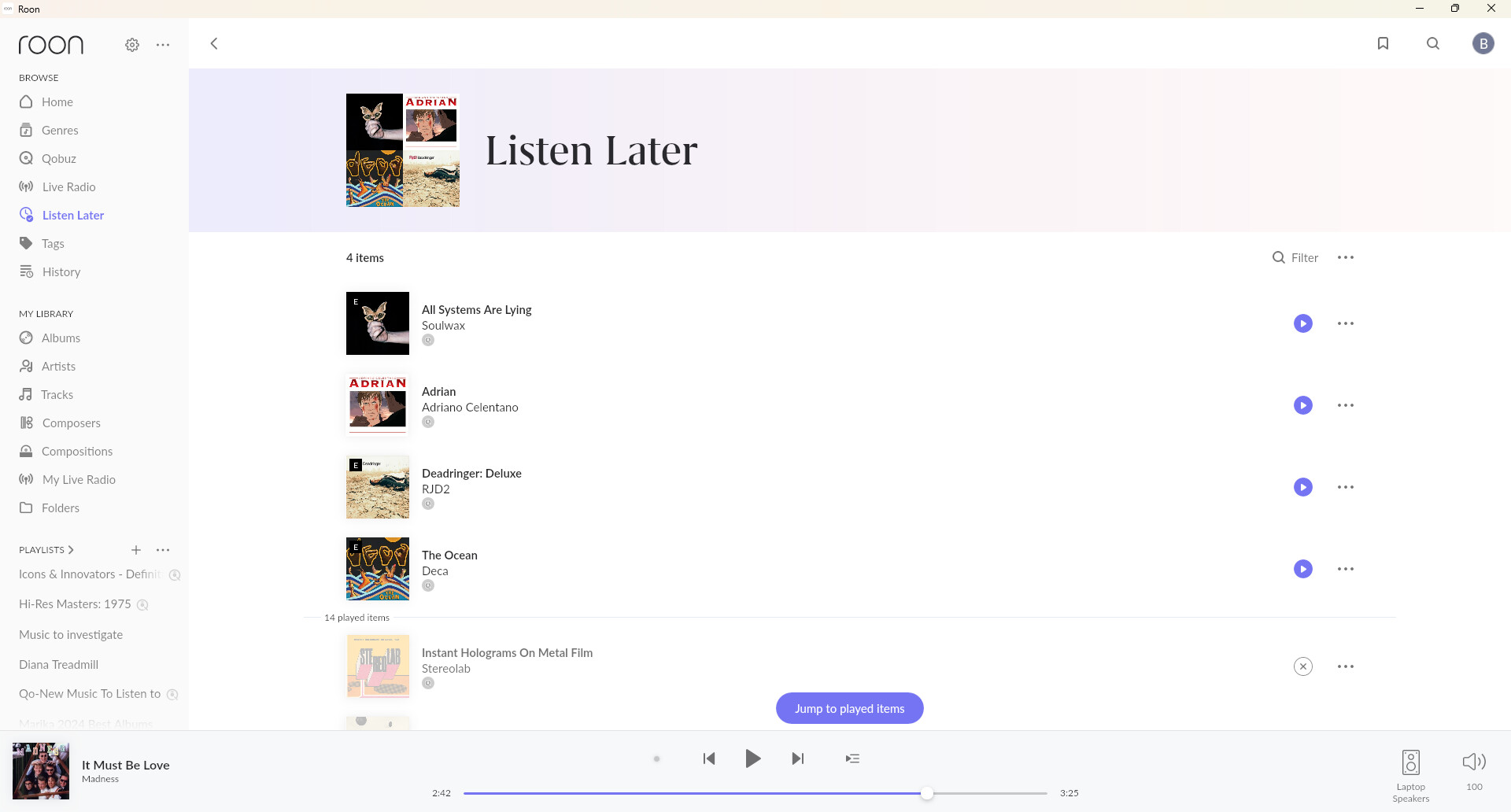
I had added at least 5 albums (Two of which I remember: Genisis Abacab and Yes 90215) to listen to later that were missing
Basically, all of the state that I entered via a Roon client was not persisted across the restart.
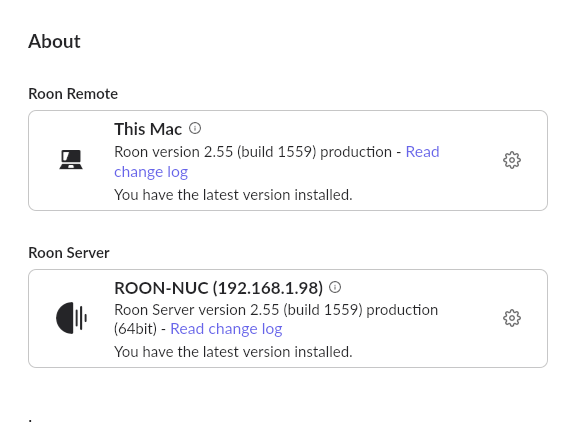
Given that your library is around 32,000 tracks and the system has 16 GB of RAM, it’s extremely unlikely that Roon itself exhausted the available memory under normal operation. If certain library states (like recently added albums or “Listen Later” lists) were lost after the restart, it suggests that the database didn’t successfully commit recent changes — possibly due to an interruption in write operations or a database rollback triggered by a system resource issue.
Could you please confirm the following so we can better understand the environment?
Why did you choose to run Roon on Windows instead of Roon OS?
When you observed the “out of memory” issue, did Task Manager actually show Roon consuming most of the memory? If possible, please share a screenshot of that view.
Can you confirm whether this Windows system is used exclusively for Roon, or if there are other applications or background services running on it?
I run Windows because I worked at Microsoft for 20 year, many of them in the Windows Core OS group where I was granted 2 patents for low level OS features. I know the platform pretty well Also, with my Microsoft Alumni discount, Windows is very cheap.
It isn’t Roon that is consuming all of the memory, though it does grow over time to consume up to 60% of the total memory. Here’s the screenshot of my current memory utilization.
Yes. This machine only runs roon and out of the box Windows services.
I have contimplated running the RoonOS on this box instead for simplicity. If the RoonOS has and SMB server so that I can copy music to it without inserting a USB drive into it, I will think about moving to it when I have a free weekend.
Are there logs I should look at to see if there were database commit failures? Memory utilization was only at 80% when I went to restart the OS and I would think that Roon should be 1. flushing the cache frequenlty and 2. should raise an alert or something in the UX when there is a critical failure like a failed DB commit.
More data:
I was just in the middle of playing KNHC C89.5 live radio station and my Roon server crashed and lost all the state since the last restart.
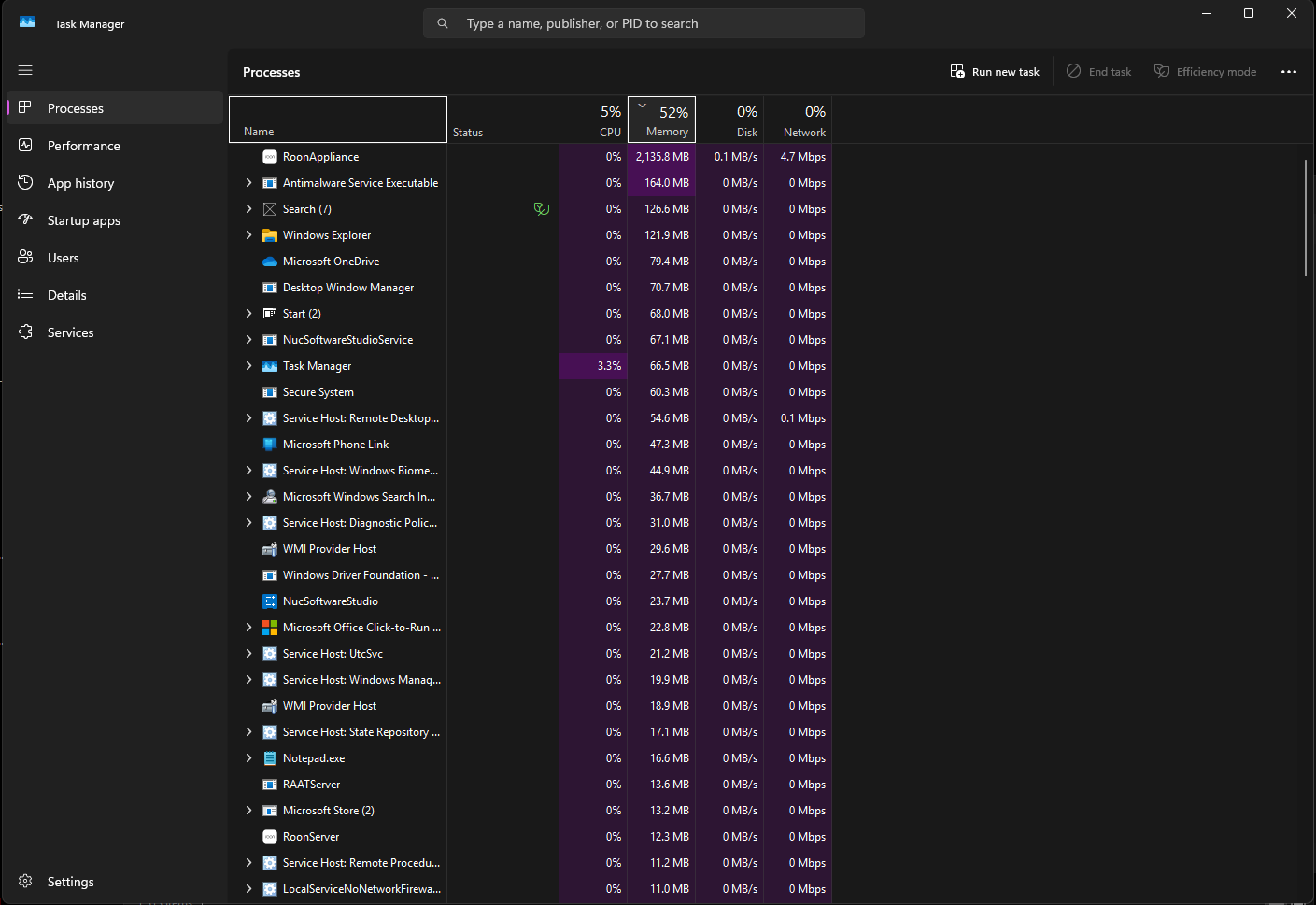
Here’s the task manager after I restarted the Roon server manually.
I’ve checked the diagnostic data around the time you mentioned. Based on what I see, Roon was running smoothly — the logs conclude with playback entries, and the memory consumption was around 1.75 GB, which is considered normal behavior.
How would you like to proceed from here? Per @Vadim’s response above, we investigated Roon logs around the timestamp you shared and found memory consumption to be within the expected range.
If you’re still encountering discrepancies with your database after OS restarts, we can continue to investigate. Please share either a) the name of a playlist that has been reverted on startup or b) the name of a track that showed incorrect file change times on startup.
Otherwise, this thread will soon auto-close due to lack of OP response. Please reach out within the next few days to prevent the thread from closing. Thank you!
@vadim and @connor ,
Ok. This is weird. All the metadata I thought was missing or wrong has been restored. That’s definitely a good thing but I hate magic Did you all do something to my install remotely? Do I have to unhook my clients from a my roon server to flush some cache?
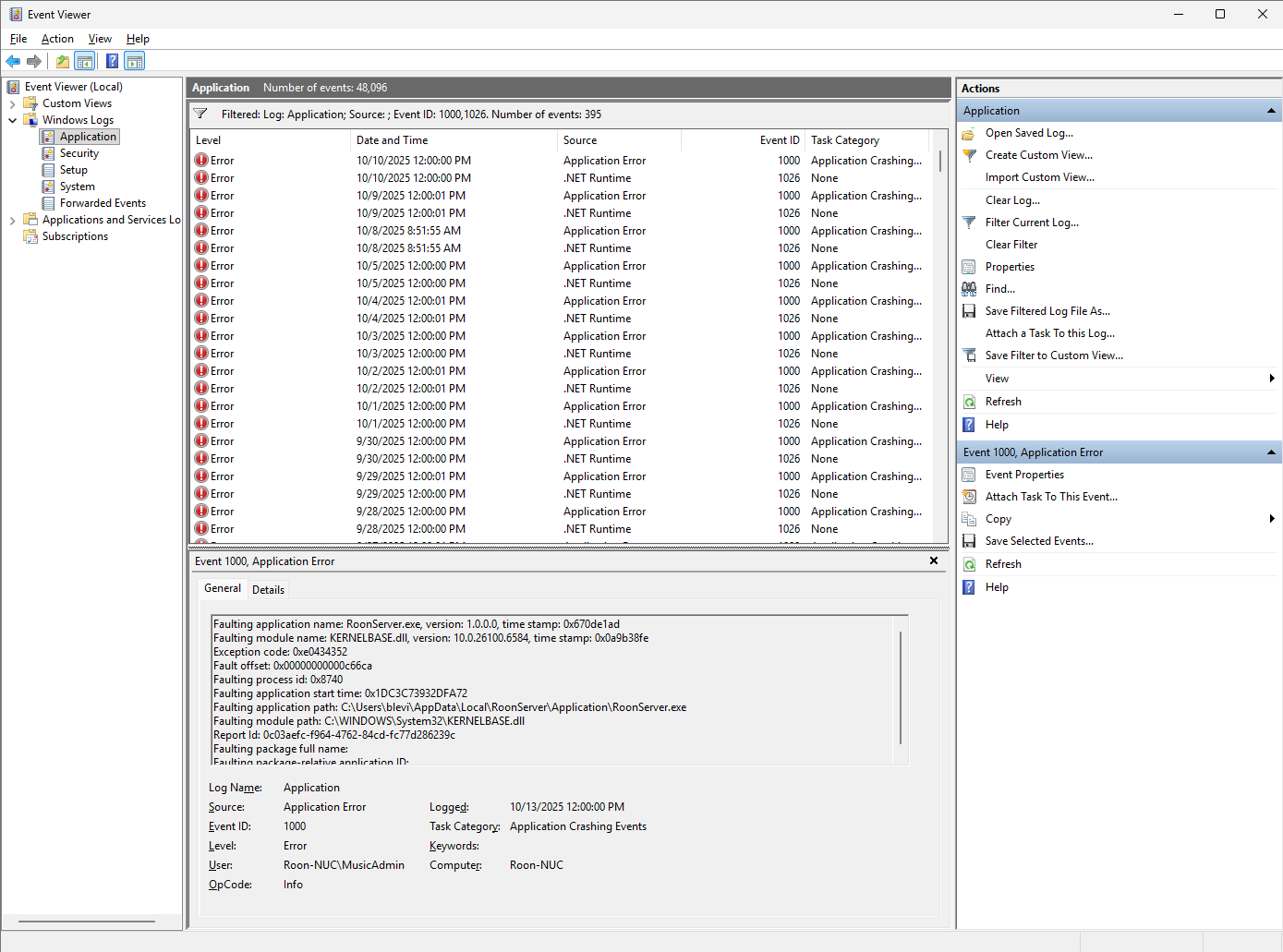
On the issue of roonserver.exe crashing on me, I have more data. As you can see from this event log snapshot, my roonserver.exe has been crashing once or twice a day, regardless of memory consumption.
You can find a link to the event viewer log in XML format here: Roon Server Event Log Export
Please let me know if you want any more information about this.
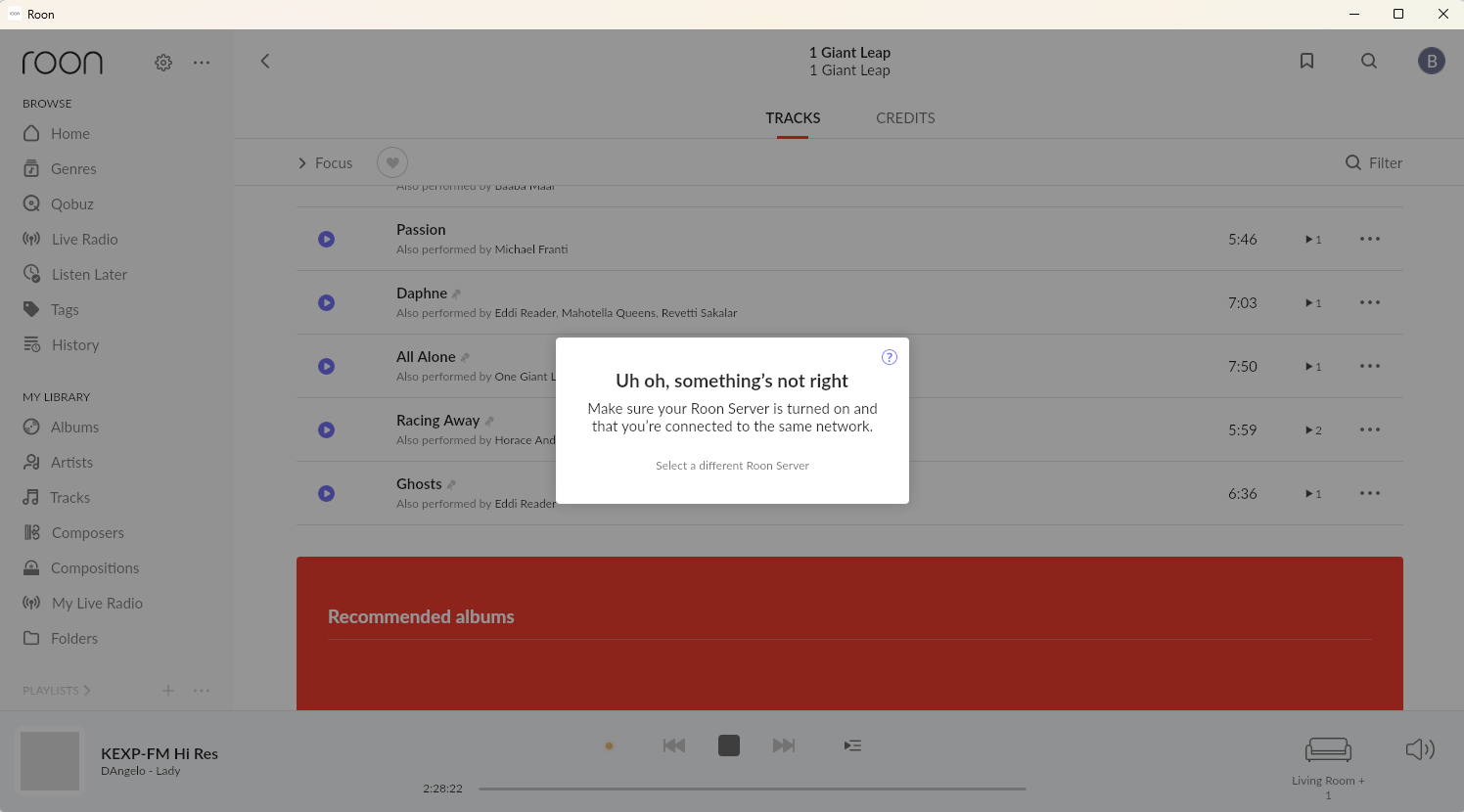
@alex_h :Thanks for the suggestion. I ran those commands, but it did not reduce the frequency of crashes. I do not run roonserver.exe as an administrator. Should I? I generally follow least privileges guidelines. @vadim and @connor : The meta-data has been lost again with the latest crash.I saw this when I launched my Roon client.
@alex_h : I have updated the server to run as an administrator. I have installed all the available updates to the machine except the Windows 11 2025 H2 preview. There were no .NET runtime framework updates available.
There is no antivirus software running on the box.
I will update you on the crash situation tomorrow.
I have determined that my server has been infected by a trojan. I’m going to be flattening it and installing ROCK on it so you can go ahead and close this thread.
However, given that the only software on the Windows box was the Roon server and I know, based on the diagnostics you have been able to do, that you have remote network access, you might want to look for security holes in your code.

 Also, with my Microsoft Alumni discount, Windows is very cheap.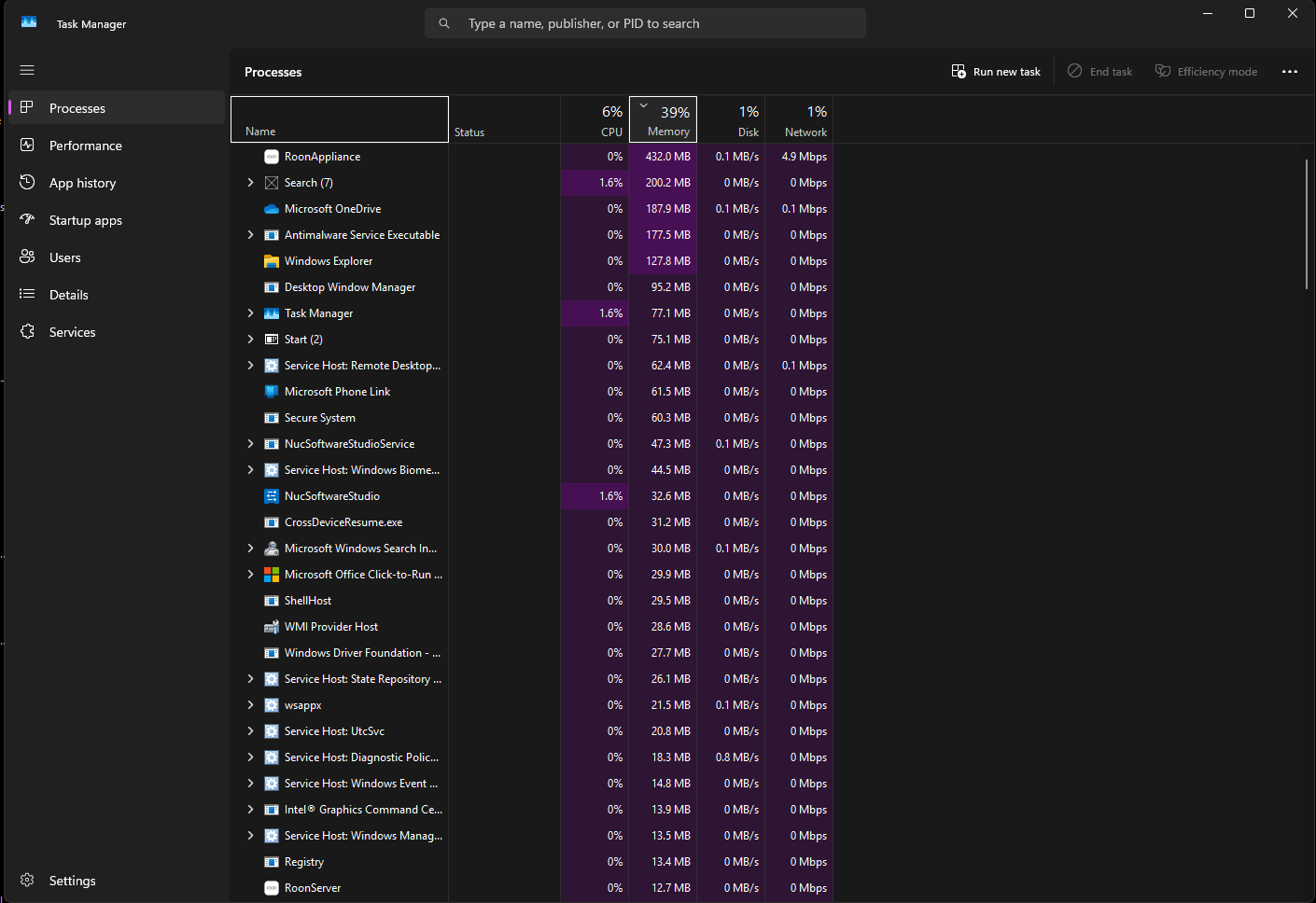
 Did you all do something to my install remotely? Do I have to unhook my clients from a my roon server to flush some cache?