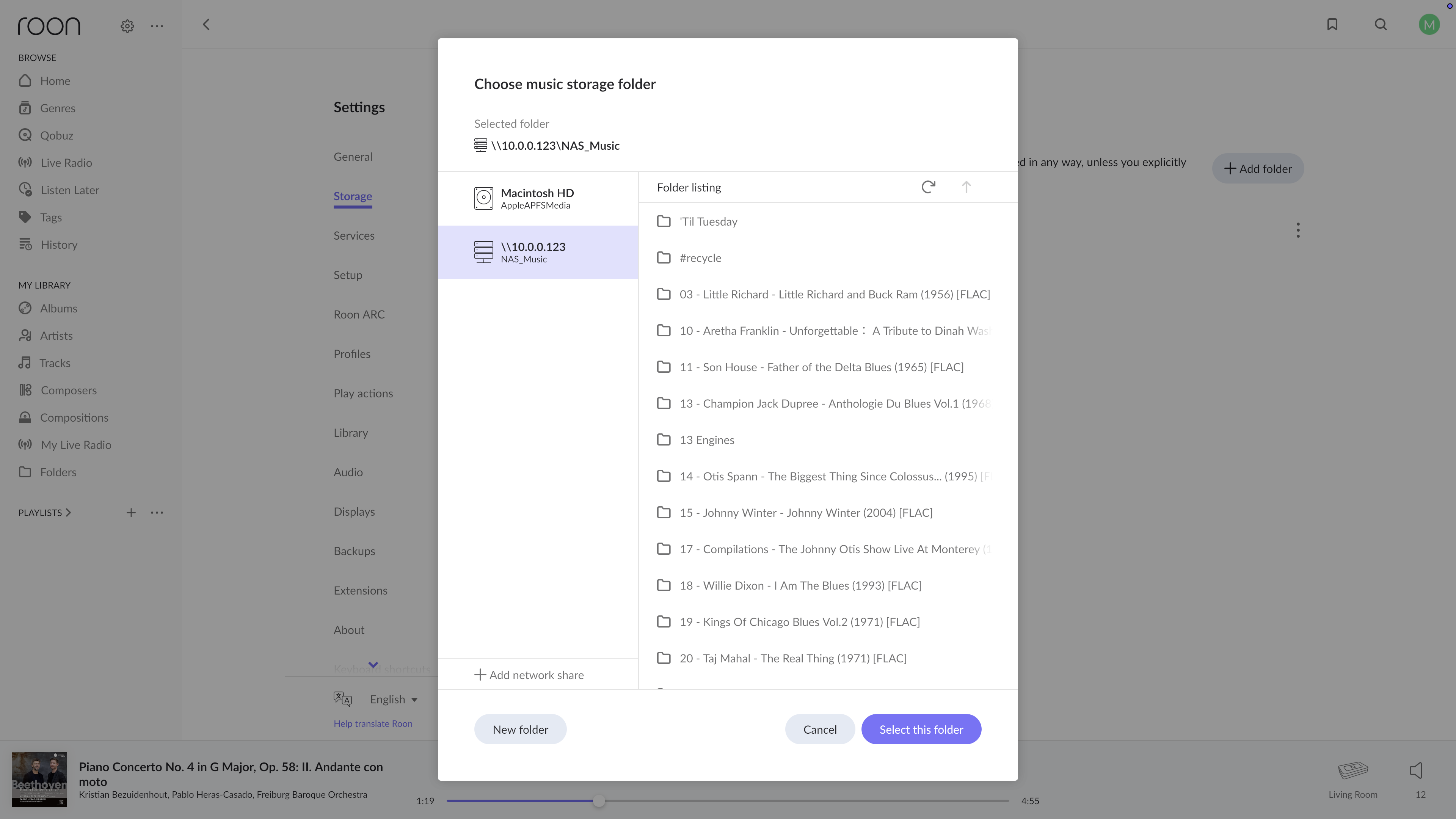
· My music library (about 75k FLAC files) is on a new NAS - UGreen. The Mac Mini running Roon server has the music directory mounted and sees the files.
When I set Roon to see the files on the NAS, it will scan them - but not add them to the library.
When I directly mount the NAS directory on the Mac Mini as a volume, it will scan - but again, not add to library.
When I click on 'Folders' I get a "You don't have any watched folders in your library" but when I click through on the 'Storage Settings' control, I see the directories with a 'Watching for new files in real time'
I have deleted and rebuilt my library with no effect.
Tell us about your home network
· Orbi 970 mesh w/one satellite; Netgear 16-port unmanaged switch. NAS and Mac Mini (M2) are hardwired to the network.
Diagnostics show several .m3u playlists failing to import even after Roon has enumerated the directory and accessed the files successfully. In those cases, it’s because the filename contains a non-ASCII character. You might need to temporarily try to remove umlauts in some of your Mozart playlist folder names.
Please check your Skipped Files in Roon Settings → Library to see if this content has appeared there.
Next, try copying a single album from this NAS to a folder on your MacOS desktop and adding it as a separate Watched Folder in Roon. Ensure Roon has local network access and local file access in Privacy & Settings in your MacOS System Settings.
Do the files import successfully from this copied location?
We wanted to check in to see if we could provide further assistance since a few more days have passed. This thread will auto-close eventually without any new replies from the OP, so please let us know how we can help. Thanks!